how-to icon

How-To

Decorative Circle Decorative Circle
Become an Apple device expert
Daily one-minute tips sent straight to your inbox.

All Articles

  • Image for article: Preserve Your Memories: Digitize Analog Photos, VHS, Cassettes, Music & More
    Apps

    Preserve Your Memories: Digitize Analog Photos, VHS, Cassettes, Music & More

    Tamlin Day
    • May 27, 2021
  • Image for article: How to Record the Screen & Audio on Your iPhone
    How-To

    How to Record the Screen & Audio on Your iPhone

    Tamlin Day
    • May 27, 2021
  • Image for article: How to Connect Your AirPods to Your Apple TV
    Apple TV

    How to Connect Your AirPods to Your Apple TV

    Tamlin Day
    • May 27, 2021
  • Image for article: How to Turn Off Auto-Capitalization on Your iPhone
    How-To

    How to Turn Off Auto-Capitalization on Your iPhone

    Hallei Halter
    • May 27, 2021
  • Image for article: How to Play Games in the iMessages App
    Apps

    How to Play Games in the iMessages App

    Hallei Halter
    • May 27, 2021
  • Image for article: How to Create a New Folder in the iPhone Files App
    Apps

    How to Create a New Folder in the iPhone Files App

    Hallei Halter
    • May 27, 2021
  • Image for article: How to Disable In-App Ratings & Review Pop-Ups on Your iPhone
    How-To

    How to Disable In-App Ratings & Review Pop-Ups on Your iPhone

    Conner Carey
    • May 27, 2021
  • Image for article: How to Use Search Suggestions in Safari & Chrome on Your iPhone
    Apps

    How to Use Search Suggestions in Safari & Chrome on Your iPhone

    Hallei Halter
    • May 27, 2021
  • Image for article: How to Save Battery Life on Your Apple Watch While Tracking Your Sleep
    Apps

    How to Save Battery Life on Your Apple Watch While Tracking Your Sleep

    Hallei Halter
    • May 27, 2021
  • Image for article: iPhone Basics: How to Navigate the iOS Safari App Using the Webpage Icons
    Apps

    iPhone Basics: How to Navigate the iOS Safari App Using the Webpage Icons

    Hallei Halter
    • May 27, 2021
  • Advertisement
  • Image for article: 10 Siri Voice Commands for iPhone for the Blind & Visually Impaired
    Apps

    10 Siri Voice Commands for iPhone for the Blind & Visually Impaired

    Joe Leo
    • May 27, 2021
  • Image for article: Messaging Dos & Don'ts: Texting Rules for the Digital Age
    Apps

    Messaging Dos & Don'ts: Texting Rules for the Digital Age

    Sarah Kingsbury
    • May 27, 2021
  • Image for article: DIY Wireless Charging Furniture: Make an iPhone Charging Station on a Budget
    Charging Stations & Docks

    DIY Wireless Charging Furniture: Make an iPhone Charging Station on a Budget

    Leanne Hays
    • May 27, 2021
  • Image for article: The Fastest Way to Share a Screenshot from Your iPhone
    Apps

    The Fastest Way to Share a Screenshot from Your iPhone

    Hallei Halter
    • May 27, 2021
  • Image for article: iPhone Basics: Intro to Buttons & Ports on iPhone 8 Plus & Earlier
    Privacy & Security

    iPhone Basics: Intro to Buttons & Ports on iPhone 8 Plus & Earlier

    Hallei Halter
    • May 27, 2021
  • Image for article: How to See the Week View in the Calendar App on Your iPhone
    Apps

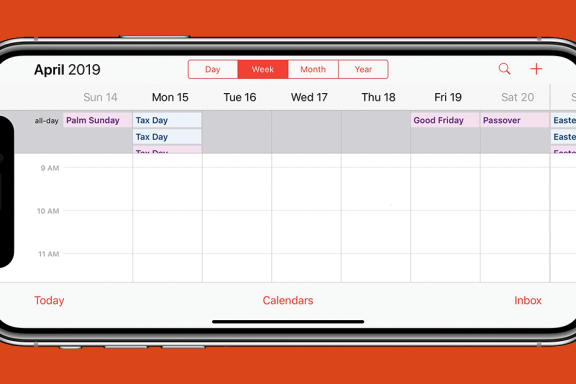
    How to See the Week View in the Calendar App on Your iPhone

    Hallei Halter
    • May 27, 2021
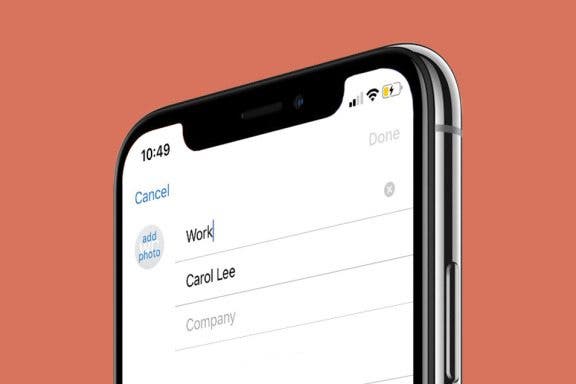
  • Image for article: How to Group Your Contacts by How You Know Them in the iPhone Contacts App
    How-To

    How to Group Your Contacts by How You Know Them in the iPhone Contacts App

    Hallei Halter
    • May 27, 2021
  • Image for article: How to Check Weather Forecast with Hey Siri
    Apps

    How to Check Weather Forecast with Hey Siri

    Hallei Halter
    • May 27, 2021
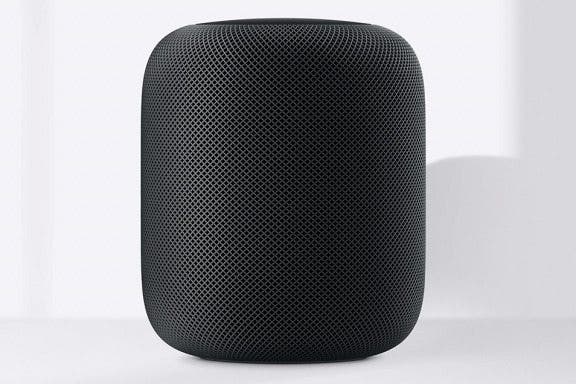
  • Image for article: How to Add Another User to Your Apple HomePod
    Speakers

    How to Add Another User to Your Apple HomePod

    Hallei Halter
    • May 27, 2021
  • Image for article: iPhone Flashlight too Dim? How to Make It Brighter or Dimmer
    How-To

    iPhone Flashlight too Dim? How to Make It Brighter or Dimmer

    Conner Carey
    • May 27, 2021