Have you ever tried to make a call from Contacts or a text thread, only to see that the iPhone contact call button is grayed out, so you can't make the call? Here's how to fix this annoying iPhone call button problem!
Phone
iPhone 12 & 13 Pro Camera: RAW Photo Shooting Guide
By Olena Kagui
Apple's ProRAW photos are uncompressed images that give more editing flexibility than standard image files. Learn how to take full advantage of this iPhone camera feature, including enabling ProRAW, when to use the feature, how to use ProRAW to take a photo, and how to edit ProRAW photos.
How to Make a Conference Call on iPhone
By Rich Hall
The ability to make conference calls on your iPhone makes it easier to use your device in professional settings. All major US carriers support conference calls, but the number of participants and the ability to add, merge, or disconnect individual callers will depend on your carrier. Here's how to make a conference call through iPhone.
How to Change Ringtone on iPhone
By Conner Carey
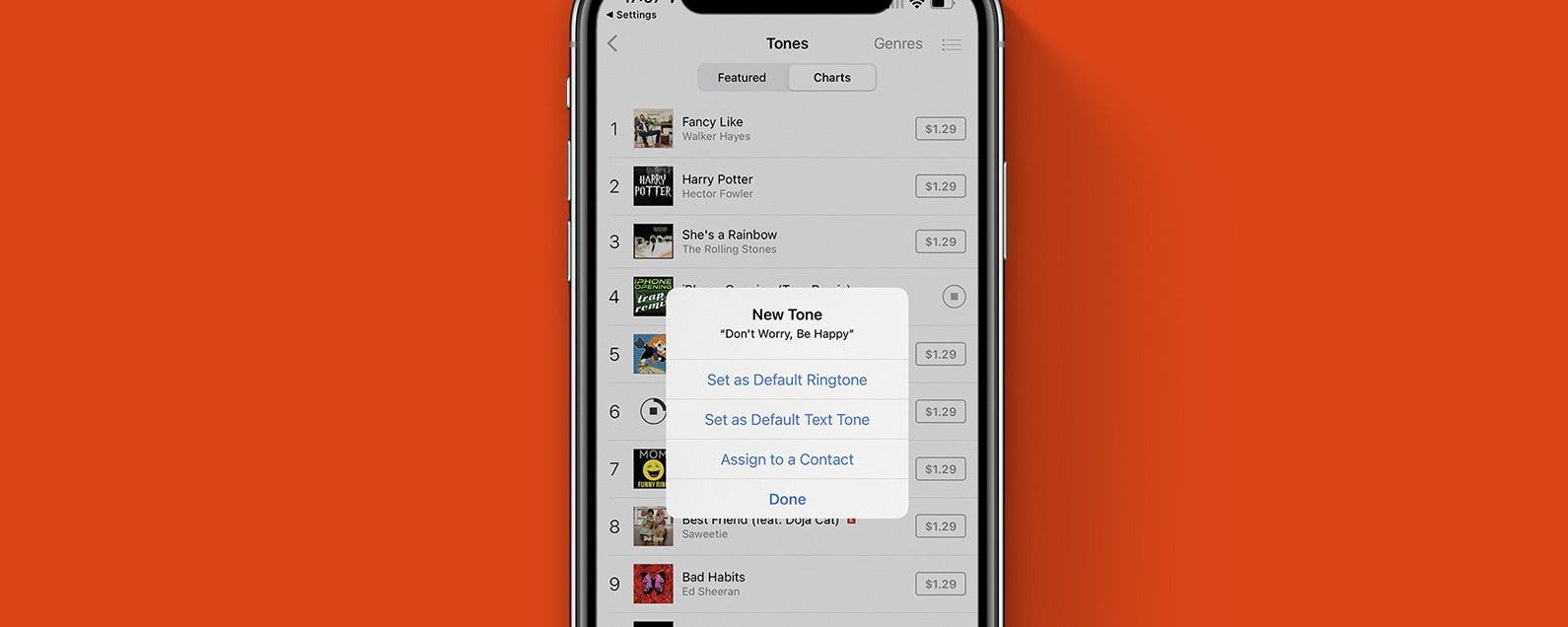
Your ringtone alerts you of incoming calls, and it can be a fun way to customize your phone. I'll teach you how to change your default ringtone and how to get custom ringtones on iPhone!
The 4 Easiest Ways to Use Speed Dial on iPhone
By Rhett Intriago
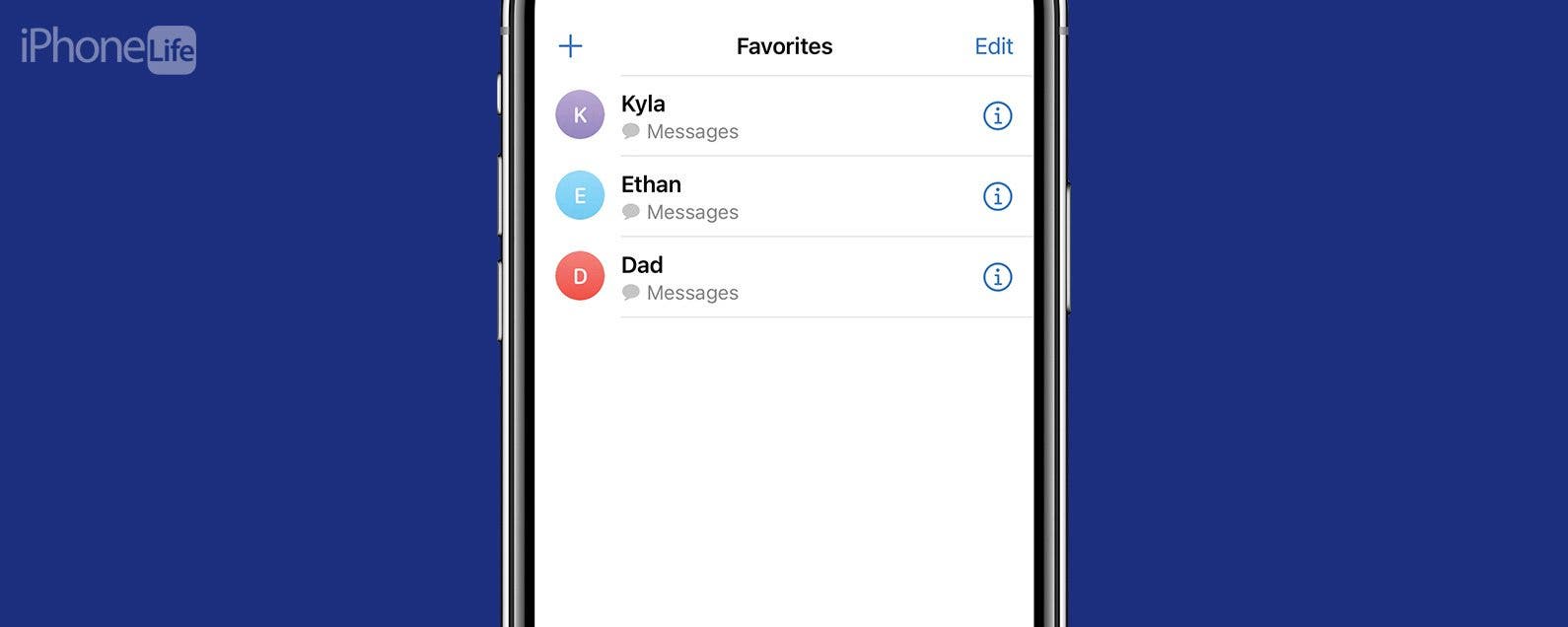
Making calls with your iPhone has never been easier. In the past, speed dial was the fastest way to get in touch with your friends and family. Now, you can add contacts to your favorites, place frequent contacts on your home screen, or create a shortcut to quickly call your closest friend. Your contacts are just a tap away, so let’s go over how to use speed dial on iPhone.
How to Use Call Waiting in FaceTime
By Abbey Dufoe
Can you get incoming calls while on FaceTime? Yes! With FaceTime call waiting, accepting incoming calls and putting your FaceTime call on hold is easy. When someone calls you while you’re on a FaceTime call, you have two options: End & Accept or Decline. If the calls are both FaceTime Audio (FaceTime without video) or one is a regular phone call, you'll be able to Hold & Accept. This fast tip will show you how to answer calls and place calls on hold using FaceTime call waiting, so let's dive in.
How to Merge Calls on iPhone to Create a Group Call
By Belinda Sanmiguel
You don't have to use Zoom or Skype for group calls! You can also make three-way (or more) calls with your iPhone's FaceTime and Phone apps. Below, we'll show you how to make a conference call on your iPhone.
Voicemail Not Working on Your iPhone? Fix It Fast!
By Leanne Hays
If your iPhone voicemail is not working, there are several fixes in cellular, carrier, voicemail settings, and more. We'll cover how to reset voicemail on your iPhone, so you can get your voicemail messages again!
Teach Siri How to Pronounce Names
By Leanne Hays
This might seem small, but for so many people, hearing your name pronounced incorrectly all the time can be a total annoyance. Maybe you’re tired of hearing Siri call you “Kevin” when your name is “Kevan.” Or, maybe you’re like me and you want Siri to call you something crazy but don’t want to change your name on the Contact Card, which is often shared amongst and between devices. Let's take a look at how you can teach Siri how to pronounce names.
How to End a FaceTime Call
By Amy Spitzfaden Both
Learn how to hang up on a FaceTime call and how to leave a group FaceTime call to avoid those embarrassing situations where you stay on the line well after the call has ended.
How to Get a Fake Number for Free: Temporary & Permanent
By Olena Kagui
Many people have or want a fake phone number to use for a small business, for privacy reasons, or for temporary verification to avoid spam calls and texts. Virtual numbers can be acquired for free using third-party services or apps. Fake phone numbers can be temporary or permanent, depending on your needs.
How to Switch a Call from Apple Watch to iPhone
By Conner Carey
I love that I can answer calls on the Apple Watch. I never miss a call because my watch lets me know one is coming in. However, talking to your wrist, especially in public, isn't ideal. No problem! You can hand off the call from the Apple Watch to your iPhone. Here are two different ways to transfer a call from your Apple Watch to your iPhone.
How to Change Voicemail Greeting on iPhone
By Conner Carey
A personal voicemail greeting ensures that people know they've reached the correct person, and makes them feel more comfortable leaving a voicemail. Plus, you can use custom voicemail greetings on iPhone to give special instructions to callers! Here's how to change your voicemail greeting.
How to Turn Off Vibration on iPhone
By Rachel Needell
Have you been wondering, "Why isn't my phone vibrating when I get a text?" Depending on your preferences or particular situation, you may want to have vibrate on silent turned on, or you may want to learn how to turn off vibration. We'll walk you through what to do if your vibration isn't working below.
How to Block Unknown Calls on Your iPhone Automatically
By Cullen Thomas
Receiving repeated calls from unknown callers is just plain irritating. Fortunately, you can easily block a number on your iPhone, block unknown callers, block no caller ID calls, and even stop calls from hidden numbers. Let's get started learning how to block nuisance calls on the iPhone.
How to Add a Contact Photo on iPhone
By Hallei Halter
Having a contact picture pop up with a name on your iPhone screen helps to reduce confusion. We'll walk through how to add iPhone contact photos (or a contact emoji if you prefer this fun option to a photo). In either case, having a contact pic appear when that person calls helps to differentiate between contacts.
Fixed: The Number You Have Dialed Has Calling Restrictions
By Rhett Intriago
Have you ever tried to call someone and received a message saying that the number you have dialed has calling restrictions? This can be frustrating, especially if you’re trying to reach a friend or family member. So what do calling restrictions mean and how can you resolve the issue? Let’s find out!
How to Use iPhone Voicemail Transcriptions
By Conner Carey
A lot of people are asking, "How do you use voicemail transcription on the iPhone?" The feature itself is pretty easy to use, but it can be a little glitchy. We'll go over everything you should know about how to use voicemail transcriptions on your iPhone and what to do if voicemail transcription is not working on your iPhone. Here's how to use the voicemail-to-text feature of Visual Voicemail on your iPhone.
How to Change Phone Number on iPhone
By Olena Kagui
So you've decided that it’s time to change your phone number, whether it’s to avoid prank calls, to leave behind an old relationship, or anything else. Your phone number either comes from the SIM card (iPhone 13 or earlier) or an eSIM that’s completely digital. We’ll cover how to change your phone number and everything else you need to know.
How to Turn Off RTT (Real Time Text) on an iPhone
By Leanne Hays
RTT on an iPhone is a built-in assistive technology that lets users call and receive phone calls with text instead of voice. If you don't need to make RTT calls, here's how to turn off RTT on your iPhone or iPad.