Home
chevron-right icon
iOS 16
chevron-right icon
All Articles
iOS 16
Become an Apple device expert
Daily one-minute tips sent straight to your inbox.
Subscribe For Free
All Articles
Photo & Video
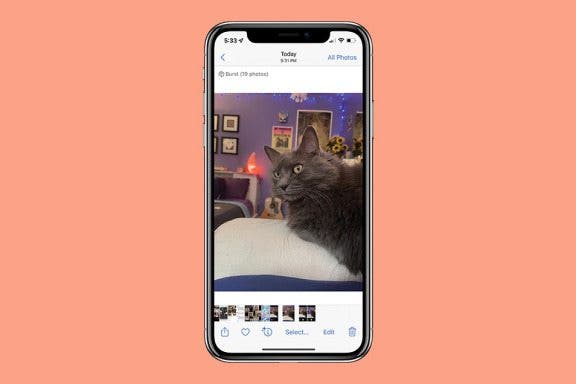
How to Take Burst Photos on iPhone
Rachel Needell
•
Jan 16, 2024
Communication
5G UC Meaning: The Difference Between Each 5G Network
Rhett Intriago
•
Jan 16, 2024
Mac
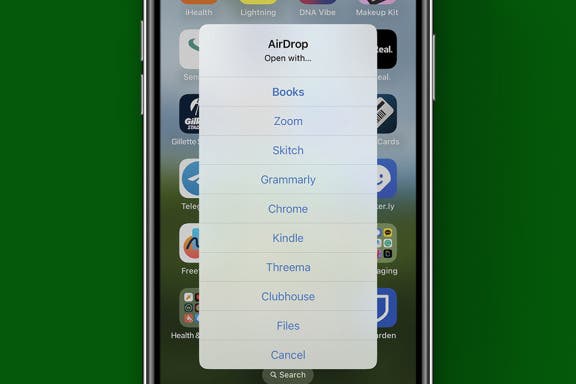
Where Do AirDrop Files Go? Your Questions Answered
Amy Spitzfaden Both
•
Jan 16, 2024
Settings
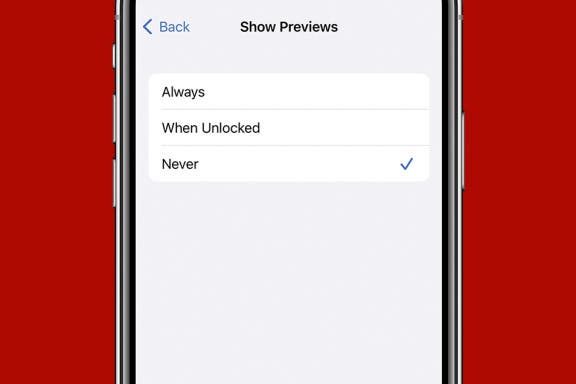
How to Make Notifications Private on iPhone
Conner Carey
•
Jan 16, 2024
Apps
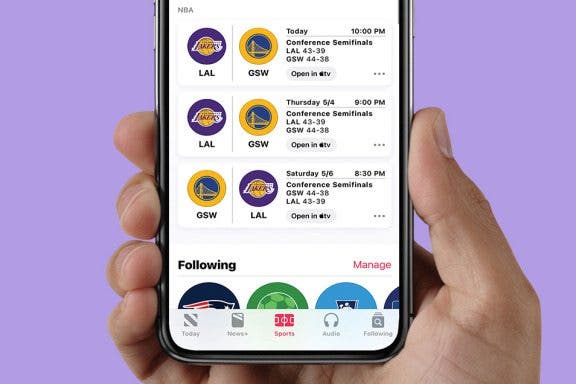
Quickly Access the Latest Sports News
Rhett Intriago
•
Jan 16, 2024
Apps
How to Use Kindle Unlimited: Everything You Need to Know
Amy Spitzfaden Both
•
Jan 16, 2024
Apple Apps
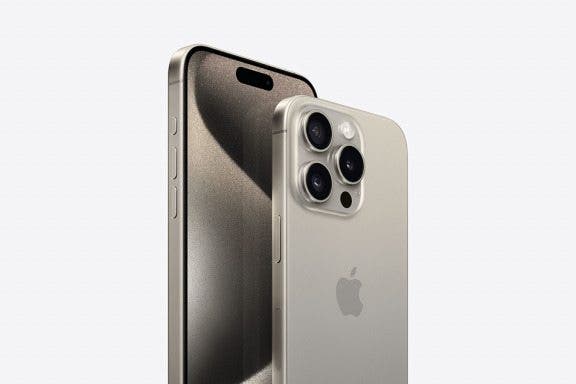
Do I Need an iPhone Camera Protector for the 15 Pro?
Olena Kagui
•
Jan 16, 2024
Apple ID
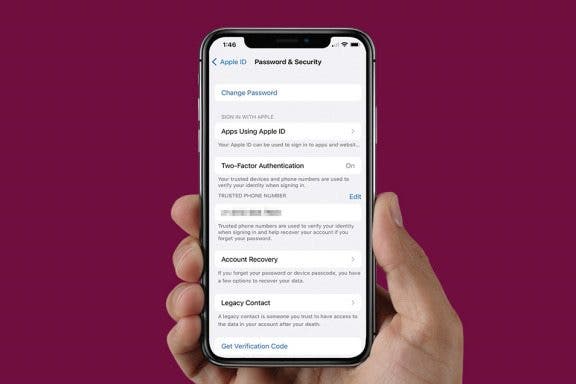
Protect Your iPhone from Hackers with These Essential Tips
Conner Carey
•
Jan 16, 2024
Apps
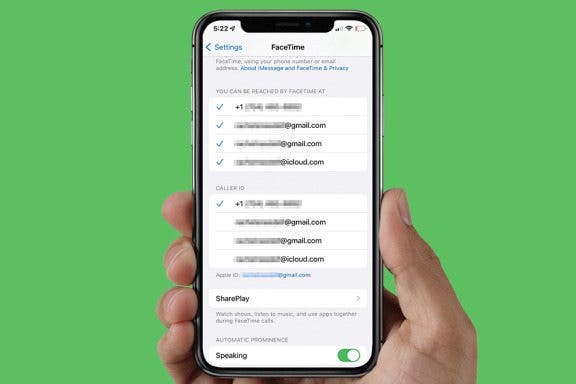
How to Set Your FaceTime Caller ID
Conner Carey
•
Jan 16, 2024
Apps
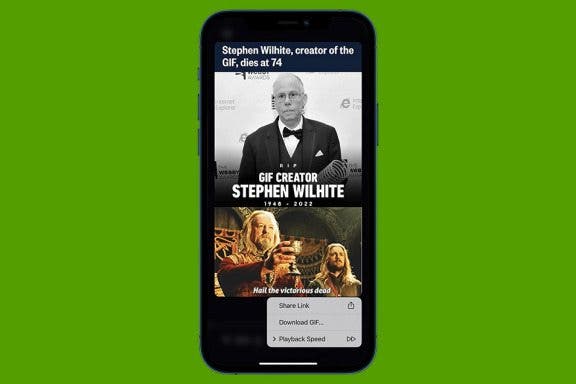
How to Save GIFs on an iPhone: Download Your Favorites
Conner Carey
•
Jan 16, 2024
Advertisement
Apps
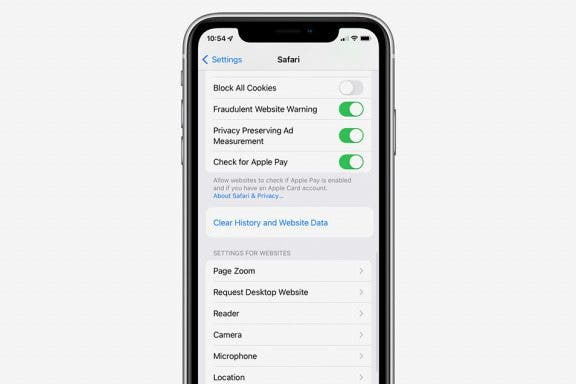
Fixed: Can’t Clear History in Safari on iPhone & iPad
Kenya Smith
•
Jan 16, 2024
Cables & Adapters
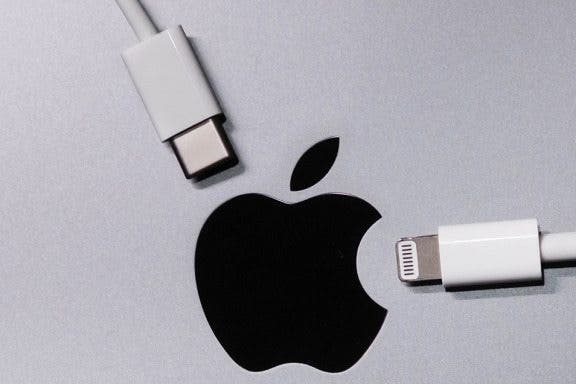
Can You Use an iPad Charger for iPhone? Here's What to Know
Amy Spitzfaden Both
•
Jan 16, 2024
Spotify
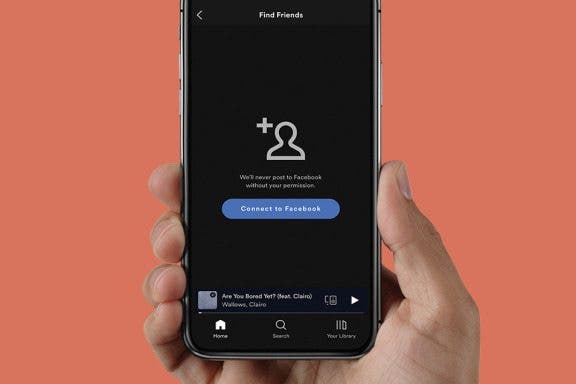
2 Easy Ways to Add Friends on Spotify
Rhett Intriago
•
Jan 16, 2024
Settings
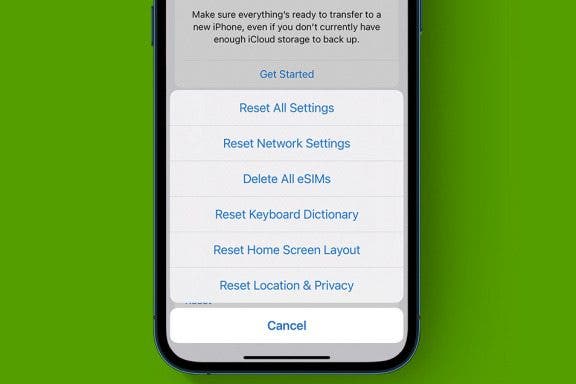
What Happens If I Reset My iPhone or iPad?
Leanne Hays
•
Jan 16, 2024
Troubleshooting
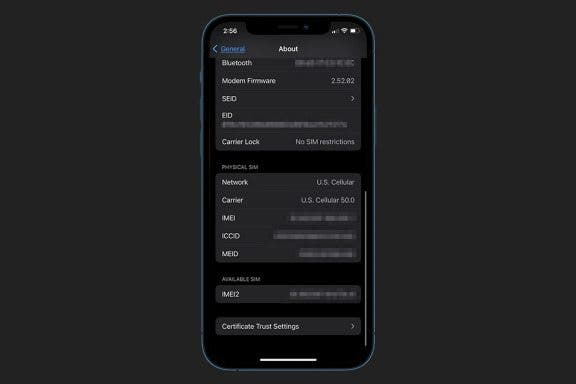
Blacklisted iPhone? Why Does IMEI Get Blocked & How to Fix It
Leanne Hays
•
Jan 16, 2024
Apps
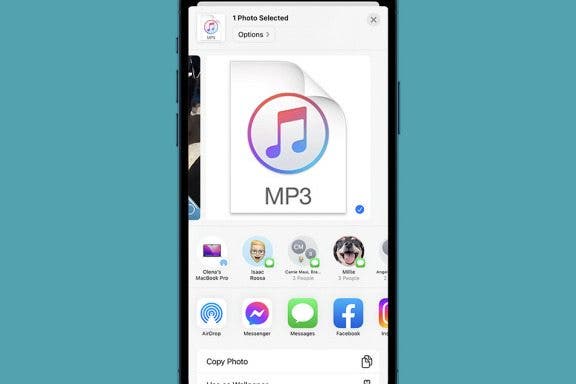
How to Add Music to iPhone: Quick & Easy MP3 Download
Olena Kagui
•
Jan 11, 2024
Apple Apps
How to Save an Email as a PDF on Your iPhone & iPad
Leanne Hays
•
Jan 11, 2024
Accessibility
Double-Click Side Button Not Working? Check This Setting
Paula Bostrom
•
Jan 11, 2024
Apps
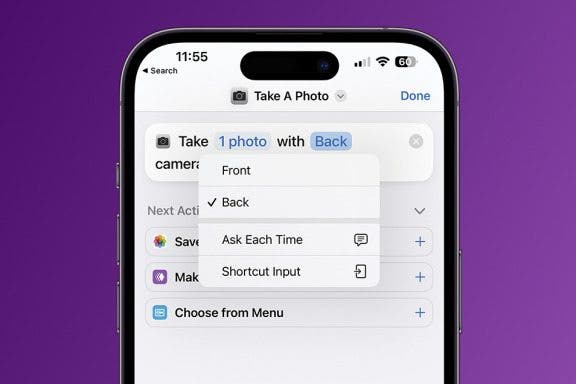
How to Take Photos on iPhone Faster Using Your Voice
Olena Kagui
•
Jan 11, 2024
Apple Apps
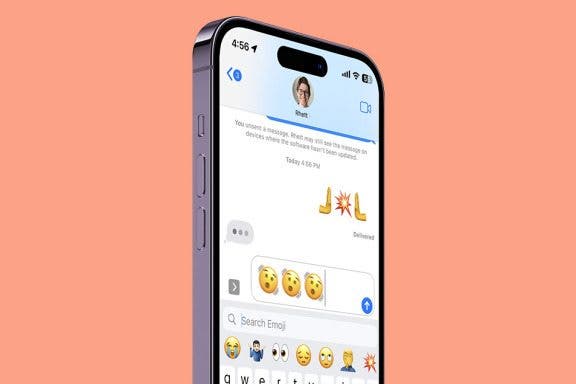
Express Yourself with New Emojis in iOS 16.4
Rhett Intriago
•
Jan 11, 2024
arrow-left icon
1
...
36
37
38
39
40
41
42
...
47
arrow-right icon


 Rachel Needell

 Rhett Intriago
 Amy Spitzfaden Both
 Conner Carey

 Olena Kagui
 Kenya Smith
 Leanne Hays

 Paula Bostrom