* This article is from our Tip of the Day newsletter. Sign Up. *
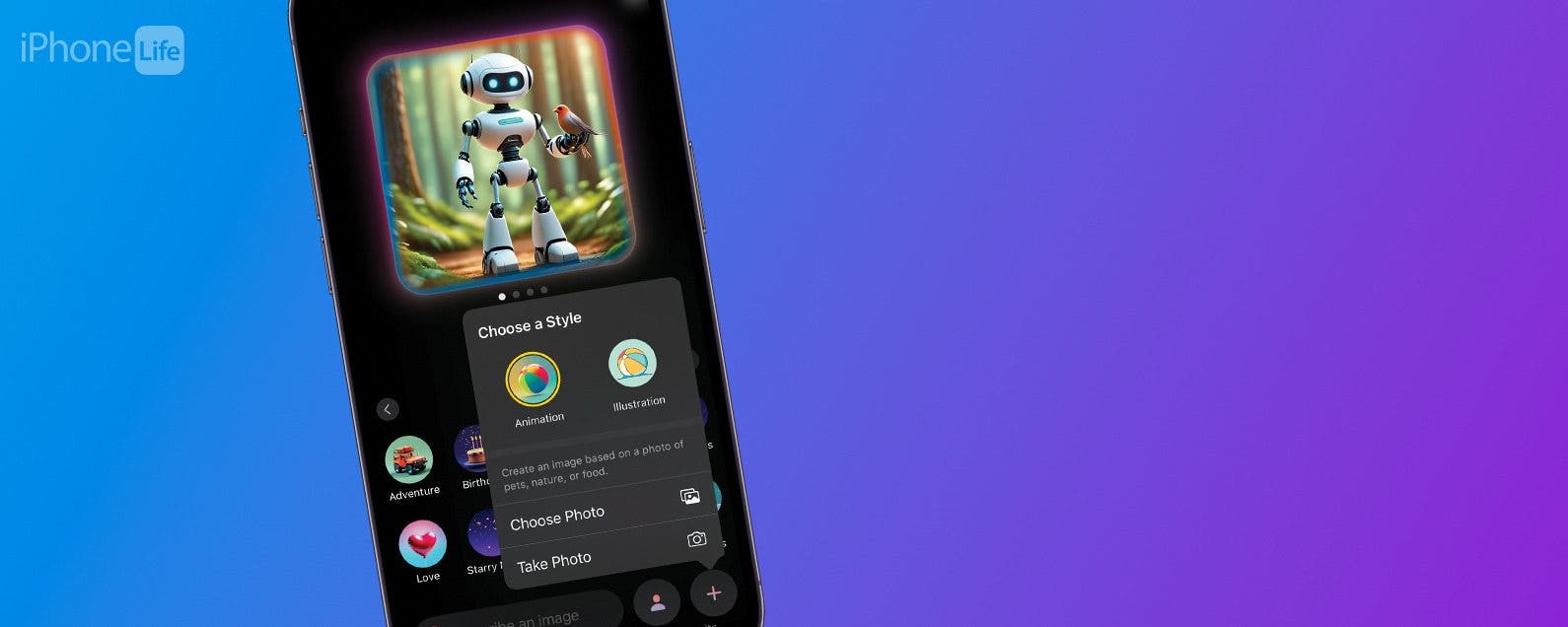
Apple’s Image Playground can be used to create AI-generated artwork in seconds. You can even change the art style of any image you create. It’s all powered by Apple Intelligence and it’s very easy. Here’s how to use Image Playground on iOS 18 to change the art style of images.
Why You’ll Love This Tip:
- Change how your AI-generated images look with just a few taps.
- Make every image that you create have its own unique style.
How to Change Art Style in Apple Image Playground App
System Requirements
This tip works on the iPhone 15 Pro, iPhone 16, and iPhone 16 Pro running iOS 18.2 or later. Find out how to update to the latest version of iOS.
When you create an image in the Apple Image Playground app, you can choose between two art styles. You can make the image look like a 3D animation or a 2D illustration. Let’s go over how to change art styles in Image Playground:
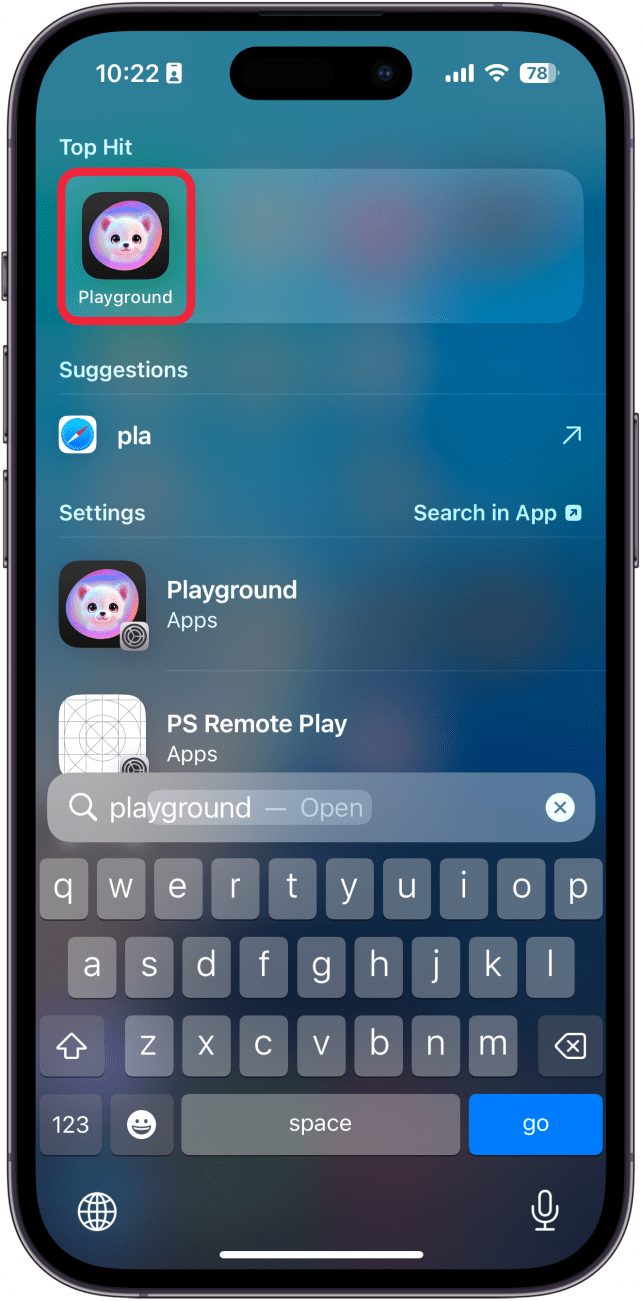
- Open the Playground app.
![iPhone search with a red box around playground app]()
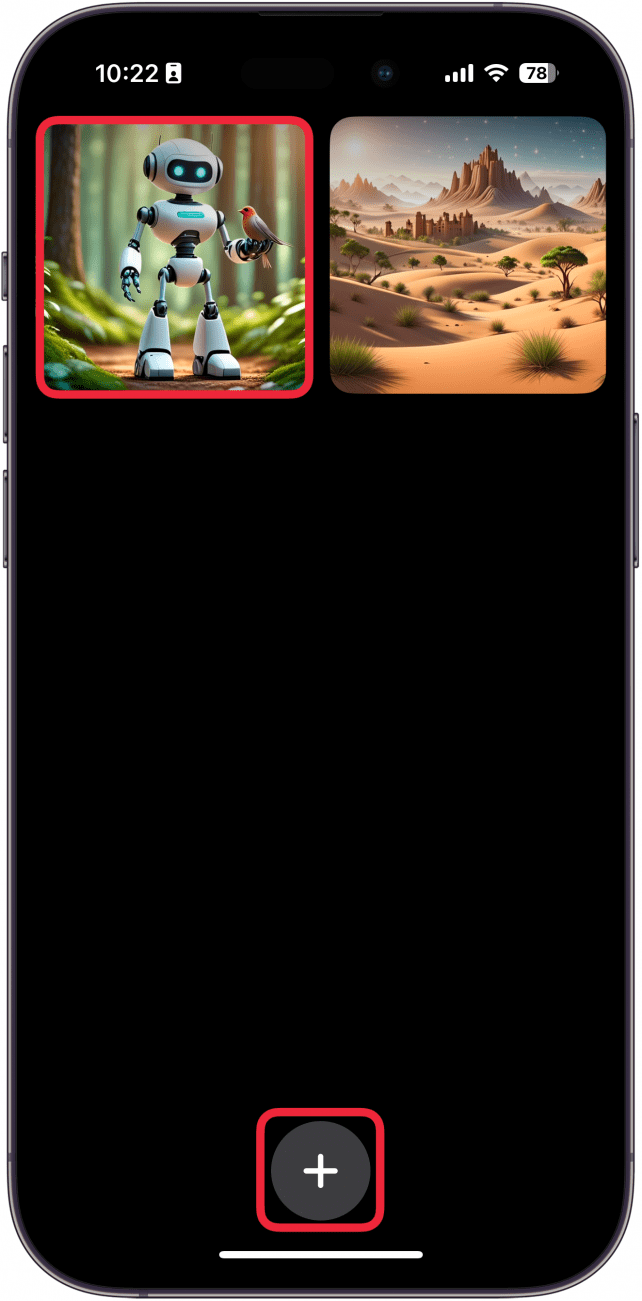
- If you want to edit an existing image, select it from the library, or tap the plus icon to create a new one.
![iphone image playground with a red box around an image in the library]()
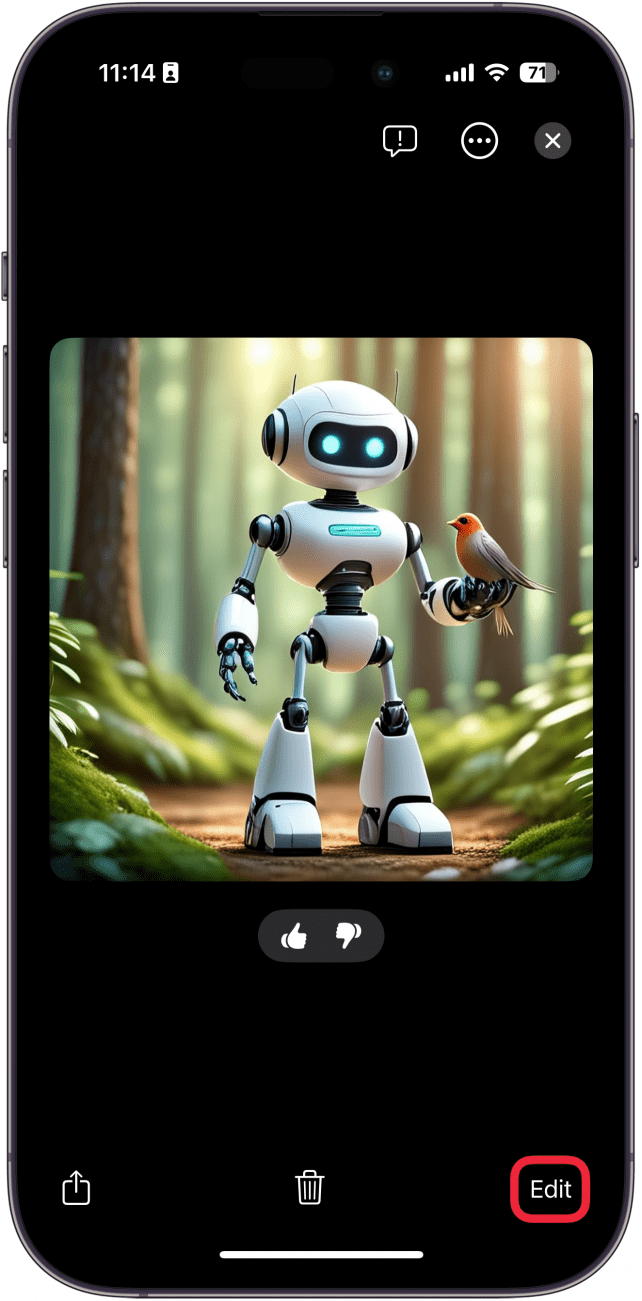
- If you are editing an existing image, tap Edit.
![iphone image playground displaying a saved image with a red box around edit button]()
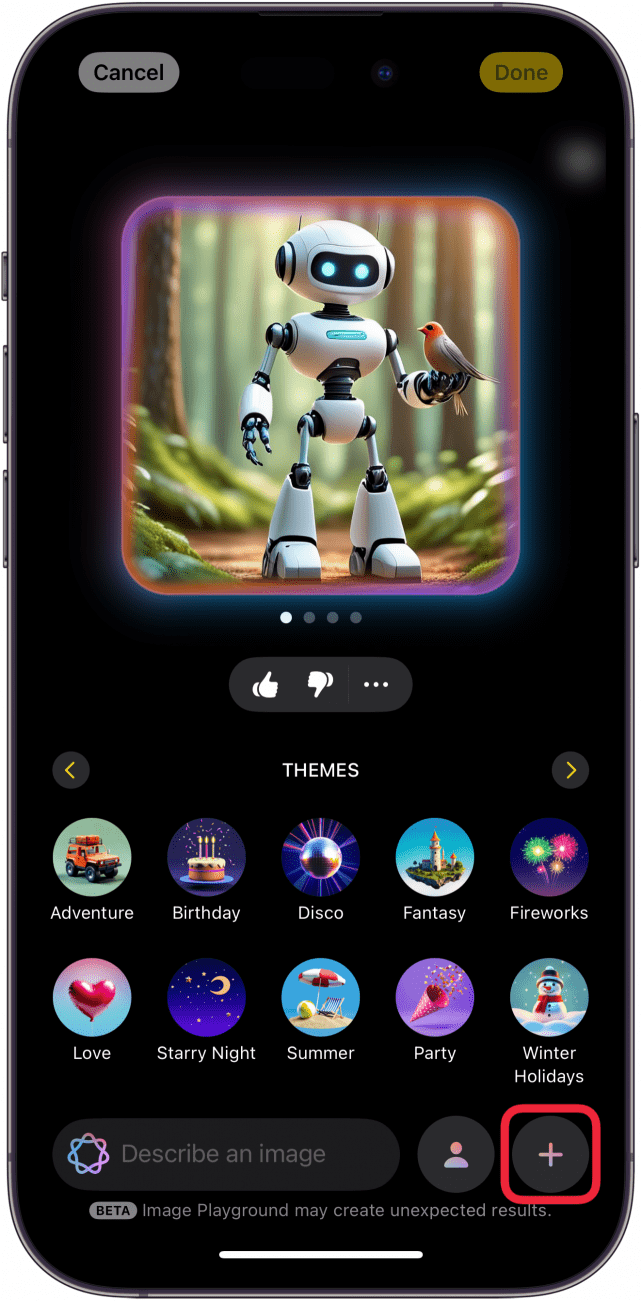
- Tap the plus icon in the lower right. You can also do this when creating a new image.
![iphone image playground edit screen with a red box around plus icon]()
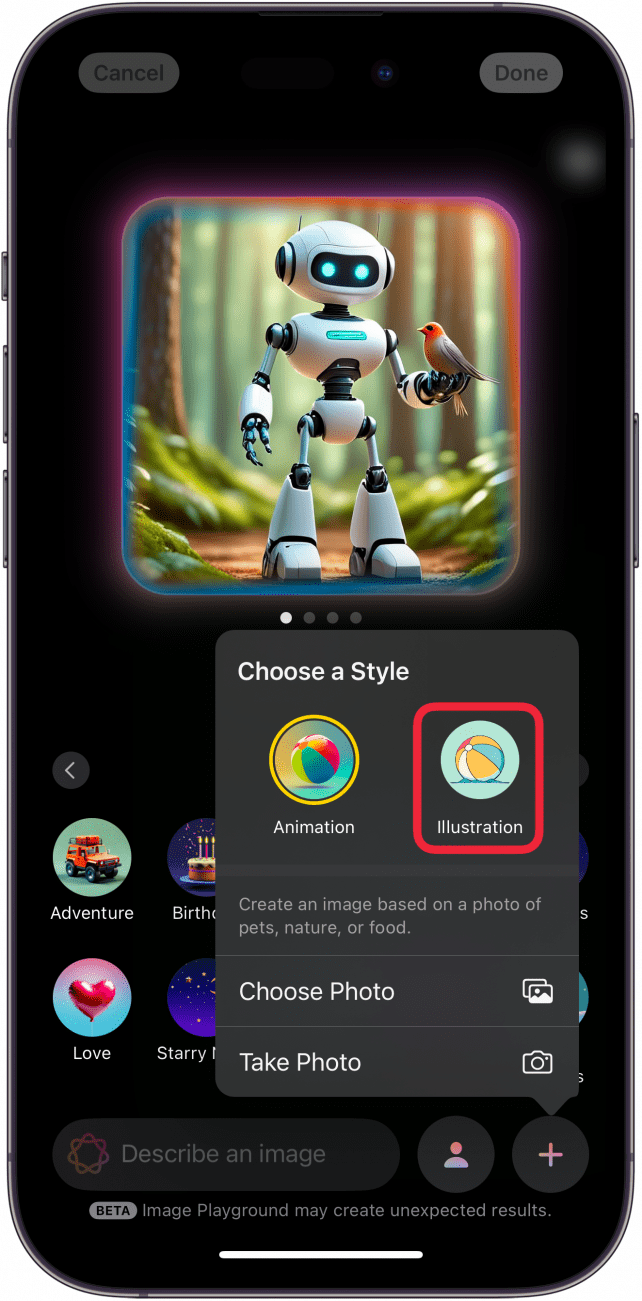
- Tap Illustration to change the art style to a 2D illustration.
![iphone image playground displaying an ai generated image of a robot in the forest with a bird in its hand, and a menu open with options for animation and illustration. there is a red box around the illustration option]()
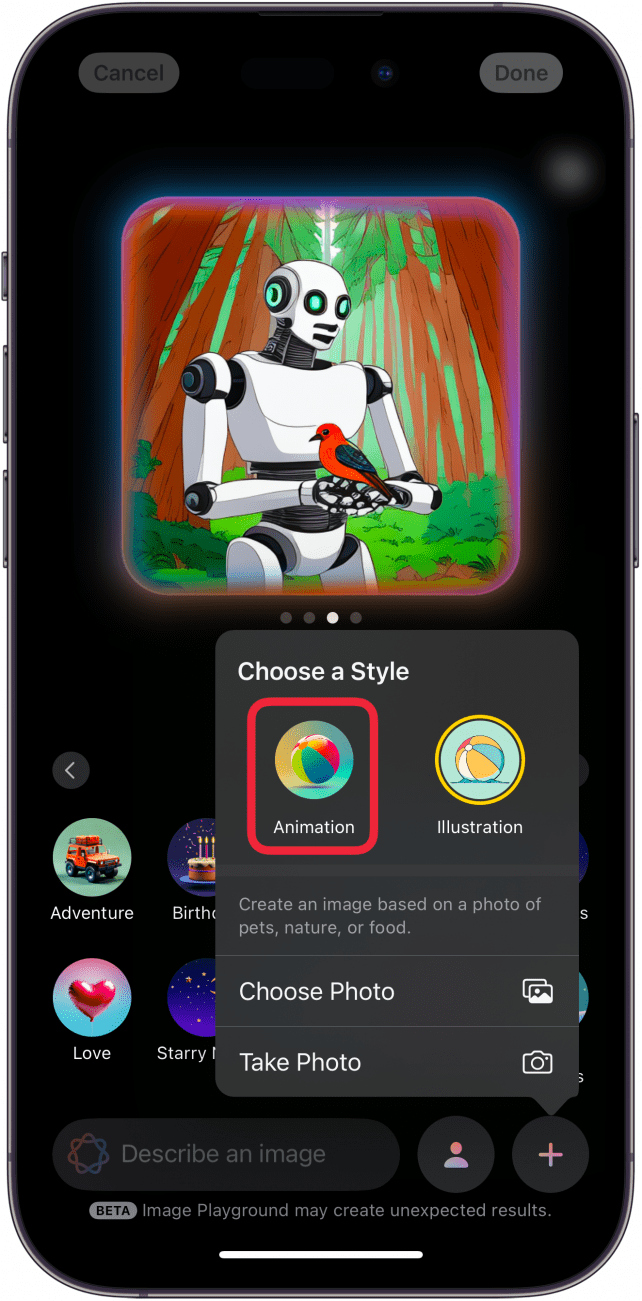
- Tap Animation if you want to switch back to the original 3D animation style.
![iphone image playground displaying an ai generated image of a robot in the forest with a bird in its hand, and a menu open with options for animation and illustration. there is a red box around the animation option]()
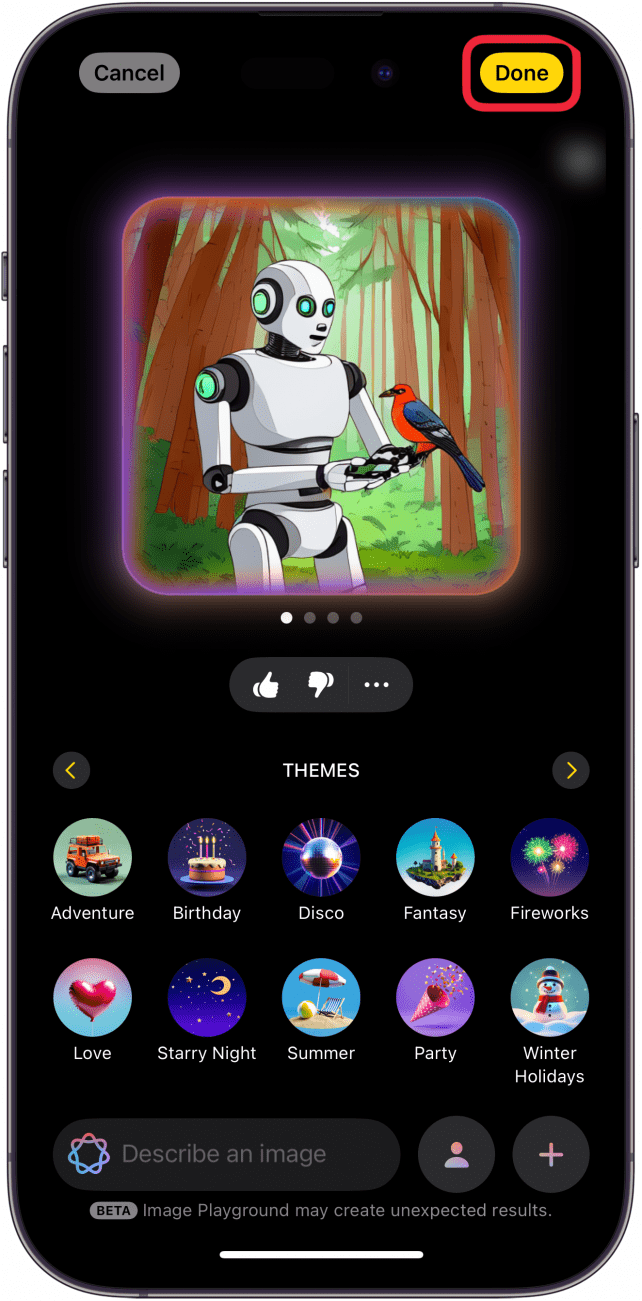
- Tap Done to save your image.
![iphone image playground displaying an ai generated illustration of a robot in the forest with a bird in its hands, and a red box around the done button]()
That’s how to change the art style of images in Image Playground. A third art style called “Sketch” is supposed to be available in a future update, but it is currently unknown when Apple plans to add this.