How to Reverse Image Search on Your iPhone
By Leanne Hays
By Leanne Hays
By Rachel Needell
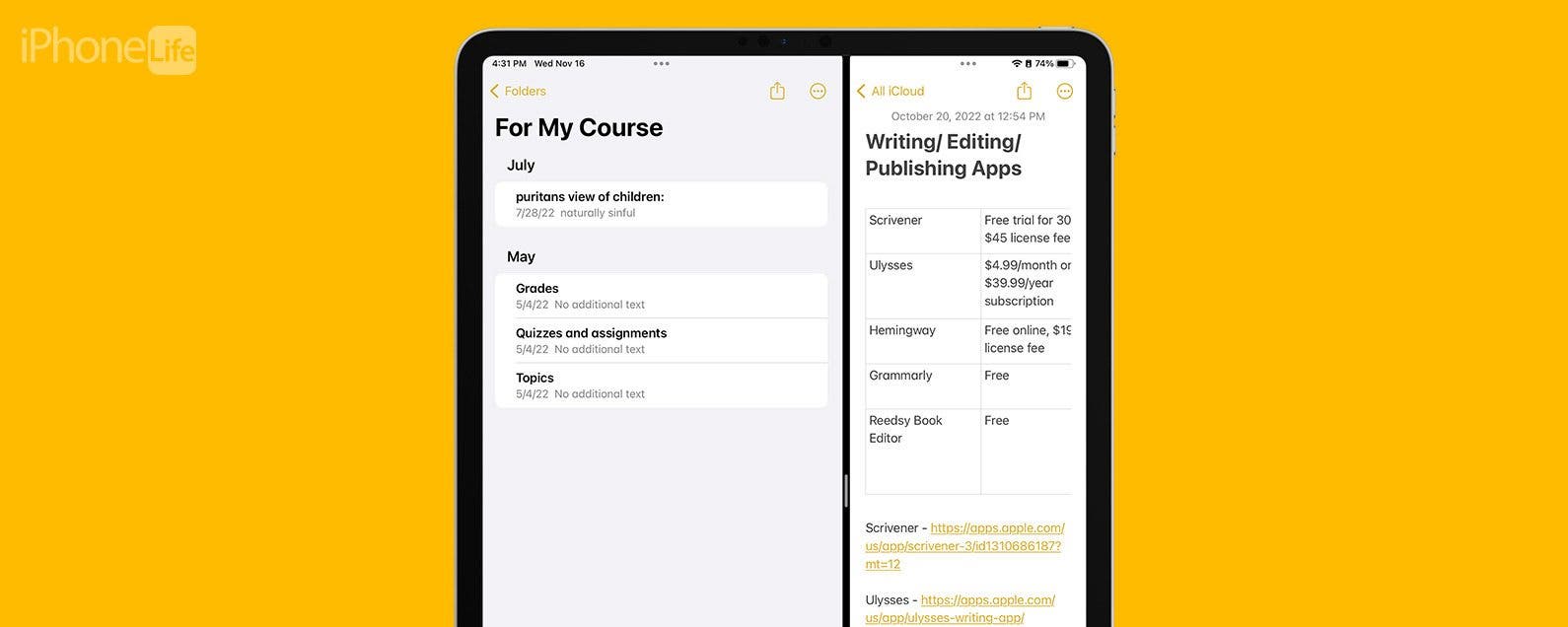
Many Apple users are familiar with Split View, a feature that allows you to open two applications on iPad at once. Did you know you can also use Split View to work in two windows of the same app open at once? I just learned this hidden trick that allows you to open the same app in two separate windows and work within them both at once. I'll walk you through exactly how!
By Erin MacPherson
If you’re wondering how to block a website on Safari, never fear. In this tutorial, we’ll explain how to block websites on iPhone and how to block websites on an iPad running iPadOS. Most smartphone users keep their devices to themselves and have no real need to share their phones except to share pictures or lend it to a friend to make a call. There are times, however, when restricting website access is necessary. Say your kids or grandkids are over, and they want to check out your apps. You’ll want to be sure to block explicit content. Or maybe some malware or ransomware is circulating. Knowing how to block a website or sites on your iPhone or iPad will keep things safe and blocking content will automatically apply to all installed browsers, including Safari, Chrome, Firefox, or Opera Touch.
By Tamlin Day
If you want to know how to repeat a song or shuffle music, you'll like this tip on how to find and use playback controls in Apple Music. The controls to shuffle music and repeat songs can be hard to locate, especially when you’ve accidentally enabled them and need to turn shuffle or repeat off! Read on to learn how to repeat songs and shuffle music, plus how to turn shuffle off.
By Tamlin Day
Apple is famous for its extensive privacy settings. You can customize your Location Services for specific apps, prevent apps from tracking you, and even block apps from using Bluetooth. This won’t stop you from being able to use your headphones, but it will prevent the app from using your iPhone's Bluetooth in other ways that might affect your privacy. Read on to learn how to customize your iPhone Bluetooth settings and disable Bluetooth for specific apps.
By Leanne Hays
Have you ever tried to log in to your iCloud or other Apple account with your Apple ID, only to see an "Error Connecting to Apple ID, Verification Failed" error message? Or maybe a "There Was an Error Connecting to the Apple ID Server" error message? Don't worry; here's what to check if you can't sign in with your Apple ID.
By Tamlin Day
Sometimes you need to close all your tabs in Safari on your iPhone to get the browser to run smoothly, but that can mean losing important pages you’d like to read another time. This tip will teach you how to instantly save all your open Safari tabs as bookmarks on your iPhone or iPad so you can easily find them again later.
By Tamlin Day
Apple redesigned the iPad Home screen with iPadOS 15 and made app icons smaller so more icons would fit on each Home Screen. If you have trouble seeing or tapping the smaller icons, here's how to make iPad Home screen icons bigger in a few easy steps.
By Erin MacPherson
Artificial intelligence has come a long way from the HAL9000. Thankfully, it is far easier to control our virtual assistants than it was to disable HAL. Sometimes you don’t want to be asking Siri everything. Sometimes Siri is making too many errors. Sometimes you'd rather use Google Assistant. Sometimes you feel like you just want no assistance at all. Whatever the reason for putting Siri in the corner, here is a guide to turning off, limiting, and re-enabling Siri on your iPhone.
By Tamlin Day
The Noise app on your Apple Watch is there to help protect your hearing against harmful decibels, but to get the notifications, you’ll need to enable the app. With the Noise app, you can set the decibel at which you want to be notified and set how you receive the notifications. Let’s dive in with how to protect your ears with the Noise app.
The AirPods Pro, Apple's latest wireless, Bluetooth earbuds, have more noise-canceling options than previous generations. AirPods Pro owners can decide how much noise reduction they'd like by choosing between three noise-control modes: Active Noise Cancellation, Transparency mode, and Off. There are several ways to switch between these modes, either directly from your AirPods, or by using your paired device, whether it be your iPhone, iPad, Mac, or Apple Watch. Let's get started learning how to turn on and switch between AirPods Pro noise-canceling settings on all your Apple devices.
Swiping to make a selection on the Apple TV’s Siri Remote can be frustrating. With the Apple TV Remote app installed on your iPhone, you can adjust your accessibility features to use directional buttons instead of swiping. Let’s get started with how to enable directional buttons on the Apple TV Remote on your iPhone.
This article will tell you how to take a screenshot on your iPhone using Siri. We've gone over how to take a screenshot manually, but pressing buttons on an iPhone can be a literal pain if you have joint problems. That, plus messy fingers from cooking or being outside in the cold can make it hard to use to your hands to do a screenshot. For those times when a manual screenshot isn’t an option, you may have wondered, "can I ask Siri to take a screenshot?". The answer is, yes! With iOS 14, you can now just tell Siri to take a screenshot, instead of having to use Voice Control, as you did previously. Let's learn how.
By Cullen Thomas
AirPods cutting out, not working, not connecting, or skipping? Here are some common AirPods problems and their easy solutions. Whether your issue is with Airpods, AirPods 2nd Generation, or AirPods pro, we've got you covered. Between sharing your AirPods with other people's devices and using two sets of AirPods with one iPhone, you can get a lot of mileage out of your set. But even though they're normally more reliable than other true wireless headphones, you'll still sometimes need to do some AirPod troubleshooting. We're here to help.
NULL