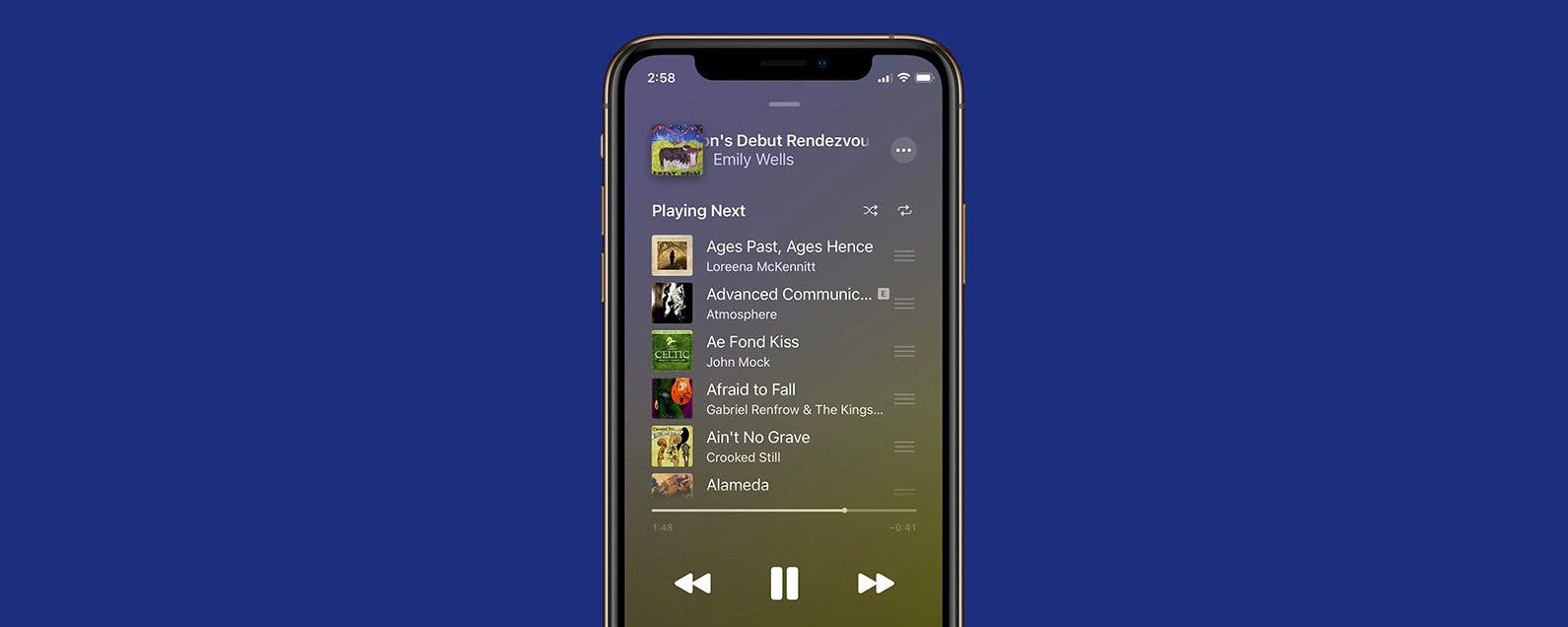
How to Queue Songs on Apple Music
By Devala Rees
By Devala Rees
By August Garry
By Leanne Hays
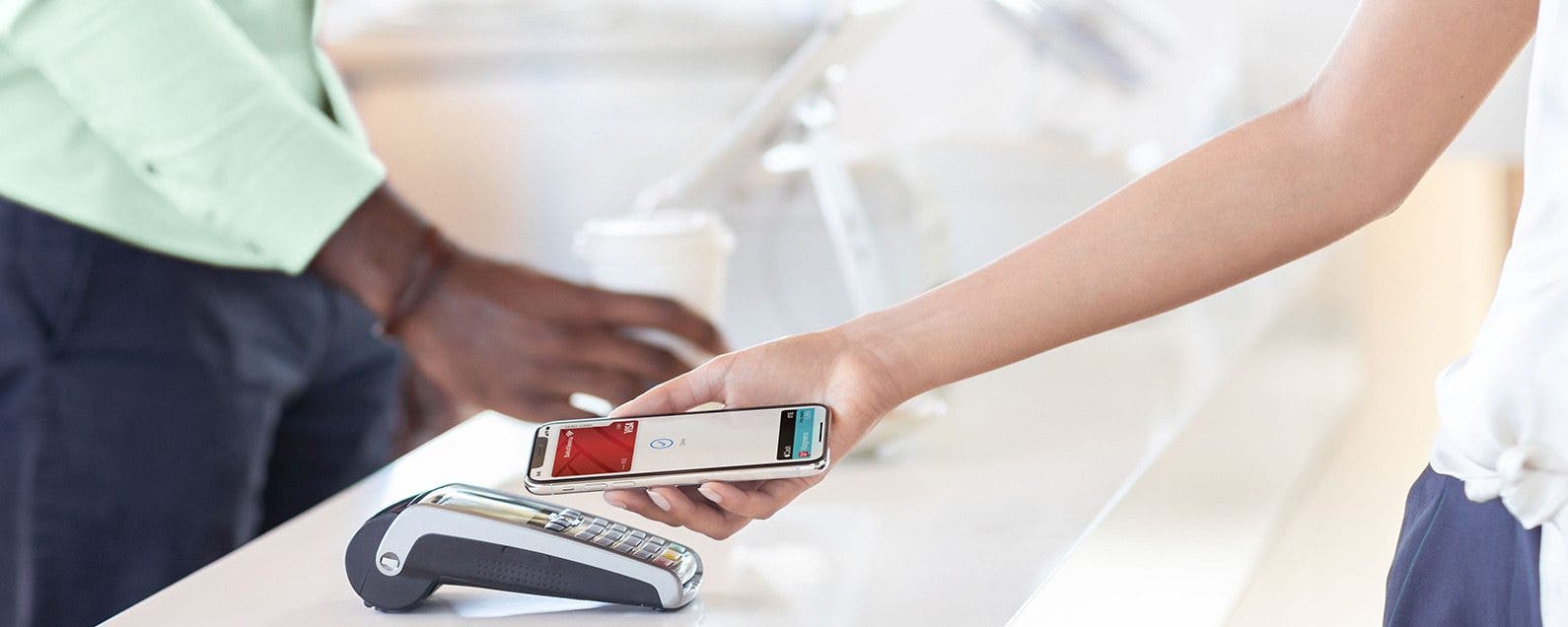
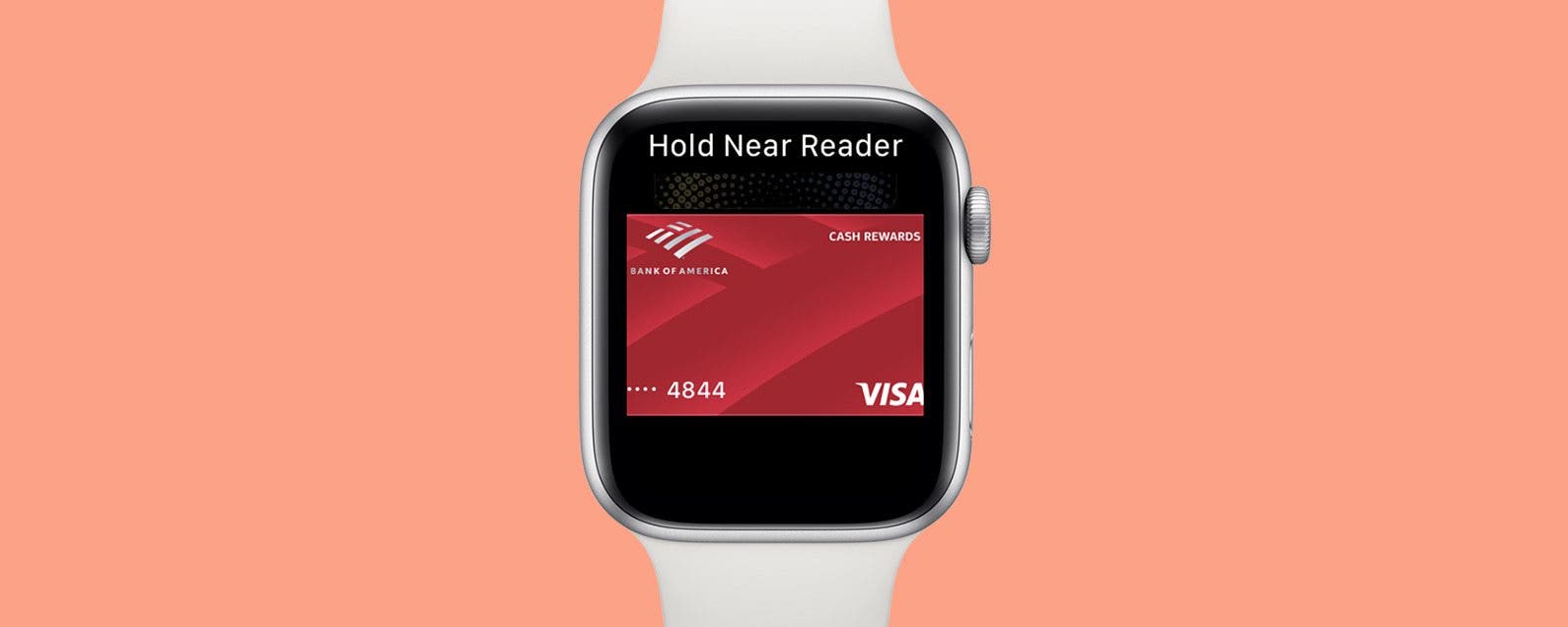
Have you been curious about Apple Pay, and wondering if it's a service you'd like to use? If you've been asking, "what is Apple Pay," and "how does Apple Pay work," we'll fill you in. Apple Pay is a secure platform that allows users to make purchases and send, receive, and transfer money from the iPhone, iPad, Apple Watch, or Mac, no contact or cash required. Let's answer the questions of what is Apple Pay, how Apple Pay works, where it's accepted, and the security features that allow users to make and receive payments safely and with confidence.
By Olena Kagui
By Leanne Hays
How do you right click on a mouse for a Mac or MacBook Pro? How do you right click on a Mac without a mouse, but with a touchpad? And, how do you right click on a touchpad without buttons? Here's how to right click on any Mac, whether it's a laptop or desktop, with keyboard shortcuts, a mouse, or a Mac trackpad.
By Ashleigh Page
Got an adorable, hilarious, or action-packed video that you're dying to add music to? While you can't add music to videos using your Photos app, the good news is that you can do this with the native Apple iMovie app. Below, we'll show you how to add music to a video for free using iMovie and with the third-party InShot video editing app.
By Conner Carey
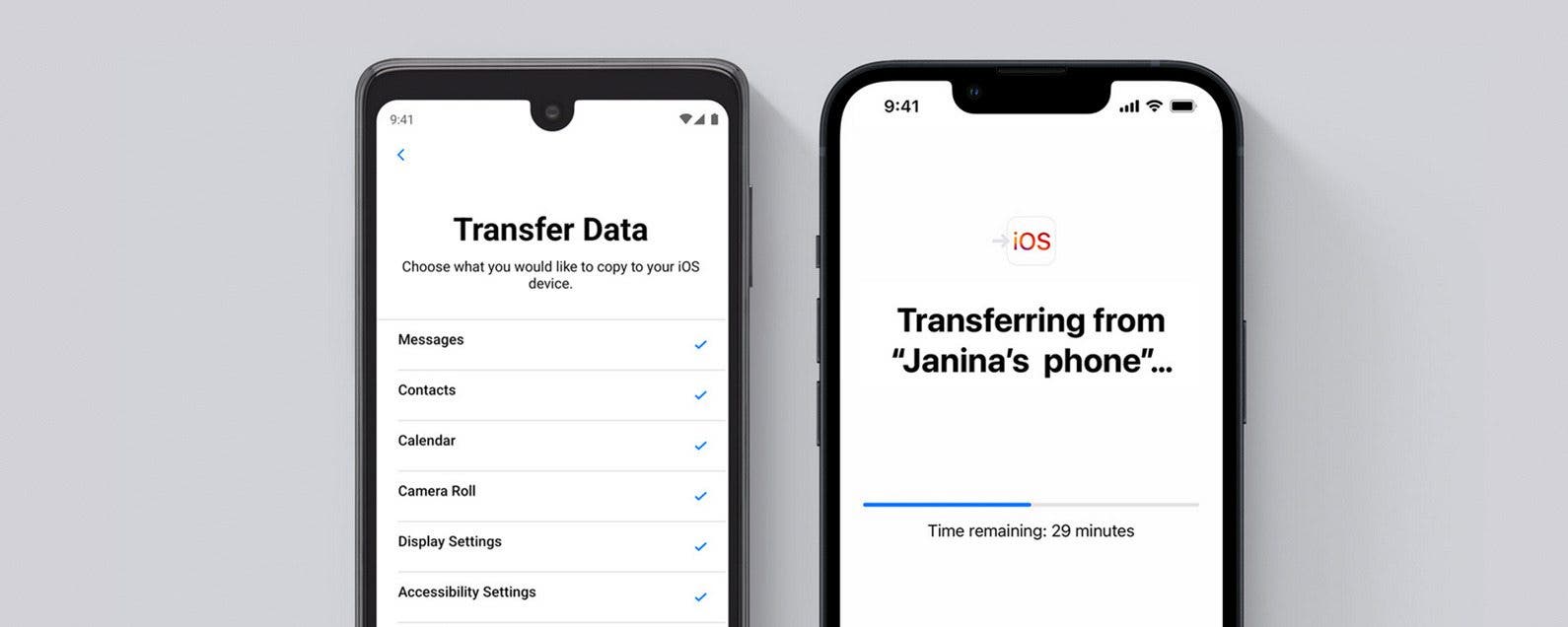
Switching from Android to iPhone 13 or any other iOS phone may seem overwhelming, but these tips and the Move to iOS app make it a breeze! In this article, I will explain how to transfer data including photos, contacts, and apps from Android to iPhone. Plus, I'll give you tips on what to troubleshoot if Move to iOS is not working.
By Erin MacPherson
By Olena Kagui
Dark Mode on Mac works just like Dark Mode on your iPhone and iPad, and the primary purpose is to help with eye strain by reducing blue light exposure which can reduce headaches. Others simply prefer the aesthetics of the dark color background and apps. I'll teach you how to enable Dark Mode on your Mac!
By Cullen Thomas
By Olena Kagui
Safari is the default web browser app on all Apple devices. When you select links in other apps and open them in Safari, new tabs will open. After a while, it can become difficult to navigate and manage your tabs. Learn to close all safari tabs, bookmark tabs, open incognito tabs, and navigate the Safari web browser seamlessly.
By Hallei Halter
Have a song stuck in your head but can't figure out what it is? Well, you can search by song lyrics in Apple Music. Even if the words in your head don't include the title, there's still a good chance you'll find what you're looking for in the search results. Here's how to look up songs by lyrics in Apple Music.
By Conner Carey
Instagram is one of the largest (and most beloved) social media networks. Creating an Instagram account can be done quickly by downloading the Instagram app on iPhone or iPad, signing up for Instagram within the app, then setting up your account. Once you’re all set up, you’ll be able to post photos and captions to share with your followers. So if you’re ready to get on Instagram, we’ll walk you through it. Here’s how to make an Instagram account for iPhone or iPad.
By Abbey Dufoe
iPhone reminders are an easy way to keep your life on schedule. You can set them via the Reminders app or simply tell Siri when and what you need to be reminded of. However, I don't use the reminders app very often; therefore, it's buried in a folder on my third Home Screen and is annoying to access. But, did you know that you don't have to unlock your phone to mark a reminder as complete? You can even Snooze the reminder from Lock Screen as though it were any other alarm. Once you've set a reminder in the native app, the reminder will be set to go off. Here's how to mark it complete from Lock Screen.
By Amy Spitzfaden Both
Being able to copy and paste on your iPhone is a skill that can make your life so much easier, whether you want to move an image or text. You can also learn how to paste on an iPhone from your Mac, but for now let's focus on how to copy and paste on an iPhone or iPad.
By Leanne Hays
Did you know that you can cut, copy, and paste on your Mac using key combinations rather than your trackpad or mouse? Keyboard shortcuts like these and others such a the partial-screenshot shortcut are useful for the iMac and MacBook. Here's how to copy and paste on a MacBook or iMac with keyboard shortcuts.
By Olena Kagui
By Olena Kagui
Did you know that you can enjoy Apple TV on Fire TVs and stream it via FireStick? In this article, I will teach you how to get Apple TV on FireSticks so that you can enjoy even more movies and shows. Since most Apple purchases come with a free year of Apple TV subscriptions, you’ll want to make sure to get the most out of it!
Ever leave a Chrome tab open at home before work, and then want to find it again later from your iPhone? If you've ever wondered, "how do I open my tabs in Chrome on another device?" then you're in luck. The Google Chrome iPhone app lets you see the tabs you left open on your computer and open them on your iPhone. Just enable Chrome Sync in the Chrome settings menu, then tap the tabs icon at the bottom of your Chrome browser, and you'll find a desktop icon on your tabs list that will show you all the tabs open on other devices. Being able to switch from your Mac to your iPhone with minimal effort is a huge advantage. Here's how to view your computer's open Chrome tabs, Chrome bookmarks, and more on your iPhone.
By Conner Carey
What is Chromecast? It’s Google’s equivalent to AirPlay. Except you need the very reasonably priced Chromecast ($35) to stream content from your iPhone, iPad, or computer. If you need a solution for easily streaming Netflix or Hulu on your TV, setting up and installing Chromecast is a great way to go and is significantly more affordable than the Apple TV. Chromecast setup isn’t hard to complete. But it takes more than just plugging it in to figure out how to set up Chromecast. We’ll make your Chromecast setup easy with how-to steps and photos below. Here’s how to connect Chromecast to your TV.
NULL