Take Care of Your Body & Mind with Apple Watch Health Apps
By Amy Spitzfaden Both
By Olena Kagui
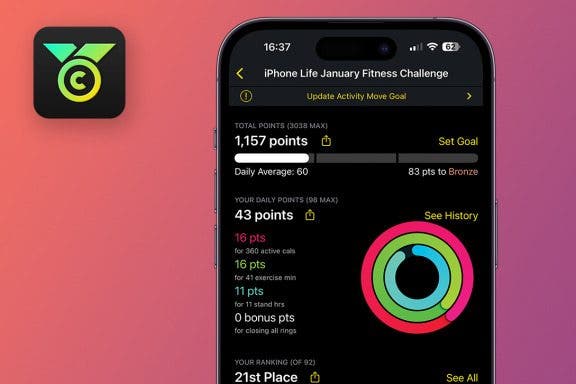
The Challenges app is a free platform for joining fitness challenges. It syncs with your Apple Watch and lets you join challenges, create your own, and invite iPhone and Android users to participate. iPhone Life has a monthly challenge for Apple Watch enthusiasts who subscribe to the bi-weekly On the Watch newsletter.
By Leanne Hays
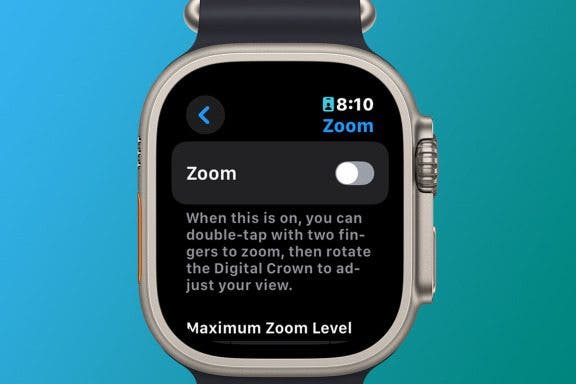
Have you had the issue where your Apple Watch becomes zoomed in and won't zoom out? If your Apple Watch is seemingly zooming in by itself, it's probably because the Zoom accessibility feature became enabled. Thankfully, you can still navigate your Apple Watch while zoomed by using two fingers to scroll instead of one, but this can make it more difficult to use your watch. Here's how to zoom out on Apple Watch.
By Rhett Intriago
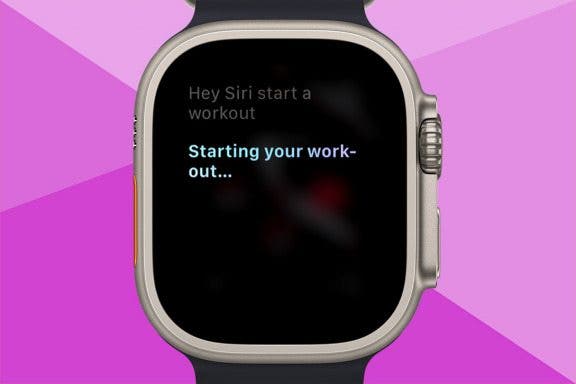
Starting a workout is easy on the Apple Watch. All you need to do is open the Workout app and choose the type of workout you’d like to do. But did you know there’s an even faster way? You can start workouts with just your voice. Here’s how.
By David Averbach
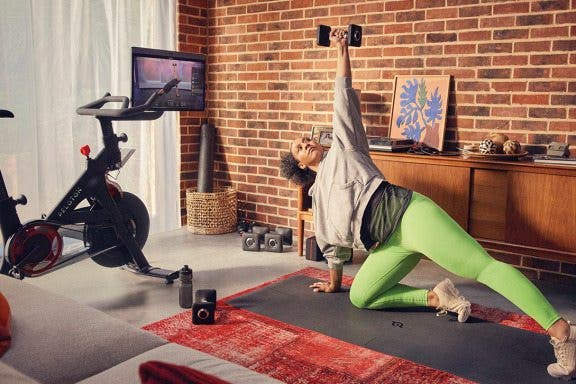
As a new father, staying healthy is more important (and harder) than ever. I no longer have the time or energy to hit the gym every day, so instead, I need to find solutions to stay in shape from home. Thankfully, the smart health gear space has exploded with options to lose weight and get healthy. If you’re looking for solutions for staying active from home, this roundup is for you!
By Leanne Hays
When connecting your iPhone, iPad, or Apple Watch to a Wi-Fi network, you might have noticed that the network is marked with a privacy warning. Apple is helpful in giving us these security alerts, but what does this privacy warning on your iPhone mean? Here's what a privacy warning on Wi-Fi means, and what to do about it.
By Rhett Intriago
The Apple Watch Workout app can do more than you realize. Not only can you use it to simply start a workout of your choice, you can also set custom goals like time, distance, or calories burned. I’ll teach you how to start a workout on Apple Watch and customize it.
By Amy Spitzfaden Both
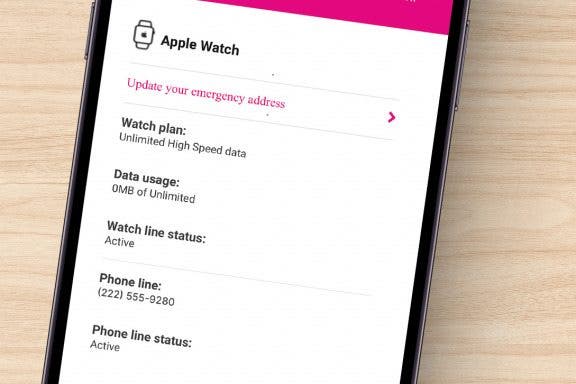
For those newly entering the Apple Watch world, the question of whether to get an Apple Watch with cellular or GPS only can seem like a big one. Luckily, this decision comes down to two basic considerations: whether you'll use the cellular features and if you are willing to pay more for it. We'll cover the ins and outs of each to help you decide between Apple Watch GPS-only and GPS + cellular models.
By Cullen Thomas
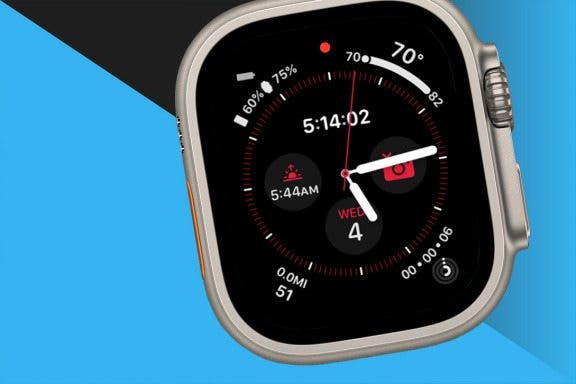
Did you know you can add complications to your Apple Watch face and access your favorite apps with a single tap? If you use an app regularly, a shortcut on your watch screen may come in handy. Here's how to change your Apple Watch complications to include a shortcut to an app on your watch face. We'll use the Workout app as an example.
By Leanne Hays
If you forgot to hit the start button on your Apple Watch workout or you left your watch behind while exercising, don't worry! You can manually add workouts to Apple Watch via the Health app so you don’t lose your streak. We’ll also teach you how to add new workout types to your Apple Watch activities list and how to start workouts and customize them.
By Olena Kagui
Tesla isn't as compatible with Apple products as Apple enthusiasts would like it to be. You can't use CarPlay, and there is no Tesla app on Apple Watch. However, many third-party apps exist that let you control your Tesla from your wrist. Recently, a Bluetooth update finally made it possible to set up your Apple Watch as a Tesla fob using the Watch app for the Tesla app.
By Conner Carey
How do you install apps on the Apple Watch automatically? For the longest time, every new app I downloaded on my iPhone seemed to also appear on my Apple Watch. I found myself constantly deleting apps from my Apple Watch that I knew I would never ever use on the tiny screen. Eventually, I got so frustrated with all the new apps crowding my Watch Face that I went searching through settings for a solution. Here’s how to prevent new apps from automatically downloading to Apple Watch.
By Rhett Intriago
One of the Apple Watch’s most useful features is its ability to record your workouts, allowing you to meet your fitness goals. If you ever need to know how to delete a workout on your Apple Watch, you can do so from the Health app or Fitness app on your iPhone.
By Rachel Needell
If you need to take a break during your workout without stopping it or interfering with any readings, you should pause it! There are several ways to manually pause your workout and we’ll cover exactly how to do it. Once paused, we’ll teach you how to resume the workout again.
By Hallei Halter
The ECG Apple Watch feature can be used to read your heart's rhythm and detect any irregularities that might indicate atrial fibrillation (AFib) while letting you take note of any additional symptoms you want to record. To use the ECG app, your Apple Watch Series 4 with watchOS 5.1.2 or later needs to be paired with iPhone 5s or later with iOS 12.1.1 or later.
By Tamlin Day
Want to know how to listen to audiobooks on an Apple Watch? Currently, you can listen to and download audiobooks via Apple's Audiobook app or the Audible Apple Watch app. Unfortunately for Libby users, there is still no Libby app for Apple Watch. Today, we'll walk you through how to use Apple's native Audiobook app on the Apple Watch!
By Leanne Hays
Well, you accidentally broke your Apple Watch screen. Should you replace the screen on your Apple Watch or purchase a new one? Here are all the factors to consider when deciding whether to replace just your screen, or the whole Apple Watch.
By Olena Kagui
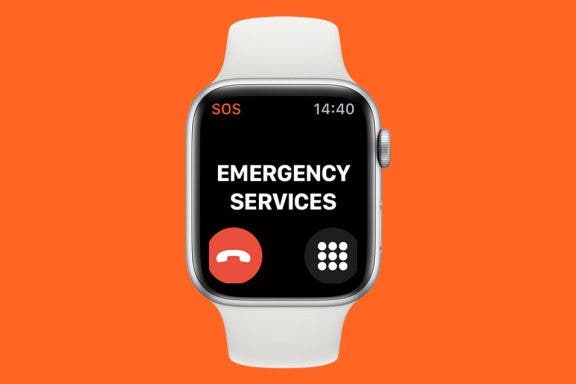
Apple Watch calls are great because you don't need your iPhone, and it leaves your hands free so you can multitask. I will teach you how to make a phone call and accept one, along with other tips to make the most of Apple Watch phone calls. Plus, I'll explain how to turn off phone calls on Apple Watch if you need some peace and quiet.
By Olena Kagui
Are Apple Watches waterproof? No, but most are water-resistant! Apple Watch Series 2 and newer models can be used to track your swimming workouts in chlorinated pools and salty oceans. There's even a Water Lock feature that helps expel water from your watch's speakers. I'll teach you everything you need to know about swimming with your Apple Watch.
NULL