Has your Mail app given you an error message that says, "this message has not been downloaded from the server"? If you're asking yourself, "Why am I not getting emails on my iPhone?" read on. There are multiple reasons you might be getting this error, and we'll show you several different fixes.
Apple Apps
How to Print Text Messages from iPhone
By Tamlin Day
Have you ever needed to know how to print text messages? Sometimes you get an important text that you need to save or document, for legal reasons or to keep a paper trail of important communications, and saving and printing your texts from a Mac is not an option. In this article, we'll cover how to print text messages from iPhone using screenshots, your Mail app, and third-party apps.
How to Watermark Photos on iPhone
By Amy Spitzfaden Both
How to Drop a Pin in Apple Maps
By Devala Rees
Dropping a pin is an easy way to temporarily mark a spot on the map so that you can easily find or retrace your steps to a marked location. This is especially useful when giving people directions to a large area without an address (such as a city park). Let's cover how to pin your location on the iPhone Maps app.
How to Customize a Web Page in Safari Reader Mode
By Conner Carey
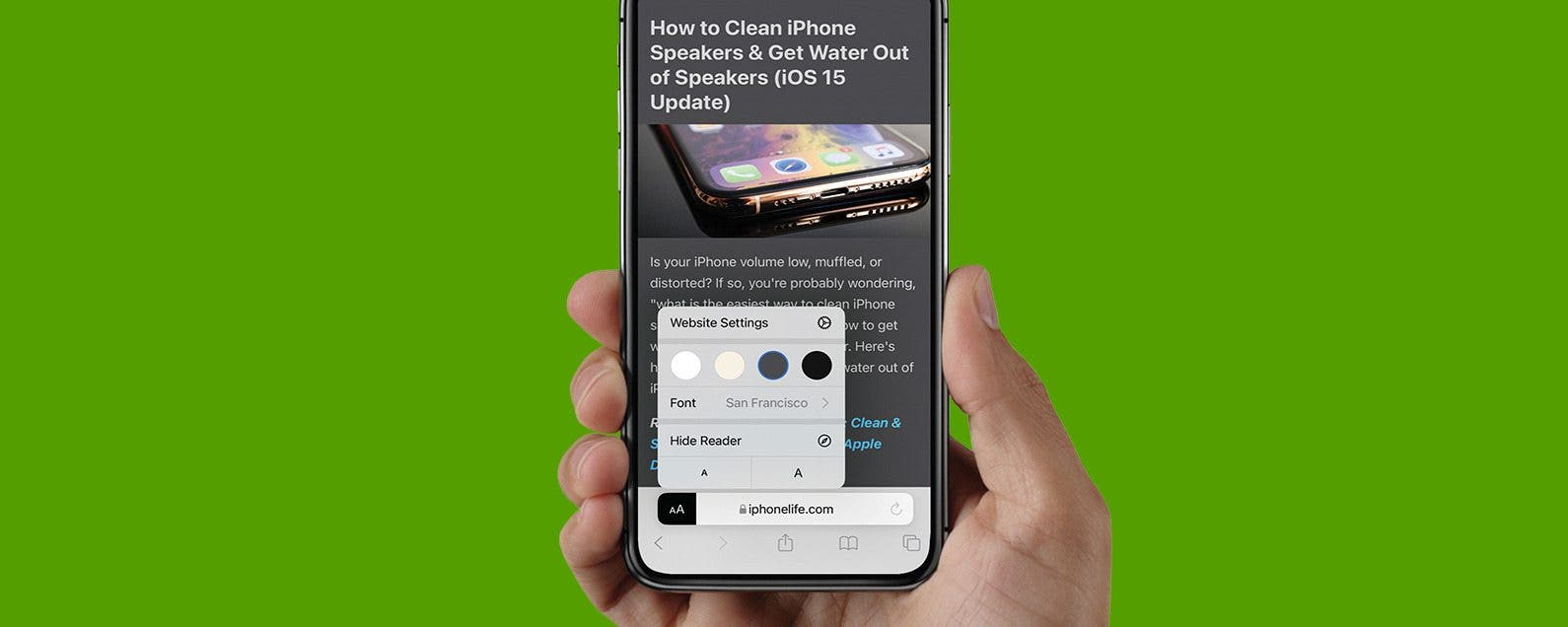
Safari Reader mode removes the clutter of a web page so you can easily read content without interruptions from ads. With Safari settings for Reader mode, you can customize your font, text size, and background color for a fun and easy-to-read browsing experience. Let's learn how!
How to Queue Songs on Apple Music
By Devala Rees
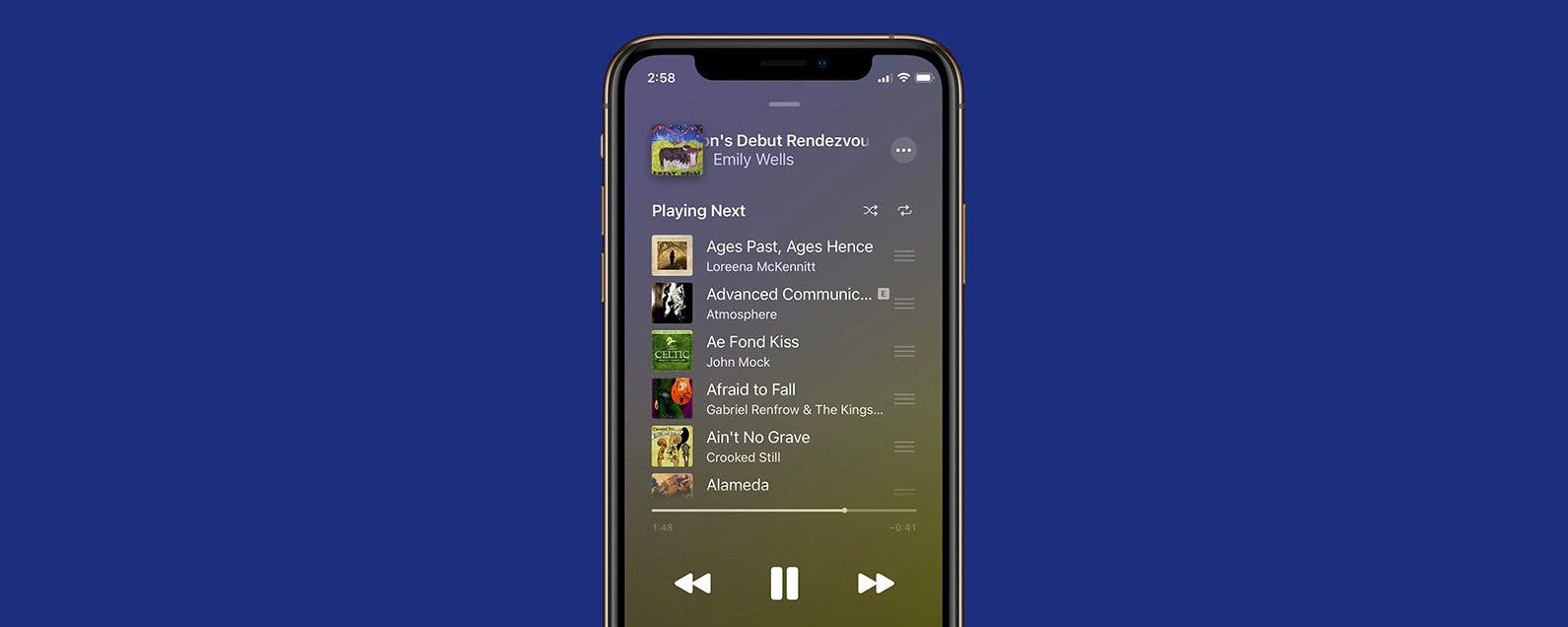
Apple Music features on iPhone allow you to queue up songs so that when the current song finishes, the app automatically moves on to the next song you selected. This lets you easily create custom playlists while you're listening. Let's cover how to queue songs on Apple Music.
How to Add Music to a Video on iPhone (2 Free Ways)
By Ashleigh Page
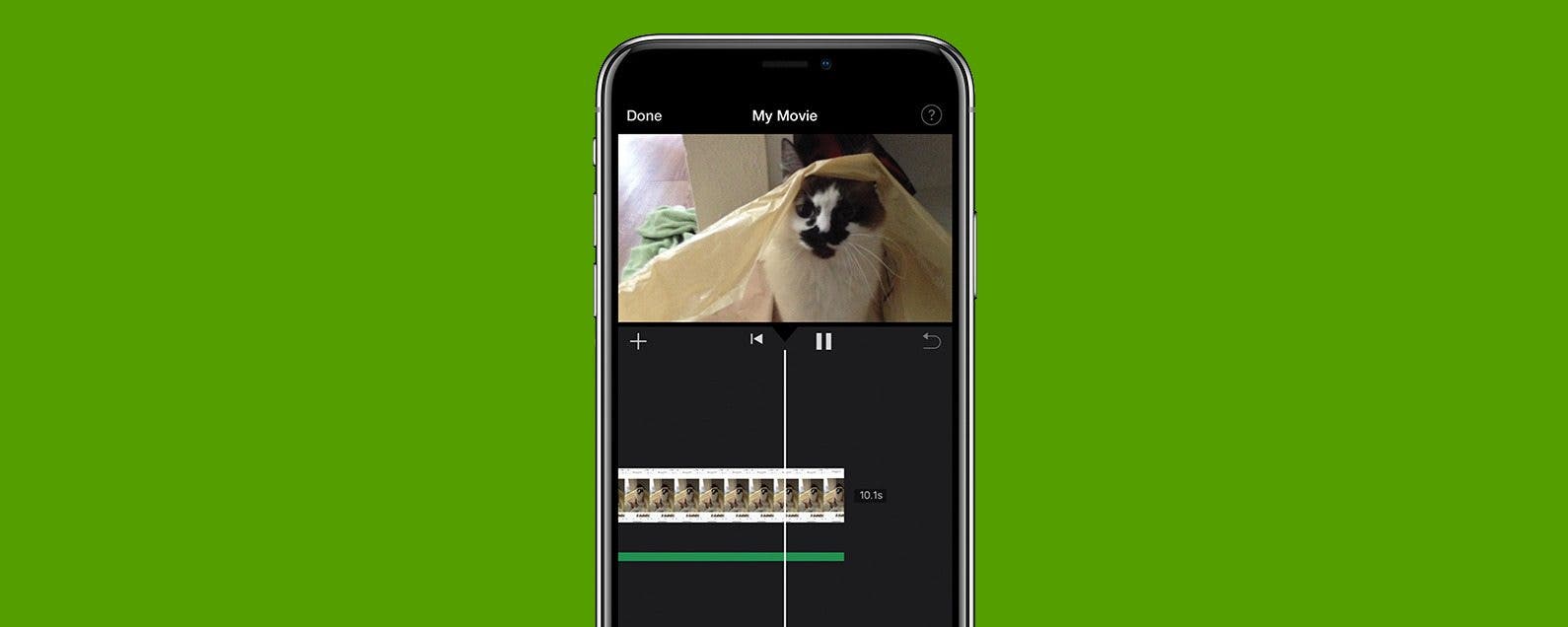
Got an adorable, hilarious, or action-packed video that you're dying to add music to? While you can't add music to videos using your Photos app, the good news is that you can do this with the native Apple iMovie app. Below, we'll show you how to add music to a video for free using iMovie and with the third-party InShot video editing app.
How to Print without Ads from a Safari Webpage
By Erin MacPherson
If you want to save an article or recipe on paper instead of on your iPhone, you'll probably want to print without ads. There's an easy way to do it, but you'll have to use a special setting to make it happen. We'll show you how to print webpages without ads the easy way!
How to Flip a Photo (Mirror Image) in the Photos App in iOS 13
By Cullen Thomas
Sometimes the right side is the left side—you've taken a picture that needs to be flipped, or mirrored, in order to get the best effect. The Photos app on your iPhone and iPad makes this really easy to do! Read on for how to horizontally flip pictures or images in the Photos app on the iPhone.
8 Ways to Manage Tabs in the Safari Web Browser
By Olena Kagui
Safari is the default web browser app on all Apple devices. When you select links in other apps and open them in Safari, new tabs will open. After a while, it can become difficult to navigate and manage your tabs. Learn to close all safari tabs, bookmark tabs, open incognito tabs, and navigate the Safari web browser seamlessly.
How to Snooze or Mark Reminders as Complete from Lock Screen
By Abbey Dufoe
iPhone reminders are an easy way to keep your life on schedule. You can set them via the Reminders app or simply tell Siri when and what you need to be reminded of. However, I don't use the reminders app very often; therefore, it's buried in a folder on my third Home Screen and is annoying to access. But, did you know that you don't have to unlock your phone to mark a reminder as complete? You can even Snooze the reminder from Lock Screen as though it were any other alarm. Once you've set a reminder in the native app, the reminder will be set to go off. Here's how to mark it complete from Lock Screen.
Did you know that the Apple Books app (formerly iBooks) lets you buy e-books, audiobooks, and even radio-plays? When you’re stuck at home, listening to audiobooks and reading ebooks is an enriching way to pass the time, especially as a family. Apple’s Books app doesn’t get much love, but it’s got a great collection of books to buy as well as some freebies! Let’s dive in with how to make purchases in Apple’s Books app.
How to Open Apps Automatically at Login on Mac
By Devala Rees
Mac startup programs are applications that automatically open every time you log in to your Mac. This is a useful feature if you routinely use certain applications each time you use your Mac or a specific Mac login. Here's how to change what apps open on startup.
How to Share Web Articles without Ads on iPhone or iPad
By Sarah Kingsbury
When you turn on Reader View in Safari on an iPhone or iPad, you can enjoy articles without the clutter of ads and menus. Better yet, you can also share and even print this ad-free Reader mode version! Here’s how to use this convenient Safari setting to share web articles without ads.
How to Turn On In-App Purchases
By Emma Chase
It’s possible to turn off in-app purchases, but what about when you need to turn in-app purchases back on to help you pass a particularly challenging level or get more coins to give you an advantage? We'll show you how to turn on in-app purchases for when you need them.
How to Connect Apple Watch to Peloton
By August Garry
Connecting your Apple Watch to your Peloton Bike+ is easy since the Bike+ comes equipped with Apple GymKit already on board. In this article, we'll go over how to connect your Apple Watch to your Peloton Bike+ and what benefits you can expect.
How to Trim a Video on iPhone or iPad Photos App
By Paula Bostrom
Now that we’re regularly using our iPhones to take videos, you may want to trim out unwanted frames to reduce file size. There are also those moments when you record preemptively in order to catch your shot, but afterward, you want to edit out the excess footage. Read on to learn how to cut a video on your iPhone or iPad to shorten it.
How to Fix Upside-Down Photos on iPhone
By Hallei Halter
Occasionally, you will see upside-down pictures in your iPhone Photos app, whether you've just downloaded images from your email or took an awesome action shot at a weird angle. We'll briefly cover the reasons why this happens and then walk through how to fix upside-down photos on your iPhone.
How to Sign a PDF Document in the iPhone Mail App
By Conner Carey
Signing a contract via email used to entail a printer, pen, and scanner. But now you can do the whole thing right on your iPhone in the Mail app. Once you’ve perfected your on-screen signature, you can continue to use the same one and even change what color it is. To do this, we’ll use the Markup feature that was introduced with iOS 9. Here’s how to sign a PDF document in the Mail app.
If you have favorite pages and sites that you visit frequently, it makes sense to add them to Favorites in the Safari browser. This way, you'll be able to go back to them with a few taps of a finger, rather than typing in the URL or searching the web every time you want to reference them. Let's learn how to save Favorites in Safari, as well as how to find your Safari Favorites.