If you’re anything like me, you’ve often wished you could watch your favorite video podcast on your phone and work in other apps at the same time. Lucky for us, iOS 14 has introduced a cool new feature that will let you watch videos through Apple Podcasts while multitasking on your iPhone. It’s called Picture in Picture, and activating it is quick and easy. Let’s go through how to do it.
Related: iPad Multitasking: How to Use Picture in Picture on Your iPad
Use Picture in Picture with Video Podcasts
With this feature, you can enjoy your favorite video podcasts on your iPhone while still chatting with your friends, checking Twitter, or writing emails. To learn about more new iOS updates, as well as other iPhone tricks like how to use another app during a call on your iPhone, sign up for our daily tips newsletter.
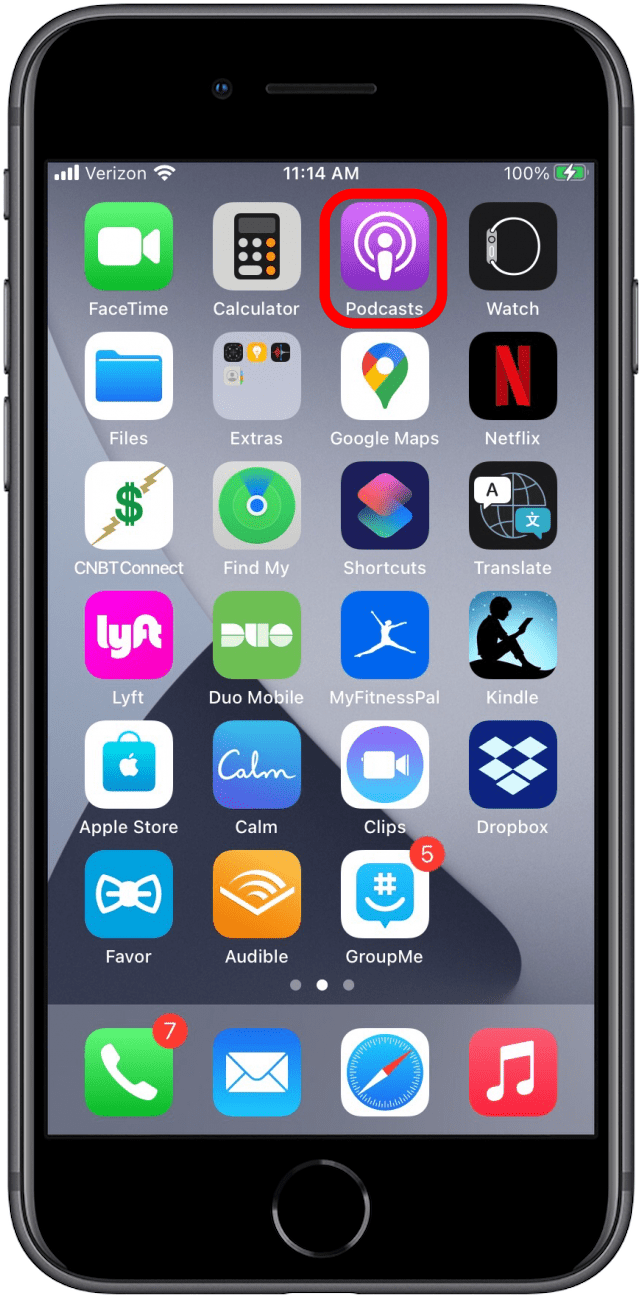
- Open the Podcasts app.
![Open podcasts]()
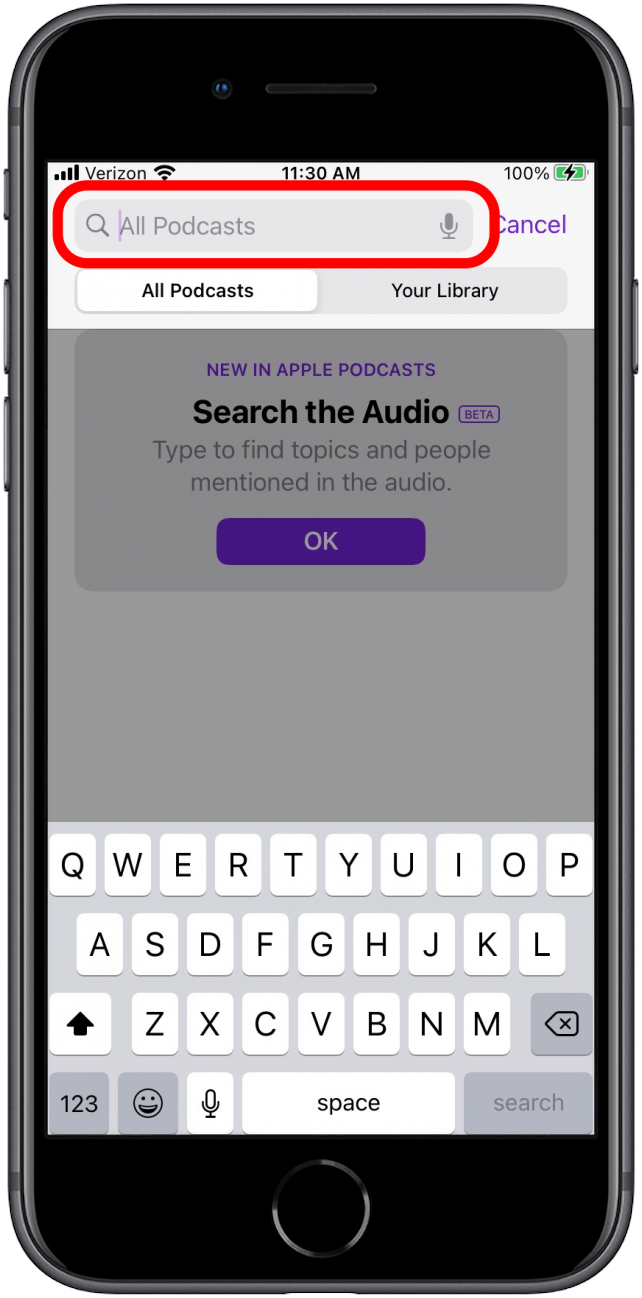
- Search for the video podcast you’d like to watch.
![Search for video podcast]()
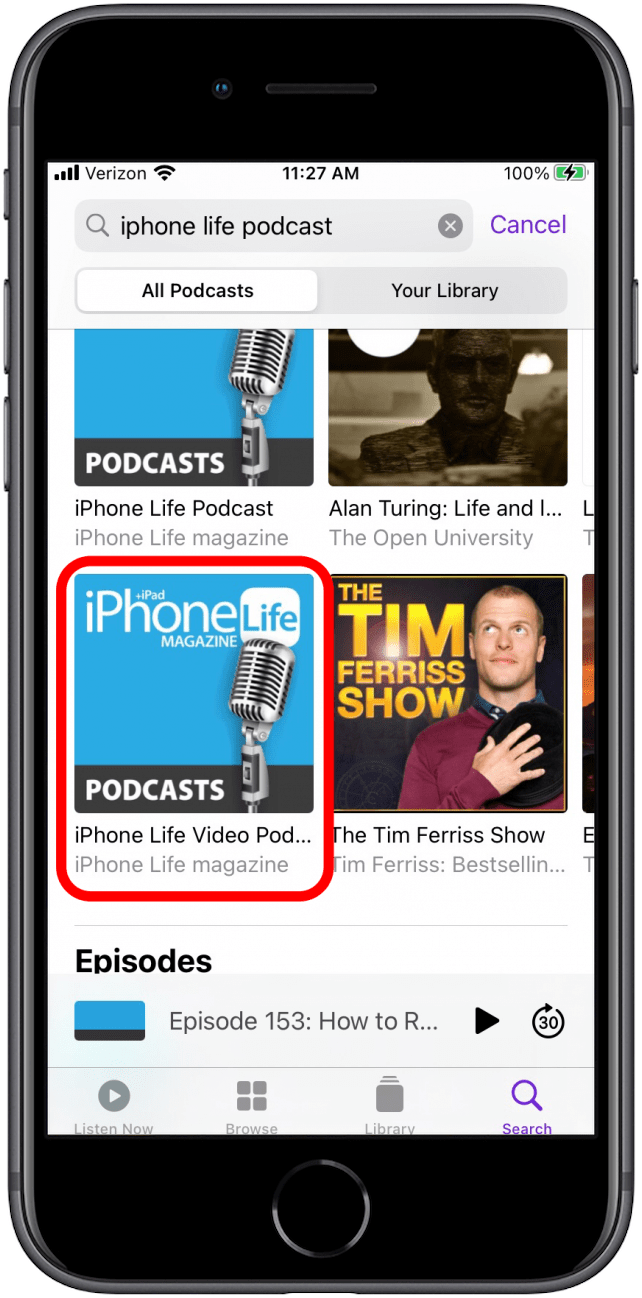
- Select the video podcast.
![Select video podcast]()
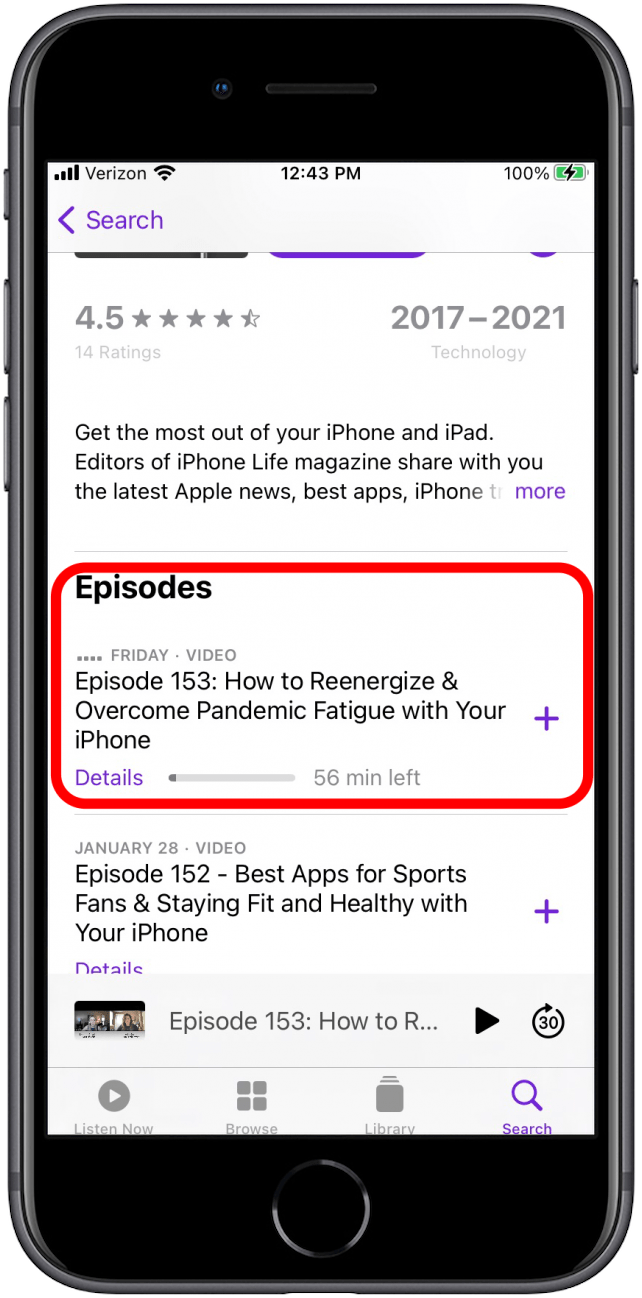
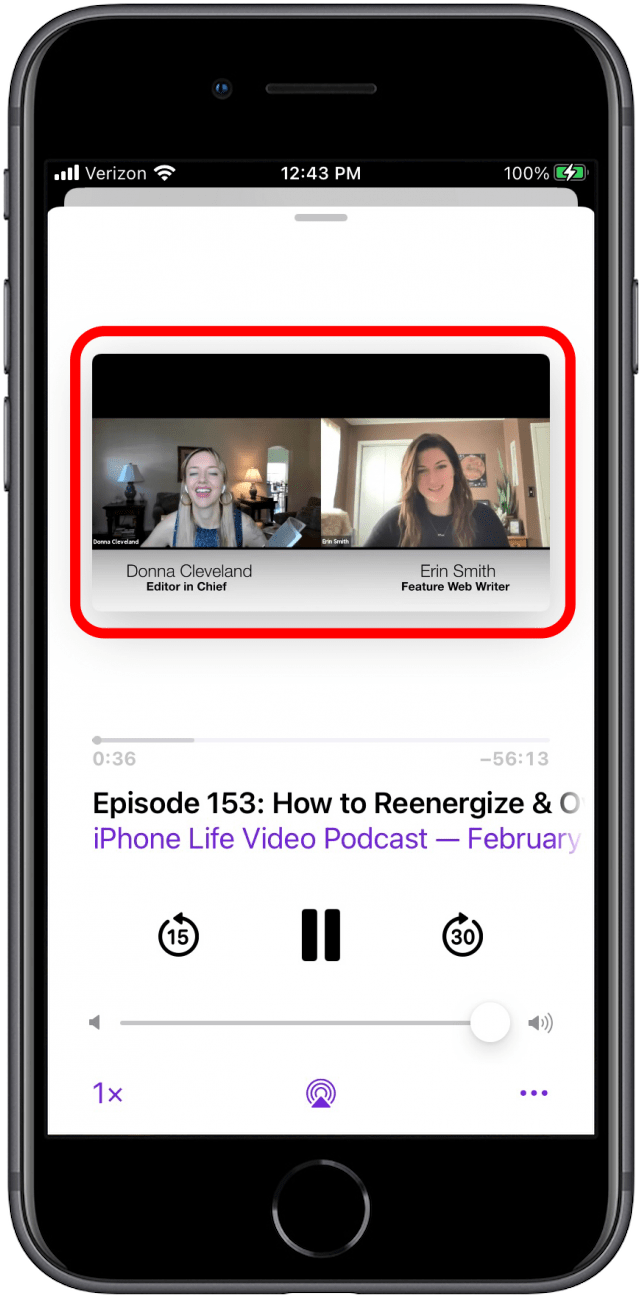
- Double tap the episode to open video.
![Double-click episode]()
- Tap the video to make it full-screen.
![Click video]()
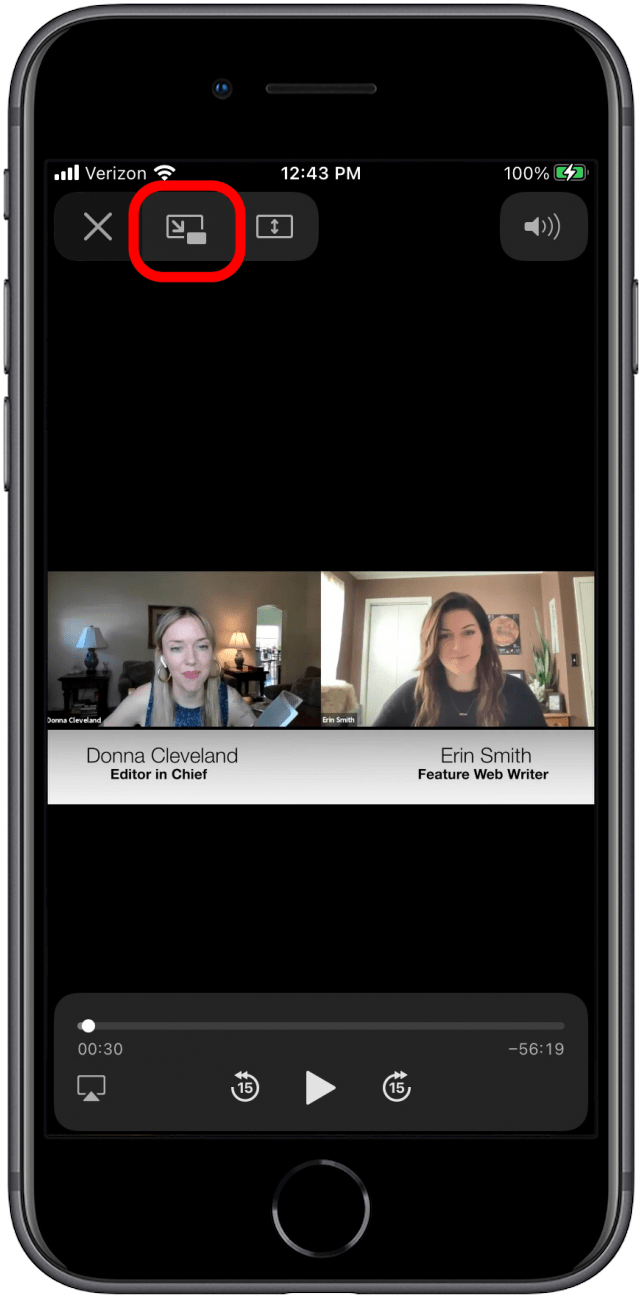
- Find the Picture in Picture video popout button.
![Click picture in picture]()
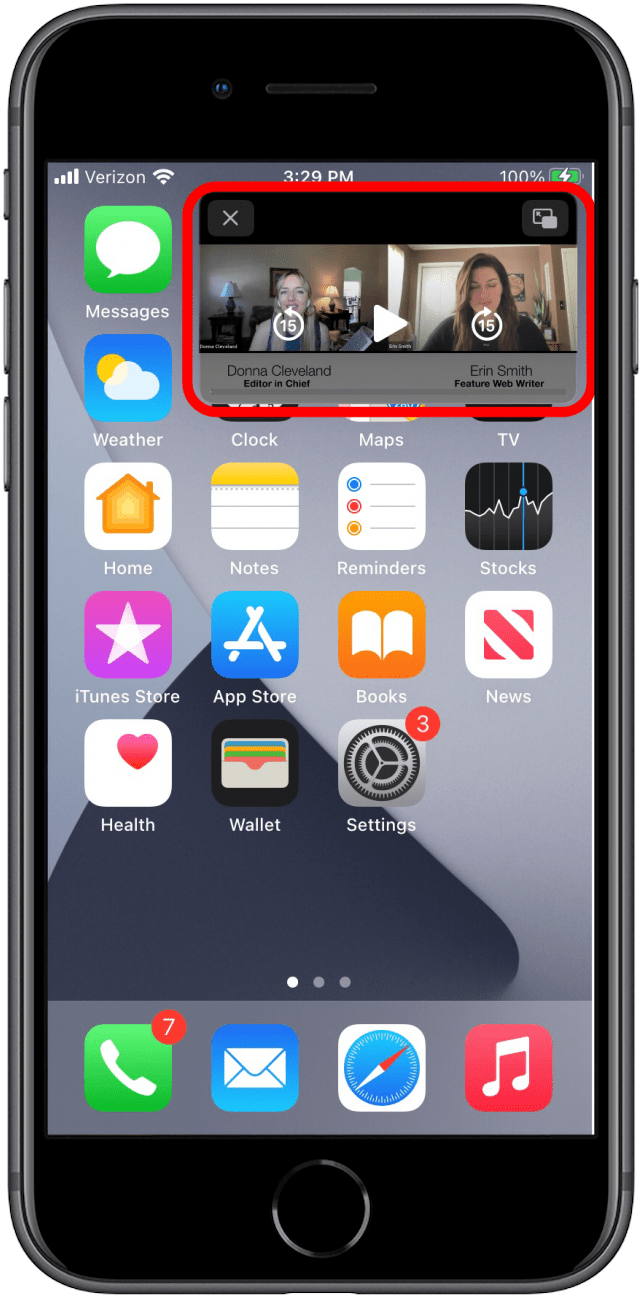
- Continue multitasking in other apps while you enjoy your podcast!
![Multitask with picture in picture]()