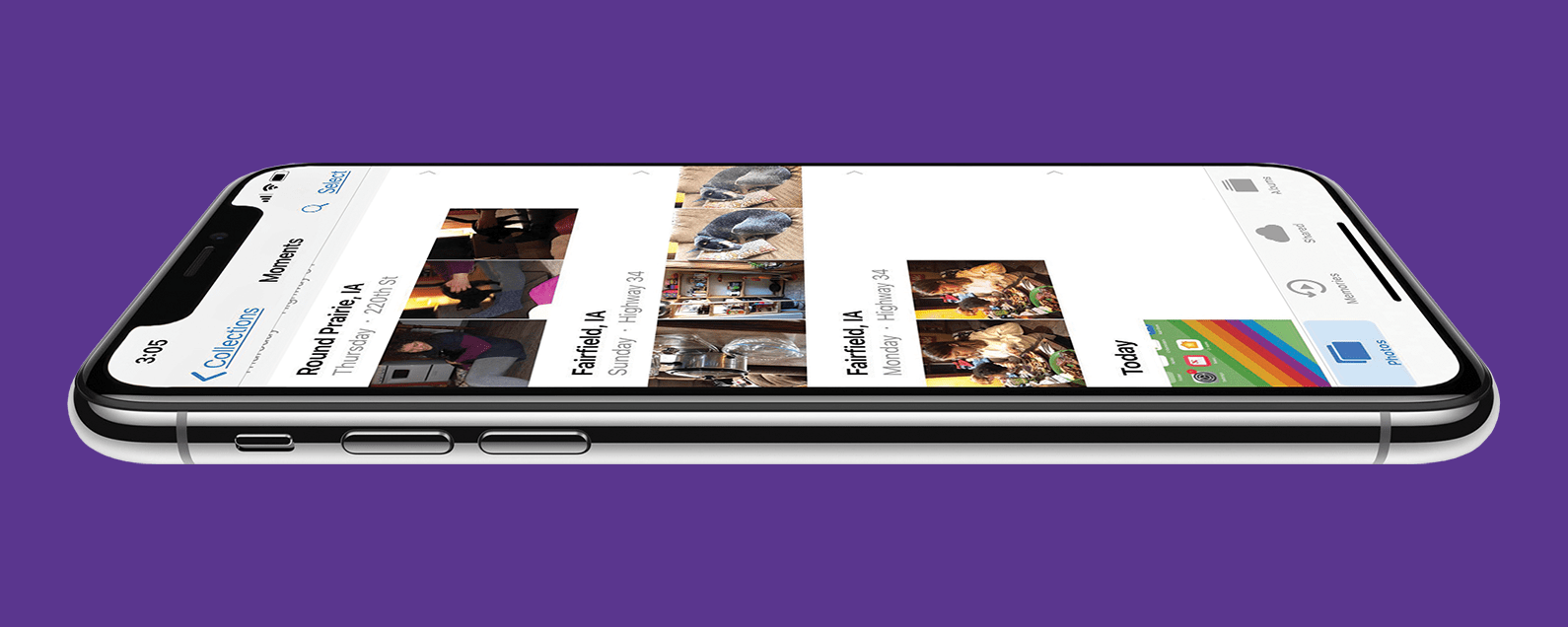
Apple's Photos app can scan every face in every image, identify people, and sort the pictures into their respective People albums. Sometimes though, the Photos app identifies people incorrectly and puts a friend or family member's picture in the wrong People album. Here's how to move a misidentified photo from a People album.
Troubleshooting
iPhone Keeps Disconnecting from Wi-Fi? Fix It Fast!
By Leanne Hays
If your iPad or iPhone keeps disconnecting from Wi-Fi, you'll want to fix it fast, before you use up all your cellular data! Here's what to do if your phone keeps disconnecting from Wi-Fi.
This article will tell you what to do if you forgot your Screen Time password including how to recover your Screen Time passcode and how to turn off your Screen Time password. Forgot the Screen Time passcode (formerly known as the Restrictions passcode) or need a Screen Time passcode reset? Don't panic! Here’s what to do if you forgot your Restrictions passcode on your iPhone or iPad.
What to Do If iPhone Vibration Not Working
By Brian Peters
The vibration motor is a very useful part of the iPhone, allowing it to notify us about calls or other events occurring on our devices when we need to have the iPhone on These features can be important for accessibility as well, for users who may find it difficult or impossible to hear the phone ringing.
Seeing lines on MacBook screens is always a cause for concern, especially when they come in a myriad of bright colors. Learn how to determine if the lines on your monitor were caused by a software or hardware problem, why they happened, and how to fix them. I’ll cover vertical and horizontal lines, MacBook Pro and MacBook Air solutions, and give you tips on how to prevent lines on monitor problems in the future!
How to Remove Apple Watch from Account
By Olena Kagui
Do you have several Apple Watches listed in your FindMy or Watch apps and find it hard to figure out which is your new watch and which you no longer use? I’ll teach you how to remove your Apple Watch from your iCloud account. If you haven’t unpaired or removed the activation lock yet, I’ll teach you how to do that too!
Protect Your iPhone from Hackers with These Essential Tips
By Conner Carey
Can someone hack my iPhone? How do I know if my iPhone is hacked? These are questions our readers ask a lot. The answer is Yes. iPhones can be hacked, even with the ever-increasing layers of security Apple implements to protect our devices. With your safety and sanity being a top priority in this technological world, let's take a look at how you can protect your iPhone from hackers and viruses.
What Happens If I Reset My iPhone or iPad?
By Leanne Hays
You may need to reset certain settings or do a full factory reset on your iPhone or iPad if you're experiencing problems with your Apple device, or if you plan to sell it. But what happens when you reset your iPhone? Let's get into it!
What's blacklisting, and what does IMEI is blocked mean on an iPhone? Let's go over what happens if your IMEI is blocked, how to get unblocked, and how to make sure you don't buy a blacklisted iPhone.
Double-Click Side Button Not Working? Check This Setting
By Paula Bostrom
Double-clicking the iPhone side button is something everyone does, whether it's to pull up Apple Pay or confirm that you want to install an app. However, if you have shaky hands or a physical impairment that prevents you from clicking the side button fast enough, you might have trouble using these features. Luckily, if double-clicking the side button is not working for you, your iPhone has an accessibility setting to slow down the click speed.
Learning how to reset AirPods Pro (and AirPods) can be useful when troubleshooting device issues. It is also a necessary step to take when you want to give away or sell AirPods Pro that you no longer need. Knowing how to factory reset AirPods Pro will also allow you to use AirPods that you’ve found if you can’t locate the owner.
Can You Trade in AirPods & AirPods Pro for Credit
By Olena Kagui
You've probably wondered if you can trade in AirPods or AirPods Pro, and the answer is "yes" followed by a really big "but." Sending your AirPods to Apple will ensure proper recycling, which is great for the planet, but it won't get you any trade-in credit. I'll explain why and how to do this, plus I'll give you some unusual money-saving alternative options.
5 Quick Ways to Fix iPhone Bluetooth Not Working
By Amy Spitzfaden Both
Bluetooth is the wireless technology behind cable-free speakers, headphones, keyboards, and other devices that make modern life so mobile. When you experience your Bluetooth not working, basic activities like listening to music or using CarPlay become inconvenient and frustrating. I’ll cover how to reset Bluetooth on iPhones with and without a Home button.
Why Won’t My iPhone Connect to Wi-Fi Automatically?
By Erin MacPherson
If your iPhone 14 won't connect to Wi-Fi or your iPad suddenly stopped automatically connecting to known networks such as your home Wi-Fi, don't worry! This is a common problem for iPhone users and sometimes comes up for other Apple devices as well. This problem doesn’t necessarily mean the internet is not working on your iPhone. It’s more likely that a setting on your device is the culprit, but it’s easy to fix. Let’s learn how to change or reset your Wi-Fi settings so that your device will connect automatically to Wi-Fi again.
What does System Data mean in iPhone storage? System Data is one of many categories in your iPhone storage. It contains important system files and any data that doesn't fall neatly into the other categories. Clearing the System Data on your iPhone can be a real space saver when your iPhone storage is full and you need to clear up space for an iOS update or to install a new app. We'll cover what System Data means and how to clear System Data on the iPhone or iPad to free up space.
For every iPhone user, storage capacity is a common concern, but the “storage almost full” error began back in iOS 15. It's unclear why this glitch still occurs even in iOS 16, but if you get this iPhone storage full error message, there are a few things you should do. Please keep in mind that this iPhone error is happening to many users who still have a lot of free data on their phones.
iPhone Slow? Fix It by Learning How to Clear RAM on iPhone
By Conner Carey
If you're asking yourself, "Why is my phone so slow?" it's time to learn how to clear iPhone RAM to reset your iPhone. When you clear iPhone RAM, you free up processing capacity and speed up your iPhone. You can clear RAM on any iPhone model, from older phones like the iPhone 8 to the latest iPhone 13. Here’s how to clear RAM on your iPhone to make it faster.
FaceTime Keeps Hanging Up on iPhone & iPad
By Leanne Hays
If FaceTime keeps hanging up, we have the fix! Here's what to do if FaceTime calls keep dropping on your iPhone or iPad.
How to Remove Words from iPhone Predictive Text: 3 Fixes
By Jim Karpen
Predictive text on the iPhone suggests the three words you're most likely to type next. Unfortunately, sometimes our iPhone keyboard "learns" an incorrect spelling or text replacement. Luckily, you can edit, reset, or delete predictive text options using autocorrect, keyboard shortcuts, or by resetting your iPhone keyboard.
How to Turn Off Vibration on iPhone
By Rachel Needell
Have you been wondering, "Why isn't my phone vibrating when I get a text?" Depending on your preferences or particular situation, you may want to have vibrate on silent turned on, or you may want to learn how to turn off vibration. We'll walk you through what to do if your vibration isn't working below.

