Every Way to Silence an Alarm on Your Apple Watch

A lifelong tech enthusiast, with experiences ranging from jailbreaking his iPhone to building his own gaming PC, Rhett specializes in maintaining privacy in a digital world and iPhone security.
Learn More A lifelong tech enthusiast, with experiences ranging from jailbreaking his iPhone to building his own gaming PC, Rhett specializes in maintaining privacy in a digital world and iPhone security.
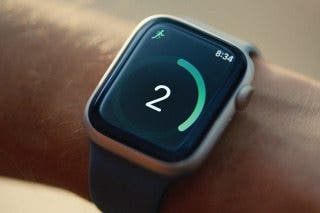
Learn MoreThe Apple Watch has multiple ways to silence alarms when they go off. From swipes to gestures to button presses, the freedom to choose is yours. Find out all the different ways to dismiss the alarm on your Apple Watch.
Why You’ll Love This Tip
- Snooze or dismiss alarms using easy button presses.
- Learn how to use gestures to silence alarms on your Apple Watch.
How to Turn Off Alarm on Apple Watch
System Requirements
This tip was performed on an Apple Watch Series 9 running watchOS 26. Find out how to update to the latest version of watchOS.
Does the Apple Watch have an alarm? It does, and there are multiple ways to snooze your Apple Watch’s alarm. To continue learning more about your Apple devices, be sure to sign up for our free Tip of the Day newsletter. Now, here’s how to turn off the alarm on your Apple Watch:
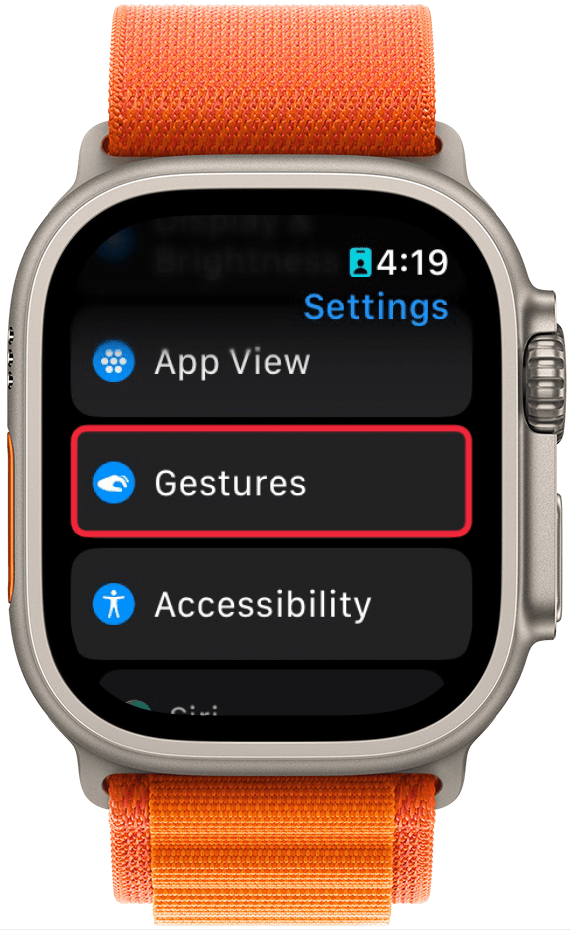
- Before we start, let’s make sure you have gestures enabled. Go into your Apple Watch’s settings and tap Gestures.
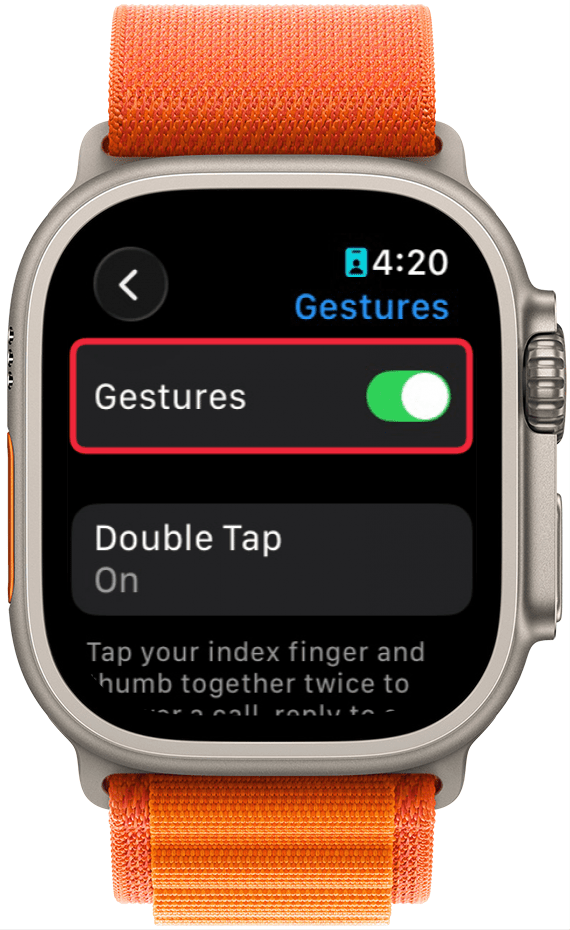
- Make sure the Gestures toggle is enabled.
- Toggle on Wrist Flick if it’s not already enabled (Wrist Flick is only available on Apple Watch Series 9 and later).
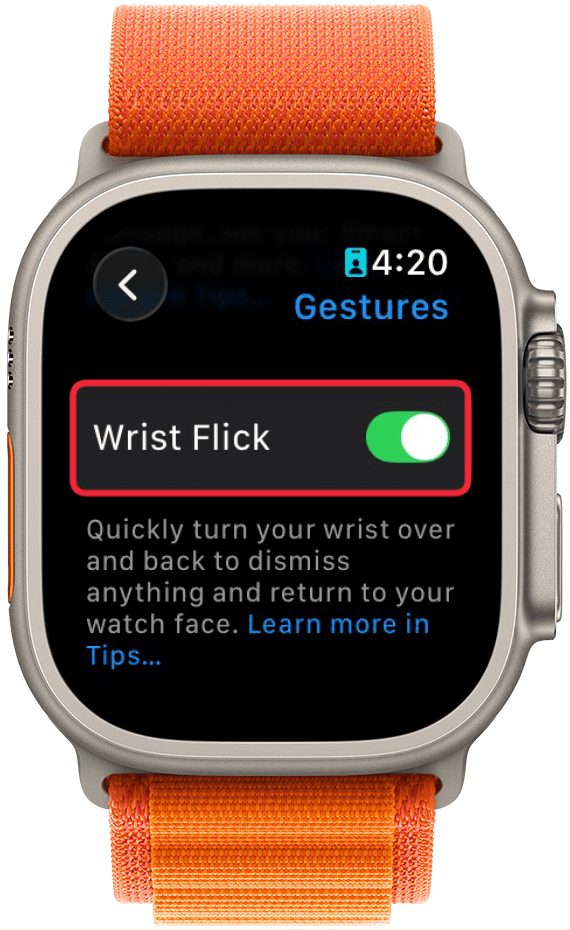
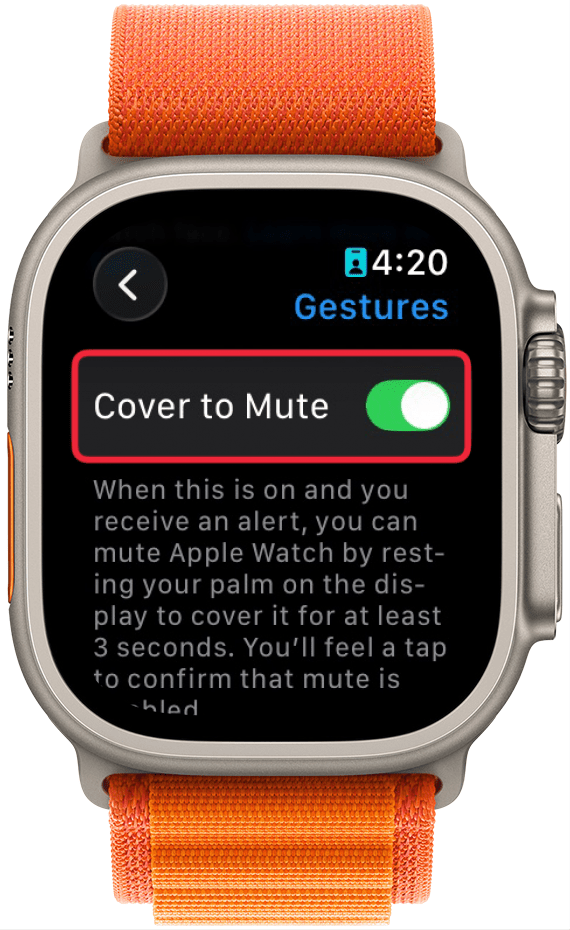
- For the purposes of covering every option to silence alarms, you can turn on Cover to Mute as well. However, I would recommend turning this off after making your way through all the steps in this tip.
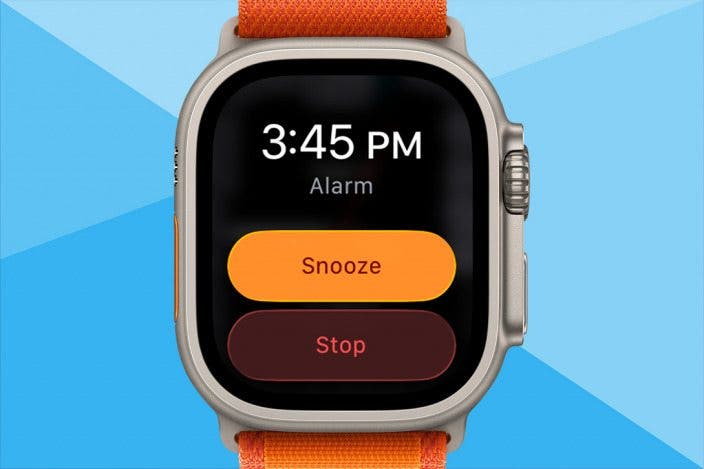
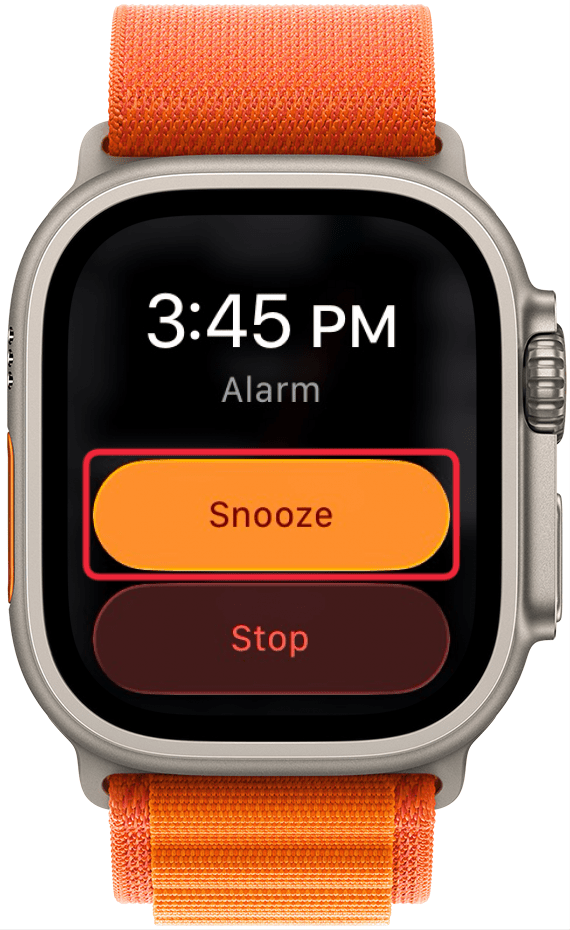
- Now, when an alarm goes off, you have a variety of options. The most obvious one is to tap Snooze to snooze the alarm for 9 minutes.
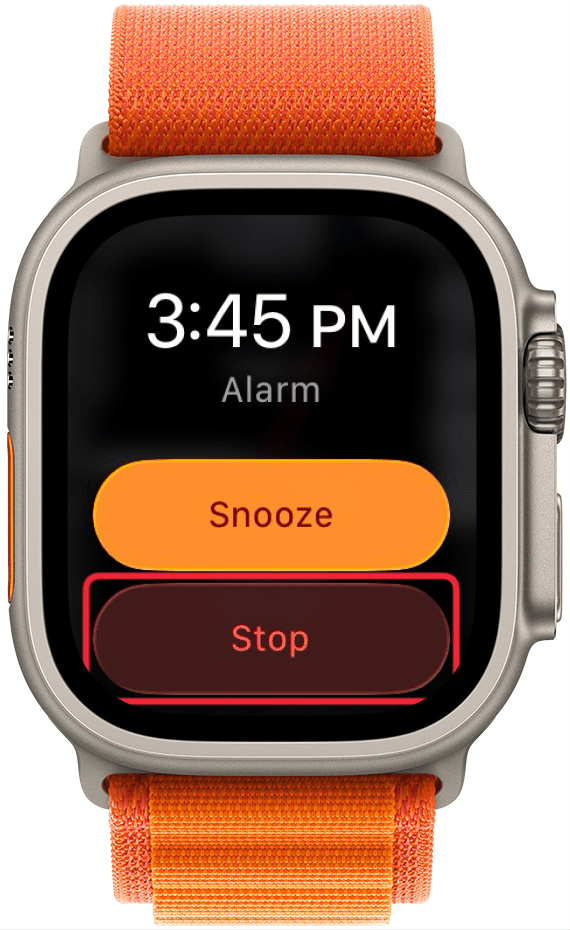
- You can also tap Stop to turn off the alarm.
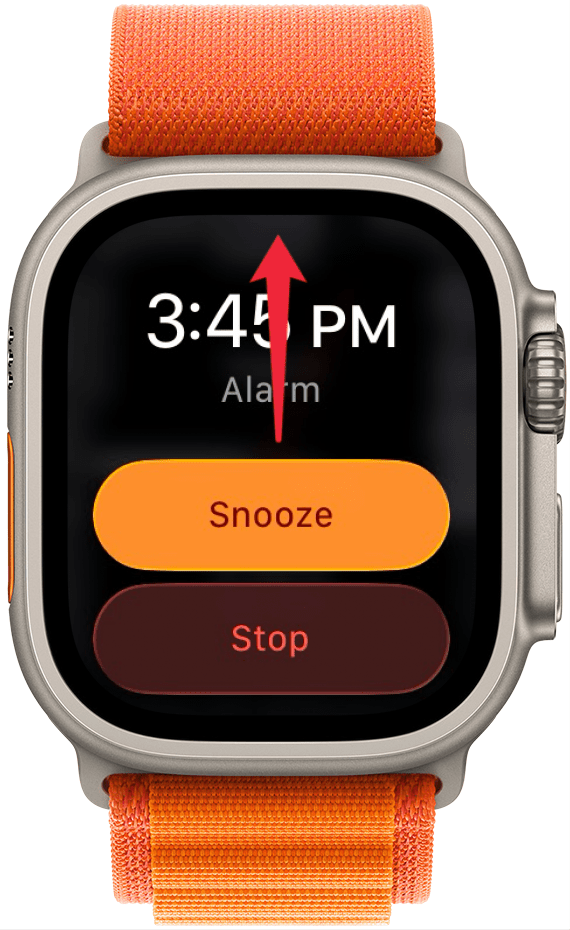
- If you have Wrist Flick enabled, try quickly turning your wrist so that your Apple Watch faces away from you to “flick” the alarm notification away. This will snooze the alarm for 9 minutes.
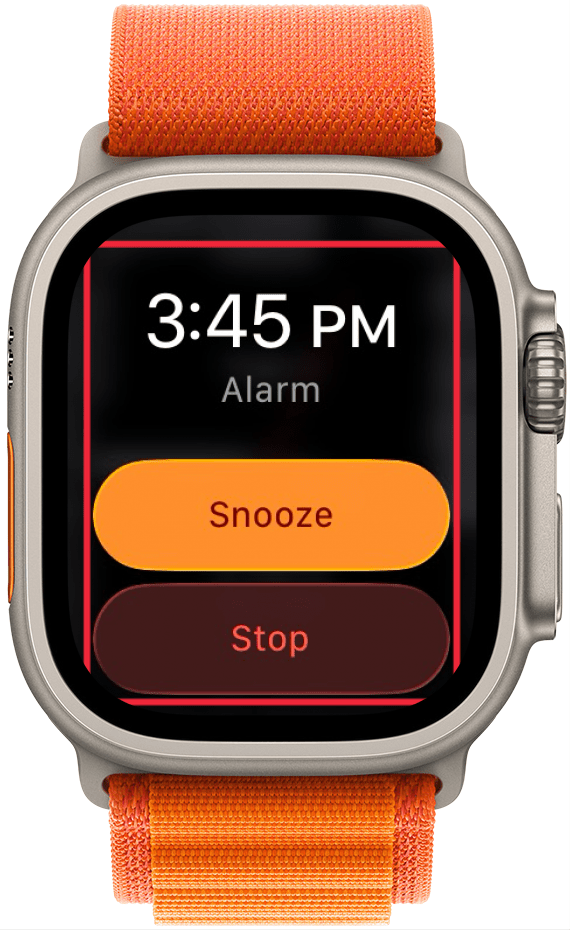
- With Cover to Mute enabled, you can place your palm over the Apple Watch display for 3 seconds to silence your alarm. Note: This will NOT snooze your alarm or stop it. It only stops the vibration and alarm sound. For this reason, I recommend turning off Cover to Mute so you don’t miss any alarms.
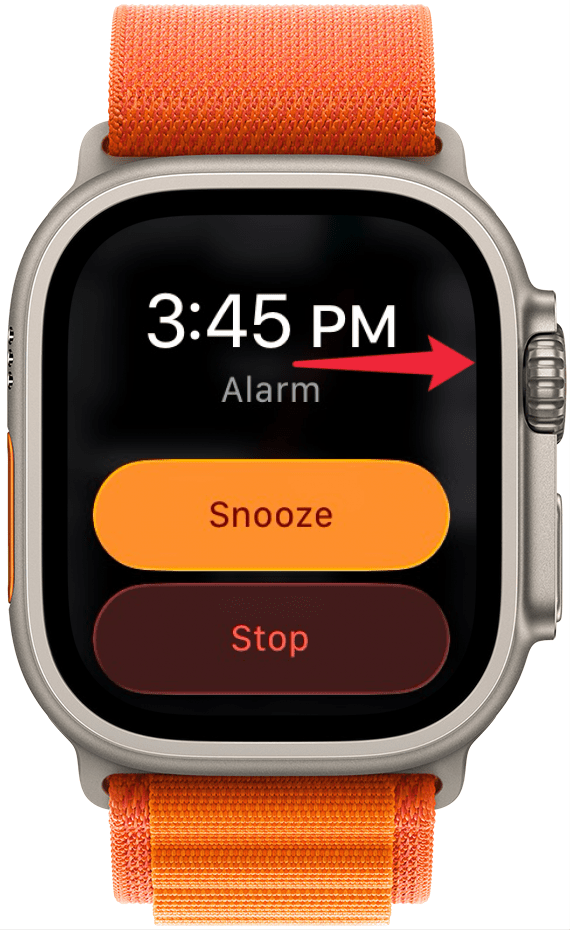
- You can click the Digital Crown to snooze the alarm for 9 minutes.
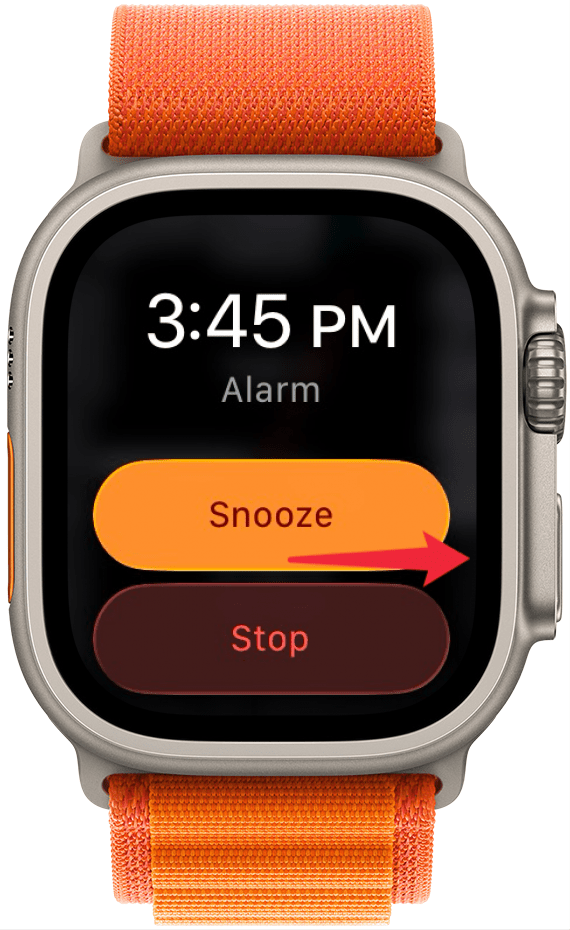
- Lastly, you can press the side button (this is the rectangular button next to the Digital Crown) to turn off the alarm completely. This works the same as tapping Stop.
That’s how to turn off the alarm on your watch. Now, you can silence your Apple Watch any way that you want. Next, find out how to set an alarm for a specific day.
More On: Setting Alarms

Every day, we send useful tips with screenshots and step-by-step instructions to over 600,000 subscribers for free. You'll be surprised what your Apple devices can really do.

Rhett Intriago
Rhett Intriago is a Feature Writer at iPhone Life, offering his expertise in all things iPhone, Apple Watch, and AirPods. He enjoys writing on topics related to maintaining privacy in a digital world, as well as iPhone security. He’s been a tech enthusiast all his life, with experiences ranging from jailbreaking his iPhone to building his own gaming PC.
Despite his disdain for the beach, Rhett is based in Florida. In his free time, he enjoys playing the latest games, spoiling his cats, or discovering new places with his wife, Kyla.
 Leanne Hays
 Susan Misuraca
 Rachel Needell
 Olena Kagui
 Rhett Intriago