Group Text Split into Separate Conversations? Here’s the Fix!

Leanne puts her love of troubleshooting and repair to use managing our Ask an Expert Facebook group and has authored hundreds of how-to, Apple news, and gear review articles.
Learn More Leanne puts her love of troubleshooting and repair to use managing our Ask an Expert Facebook group and has authored hundreds of how-to, Apple news, and gear review articles.
Learn MoreWhat to Know
- If your group text keeps splitting in two, it's most likely due to the group being a mix of iPhone and Android users.
- There are several troubleshooting steps to try if your group chat splits, including checking your Messages Settings, resetting Network Settings, and more.
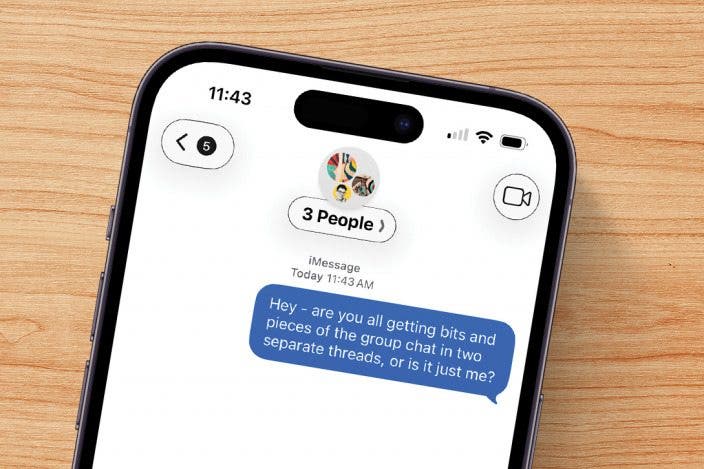
If you've ever had a group chat split into two separate chats, you know how annoying and frustrating this problem can be. Trying to keep tabs on new messages and replies seems nearly impossible. Here's what to do if your group text splits.
Why Did My Group Text Split into Two on My iPhone?
So you've made a group text on your iPhone or iPad, but now the group message is split into multiple chats. But why? There are several reasons why iPhone group messaging problems like this happen. This is a bit different than the issue of group messages sending as individual messages on your iPhone, though some of the fixes are the same.
Here are some reasons why a group chat may split on an iPhone or iPad:
- Mixed Users: A group chat with iPhone and Android users turns messages into MMS, which can cause glitches in your group message.
- iOS Issues: You and other group members may have an iOS bug that's impacting message delivery.
- Network Problems: A poor signal could be causing your group chat to split.
How to Fix Group Text That’s Split in Two
There are a few things you and everybody else in your group chat can do if the chat has split in two. Everyone should:
- Restart their iPhone or Android and update to the latest software version.
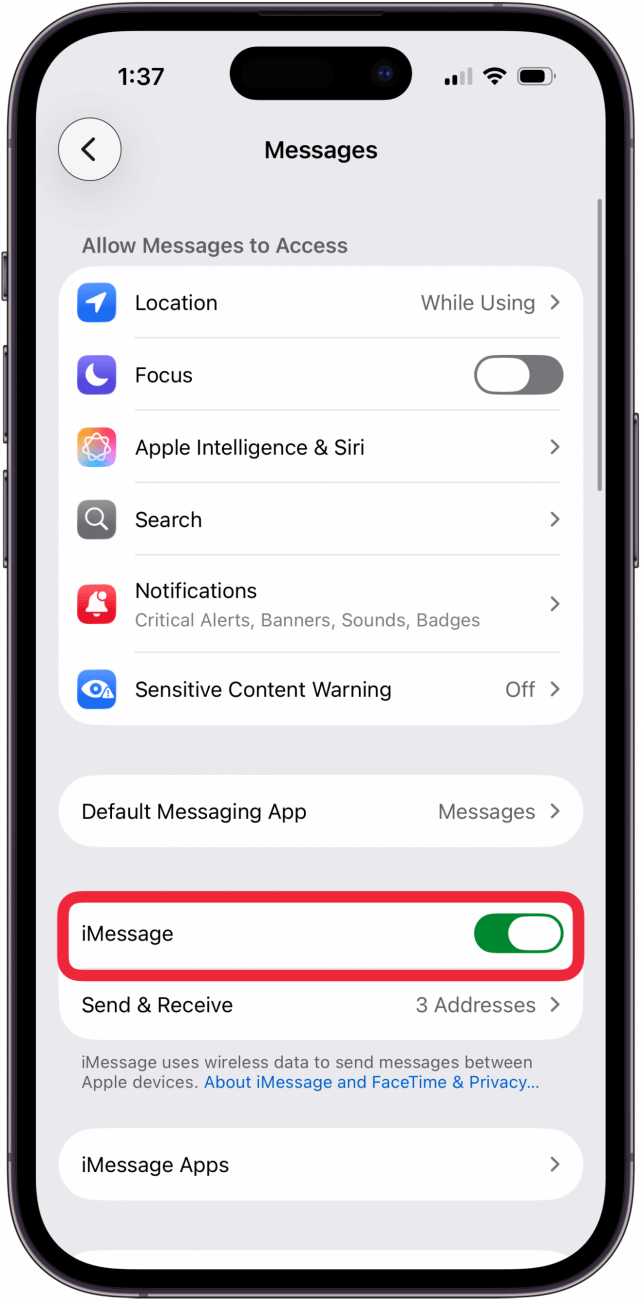
- Make sure iMessage is enabled.
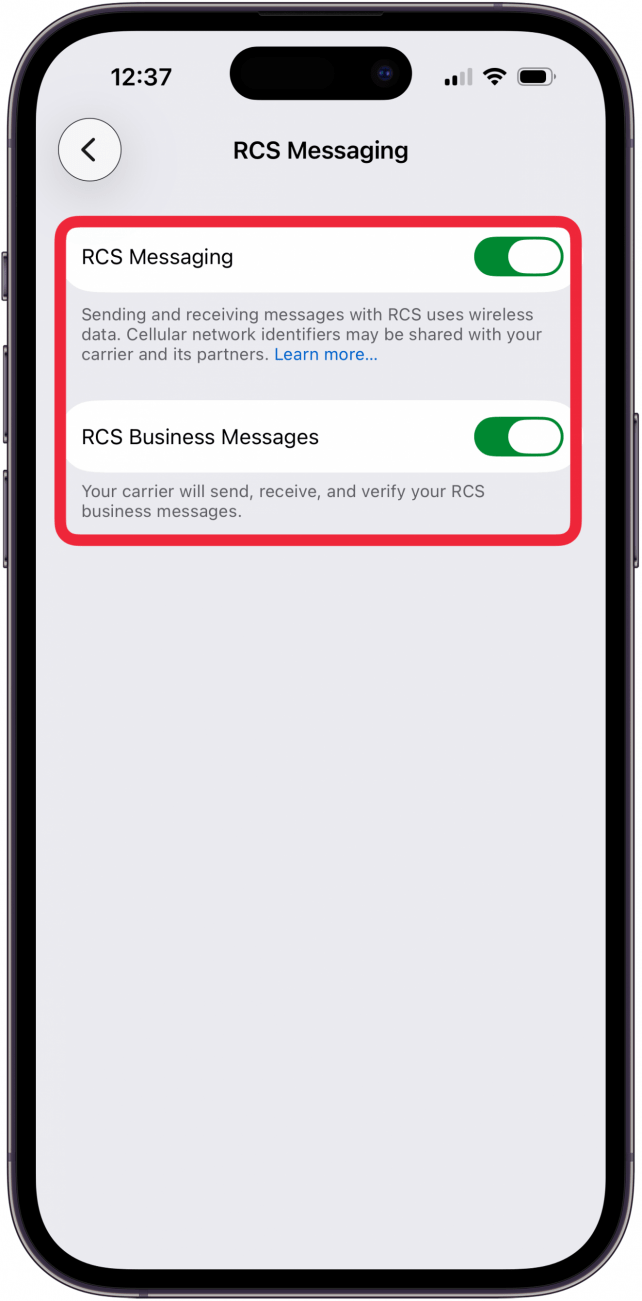
- Make sure Group Messaging is enabled. While you're in this setting, toggle off RCS messaging, wait a few minutes, then toggle it back on again.
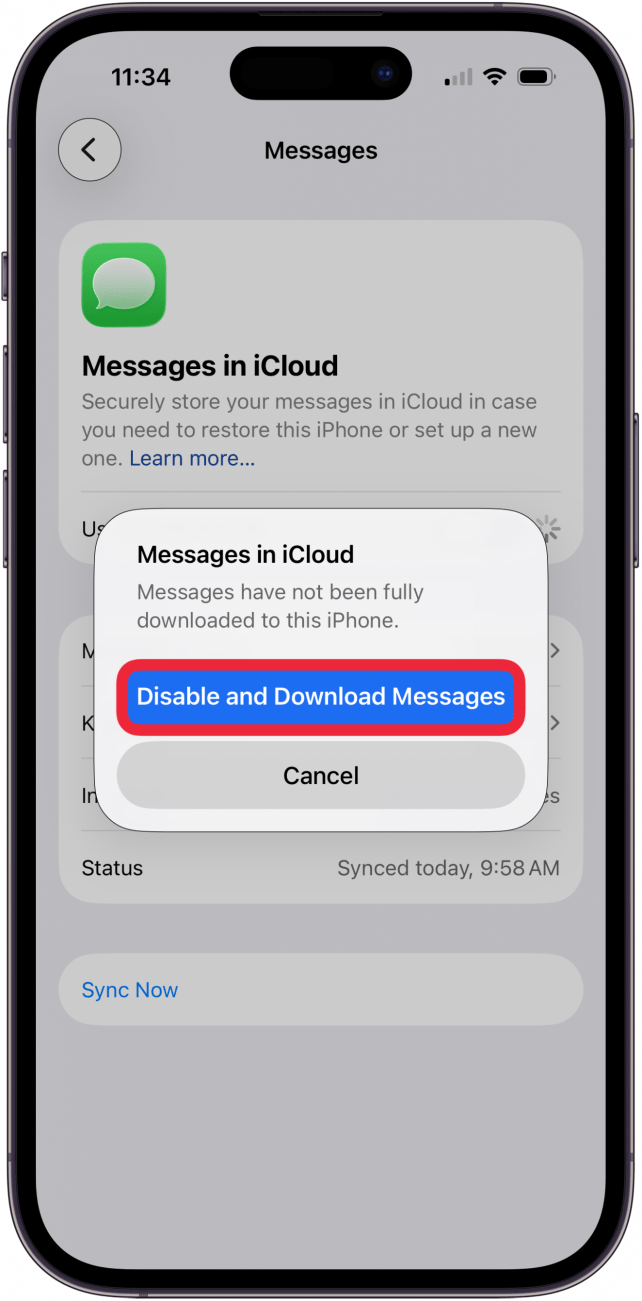
- If this hasn't worked, have everyone sign out of iMessage wait a few minutes, then sign back in.
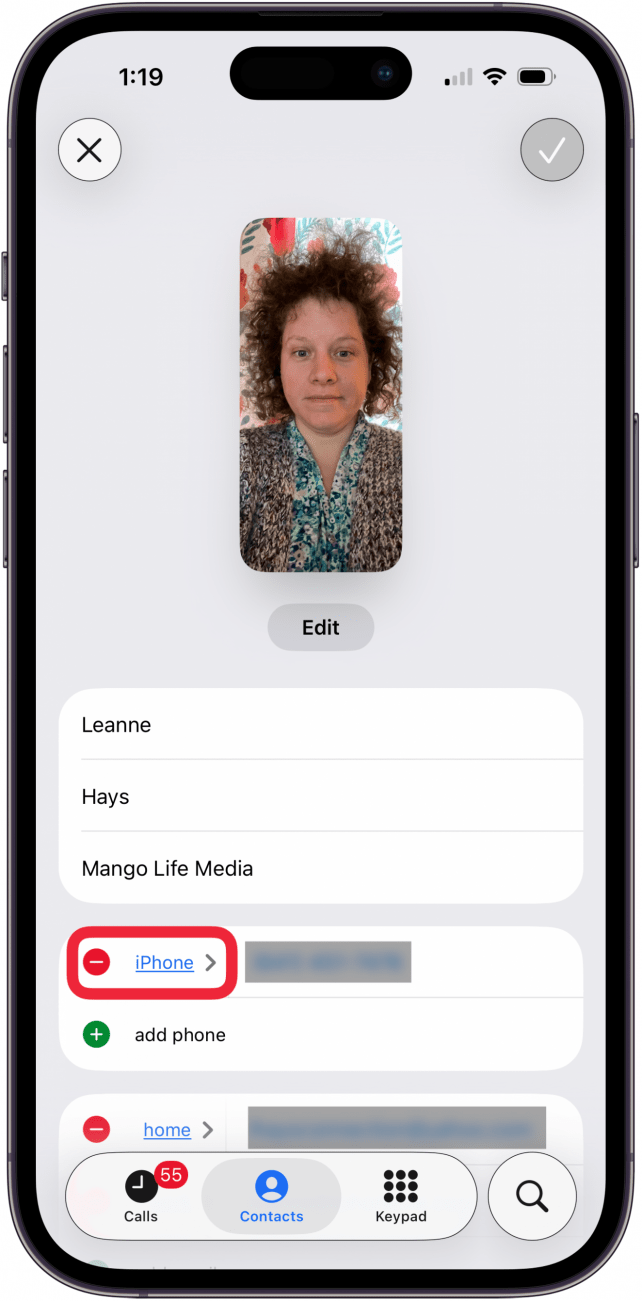
- Have everyone in the group ensure that they've saved each group member's phone number correctly, and that they've labeled the phone correctly (iPhone or mobile).
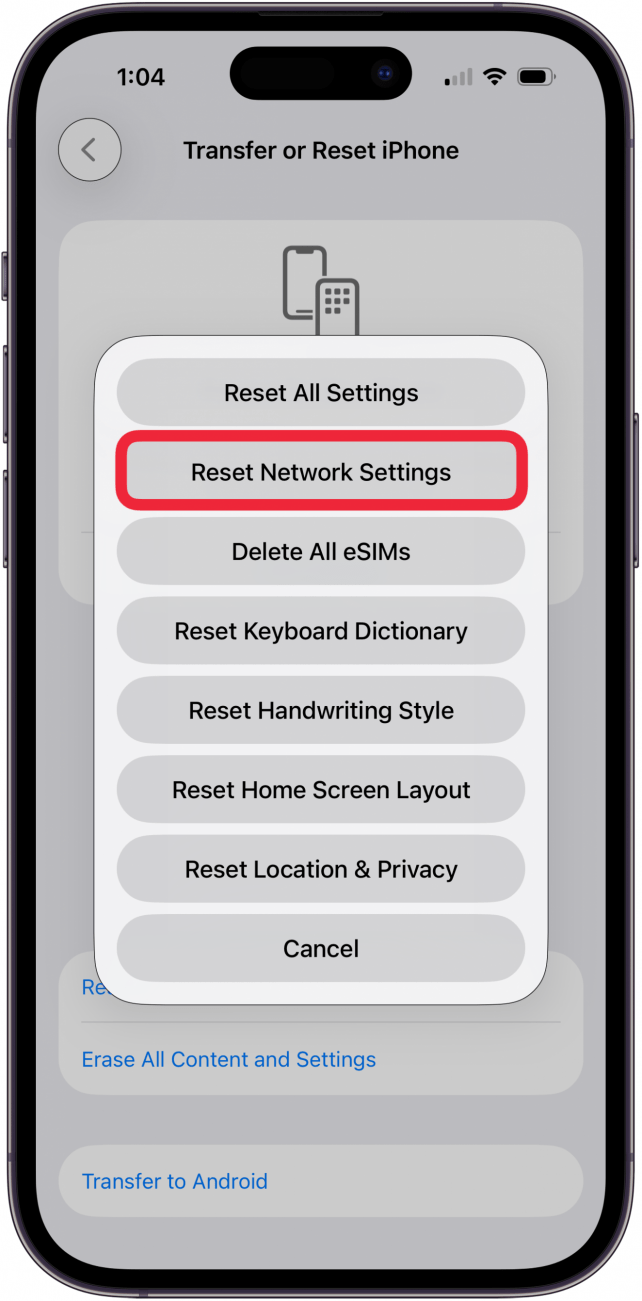
- If none of the previous steps have worked, it's time to Reset Network Settings. Keep in mind you'll have to re-enter your Wi-Fi passwords and re-pair with Bluetooth devices after taking this step.
- As a last resort, everyone in the group will have to delete the old group chat that split, and create a new group chat.
Now you know what to do when your group chat splits in two. If the steps above haven't solved your problem, check in with your cellular carrier and Apple Support for more guidance. Also, be sure to check out our free Tip of the Day for more great troubleshooting guides.
FAQ
- I want to leave a group chat. How do I do that? To leave a group chat on your iPhone, all members need to be iPhone users, and there have to be three or more group members. If this is the case, you can tap the contacts at the top of the page, then tap Leave this Conversation.
- Can I name group texts on my iPhone? Yes, to name a group chat on your iPhone, tap the contact icons at the top, then tap Change Name and Photo.
- How do I create an email contact group on my iPhone? To create an email contact group, you need to open the Contacts app, tap Lists, tap Add List, type a name for your group, and add each contact.
- Why does iMessage keep turning off? If iMessage keeps turning off, there may be a service outage on Apple's end or you may need to change some settings.
Top image credit: wk1003mike / Shutterstock.com

Leanne Hays
Leanne Hays has more than sixteen years of experience writing for online publications. As a SEO Specialist and Feature Writer for iPhone Life, she has authored hundreds of how-to, Apple news, and gear review articles, as well as a comprehensive Photos App guide. Leanne holds degrees in education and science and loves troubleshooting and repair. This combination makes her a perfect fit as manager of our Ask an Expert service, which helps iPhone Life Insiders with Apple hardware and software issues.
In off-work hours, Leanne is a mother of two, homesteader, audiobook fanatic, musician, and learning enthusiast.

 Olena Kagui
 Rachel Needell
 Rhett Intriago

 Leanne Hays



 Amy Spitzfaden Both