By Conner Carey
Updated 05/11/2026
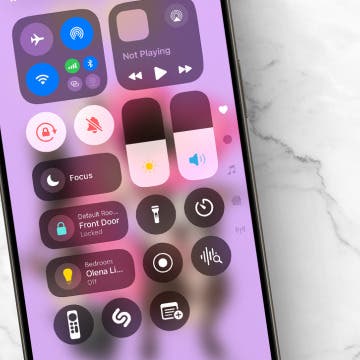
If your flashlight disappeared on your iPhone or you can't find the flashlight icon in the Control Center, don't worry. Your iPhone flashlight is still available, and it's easy to place it back into the Control Center with your other quick-access icons.
How to Get the Flashlight Back in Your Control Center
If you suddenly don't see your flashlight in the Control Center, you might have accidentally deleted or moved it. Luckily, it is really easy to bring it back:
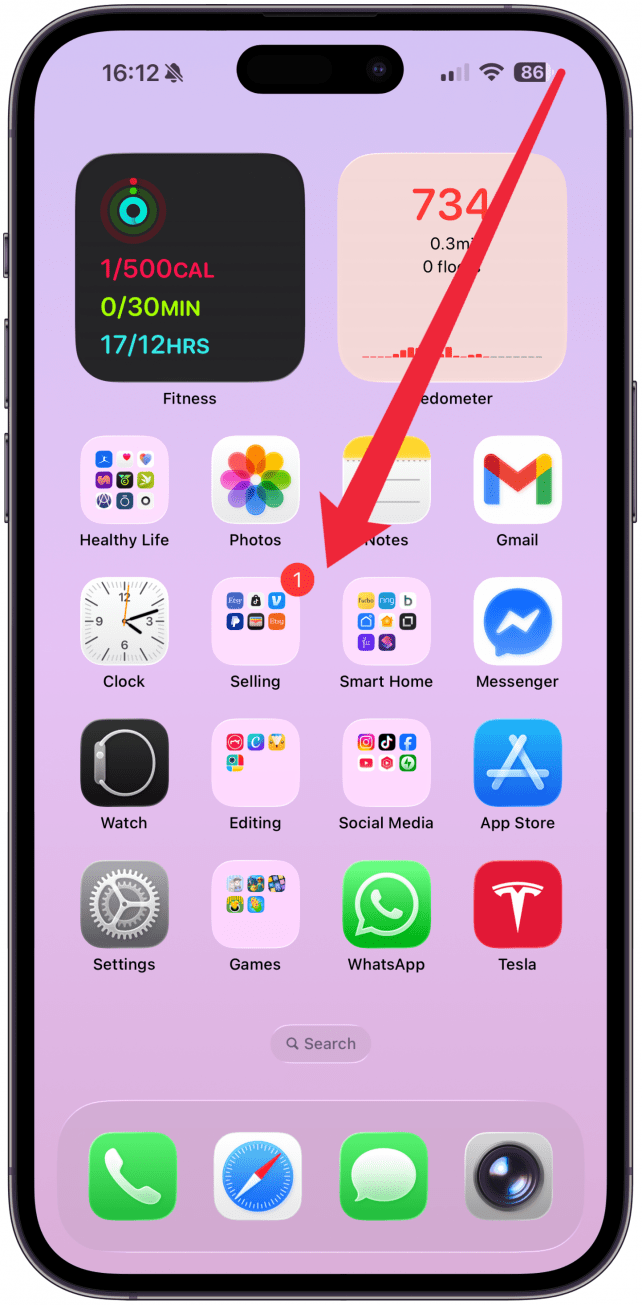
- Open the Control Center on your iPhone by swiping diagonally down from the top right corner.
![Open the Control Center on your iPhone.]()
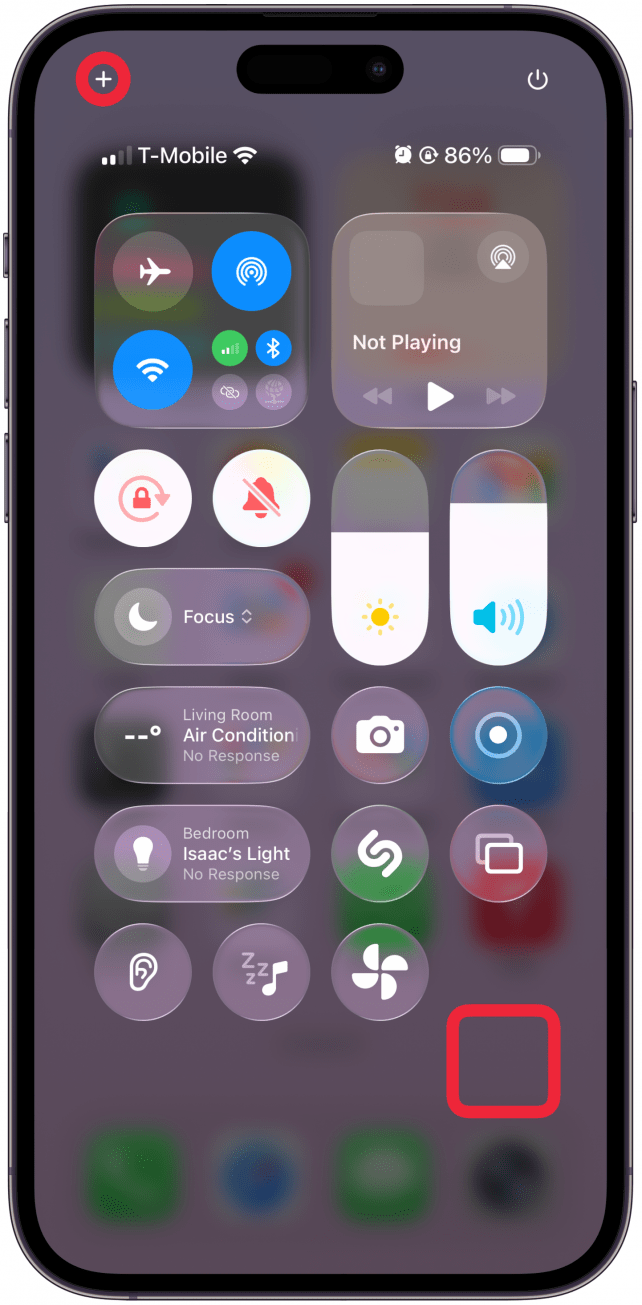
- Touch and hold the Control Center in a blank place or tap the plus icon in the top left corner to enter edit mode.
![Touch and hold the Control Center in a blank place or tap the plus icon in the top right corner to enter edit mode.]()
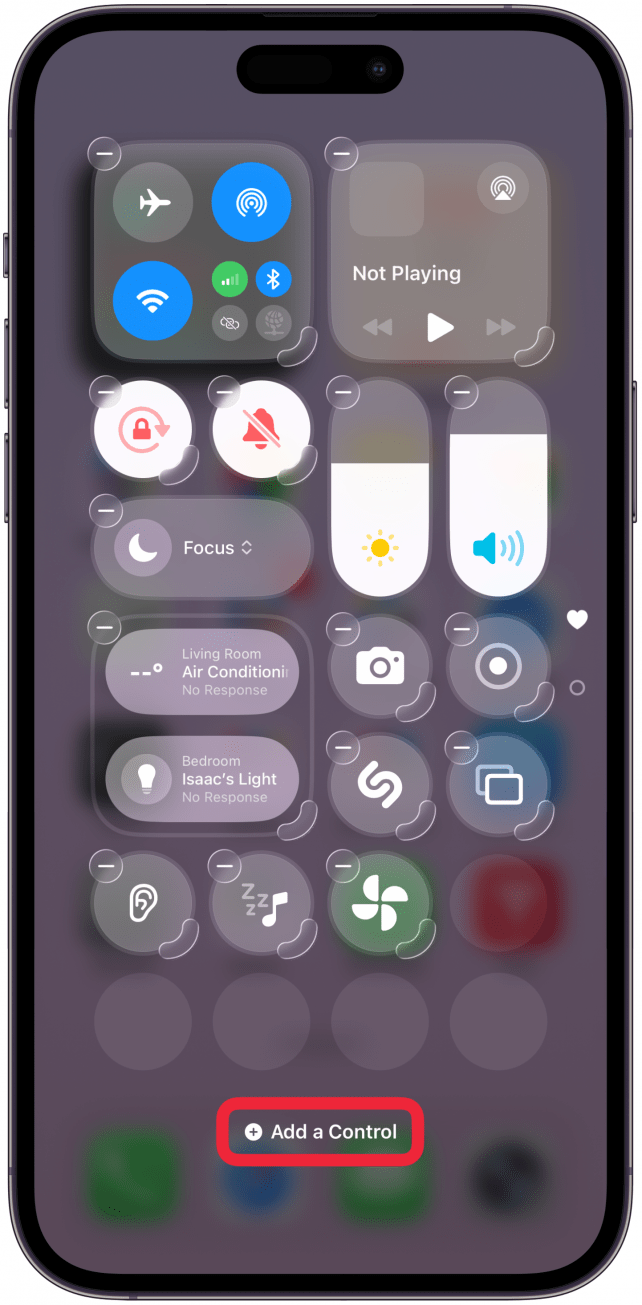
- Tap Add a Control.
![Tap Add a Control.]()
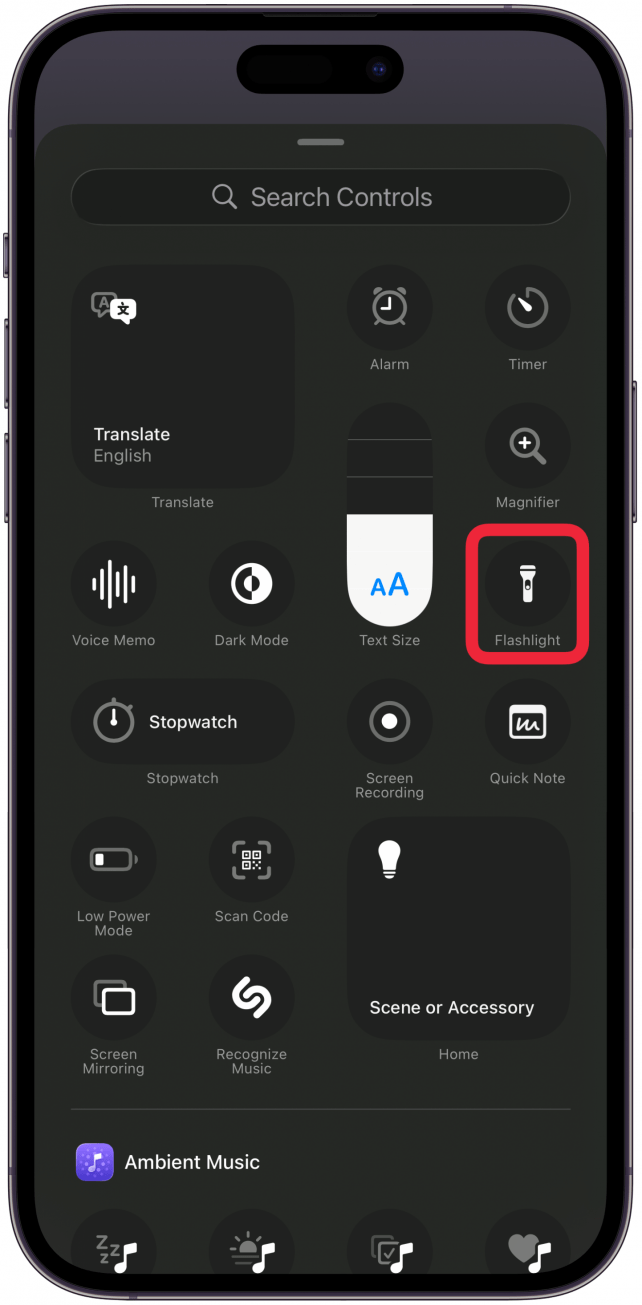
- Tap Flashlight to add it back to the Control Center.
![Tap Flashlight to add it back to the Control Center.]()
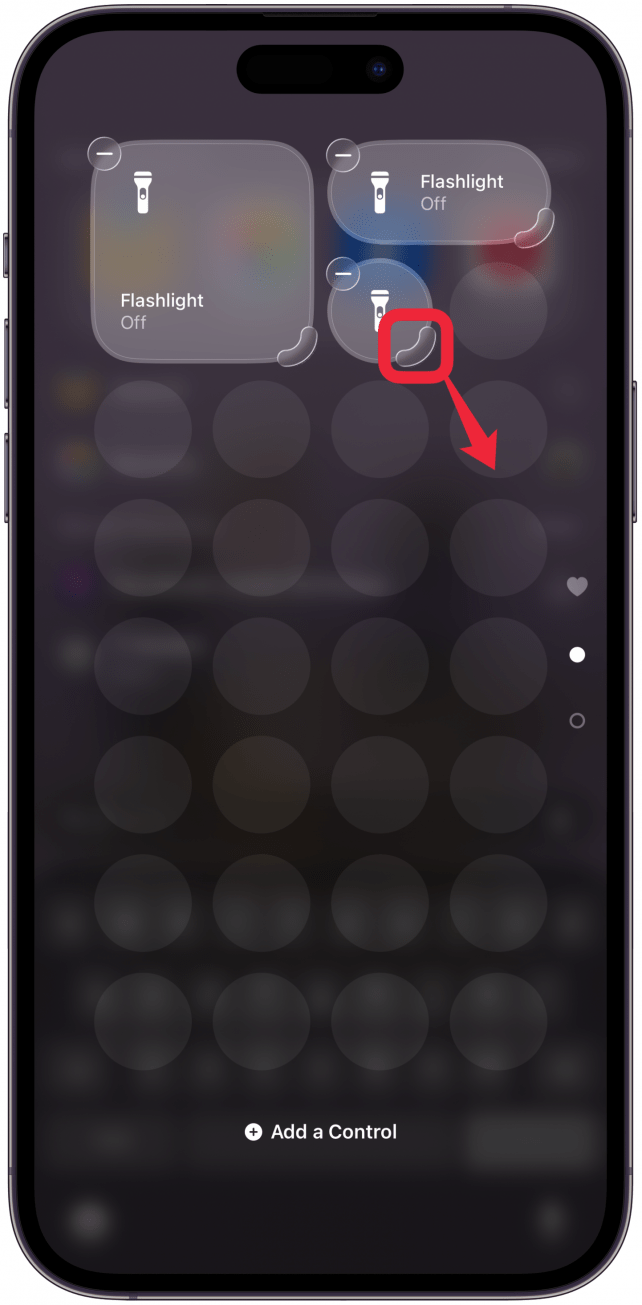
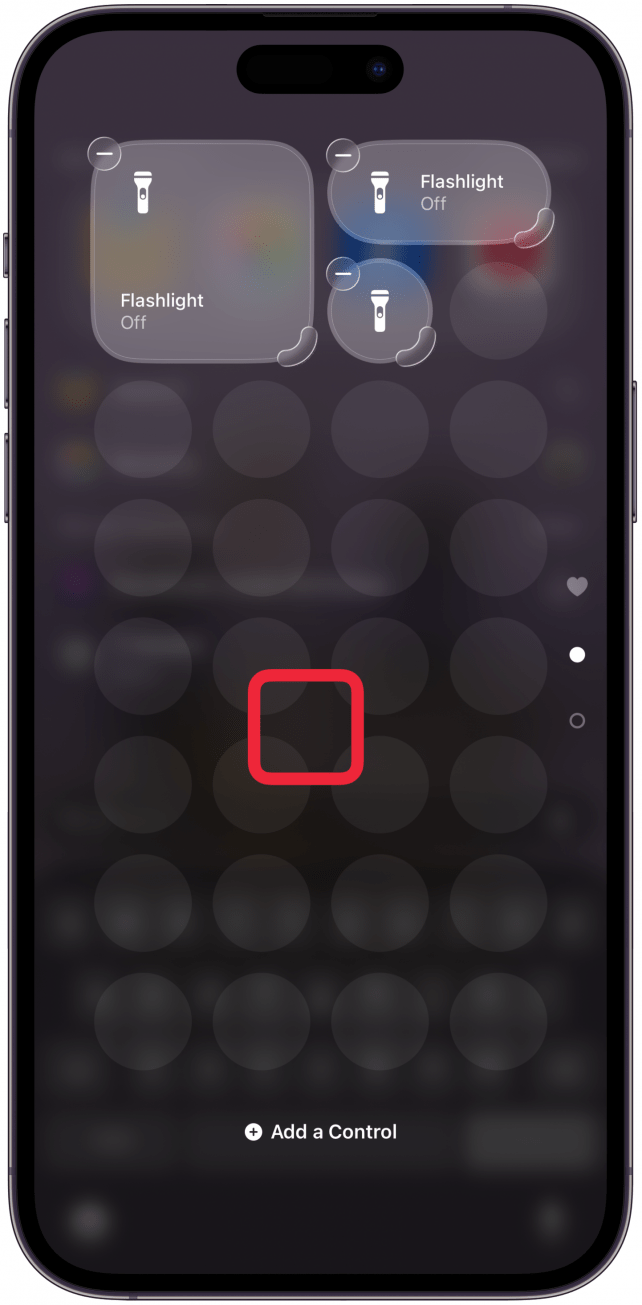
- You can drag the rounded corner on the bottom right to change the shape and size of the Control Center icon.
![You can drag the rounded corner on the bottom right to change the shape and size of the Control Center icon.]()
- Tap a blank place in the Control Center to exit edit mode.
![Tap a blank place in the Control Center to exit edit mode.]()
Another benefit of having the flashlight in the Control Center is that you can now long press the flashlight icon, and an option will appear to adjust the brightness of the light! This quick-access option brings another layer of convenience to one of the most popular iPhone features.

Discover your iPhone's hidden features
Get a daily tip (with screenshots and clear instructions) so you can master your iPhone in just one minute a day.
FAQ
- How do I fix the flashlight on my iPhone if it's not working? If your iPhone flashlight is not working, we have a troubleshooting guide to find and fix all the hardware or software issues that could be causing the issue.
- Is there more than one way to turn off my iPhone flashlight? Yes! There are four ways to turn off your iPhone flashlight, including the Control Center, Siri, and more.
- How do I turn on the flashlight from iPhone Lock Screen? You can turn on the flashlight from the iPhone Lock Screen by touching and holding the Flashlight icon; you can also adjust your flashlight brightness on the Lock Screen.