iPhone Life - Best Apps, Top Tips, Great Gear
How to Use Visual Intelligence to Add an Event to Your Calendar
By Amy Spitzfaden Both

Gone are the days of taking a picture of a poster broadcasting an event you want to attend and hoping you remember to look at your camera roll in time to remember to go. With Visual Intelligence, it's just a matter of point and tap and you'll have the event added right to your Calendar app. Here's how to use this fancy new feature to add an event right from a poster into your Calendar app.
Is Apple Watch Screen Repair Worth It?
By Leanne Hays

Well, you accidentally broke your Apple Watch screen. Should you replace the screen on your Apple Watch or purchase a new one? Here are all the factors to consider when deciding whether to replace just your screen, or the whole Apple Watch.
- ‹ previous
- 111 of 2495
- next ›
Everything We Might See at the October 18 Apple Event
By Amy Spitzfaden Both

Apple announced its second event of the fall with a peppy graphic and the word "Unleashed!" While we didn't get any details beyond the time and place—October 18 at 10 a.m. PDT—there are a few significant releases we've been expecting for this year that we haven't yet seen. Most predominant among these are new MacBook Pros and perhaps a new generation of AirPods. Let's take a look at everything we might see on Monday.
How to Change Featured Photos in iPhone Memories
By Ashleigh Page

Memory Mixes are a fun way to see collections of your old photos in a slideshow accompanied by fun and moody filters and music. We'll show you how to remove images from these automatically curated collections so you only see your favorite iPhone featured photos.
How to Organize Reminders on iPhone with Tags
By August Garry

The iPhone Reminders app is a great tool for making grocery, chore, and to-do lists, but it can feel disorganized at times. Tagging iPhone reminders makes viewing and filtering list items much simpler so you can spend more time being productive and less time trying to find what you're looking for. We'll show you how to tag reminders on iPhone.
How to Turn Apple Watch Workout Progress Alerts On & Off (watchOS 8)
By Ashleigh Page

WatchOS 8 introduced Apple Watch workout app progress alerts. Some find this Siri feature motivating, while others feel the verbal notifications are an unwanted disruption. Whatever your preference, we'll show you how to turn these Siri Apple Watch alerts on and off.

What does Qi mean for wireless chargers? Well, Qi (pronounced "chee") is a certification standard for safe wireless charging maintained by the Wireless Power Consortium. Only products that have passed the WPC's rigorous testing can call themselves Qi-certified. We'll show you how to tell if a charger is Qi-certified in three easy ways.
How to Send a GIF on Apple Watch (watchOS 8)
By Ashleigh Page

When you're on the go, you can quickly send a GIF to respond to a text via your Apple Watch. These animated images strike the perfect balance between efficiency and fun. Here's how to text an Apple Watch GIF.
How to Tell if an iPhone Cord is Safe for Charging
By Emma Chase

It might seem inconsequential, but using a safe iPhone charger cable is important to making sure your iPhone lasts as long as possible and doesn't suffer irreparable damage to the battery or other components. Fortunately, it's easy to distinguish a certified Apple charger cord from a cheap knockoff. We'll show you how to make sure an iPhone cable is safe.
Apple May Finally Debut M1X MacBook Pro at October 18 Event
By Susan Misuraca

Apple has officially announced its next event date for Monday, October 18, at 10 a.m. PDT. Tune in to the 169th episode to hear the latest Mac and AirPods rumors from Donna and Cullen. Other topics include critical security updates you can get by updating to iOS & iPadOS 15.0.2.
Follow Our October 2021 Apple Event Coverage
By Erin MacPherson

Apple will hold a second fall event on October 18, when we hope we'll hear news of the products we didn't see in the September event, such as AirPods 3 and possible AirPods Pro 2, plus a new MacBook and maybe even a Mac mini. Our editorial team will be watching the Apple event live stream, and we'll post our in-depth coverage of the event in our Facebook group as we publish expert reviews and reactions to the things Apple reveals during the event. We'll also record a special podcast episode after the announcement, where we’ll discuss everything just announced. Read on to learn more about how to be a part of our event coverage.
October 2021 Apple Announcement: When & How to Watch
By Erin MacPherson

Apple's second fall event of 2021 will broadcast digitally Monday, October 18,
at 10 a.m. PDT. We may get confirmation of rumored new products we didn't see in the September event, such as AirPods 3 and possible AirPods Pro 2, plus a new MacBook and maybe even a Mac mini. Will this be the year to splurge on the hottest new MacBook? We'll bring you our expert analysis and reactions for everything announced at the event, so check out our Facebook page for event coverage and tune in to our post-event podcast to get the scoop!
How to Delete Bookmarks in Safari on iPhone
By Emma Chase

Overwhelmed by scores of old and unused bookmarks in Safari? You can delete Safari bookmarks easily to free up space and make finding what you need much easier. We’ve laid out how to delete bookmarks on Safari in just a few simple steps. Let's get started!

For every iPhone user, storage capacity is a common concern, but the “storage almost full” error began back in iOS 15. It's unclear why this glitch still occurs even in iOS 16, but if you get this iPhone storage full error message, there are a few things you should do. Please keep in mind that this iPhone error is happening to many users who still have a lot of free data on their phones.
How to Delete Message on iPhone
By Emma Chase

Why would you want to delete messages on iPhone? If you’ve ever gone back through your messages and cringed about a meme you sent or wondered how to keep the details of a surprise party an actual surprise a nosy recipient, you’ll understand. We’ve laid out the step-by-step instructions for how to delete texts on iPhone.

How should you wear your AirPods? How do you keep AirPods Pro from falling out? Whatever model of AirPods you have, you may have had problems with your AirPods falling out of your ears. In this article, we'll give you some tips for getting your AirPods to stay where they belong.
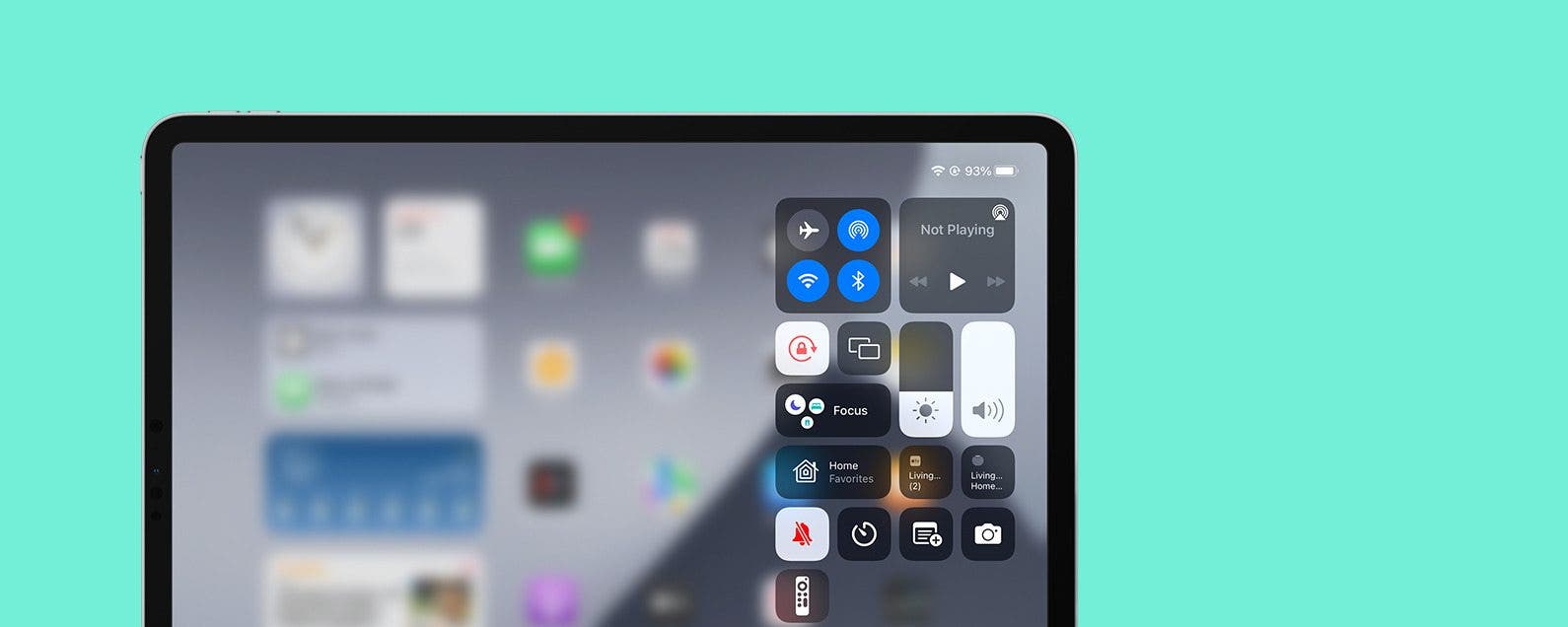
You might have noticed some changes to your iPad's Home screen in iPadOS 15, not all of them good. I had my Home screen arranged the way I like it, but now, when I switch from landscape orientation to portrait, the icon grid changes from 6 x 4 to 4 x 6, forcing a rearranged icon configuration. Irritating! But there's got to be a way to fix it, right? Well, kind of. We'll dig into it below.
Live Text Not Working? Here's the Fix
By Amy Spitzfaden Both

Live Text on iOS 16 is a helpful and convenient feature, but what do you do if it isn't working? Live Text lets you select text from an image and copy, paste, search, and more, but you might run into a frustrating situation where it doesn't work. If Live Text doesn't work for you, we'll go over all the reasons why that might be happening and how to fix it.

