Route calls to a different number
By Anonymous
May 27, 2021
Updated May 27, 2021
By Anonymous
May 27, 2021
Updated May 27, 2021
You have the option of having all the calls made to your iPhone routed to a different phone number, which could be useful if you are overseas or are in an area with no coverage for an extended period. To do this:
- Make sure you are in an AT&T coverage area
- Go to Settings >Phone >Call Forwarding
- Turn Call Forwarding on
- Enter the new number.
Your iPhone will no longer ring until you turn Call Forwarding off.
Related topics
Related Articles

 Olena Kagui
 Rachel Needell
 Amy Spitzfaden Both
 Rhett Intriago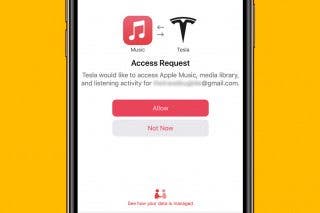
Apps
Tesla Apple Music Update: How to Sign In to Your Apple Music Account
Olena Kagui
• Apr 05, 2023

Device Management
Apple Announces New M3 Chips in MacBook Pros & iMac
Amy Spitzfaden Both
• Oct 31, 2023
Privacy & Security
Security News: Phone Networks Compromised by Spies, macOS Infostealers on the Rise, and More
Cullen Thomas
• Dec 13, 2024 Cullen Thomas
Privacy & Security
iPhone 16 Pro Max Privacy Screen Protector: Do You Need One?
Rhett Intriago
• Apr 23, 2025
 Linda Ruth



 Leanne Hays