How to Drag-Select Multiple Photos
By Conner Carey

With iOS 9, not only can you select multiple photos, but you can drag your finger over multiple photos to select them for sharing or deletion.
By Conner Carey
With iOS 9, not only can you select multiple photos, but you can drag your finger over multiple photos to select them for sharing or deletion.
By Conner Carey
In Apple Music settings, you have the ability to adjust the way the music sounds, like how loud the bass is and more. You can also customize your Apple Music settings based on whether you're listening to pop, rock, or jazz. This feature is called the equalizer, or "EQ." The EQ can be adjusted to provide the best sound regardless of your surrounding environment.
By Conner Carey
In iOS 9, you can view specifics on which apps are using your iPhone’s battery. If you find your battery is draining quickly, viewing detailed battery info is a great way to figure out why. You can see which apps use chunks of your battery life, how long the app was active, and how long the app was running in the background. This is also a great way to see how much time you're spending on a particular app; in case you're still in denial about your Facebook habit.
By Conner Carey
Voicemail storage is limited and, usually, most people discard the old ones. However, now and again there’s an awesome or hilarious message that you want to keep or share with friends and family. Now, in iOS 9, you can do that.
By Conner Carey
Finally, in iOS 9, there is an option to delete all of your mail via the Mail app. This only works with individual mailboxes, such as Yahoo, not the All Inboxes mailbox. If you're using Gmail, you'll need to select Delete All instead of Archive All in Gmail Settings. If you're worried about losing emails you want to keep, there's a setting you can enable to prevent accidentally deleting emails.
Beginning with iOS 9 the Mail app included Markup, a photo editor that lets you write, draw on, and add shapes and signatures to your images. Now there's no need for a separate app to sketch and add text to pictures; iPhone and iPad users can insert images into the body of emails, then mark them up right there without ever leaving the Mail app. Let's get started learning how to use Markup on your email images.
By Conner Carey
Low-Power Mode is a battery life saver when your iPhone is running out of juice. It’s easy enough to navigate your Settings and turn it on; however, Siri can do it for you even faster.
By Conner Carey
Did you know you can open Apple Wallet from the iPhone Lock Screen? With this Apple Pay shortcut, you can access your saved cards plus the passes and loyalty cards found in your Apple Wallet quickly, so you can get ready to make a payment or bring up your boarding pass while you wait in line. Let's go over how to pull up Apple Pay from your Lock Screen.
By Conner Carey
When using Wi-Fi, if your connection is unreliable, your phone will automatically boost your signal using cellular data. This can be extremely helpful and save you the time of having to turn off the Wi-Fi. However, if you’re watching your data usage, you might want to turn Wi-Fi Assist off to avoid using extra data. Let's go over how to turn off Wi-Fi assist on iPhone.
By Conner Carey
The Notes app is a surprisingly useful, multi-functional tool, whether you want to manage projects, set goals, or create lists. You can create checkable lists with links, insert photos, include sketches, collaborate with others on a shared note, keep your notes private, and more. In this article, we will show you how to make checklists in the Notes app.
By Conner Carey
By Conner Carey
Not all streaming services are created equal. With the release of Apple Music, listeners quickly realized there were no quality control options. The difference, until now, was automatic: you heard higher quality sound when streaming music over a Wi-Fi connection than when streaming across cellular data. With iOS 9, Apple is letting you decide for yourself whether better music quality is worth increasing your cellular data usage or not.
By Conner Carey
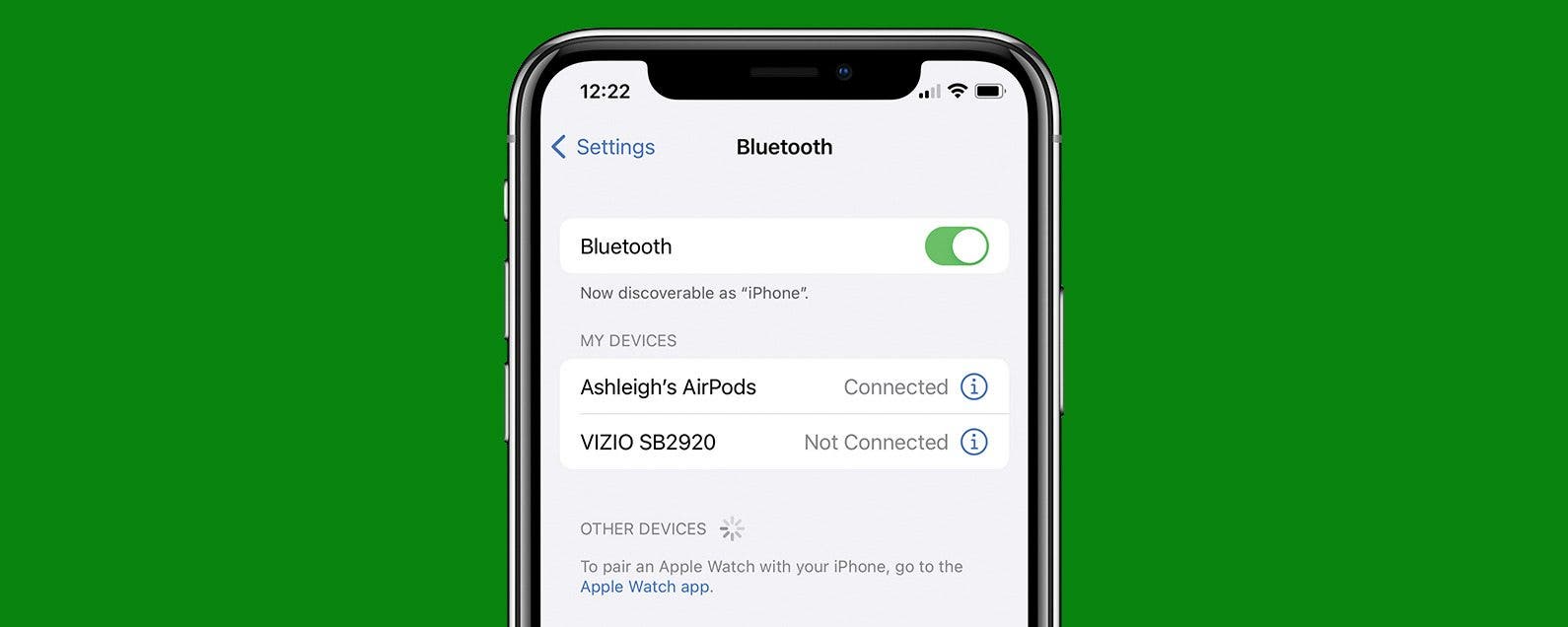
Do you own a Bluetooth speaker or a pair of headphones that you don't know how to disconnect from your iPhone? While you can disconnect your AirPods by simply putting them in the case, we'll also show you how to temporarily disconnect your Bluetooth devices in the Settings app.
By Conner Carey
One of the smaller changes with iOS 9 is the appearance of the keyboard when using the Shift key. Before, the keys were uppercase in appearance and the highlighted shift key was the only way to know you were typing in uppercase. With the update, the keys are lowercase except when Shift is active: the entire keyboard changes to uppercase. This can make it easier to know which case you're typing in; however, if you prefer the previous set-up, there's a simple Settings change to turn the lowercase keys off.