Apple's First Touchscreen Mac is Here: Meet the New MacBook Pro

In the last 10 years, Olena has been published in dozens of publications internationally and written hundreds of how-to articles and complex guides about Apple products, software, and apps.
Learn More In the last 10 years, Olena has been published in dozens of publications internationally and written hundreds of how-to articles and complex guides about Apple products, software, and apps.
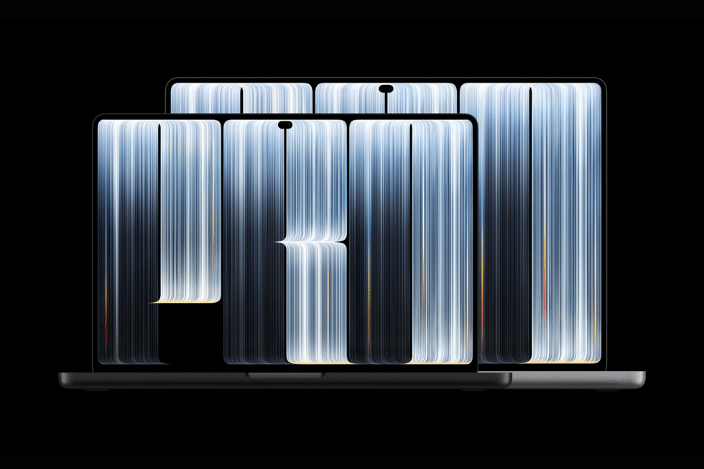
Learn MoreApple is on a roll with releasing new products as part of its three-day "Pro and Tell"event; and on October 28, the company revealed the long-awaited touchscreen MacBook Pro with PROLED XDR Display. Not only does this new MacBook have a powerful and bright touch display featuring an iPhone-style Dynamic Island and an M5 Pro or M5 Max chip, Apple promises 24-hour battery life. Despite being thinner and lighter than previous generations, this new MacBook is Apple's most impressive laptop yet.
Release Date & Pricing
Availability
- Pre-order October 28
- Available November 6
Pricing
- 14-inch MacBook Pro starts at $2899
- 16-inch MacBook Pro starts at $3399
US-based customers can get trade-in credit when trading in their old Mac.
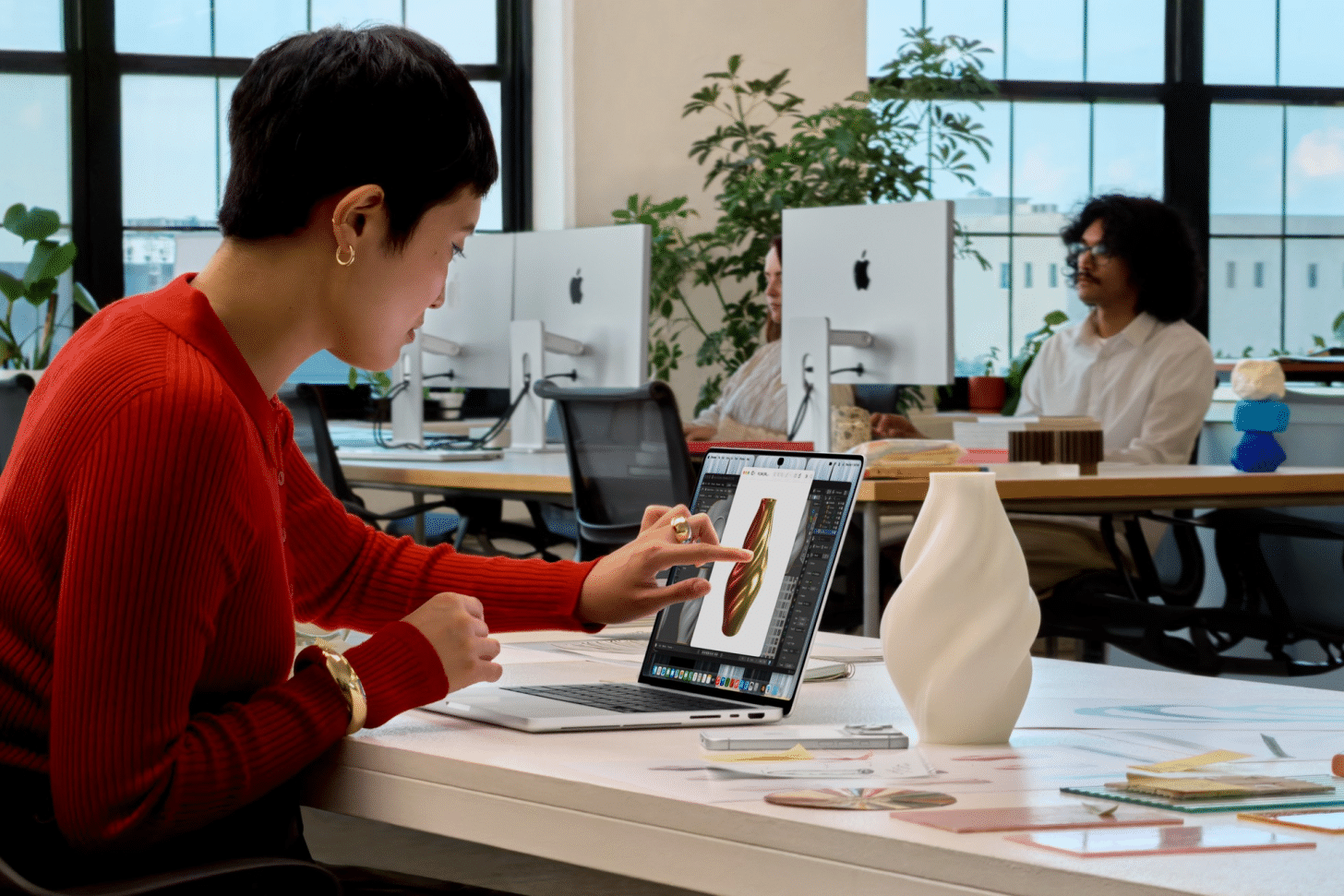
The First Ever Touchscreen Mac
Of course, the most notable feature of this new MacBook Pro is the touchscreen display. Not only is it the first touchscreen display on a Mac, but it is also the most powerful display of any Apple device to date. This display's more advanced OLED technology means that it has a significantly higher contrast than the iPhone 18 Pro Max and the latest iPad Pro. However, it is important to note that the iPhone 18 Pro Max has a higher pixel density and peak outdoor brightness, which makes sense since iPhones are more likely to be used outside than Macs.
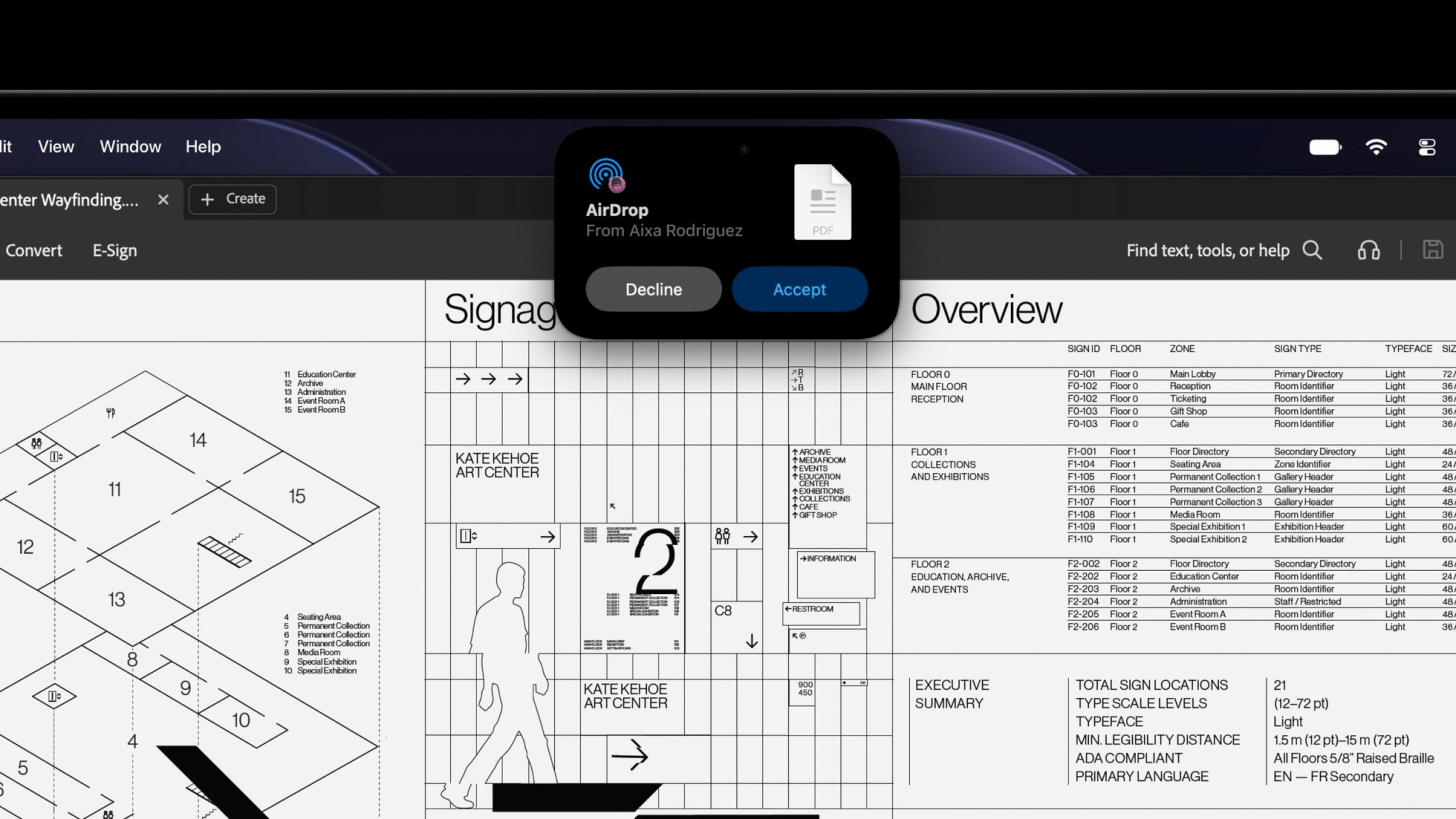
The new MacBook Pro also has Mac's first ever Dynamic Island. Just like on newer iPhone models, the notch that houses the camera cutout has been transformed into a Dynamic Island that offers an interactive experience with features including Siri AI, Live Activities, Spotlight, AirDrop, calls, and music controls.
Now that you can use both the trackpad (or mouse) and the display to navigate apps, Apple has made it easy by treating a screen touch like a mouse click within all native Mac apps. Third-party apps will be able to develop their own gestures and touch-specific interactions. Many basic gestures that you've used on an iPad (or iPhone) will work the same or similarly on the touchscreen Mac, including tap to select or open, swipe to scroll, pinch to zoom, drag and drop, etc. Unfortunately, it doesn't seem like you'll be able to use an Apple Pencil on the MacBook Pro touchscreen display, although that could change in the future.
In addition to releasing the touchscreen MacBook Pro, Apple has also released a new M6-chip-powered iMac and 14-inch Macbook Pro and the 8th generation iPad mini, so make sure to read all about them too!
More Powerful & Portable
What surprised me the most about the new touchscreen MacBook Pro, is that not only does it have these groundbreaking new features, but it is also the most powerful Apple laptop to date. When Apple announced the iPhone Duo, the exciting new foldable phone came with a significant downside—a camera inferior to the one in the iPhone 18 Pro. So I was quite impressed to hear that despite having this never-before-seen feature, the touchscreen MacBook also has the most powerful MacBook chip options: M5 Pro and M5 Max. This means that these new MacBook Pros can support up to 128 GB of unified memory and offer up to 16 TB of internal storage—which of course comes with a steep price tag of almost $10,000.
In addition to being more powerful than ever, the 14-inch touchscree MacBook Pro only weighs around 3 pounds and the 16-inch touchscreen MacBook Pro weighs around 4 pounds, making both of them half a pound or more lighter than their predecessors. And they somehow still offer up to 22 hours of battery life, which is seriously impressive.
Who Should Get The New Touchscreen MacBook?
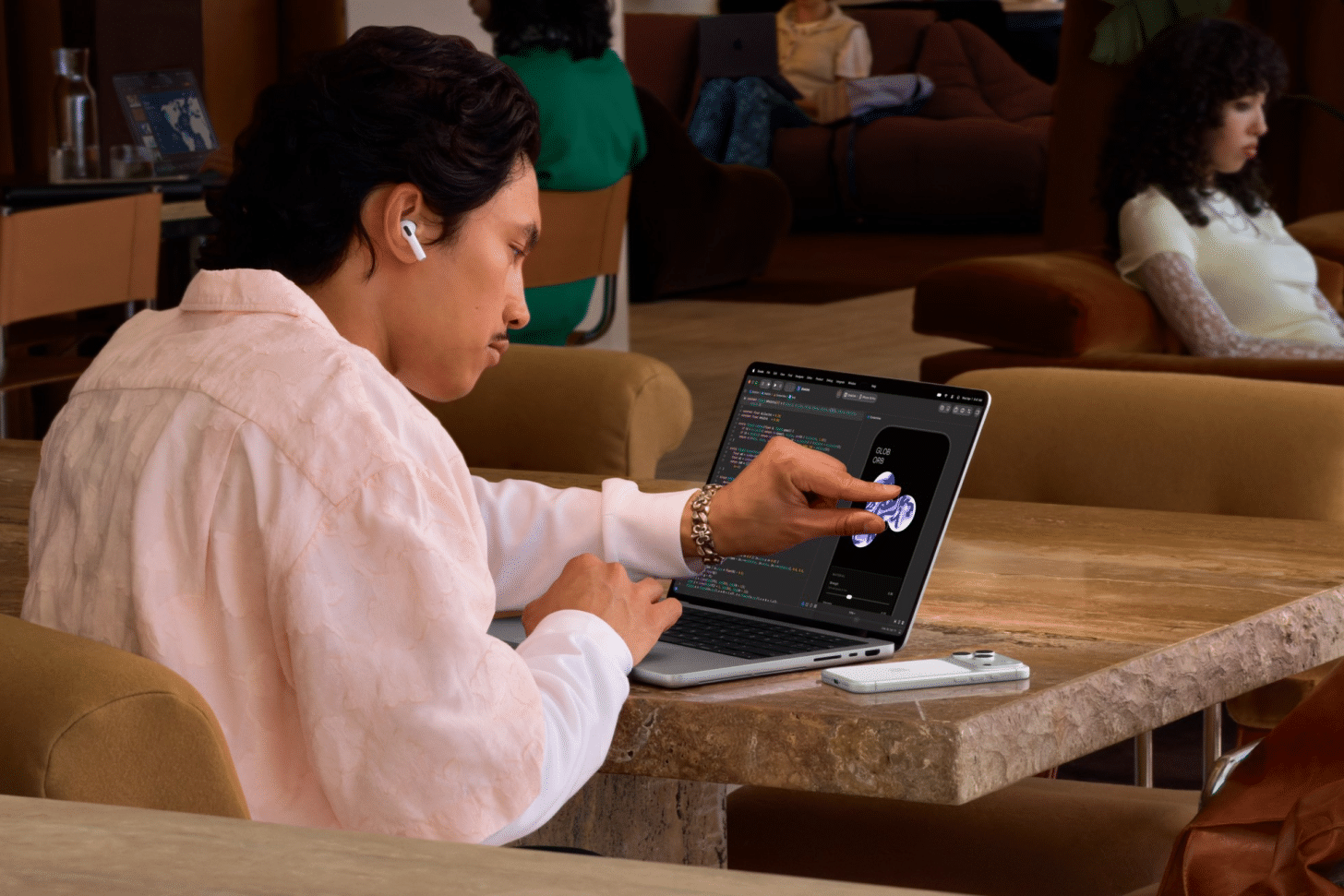
Every time Apple unveils a new product, the consumers wonder if they should buy the device. The touchscreen MacBook Pros are definitely a higher-end product that can handle power-hungry tasks like complex video editing and more. What I like about these MacBook Pros is that there is a lot you can customize and add-on. This means that if you really want a MacBook with a touchscreen and don't necessarily need all the extras, you can just get the very base 14-inch model for $2899. However, if you need it for tasks that truly require exceptional computing power, you can still get this model and just pay extra for the add-ons you need.
If you are an everyday Apple device user, this new MacBook Pro might be overkill, especially if you have a functional MacBook and iPad already. As someone who loves to get the newest gear, this touchscreen Mac is definitely a huge want; but since I have a perfectly good M-chip MacBook Pro and iPad Pro, it definitely isn't anywhere close to being a need.
Now that we have the option of a touchscreen Mac, Apple users have a lot to consider. Are we switching out our iPads for one of these new MacBook Pros and/or the iPhone Duo? Maybe! With MacBooks, iPads, and iPhones continuously merging into a different version of the same device, it can be hard to figure out what combination of Apple products will work best for you. Personally, I am excited to have these options! Plus, over the last few years I have tapped on my Mac's screen more times than I care to admit, so the idea of a touchscreen MacBook seems very natural. I feel like once I have one, I'll never be able to go back to a regular screen again.

Olena Kagui
Olena Kagui is a Feature Writer at iPhone Life. In the last 10 years, she has been published in dozens of publications internationally and won an excellence award. Since joining iPhone Life in 2020, she has written how-to articles as well as complex guides about Apple products, software, and apps. Olena grew up using Macs and exploring all the latest tech. Her Maui home is the epitome of an Apple ecosystem, full of compatible smart gear to boot. Olena’s favorite device is the Apple Watch Ultra because it can survive all her adventures and travels, and even her furbabies.
 Susan Misuraca
 Hal Goldstein
 Amy Spitzfaden Both
 Rhett Intriago
 Leanne Hays
 Rachel Needell
 Olena Kagui