How to Customize Your Lock Screen iPhone Clock
By Olena Kagui
Olena Kagui is a Feature Writer at iPhone Life. In the last 10 years, she has been published in dozens of publications internationally and won an excellence award. Since joining iPhone Life in 2020, she has written how-to articles as well as complex guides about Apple products, software, and apps. Olena grew up using Macs and exploring all the latest tech. Her Maui home is the epitome of an Apple ecosystem, full of compatible smart gear to boot. Olena’s favorite device is the Apple Watch Ultra because it can survive all her adventures and travels, and even her furbabies.
By Olena Kagui
By Olena Kagui
I tend to feel inspired to respond to emails during inappropriate times, like during a work meeting, which is why I love the option to schedule an email even though I've already written it. Another reason to schedule sending an email is if you promised to remind someone of an event or task and don't want to forget. I'll teach you how to use the new Send Later feature!
By Olena Kagui
If you receive an important email that you don't want to forget to respond to, never fear! Your iPhone makes it possible to set up a reminder in your Mail app at the desired time so that you don't need to worry about forgetting to send a response.
By Olena Kagui
The Maps app is often overlooked by iPhone users who prefer to use third-party navigation apps. However, it has undergone many changes in the past few updates, and iOS 16 added some changes that may make it your favorite navigation app. One of the newest changes to the Maps app is the ability to add multiple stops along your driving routes. We'll show you how!
By Olena Kagui
Apple unveiled the Pro line of its iPhone 14 series, featuring the iPhone 14 Pro and Pro Max, at its "Far Out" event on September 7. The most notable change is the move away from the infamous notch to what Apple is calling the "Dynamic Island." This still obstructs your screen to a certain degree, but it looks completely different and changes depending on what you are doing on your iPhone. As always, the iPhone camera got an upgrade, but this time it includes a massive jump from 12 megapixels to 48! Finally, with the switch to the Always-On display, Apple promises all-day battery life on the iPhone 14 Pro and iPhone 14 Pro Max.
By Olena Kagui
There are many new ways to customize your Lock Screen! I'll walk you through the customization menu, and I'll teach you how to create a new Lock Screen you've always dreamed of. You can make a bunch of different ones and switch between them when you feel like changing things up!
By Olena Kagui
By Olena Kagui
By Olena Kagui
By Olena Kagui
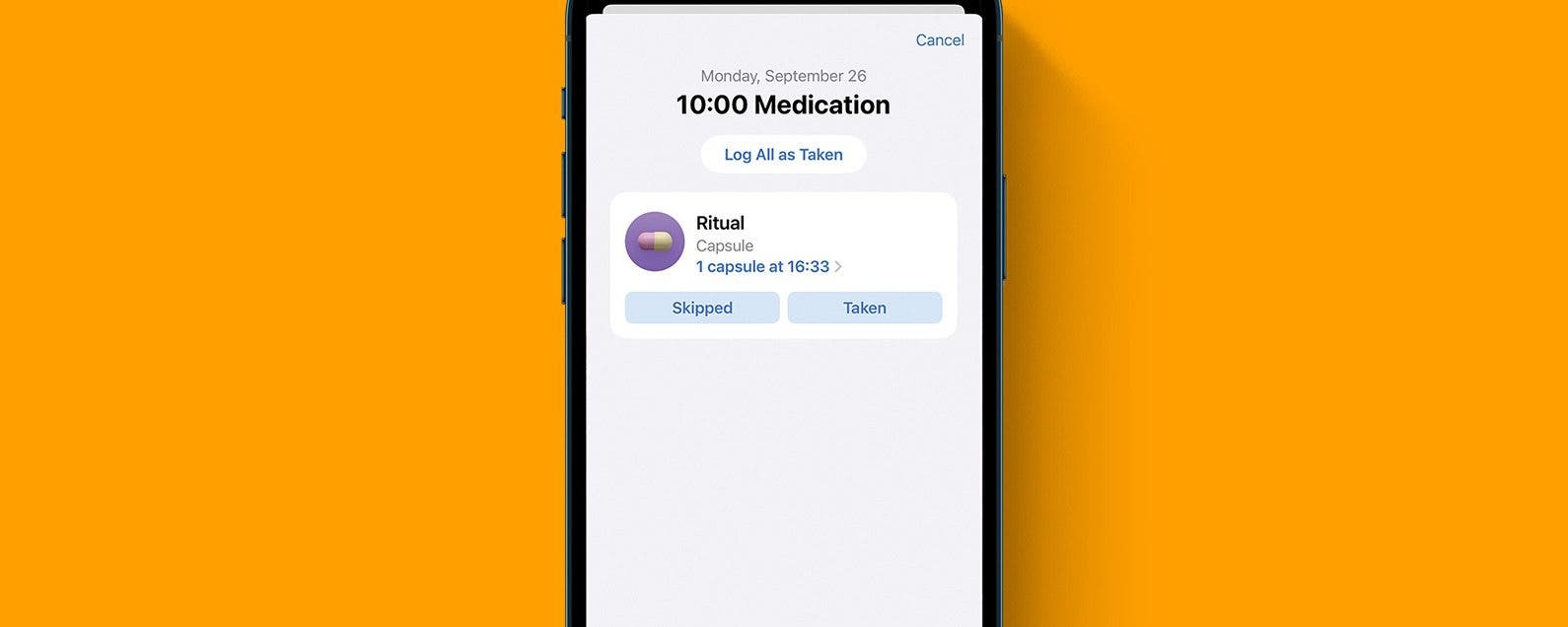
Adding your medications using your iPhone camera rather than filling out all the information manually can save you time. This will require you to give camera permissions to your Health app, which you can disable later if you wish. Let me show you how to add medications quickly using your camera!
NULL