Do you want to delete messages on your iPhone but keep them on your Mac? Deleting messages on your iPhone and keeping them on your Mac is possible if you unsync iCloud Messages on your Mac; here's how!
iMessage
How to Share Genmoji with Android
By Amy Spitzfaden Both
Genmoji is a new Apple Intelligence feature that allows you to create and share your own emojis. The feature is only available in Apple native apps so you cannot create Genmojis in other messaging platforms like WhatsApp, but you can share Genmoji with non-Apple users in a couple of different ways. Let's learn how!
How to Show an iMessage Timestamp in One Swipe
By Sarah Kingsbury
iPhone Messages timestamps for individual texts are hidden, so you'll need to know how to see an iPhone message timestamp to know when a message was received or sent. We'll walk you through how to see the date and time someone texted you on iPhone with one simple gesture.
How to Use Genmoji to Make Custom Emojis of Your Pets
By Olena Kagui
Did you know that you can create your own emojis using Apple Intelligence? My favorite way to use this feature is to create emojis that look like my pets. I’ll teach you how to use the built-in emoji generator to create custom Genmoji of your cats, dogs, or whatever else you can imagine!
React to Messages with Emojis & Stickers (iOS 18)
By Rhett Intriago
Your iPhone’s tapback feature will be receiving an upgrade in iOS 18. The handy reaction feature allows you to give messages a thumbs up, a thumbs down, or a heart, or react with laughter or shock. The latest version of iOS gives you even more tapback reactions!
New Text Effects for Messages in iOS 18
By Rhett Intriago
The messages app is much livelier thanks to the latest updates to iOS. With these updates, you can now express yourself in more ways than ever before. Find out how to add effects to iMessage on the latest version of iOS.
Solved: How To Delete Stickers on iPhone
By Rhett Intriago
Stickers in iMessage are a fun way to express yourself over text. You can create stickers from photos or use third-party apps to add extra stickers to your library. But how do you delete stickers on your iPhone when you don’t want them anymore? Let’s find out!
How To Cancel a Scheduled Text (iOS 18)
By Rhett Intriago
The latest iPhone software allows you to send scheduled texts on the iPhone. However, some users are a bit lost on how to cancel a text once it has been scheduled. The option to cancel a scheduled text is not immediately obvious, but not to worry. We’re here to help. Let’s take a look at how to cancel a scheduled text on your iPhone.
Fixed: Not Getting Text Notifications on iPhone
By Rachel Needell
If your iPhone has suddenly or randomly stopped getting text notifications, it may be due to a setting that accidentally changed. We'll go over all the reasons why you may not be getting text notifications on your iPhone.
How to Fix iPhone Contact Poster Not Working
By Leanne Hays
If you're wondering why your Contact Posters won't update, here's how to fix the Contact Poster glitch! Solve update problems and get the most recent iOS 17 Contact Card for each of your Contacts.
View a Transcript of Audio Messages
By Rhett Intriago
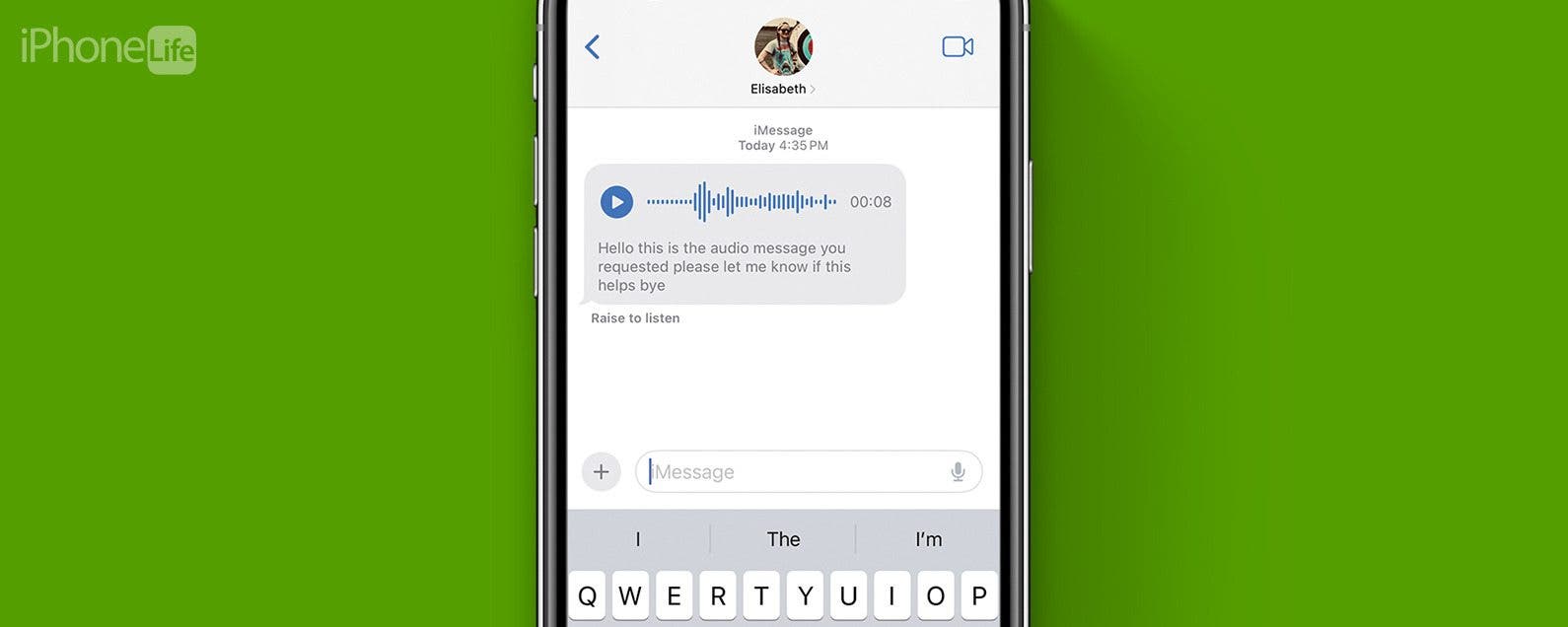
There have been a number of new additions to the Messages app in the latest version of iOS that make it easier to use and navigate. Among those updates, audio messages in the Messages app are now automatically transcribed.
Unsend a Message on iPhone: Can People Still See It?
By Kenya Smith
On iPhones running iOS 16, you can now unsend iMessages. In the past, you have probably sent some text messages that you have regretted since you weren't able to delete them. Now, you can easily prevent those embarrassing messages from being viewed by recipients. However, will recipients of your text messages be able to see them once you delete them? We will dig further into this question for an answer.
Lost a Text? Search Messages on Your iPhone & iPad
By Abbey Dufoe
Wondering how to search text messages on an iPhone or iPad to find a specific conversation? We can help! We'll cover how to search through your messages on an iPhone and iPad in the Messages app, search Facebook messages, and search keywords or phrases in your WhatsApp chat.
The Fastest Way to Send a Text on iPhone
By Hallei Halter
If you're not able to make a phone call, you can send a text! For experienced iPhone users, texting is generally second nature. But other iPhone users are unsure where to get started. This tip is for them. Let's go over how to send a text message on your iPhone.
How to Respond to a Text with a Sticker on iMessage
By Conner Carey
Stickers are always a fun way to communicate via iMessage. Did you know that you can quickly respond to a text in the Messages app with a sticker? Luckily, Apple makes it super easy. Here's how to reply to a text with a sticker!
How to See Who Sent You Links on iPhone
By Rhett Intriago
One of the great features of Safari is that when someone sends you a link, you can access it right from the new tab screen. Not only that but also, when you open a link that someone sent you, Safari will tell you who the sender is. Find out how to easily see Shared with You links and quickly reply to links that have been sent to you.
How Many People Can Be in a Group Text?
By Leanne Hays
We know that group messages on your iPhone or iPad are a great way to communicate with several people at one time, but one question remains: how many people can be on a group text? If you have mass information you want to share with your contacts, you'll want to know the iMessage group chat limit. Here are the different carriers and their various group chat limits.
How to Text on Apple Watch
By Rhett Intriago
Can you text on Apple Watch? Yes, you can use your Apple Watch to send and receive texts! If you're not near your phone or don't want to have to pull it out, using your Apple Watch to send a text is a great alternative. Let's find out all the different ways you can send a message on the Apple Watch.
Fixed: iPhone Says I Have Unread Messages
By Rhett Intriago
One of the most frustrating bugs in iOS is when your iPhone is showing unread messages but you’ve seemingly opened all your messages. Where is this mysterious notification badge coming from? In this article, we’ll go over what to do when your iPhone says you have unread messages but you’ve already read them all.
"Why are my group messages coming in separately on my iPhone?" is a question I get a lot. Sometimes group texts send as individual texts because not everyone in the group message is using an Apple device. We can't fix that for you, but we do have several ways iPhone users can fix it when a group message replies individually.