iPhone Life - Best Apps, Top Tips, Great Gear
Your Top 5 Questions About the Passwords App Answered
By Cullen Thomas


- ‹ previous
- 96 of 2497
- next ›
How to Cancel a Netflix Subscription
By Tommy Boynton

There are so many streaming platforms these days, and maintaining a subscription to all of them isn’t necessarily sustainable. Some apps make unsubscribing an unnecessarily difficult process, but the good news is that Netflix isn't one of them. You can unsubscribe from Netflix anytime after signing up, and can easily cancel in a few easy steps. Read on to learn how to cancel your Netflix subscription.
How to Tell Which Mac You Have by Model & Year
By Rachel Needell

Whether you're interested in buying a new iMac, checking on your iMac’s compatibility with certain software, or chatting with Apple Support knowing how to find your Mac processor, serial number, and model is extremely useful. We’ll walk you through several quick ways to find out which iMac model you have. If you have a MacBook, you may want to read our article explaining how to identify your MacBook model and year instead.

Did you know that you can get a step-by-step list of directions in Apple Maps? For your trip, you might want to take a screenshot of Apple Maps directions to prevent battery drain, or you might want to view a list of directions on your iPhone to preview all the steps before you travel to your destination. Here’s how to view a list of directions on Apple Maps.
How to Increase Hotspot Speed on iPhone
By Devala Rees

Using your iPhone as a mobile hotspot can be a convenient way to access the internet on your other devices. However, various issues can slow down the speed of your hotspot. The good news is that there are simple troubleshooting steps you can try to strengthen your mobile hotspot performance. Below, we've compiled a list of common solutions for how to make a hotspot faster on your iPhone.
6 Apps Standing for Ukraine & How You Can Help Too
By Rachel Needell

Since late Febraury, the world has been shocked and devastated by the violence committed by Russia in its war against Ukraine. At the beginning of March, Apple paused all digital and physical sales to Russia in response to the Russian invasion, including eliminating Russian access to the popular payment service Apple Pay. This dramatic move represents one of the largest responses by a big tech company, and not long after Apple's announcement other companies like Google, ExxonMobil, and Volkswagen followed suit.
In the spirit of supporting Ukraine, a few apps have also really taken a stand. Some are creating easily accessible in-app donation buttons, others are committing large percentages of their profits to Ukrainian charities, and one has even reappropriated itself to combat Kremlin-controlled misinformation from the bomb shelters and bunkers under a war-torn Kyiv. Read on to find out how these apps are supporting Ukraine and how you can get involved too.
How to Make the Most of the Mac Dock
By Rachel Needell

The Mac desktop Dock is a convenient tool to help access apps on your Mac. You can change the Mac Dock settings to customize various aspects of the Mac Dock, such as the size, location, orientation, and much more. Read through this article to learn some useful Mac Dock tips and tricks to help you make the most of the Mac Dock.
How to Troubleshoot Universal Control Not Working
By Olena Kagui

Apple announced Universal Control back in June 2021. Users had expected to start using it once macOS Monterey was released later that year, but the feature was delayed. Finally, Apple released the official software updates for your iPad and Mac that let you use Universal Control. Like many new features, Universal Control doesn't always work properly. Here's how to troubleshoot Universal control.
How to Customize Universal Control & Add It to Mac Menu Bar
By Olena Kagui

Universal Control is an excellent multitasking tool that lets you control other Macs and iPads from your Mac. With Universal Control, you can use one keyboard, mouse, and trackpad to control up to three devices via your Mac. What makes it even better is that you can customize it and add Universal Control settings to your Mac’s Menu Bar. You may also find our article on how to set up Universal Control helpful.
How to Turn Off Universal Control or Disconnect Mac or iPad
By Olena Kagui
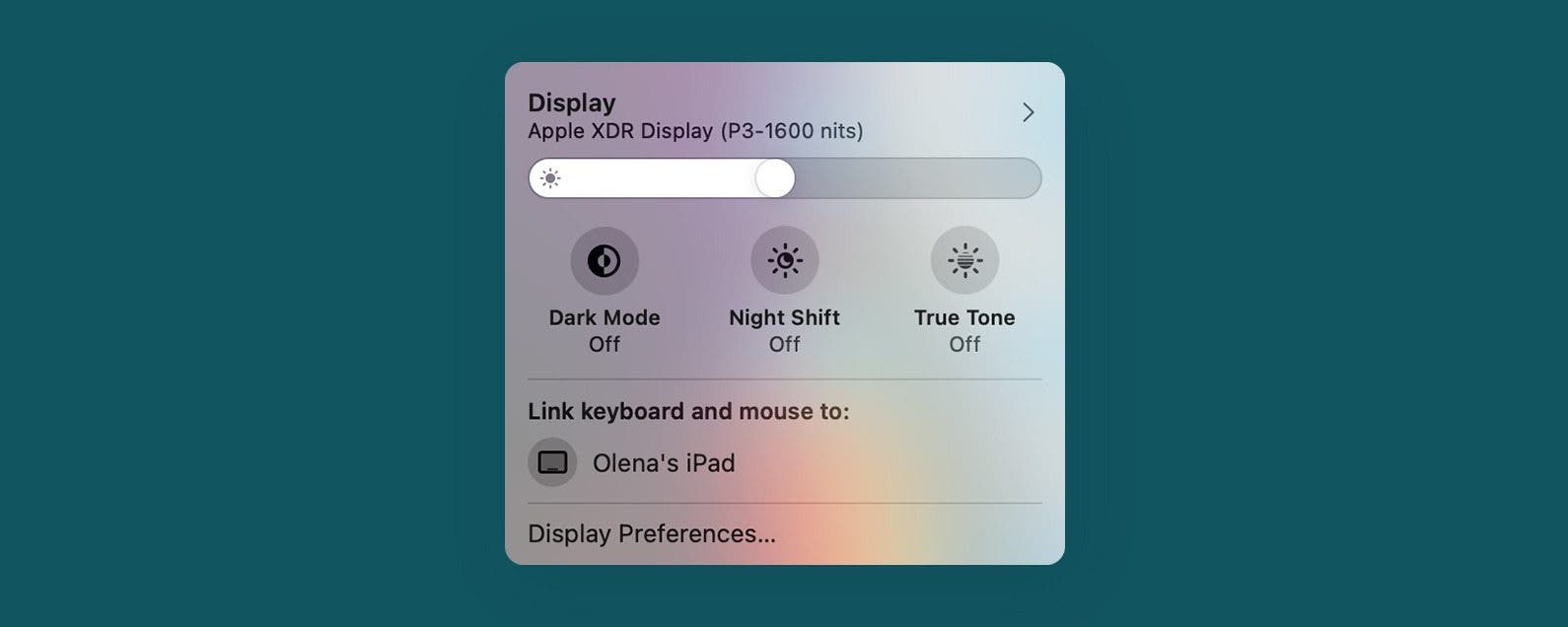
Since it was announced in June 2021, Mac users have been excited to try Universal Control. This feature, just released by Apple, lets you control other Mac and iPad devices from a central Mac and use its keyboard, mouse, and keypad across the connected devices. While this can be useful, it is also possible to accidentally type on the wrong device or lose your Mac cursor on other screens. I’ll teach you how to turn Universal Control off and temporarily disconnect other devices.
How to Set Up Universal Control & Use It to Control Devices
By Olena Kagui

Apple announced Universal Control, a feature that lets you control other Macs or iPad with your Mac, back in June 2021. Users had expected to start using it once macOS Monterey was released later that year, but the feature was delayed. However, Apple finally just released the official software updates for your iPad and Mac that let you use Universal Control. I will tell you how to enable it, explain how it works, and cover practical ways to use it!
How to Turn Off Active Status on Instagram on Your iPhone
By Kenya Smith

You know that green dot on your Instagram profile picture? It lets other users see whether you're active and online. If you don't want people to know every time you're online, this can be annoying or even an invasion of privacy. Fortunately, there’s a way to hide your Instagram active status. Here’s how to hide your online status on Instagram.
Apple Debuts 5G iPhone SE, iPad Air & Mac Studio at March 8 Event
By Susan Misuraca

In the 178th episode, David and Donna recap everything Apple announced at its ‘Peek Performance’ event. From the iPhone SE and iPad Air with 5G support to the Mac Studio with the highest-powered chip available in an Apple computer, tune in for all the details!
How & When to Buy Apple's Newly Announced Products
By Brian Peters

During the March 8 Apple event, Apple announced a new iPhone SE, new colors for the iPhone 13, a 5th-generation iPad Air, and a new Mac model called the Mac Studio that's powered by a new silicon chip Apple calls the M1 Ultra. Whether you're eager to upgrade to the newest model iPad Air or the Mac Studio, we'll tell how and when you can pre-order and go over the key technical specs for each product announced.
Everything Apple Announced at the March 2022 'Peek Performance' Event
By Amy Spitzfaden Both

Apple held its first event of 2022 on March 8 and, after burying the lede by announcing the new shows that are coming to Apple TV Plus, the tech giant announced some truly exciting additions to the Apple family. Perhaps the biggest piece of news is the release of a brand new Mac computer called the Mac Studio and a monitor to go with it called the Studio Display. In addition to the Mac news, we also saw a new M1 iPad Air in five beautiful colors, the iPhone SE 3 complete with 5G, a brand new M1 Ultra chip to power the Apple line, a new "Friday Night Baseball" program on Apple TV, and green colors added to the iPhone 13 line. Here are all the details on the new devices.

Apple thrilled a lot of us during its March event with the debut of a new iPhone SE with 5G, a fifth-generation iPad Air with an M1 chip, and the powerful Studio Mac and Studio Display. Apple also teased the future release of an updated Mac Pro. The only thing that could’ve made the event more exciting would have been the confirmation of rumored updates to the MacBook Air, MacBook Pro, and the iMac. The iMac in particular could use an update since it's the only device in the Mac line that doesn’t have one of the newer Apple Silicon chips. Could newer versions of these three Macs make their debut in the late fall when Apple typically holds a Mac event? We’ll discuss the Macs that we didn’t see in today’s event and when we might be able to expect Apple to finally release them.
How to Make Font Bigger on iPhone for Better Legibility
By Belinda Sanmiguel

Are you tired of squinting while looking at content on your iPhone? Good news! You can change the display and text size on your iPhone and iPad for easier readability. We'll discuss how to change the text size on your iPhone and iPad, make text bold, and add button shapes and toggle labels for easier navigation.

