How to Unsubscribe from Emails Quicker than Ever Before (iOS 26)
By Conner Carey
Conner Carey's writing can be found at conpoet.com. She is currently writing a book, creating lots of content, and writing poetry via @conpoet on Instagram. She lives in an RV full-time with her mom, Jan and dog, Jodi as they slow-travel around the country.
By Conner Carey
By Conner Carey
A lot of people are asking, "How do you use voicemail transcription on the iPhone?" The feature itself is pretty easy to use, but it can be a little glitchy. We'll go over everything you should know about how to use voicemail transcriptions on your iPhone and what to do if voicemail transcription is not working on your iPhone. Here's how to use the voicemail-to-text feature of Visual Voicemail on your iPhone.
By Conner Carey
Read Receipts let the person you're texting know when you've read their message. This can be a great way to subtly let people know that you've received their text, but it also can become a privacy problem. Luckily, read receipts are turned off by default on all iPhones. However, if you want to turn them on for specific people, there is a way. Here's how to turn Read Receipts on for specific messages.
Old-fashioned thermometers require contact. Either the thermometer must be kept under the arm or under the tongue until a little beep lets you know it has a reading. If you have multiple sick kids on your hands, the last thing you want to do is spend thirty minutes checking temperatures and cleaning the thermometer each time. Instead, meet Flo by Zeraph ($49.99). It’s a contact-free smart thermometer that can tell you instantly whether or not someone has a fever. No need to hold it under the tongue, simply hold it up to a forehead and let the green or red light be your guide. Or open the Flo by Zeraph app on your iPhone or Apple Watch to see their exact temperature.
By Conner Carey
Here's how to download GIFs from internet browsers, Facebook, WhatsApp, GIPHY, Messages, and other common apps. You can easily share your favorite GIFs with others once they're saved to your Photos app. Let's learn how to save GIFs; it's easy!
By Conner Carey
In the Health app on iPhone, you can create a Medical ID with important information in the case of an emergency. Your Medical ID can be accessed from the emergency dialler without unlocking your iPhone. When creating your Medical ID card, you’ll have the option to sign up as an organ donor with Donate Life America’s organ donation registry. Here’s how to register as an organ donor in the Health app on iPhone.
By Conner Carey
If you’re having trouble with iOS 10, or simply don’t like the changes, you can revert your iPhone back to iOS 9.3.5. The key is to do it as soon as possible and downgrading iOS takes a certain file called an IPSW file, which you can find a link to below. You certainly can downgrade from iOS 10 back to iOS 9, and doing so is the equivalent of uninstalling an update on iPhone. But it’s good to note ahead of time that you’ll need the backup you made before upgrading to iOS 10 in order for this to work smoothly. Without it you risk losing data and information that no iOS downgrade is worth. To downgrade iOS there are three major steps: put your iPhone into DFU mode, revert your iPhone using the downloaded IPSW file, and restore your iPhone with an iOS 9.3.5 backup or older. It may seem daunting to downgrade your iOS, but we’ll go step-by-step so that it’s an easy process. Here’s how to downgrade from iOS 10 to iOS 9 on iPhone or iPad.
By Conner Carey
When you want to share an app, there are a couple of ways to go about it. If you have the app downloaded to your iPhone, you can easily share it right from your Home Screen or app folder. If you'd like to share an app that you don't have downloaded or easily accessible, you can also share it from the App Store, which only takes a few additional steps. Here's how to share an app with a friend or family member in a few simple steps.
By Conner Carey
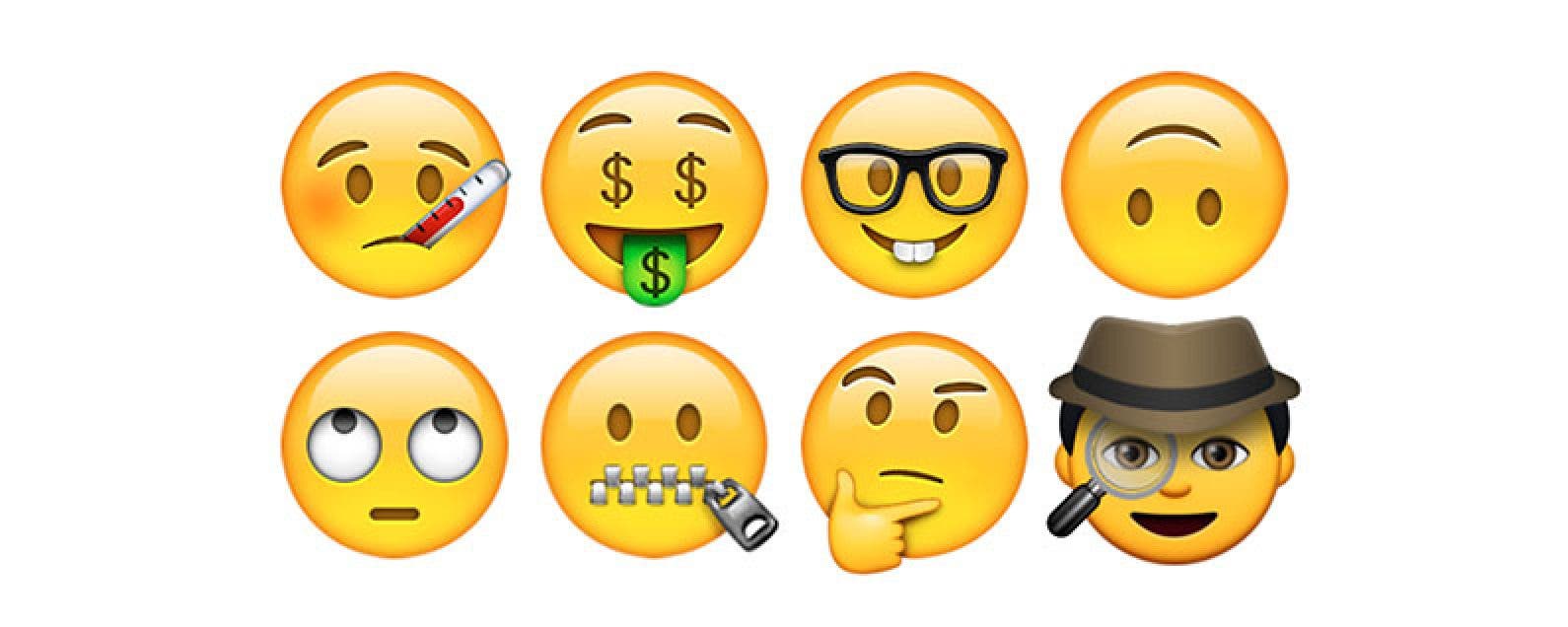
There are two ways to add iPhone emojis to your text messages: using the emoji keyboard and using predictive text. Both methods require you to have the iPhone emoji keyboard enabled. Once you've done this, you'll be able to choose from a huge array of emojis, including the popular heart emoji, shrug emoji, facepalm emoji, and even clown emoji! Let's learn how.
NULL