iPhone Life - Best Apps, Top Tips, Great Gear
Solved: Why Is My iPhone Hot When I Use the Maps App?
By Leanne Hays
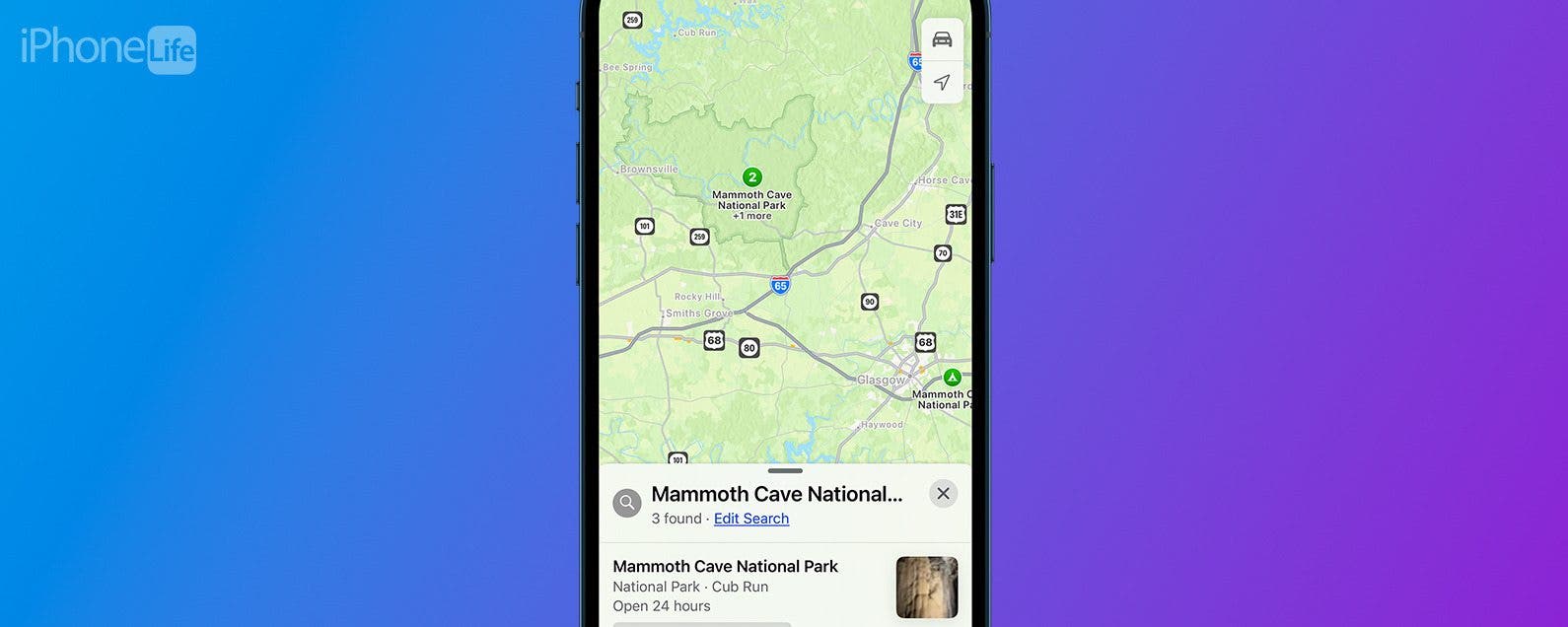
Does your iPhone get hot while using Maps, or another app that uses GPS? Let's go over why your iPhone gets hot, and how you can stop your iPhone overheating.
How to Unblur an Image on iPhone—Fix Blurry Photos Fast!
By Leanne Hays

We all take blurry photos from time to time, but luckily, you can fix blurry images right on your iPhone! Here's how to unblur a picture on an iPhone.
- ‹ previous
- 308 of 2491
- next ›
Find Out If Your Data's Been Compromised
(Sponsored Post) By Amy Spitzfaden Both on Thu, 09/03/2026

Great iPhone Web browser hack: make (unreadably) small text much larger!
By Werner Ruotsalainen
Back in January, I’ve very thoroughly elaborated on the problems of Safari with some pages like THIS and THIS partly caused by the lack of any kind of character size increasing (and, with the Thinkpad thread, the lack of correctly reflowing / breaking long words / URL’s).
Thanks to apple.com forum user ‘ihadmeavision2’, I’ve found a for
The iPhone/iPod Touch Multiplayer Gaming Bible
By Werner Ruotsalainen
UPDATE (11/22/2009): the article below has officially been deprecated. Please read http://www.iphonelife.com/node/1370/ instead. This thread remains only as an update catch-up thread as is also explained in Chapter 6 of the new article.
Everything you'll ever need to know about listening to radio on the iPhone - Part I
By Werner Ruotsalainen
The iPhone is an ideal platform for listening to online radio stations. In this article, I explain everything you’ll ever need to know about all this. You’ll learn how radio stations can be listened to on even non-jailbroken iPhones, without any hacks to play stations in the background; I also present a very thorough comparison of currently available third-party radio software.
First and foremost, let’s take a closer look at the built-in, out-of-the-box radio support.
1. Built-in capabilities: QuickTime
All versions of the iPhone (and, of course, the iPod Touch – from now on, I refer to all these as “iPhone”), under OS3, already have support for playing back some (not all!) possible radio stream types.
Activate multiple keyboards
By Anonymous (not verified)
You can have more than one keyboard layout active on your device at any time. So, for example, an international executive who did business in the U.K. and Russia could keep an English and Russian (Cyrillic) keyboard active and switch between them when composing notes and e-mail messages.
To activate different keyboards:
How to Change Audible Narration Speed on an iPhone
By Leanne Hays

The one and only REAL iPhone Instant Messenger roundup
By Werner Ruotsalainen
With the Push support in the iPhone OS 3, the iPhone has become an excellent platform for instant messaging.
Shake it out is an app that chooses a random line item from lists you create. I use EVERY day for one reason or another. It's a staple that I'm so glad I found & is quick & simple to use.
A full compliance & test report of stereo Bluetooth sound (A2DP) in iPhone OS 3
By Werner Ruotsalainen
I’ve finished (thoroughly) testing my six A2DP headphones with the new Bluetooth stereo support of iPhone OS 3.0 (OS3 for short), along with their traditional mobile phone headset functionality.
(the stereo headphones, all paired with my iPhone)
Another revolutionary multiplatform utility by me: add "find in page" support to most mobile web browsers!!!
By Werner Ruotsalainen
I’ve long been complaining about the lack of any “find in page” functionality in most mobile Web browsers. Now that I’ve played a bit with JavaScript scriptlets, I can proudly present a working solution to this problem.
All you need to do is, independent of the Web browser you use, add the following favorite:
Easily Block or Allow Pop-Ups in Safari on iPhone
By Rich Hall

Is the pop-up blocker for Safari stopping pop-ups you actually need? Conversely, if you've been having trouble with pop-ups on your iPhone whenever you try to browse online, you're probably hoping for a way to block pop-ups on Safari. In this tip, we'll show you how to do both. Let's go over how to use the pop-up blocker on iPhone.
How to Factory Reset Your iPhone or iPad: Erase Your iPhone & Restore Factory Settings
By Leanne Hays

There are two ways to set a custom image as the wallpaper of your opening “unlock” screen:
- Go to Photos, display the desired image, tap on the lower-left options button, and select “Use as Wallpaper” from the pop-up menu.
- Open the Settings app and select General >Wallpaper.
Either of these methods allows you to use any photo or image on the iPhone/iPod touch as wallpaper. Follow these steps to add a wallpaper folder, so you don't have to look through all your photos to find an image:
Youtube not working for you? How to play youtube videos on the iphone using a simple workaround
By Anonymous
Yesterday I wrote about a FAIL where movies for many iphone users are not playing. I do not have a the full answer as to why it’s not working, although it seems that the .flv (flash version) of the video is playing instead of the h.264 (apple version). As of this writing, it still does not work for me; even after a few reboots. However, I did find a way to get video to work.
How to Set iPhone Parental Controls & Restrictions
By Leanne Hays

It can be a nerve-wracking step, buying your child their first iPhone. There's a lot of inappropriate content in songs, movies, and apps, not to mention creepers and weirdos on the internet. Luckily, the iPhone has parental controls we can set to keep our children from accessing the more unsavory side of the digital world. In this tip, we'll learn how to use the Restrictions screen to enable restrictions and set a passcode so those settings can't be changed by anyone but you. Let's get started learning how to block websites, lock apps, and decide on Allowed Content, Privacy, Allowed Changes, and Game Center features.
How many apps can you install on the iPhone?
By Rich Hall
In addition to the four icons in the bar at the bottom, the Home screen holds 16 application icons. You can create up to eight additional pages for application icons and each page can hold an addition 16 app icons. So a total of nine Home screen pages, each of which can hold up to 16 app icons, plus the 4 icons at the bottom, means that you can have up to 148 apps on your iPhone.
Due to the Apple SDK constraints on developers of iPhone software, data exchanges with your phone is limited to email and local area network connectivity.
Some iPhone applications such as “Files” allow you to import and read your Word, Excel, and PDF files from your desktop computer to your phone, and move that data to the iPhone by establishing a wireless connection between the phone and desktop over a LAN.

