iPhone Life - Best Apps, Top Tips, Great Gear
Best Way to Fix iPhone StandBy Mode Not Working
By Olena Kagui

StandBy mode, sometimes called "iPhone nightstand mode," is on by default on iPhones running iOS 17 or later. Just make sure to toggle on StandBy mode and Always On Display. Plus, make sure your iPhone is plugged into a compatible charger and leaning back while in landscape mode.
Solved: How to Share a Cart on Amazon
By Rachel Needell
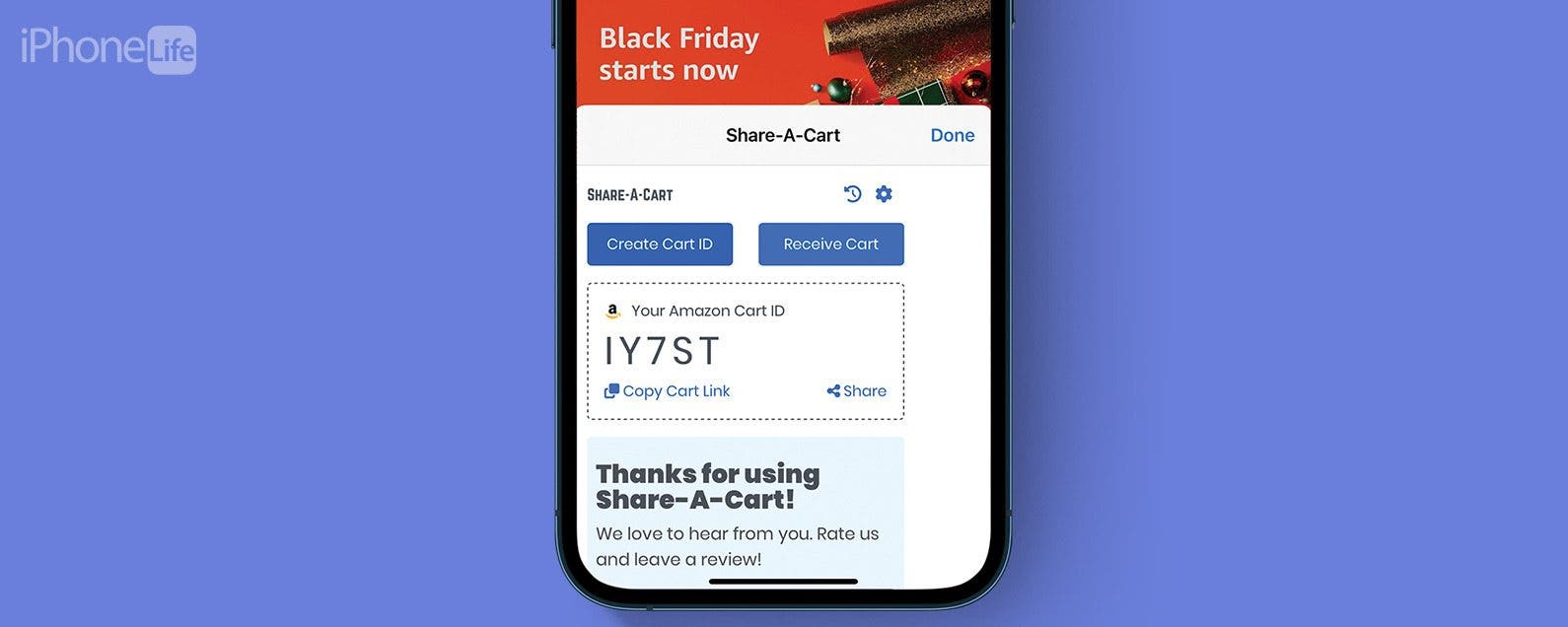
Amazon's wishlist feature is a great way to quickly share a list of items from Amazon's website with another person. You might want to share your Amazon cart for a few reasons, whether as a potential gift guide, a shared shopping list, or more. However, you cannot share your shopping cart on Amazon without also sharing your username and password information. We've found a few ways to send an Amazon cart to someone.
- ‹ previous
- 311 of 2483
- next ›
iPhone and iPod touch’s keyboard has predictive mapping
By Anonymous (not verified)
The iPhone and iPod touch’s keyboard has a built-in dictionary that predicts what words you are about to type. Using these predictions, the keyboard readjusts the size of the “tap zones” of letters, making the ones that you are most likely to type bigger and making the letters that are less likely to be typed smaller. The keys themselves don’t get bigger—just the tap zones.
Select iPhone/iPod touch in the source list in iTunes panel
By Anonymous (not verified)
After you connect your device to your computer, iTunes should pop up on your computer automatically. If it doesn’t, you should launch it. Once opened, it should display your iPhone in the Devices list in the left-hand panel. If it doesn’t, check your connection. If that doesn’t work, restart the computer.
How to change your iPhone wallpaper
By Jim Karpen
Wired has a great guide on how to change your iPhone wallpaper. Maybe such a task is simple and self-evident to you, but if not, this tutorial tells you everything you need to know, complete with screen shots. But it goes beyond the basics, showing you how to use as wallpaper your own photos that you've taken, as wall as showing you how to Photoshop your own wallpaper. (As an aside, this how-to is a wiki, meaning that anyone can change it or add to it.
iTunes won’t let you sync the same content with more than one computer. However, you can sync different content with different computers. For example, you could set up your computer at home to only sync your music and videos in iTunes. You can then set up your work computer to only sync your contacts and calendar in iTunes. Maybe set up your laptop to only sync photos. This way, you can fill up your device with content from different places.

