* This article is from our Tip of the Day newsletter. Sign Up. *
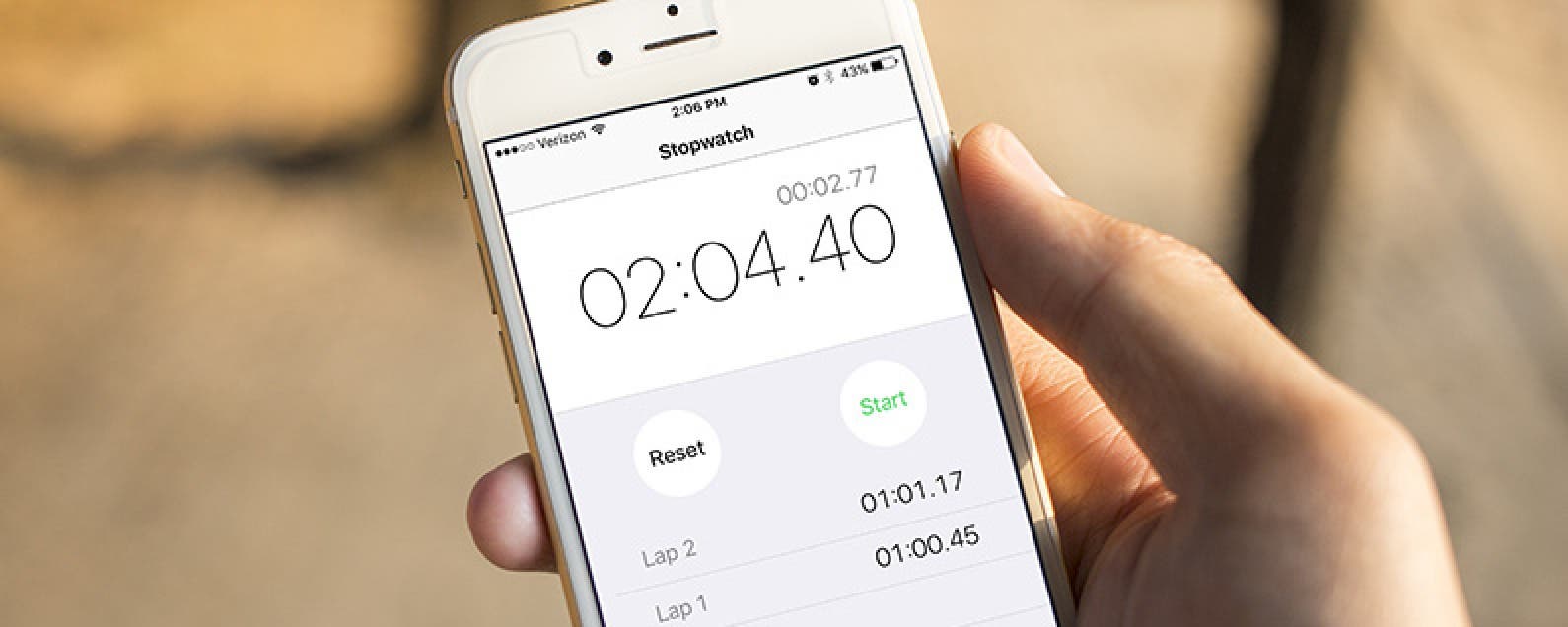
Within the Clock app on the iPhone there is a stopwatch you can use. Here’s how to use the iPhone’s stopwatch, and why you would want to use it. Whether you want to track how quickly someone runs a mile, time individual laps or circuits, or simply track the time it takes to complete a task, you can use the stopwatch to do it.
Related: How to Switch to a 24-Hour Clock on Your iPhone

To do this:
-
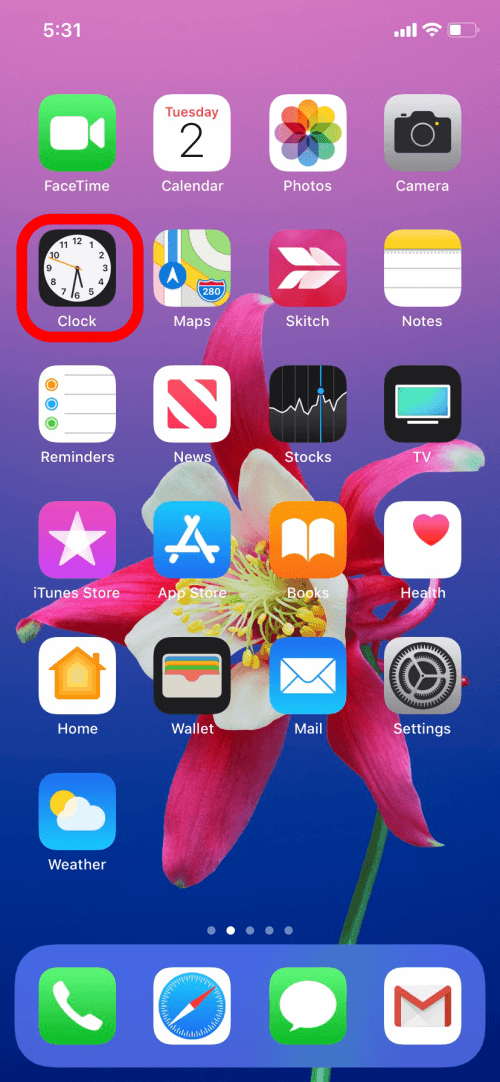
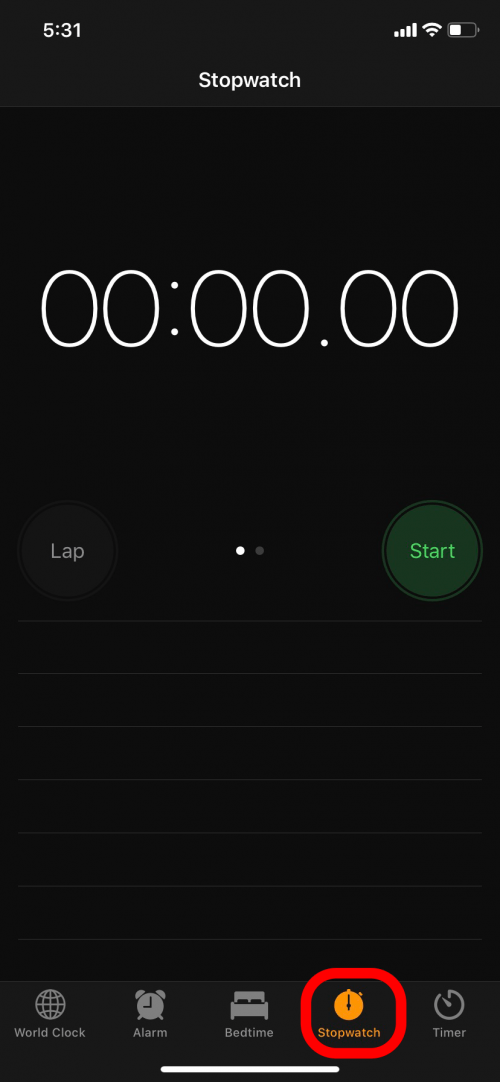
Open the Clock app at the bottom of the screen, then tap Stopwatch.
-
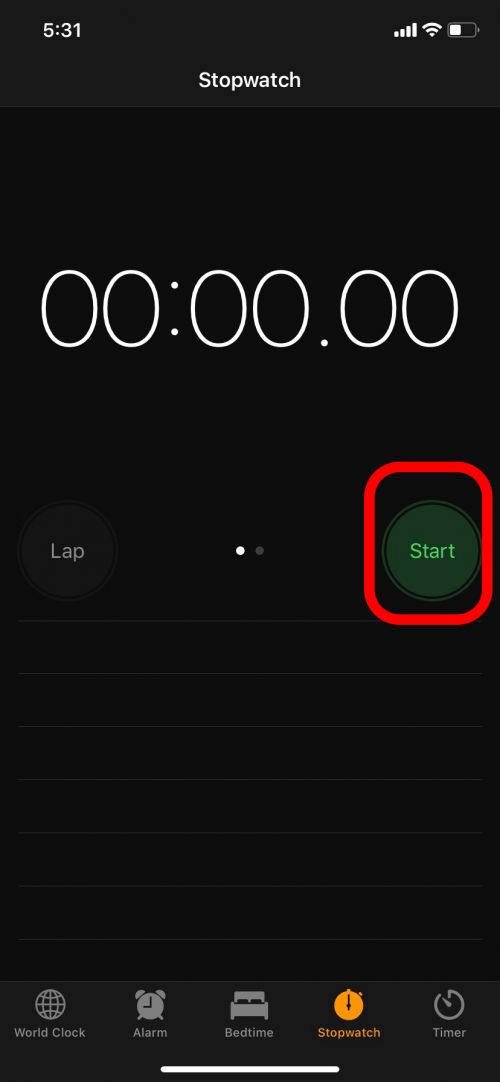
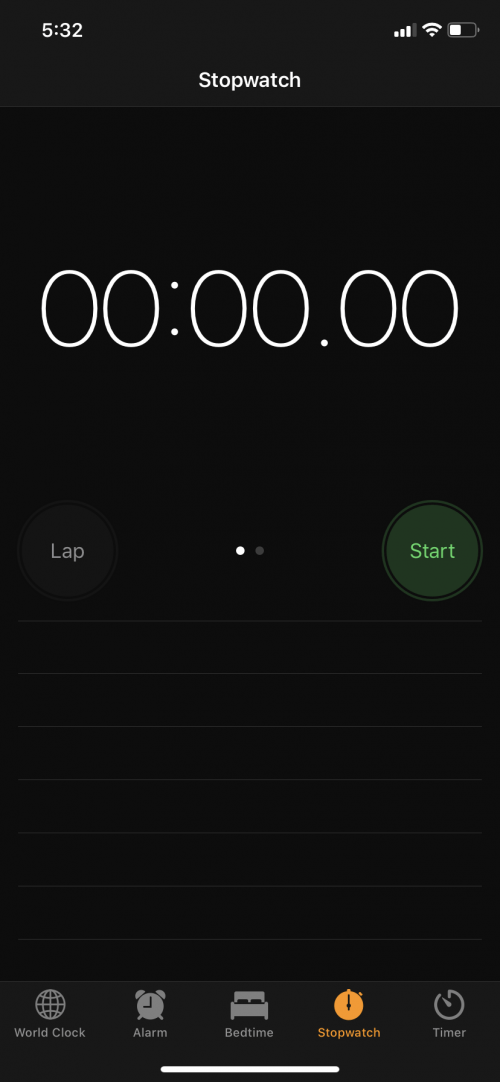
Tap Start to begin the stopwatch.
-
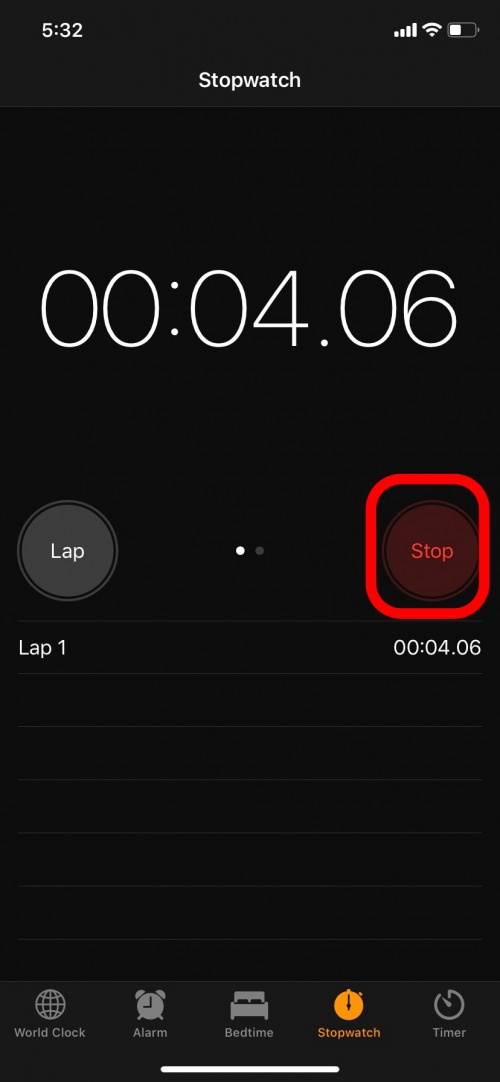
Tap Stop to stop the stopwatch.
-
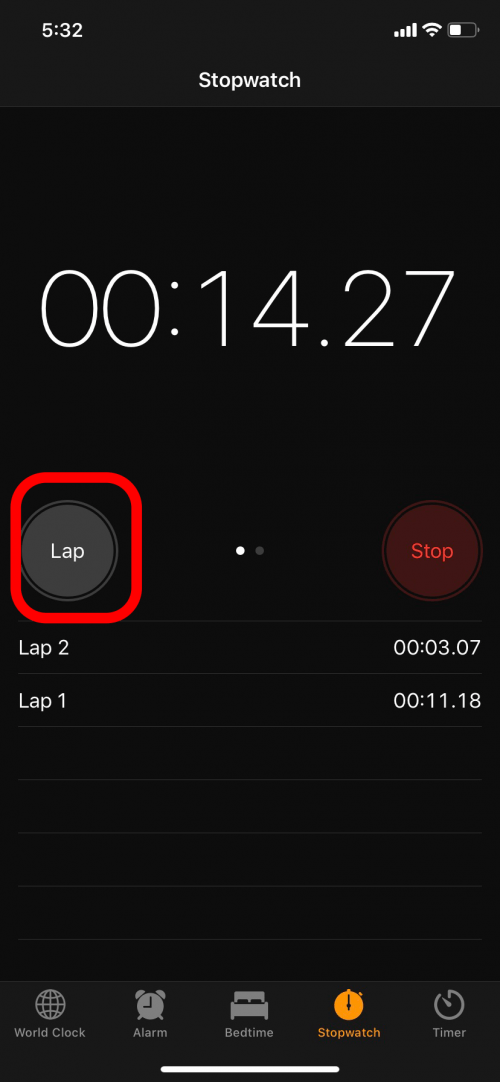
If you want to track laps or an exercise circuit, tap Lap while the stopwatch is running.
-
Tap Lap again as you complete each one. Your Lap times will appear beneath the buttons.
-
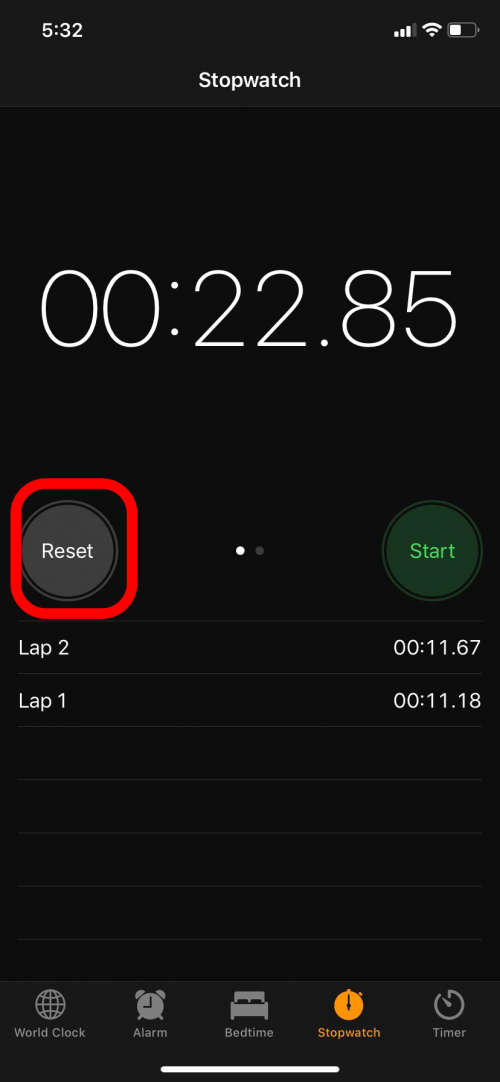
When you’re done, tap Stop and then Reset to start back at zero.
-
Your Lap times won't be saved.
There ya go! That’s the lowdown on how to use the iPhone’s stopwatch.
Top image credit: 10 FACE / Shutterstock.com