How to Recover Permanently Deleted Photos on Your iPhone
By Rachel Needell

By Rachel Needell
By Rachel Needell
If your iPad has a Home button, you can still split the keyboard on your iPad. But you may be wondering how to fix a split keyboard on an iPad. Luckily, it's a fairly simple fix to unsplit the keyboard. Here's why the iPad keyboard is split and how to unsplit the keyboard on iPad.
By Rachel Needell
One of my favorite things about my Apple Watch is the sleep tracker. It is so cool and helpful to be able to view your sleep stages and understand your sleeping patterns and general health better. But sometimes the Apple Watch will stop tracking your sleep or randomly skip a night. Here are a few potential fixes for Apple Watch not tracking sleep.
By Rachel Needell
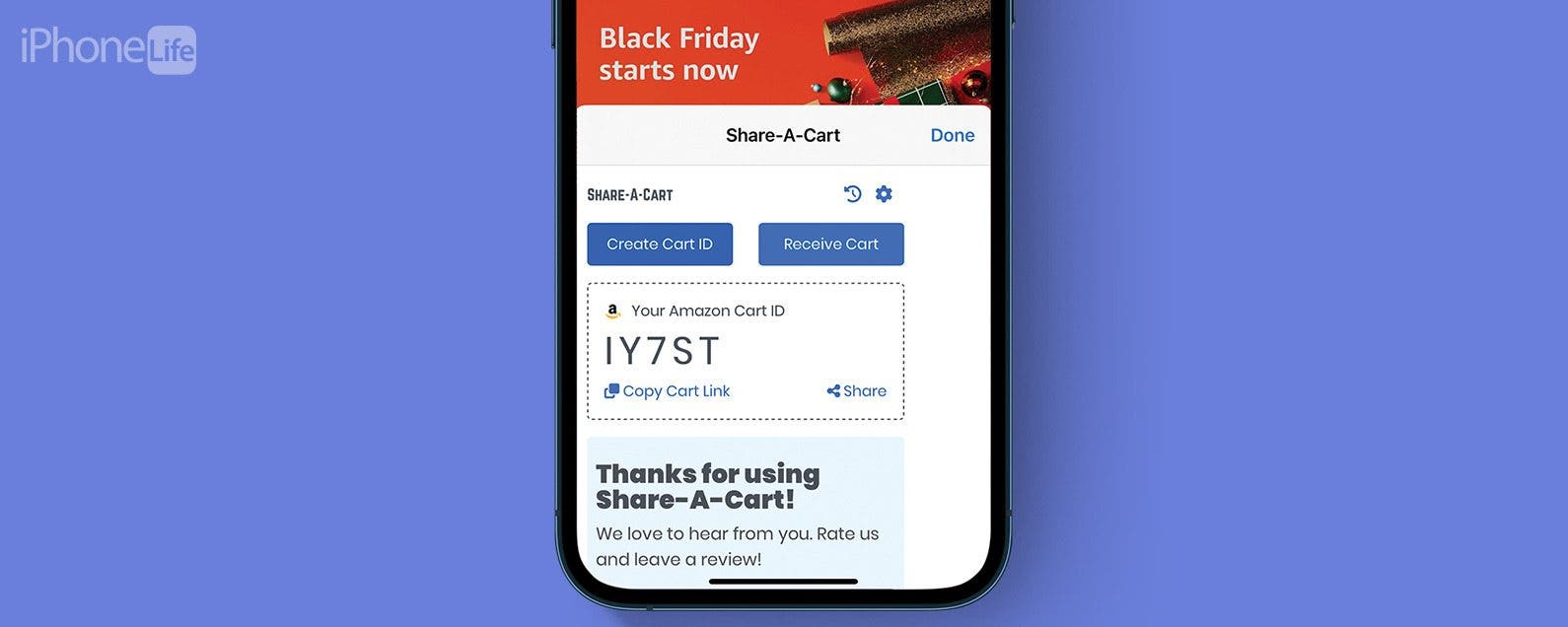
Amazon's wishlist feature is a great way to quickly share a list of items from Amazon's website with another person. You might want to share your Amazon cart for a few reasons, whether as a potential gift guide, a shared shopping list, or more. However, you cannot share your shopping cart on Amazon without also sharing your username and password information. We've found a few ways to send an Amazon cart to someone.
By Rachel Needell
Stage Manager is one of Apple's solutions to multi-tasking. For the iPad and the Mac, Stage Manager was introduced to create a more streamlined, easy-to-use experience when switching between multiple apps or windows. However, the feature can be tricky to use, and you may want to turn off Stage Manager. Luckily, it's quite simple on both iPad and Mac.
By Rachel Needell
The Apple Journal app is very simple and has a few cool features that allow you to create long-term habits, keep your diary entries safe, and even give you prompts when you're unsure what to write about. Here's a quick walkthrough of the new Journaling app for iPhone!
By Rachel Needell
By Rachel Needell
By Rachel Needell
Widgets are a great way to organize your iPhone and iPad's Home and Lock Screen. The Smart Rotate feature can also be a great way to make more of your Home Screen's precious real estate by stacking multiple widgets that automatically rotate based on use, time of day, and other factors. However, you may have noticed random widgets you didn't add popping up instead. Here's how to fix random apps popping up in stacked widgets.
By Rachel Needell
If you've been on the internet recently, you've almost certainly run into a situation where someone uses a long string of emojis to imply something. But what are these emojis and their meaning? We're going to decode a few of the funniest emoji combos to hopefully make the internet a little easier to understand!