How to Scan on iPhone Using Notes App
By Rhett Intriago

By Rhett Intriago
By Olena Kagui
There are times when you aren’t sure what exactly you want to find when you do a Google image search. Other times, you are looking for something extremely specific. This is where an Advanced Google Image Search will help you save a lot of time! Plus, you can use it to find free images or hide explicit content.
By Olena Kagui
Apple surprised HomePod mini owners with the iOS 16.3 update that activated a previously unused sensor sitting on our shelves. This HomePod sensor not only measures your home's temperature and humidity but can also trigger HomeKit automations for your smart home setup! This means that a change in temperature or humidity can turn on your AC or dehumidifier as long as they are compatible.
By Olena Kagui
HomePods have a simple touchpad on top of them, but these have a surprising number of functions! I will teach you all the ways you can control your HomePod or HomePod mini using physical controls or touch gestures.
By Olena Kagui
HomePod minis offer a fun way to integrate the Apple ecosystem into your home, especially now that they're available in five colors. HomePod minis can bring more into your home than just a pop of color. Here are five tips to get the most out of your tiny home assistant (although all these tips also work with the new and discontinued HomePods!)
(Sponsored Post) By Austin Durr on Thu, 03/30/2023
|
Have you ever learned a new iPhone trick and wondered why you didn't hear about it sooner? I recently taught a long-time iPhone user how to turn off her flashlight feature without going into the Settings app every time. She was thrilled! The iPhone is so powerful that we inevitably have gaps in our understanding of how to use some of its most basic functions. |
By Olena Kagui
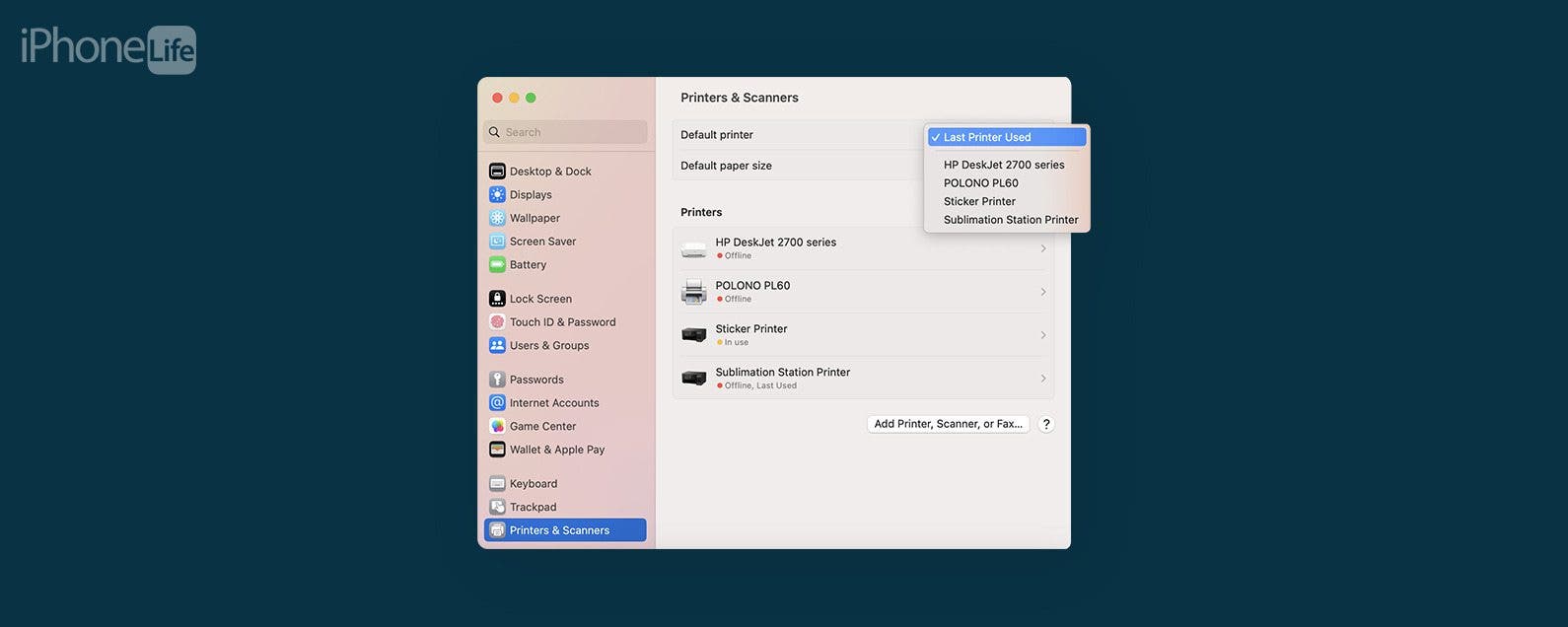
Once you learn how to print from iPhones, iPads, and Macs, you may want to find ways to make the process faster and easier. I find learning how to set a default printer on your Apple device really helpful to not only save time but to avoid wasting ink and paper by accidentally printing on the wrong printer.
Seeing Apple Music appear in Tesla's All Apps folder was one of the best surprises of the December 2022 Tesla software holiday update. The lack of Tesla-Apple Music integration has been a pain point for Apple users who own Teslas. However, thanks to the Tesla update, Apple Music is now available in Tesla's running 2022.44.25 or newer.