Instantly Clear All iPhone Notifications at Once
By Conner Carey
Conner Carey's writing can be found at conpoet.com. She is currently writing a book, creating lots of content, and writing poetry via @conpoet on Instagram. She lives in an RV full-time with her mom, Jan and dog, Jodi as they slow-travel around the country.
By Conner Carey
By Conner Carey
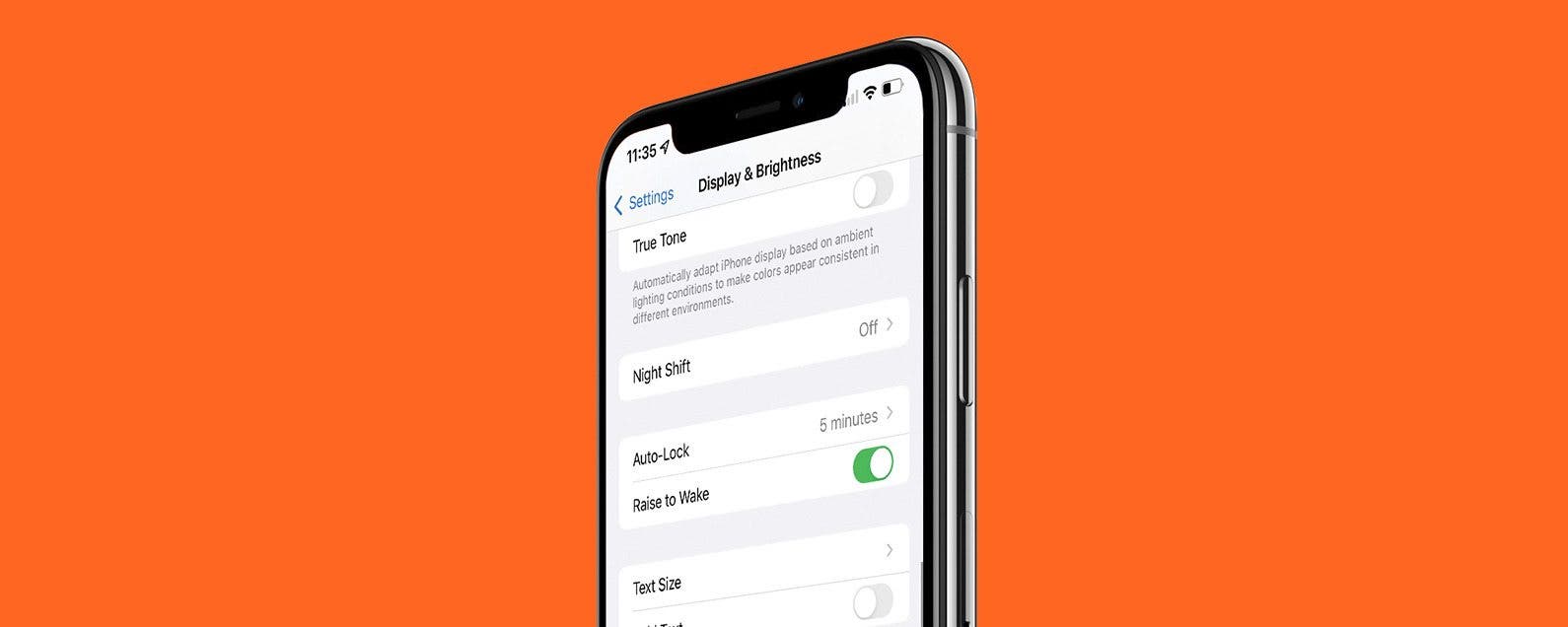
Are you wondering, “Why does my iPhone screen turn on when I pick it up?” Meet Raise to Wake on iPhone! This feature was introduced during the iOS 10 update and has been the default on iPhones ever since. I will tell you more about this feature and explain how to disable Raise to Wake and why you might want it off.
By Conner Carey
Apple added all the different bells and whistles it could think of to Messages with iOS 10 on iPhone. One of the features is the ability to add effects to messages you send. These effects might be applied to an individual text or the entire screen. We’ll go over how to use both. Here’s how to use Effects in Messages.
By Conner Carey
Let the choir sing, we can finally delete Apple stock apps on iPhone. Before iOS 10, there were only workarounds that allowed you to hide the apps, either within a folder or by enabling restrictions for the apps, but they weren’t actually gone. Apple finally allows us to remove stock apps from Home screen on iPhone. We're not entirely sure if deleting the apps frees up any storage on iPhone, but deleteled Stock apps are certainly out of sight and out of mind. If you decide you want any of them back, simply visit the App Store to redownload them. Here’s how to delete stock apps on iPhone.
By Conner Carey
Need to free up space on your iPhone, but having a hard time parting with absolutely anything it contains? I don’t know about you, but I’m that person with a 64 GB iPhone that has 35 GB of music—in other words, way more than I could ever listen to. That storage could be put to better use; and now with iOS 10, it can be, without any of my Apple Music disappearing. Optimizing your iPhone music storage in iOS 10 is pretty easy to do and completely automatic. Optimizing storage on iPhone means selecting a minimum amount of storage your music can take up and allowing your iPhone to remove the downloads of all that extra music you rarely listen to. Here’s how to optimize your iPhone music storage.
iOS 10 is Apple’s biggest operating system update since iOS 7. You can finally remove stock apps from Home screen, and soon you’ll be able to ask Siri to hail you an Uber. Voicemails are now transcribed, the Messages app is having it’s own party with fireworks and confetti, Apple Music has been redesigned, and your iPhone can tell you when to go to bed. Yet even outlining all that, I’ve only scratched the surface of what you can do in iOS 10, which is why we created an easy, fun-to-watch video guide for iPhone Life Insiders. If you’re not familiar, iPhone Life Insiders receive daily video tips for mastering their iPhone in one minute a day. Among other features, they also receive in-depth guides filled with helpful information each time Apple does something new. Check out a sneak peak to the guide below where we’ll show you how to send handwritten messages and delete unwanted stock apps in iOS 10.
By Conner Carey
iOS 10 is now available to install on your device! September 13 is here, and users with an iPhone 5s or later will be able to update to the long-awaited iOS 10. Meanwhile iPad users will need to have an iPad mini 2 or later. Anybody who is upgrading will automatically have iOS 10 when their new device arrives, but you'll still want to upgrade your older device (if compatible) for a smooth transfer when you move your data from the old phone to the shiny new one. There are loads of new features in iOS 10 that we’ll be covering in our daily tips in the coming months. Ready to update to iOS 10? Here’s how to do it. New iOS 10 features include a Lock screen widgets page, upgrade Maps, lift to wake screen, ability to delete Apple stock apps, voicemail transcription, and much more. Here’s how to update to iOS 10.
By Conner Carey
You've probably seen iPhone message reactions; they're the little icons that appear beside a text in an iMessages thread. If you've wondered how to like a text message or if you've asked yourself, "how do you laugh at a text," this quick tip will help you out! Here's how to respond to a text with iPhone message reactions.
There’s a lot or a little you can access when your iPad or iPhone is locked, depending on the iPad or iPhone Lock screen settings you choose to enable. Lock screen access to your notifications, Siri, and Wallet, and control of your smart home is certainly convenient. But if you're concerned about someone else being able to use those features from your phone's Lock screen, you can also disable access for maximum privacy and security. We've already gone over how to change the auto-lock time on your iPhone, how to write notes from the Lock screen, and how to change your Lock screen wallpaper. Now, here’s how to change the Lock screen settings on an iPhone or iPad. Whether you want to change your iPhone X Lock screen, iPhone XR Lock screen, or even an iPhone SE Lock screen, here's how.
By Conner Carey
Did you know you can disable Do Not Disturb for as many contacts as you want? Here's how to bypass Do Not Disturb with Emergency Bypass, so emergency bypass contacts on your iPhone can call, text, or both.
NULL