How to Remove People from Photos on iPhone Using AI Clean Up
By Rhett Intriago
By Rhett Intriago
By Susan Misuraca
In episode 222, David and Donna give you the scoop on the iPhone 17 “Awe Dropping” event. From the thinnest-ever iPhone Air to the fitness-tracking AirPods Pro 3, to the hypertension-sensing Apple Watch Series 11, find out which hardware stole the show and what left us less than impressed.
By Susan Misuraca
Does this year’s crop of new iOS 26 features make up for last year’s failed promises of an AI-powered Siri? In episode 221 of the iPhone Life Podcast, Donna and Cullen report back on favorite features after a month of testing iOS 26, from the Liquid Glass redesign to AI calling features like Live Translation and Hold Assist.
By Susan Misuraca
In this episode, Donna and David unpack everything Apple announced at its annual Worldwide Developers Conference. From a complete visual redesign for all Apple devices called ‘liquid glass,’ to functional AI features for the iPhone, to Mac-like multitasking for the iPad, tune in to learn about everything coming your way.
By Amy Spitzfaden Both
By Olena Kagui
Today, AI is everywhere. While the benefits of AI to society are promising, a brand-new concern is coming to light: AI has a large carbon footprint, requiring a lot of energy and water. By 2026, the International Energy Agency predicts data centers—which power AI and cryptocurrency—could consume 4 percent of energy usage worldwide, the same amount of electricity required to power Japan. While there are ways to offset AI’s environmental toll, it will require widespread awareness and ongoing sustainability initiatives in order for us to use this advanced technology responsibly.
By Cullen Thomas
Apple's new artificial intelligence started rolling out its first features with the release of iOS 18 on September 16, and most of them are now available on compatible iPhone models. Apple's AI-powered features are collectively called Apple Intelligence, and they promise to super-power Siri, generate images from text prompts, rewrite your emails in different tones, summarize web pages or emails, and much more. However, these features rely on the neural engine hardware built into the phone, and only the very latest generations of iPhone will sport neural engines powerful enough to unlock Apple Intelligence. So, is it worth an upgrade?
By Olena Kagui
On March 5, Apple announced the 2025 MacBook Air, boasting the M4 chip built for Apple Intelligence, 18-hour battery life, and four color options including Sky Blue. 50 percent of the new MacBook Air is made out of recycled materials and is twice as fast as the 2024 model despite having a lower starting price point.
By Amy Spitzfaden Both
On March 4, Apple announced its 2025 iPad Air with an M3 processor designed to support Apple Intelligence and a brand-new Magic Keyboard. Let's dive into these tablet upgrades and see if they might be right for you.
By Olena Kagui
Apple made a surprising announcement on February 19th, 2025: a brand-new budget iPhone is out, and it’s not your typical SE. The new iPhone 16e is the budget version of the iPhone 16 lineup, but it comes with a few surprises, like Apple Intelligence compatibility and a 48MP back camera. Should you consider buying the iPhone 16e? We’ll give you the pros and cons.
By Leanne Hays
Are you looking for the best plant identification app for your iPhone? With iOS 18.3, you don't need one! You can use Apple's new Visual Intelligence feature to identify plants and animals, instead.
The best Apple Intelligence iPhone 16 feature is for sure Visual Intelligence! Often compared to Google Lens, iPhone’s version lets you take an image and search for it on Google. It is also possible to ask ChatGPT about the image, use it to summarize or read aloud photographed text, and more. We’ll teach you how to use Apple Visual Intelligence.
By Olena Kagui
Image Wand is one of the several new Apple Intelligence features available on iPhone and iPad. The Image Wand can be used to generate images based on prompts and sketches done in the Notes app. We’ll teach you how to use it to transform a hand-drawn drawing or even a blank space into a professional-looking image.
By Rhett Intriago
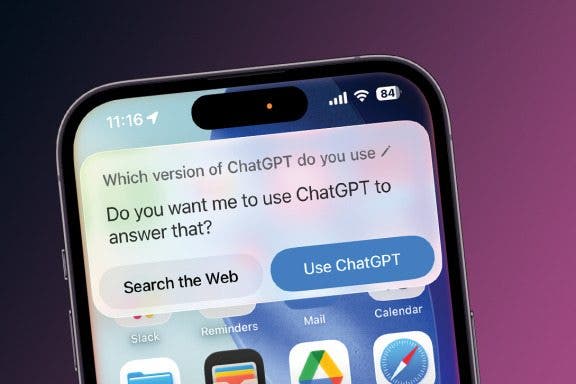
With the latest version of iOS, ChatGPT is natively integrated into Siri, allowing you to use ChatGPT to complete requests that are too complex for Apple Intelligence to handle. Find out how to maximize your ChatGPT use below!
By Rhett Intriago
You can now use ChatGPT with iOS to make more complex requests, create images, rewrite text, and more. While Apple Intelligence is capable of doing many of these things already, ChatGPT allows your iPhone to push the AI a little further. Find out how to enable ChatGPT on iPhone.
By Susan Misuraca
Apple has announced what new features will be part of their next iOS operating system. The announcement came June 10th at their WWDC event, and it’s got us hyped for the next major update. We’ll walk you through everything Apple announced, and why it’s a big deal.
By Olena Kagui
The Visual Intelligence Apple feature is the Google Lens iPhone alternative, letting you search an image via Google. You can do this super quickly using the Camera Control button as long as you have Apple Intelligence enabled on your iPhone. Learn more about this feature and if your iPhone can do it.
By Susan Misuraca
In episode 214, David and Donna give you the scoop on the iPhone 16 “Glowtime” event. From the AI-powered chip in the iPhone 16 line to the larger, brighter, and thinner Apple Watch Series 10 to major AirPods upgrades, they help you decide what you should buy and what you should skip.
By Rhett Intriago
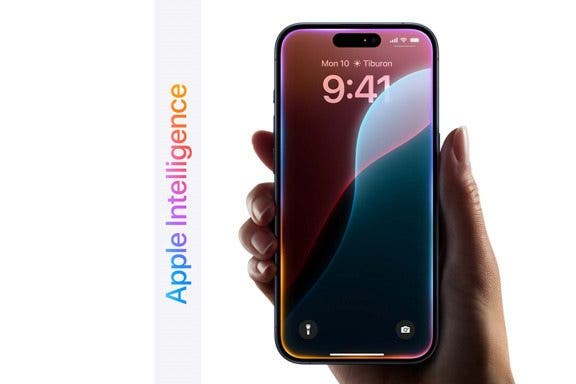
For better or worse, AI is here to change how you use your Apple devices. During its June 10 WWDC keynote, Apple unveiled Apple Intelligence, a new artificial intelligence system for iPhone, iPad, and Mac. This new technology is powered by on-device processing and new private Apple silicon servers, which Apple has dubbed, “Private Cloud Compute.” With Apple Intelligence, you’ll have access to AI tools that will help you improve your writing, create artwork, communicate more clearly with Siri, and so much more.
By Rhett Intriago
Apple is slowly rolling out Apple Intelligence features with each new iOS 18 update. If you’re having trouble finding the right emoji to use to respond to a text, fear not! In iOS 18.2, you can now use Apple Intelligence to generate completely new emojis. Find out how below!
NULL