How to Control Autocorrect & Predictive Text on iPhone
By Rhett Intriago

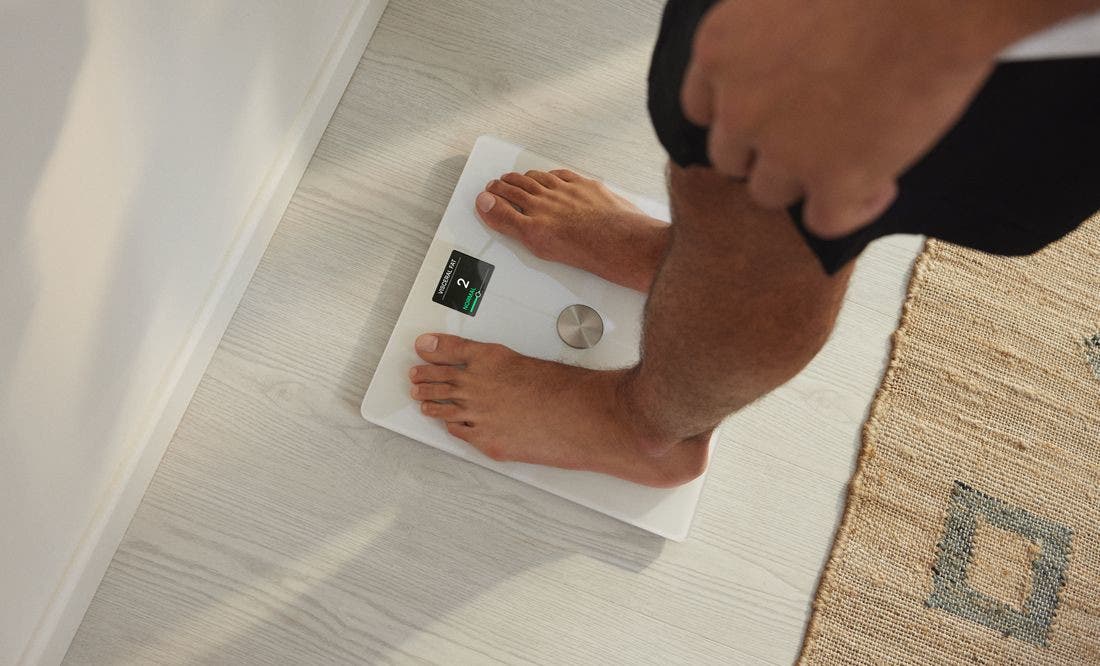
Check Out the Newest Body Smart Scale by Withings
https://www.withings.com/us/en/body-smart?utm_source=advertising-iPhoneLifeJuneFeatProd-partner-US&utm_medium=display&utm_campaign=iPhoneLifeJune23FeatProd-partner
The Easiest Way to Create Lists on iPhone
By Rhett Intriago

Did you know the Reminders app on your iPhone is for more than just reminders? You can also use the app to create lists for grocery shopping, keeping track of chores, or just a general checklist. Read on to find out how to use Reminders on iPhone to create lists!
How to Check Your Wi-Fi Ghz on iPhone & iPad
By Leanne Hays

Are you wondering what Wi-Fi frequency your iPhone or iPad is connected to? Here's how to check your Wi-Fi GHz on an iPhone.
iPhone 15 Release Date & Rumor Roundup: Everything We Know
By Olena Kagui

It's almost that time of the year again when Apple announces its brand-new lineup of iPhones! This September, we can expect the release of the iPhone 15. It is rumored to be one of the most significant iPhone transformations yet! Between the leaks, whispers, and past experiences, here's everything we know about the new iPhone 15 line.
Romanticize Your Life with OHOM Self Heating Tea Set
By Haley Hunter

Any warm beverage lover knows the importance of drinking your steaming cuppa in the temperature sweet spot: after the scalding steam has eased and before the lukewarm disappointment sets in. Finishing your morning beverage before it goes lukewarm is a challenge though! That’s why the promise to keep my beverages hot while simplifying my desk layout piqued my interest. First stop: the OHOM Ui Plus Self Heating Mug Set (starting at $88) and OHOM Leiph Self Heating Teapot Set ($49).
How to Use Interactive Widgets on iPhone
By Rachel Needell

One fun new feature that debuted with iOS 17 is the highly requested interactive widgets. In previous iterations of iOS, the widgets displayed bits of info or data. Now, with iOS 17, you can actually use the widgets as if they are mini versions of the app! This includes things like checking off reminders on your to-do list, turning your lights on and off via the Home widget, or pressing play or pause on your Apple Music. Here's how it works!
Pages


