iPhone Life - Best Apps, Top Tips, Great Gear
iPhone Life Proudly Supports Racial Justice
By Donna Schill

In recent months, we’re reminded of the deeply entrenched racial divide in this country after the tragic loss of more members of our Black community, including George Floyd, Breonna Taylor, and Ahmaud Arbery. The widespread protests and civil unrest that have followed tell the story of a country that’s grieving and in search of a path forward. At iPhone Life, we are committed to fighting racial injustice and bias within policing, the tech world, and society as a whole. While large-scale action is needed to address the problem of systemic racism, we are also committed to taking personal action to support racial equality.
How to Turn Off Passcode on iPhone
By Amy Spitzfaden Both
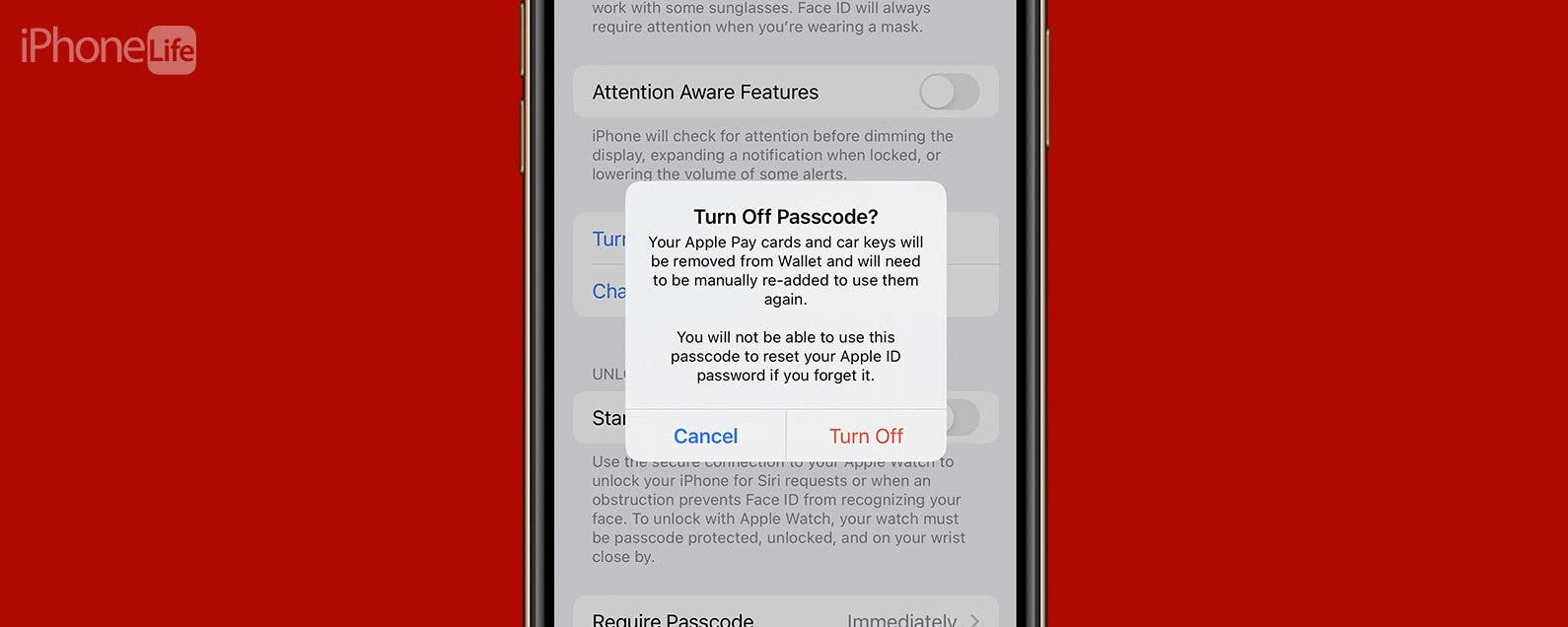
While there are numerous reasons to have an iPhone passcode, there are just as many reasons why you might want to know how to turn off a passcode on your iPhone. We'll show you how to remove a password from your iPhone in a few simple steps as well as alternatives to the iPhone passcode.
- ‹ previous
- 1213 of 2490
- next ›
Find Out If Your Data's Been Compromised
(Sponsored Post) By Amy Spitzfaden Both on Thu, 09/03/2026


