iPhone Life - Best Apps, Top Tips, Great Gear
How to Connect to a Personal Wi-Fi Hotspot Using Bluetooth
By Leanne Hays

In a previous daily tip we discussed how to set up a Personal Hotspot using your iPhone, and how to connect your devices to it using Wi-Fi. But what to do if Wi-Fi is unavailable or unreliable? You're not out of options; it's time to connect to your Personal Hotspot using Bluetooth. While your Bluetooth connection will be slower than Wi-Fi, it does have its charms. Bluetooth uses far less power than a Wi-Fi connection, is more secure, and features automatic pairing—as opposed to Wi-Fi, which has a lag while your laptop, iPad or iPod connects, and may require you to rejoin the network every time your device goes to sleep. So without further ado, let's learn how to connect to a Personal Hotspot using Bluetooth!
How to Find & Download Music from Apple Music on iPhone
By Leanne Hays
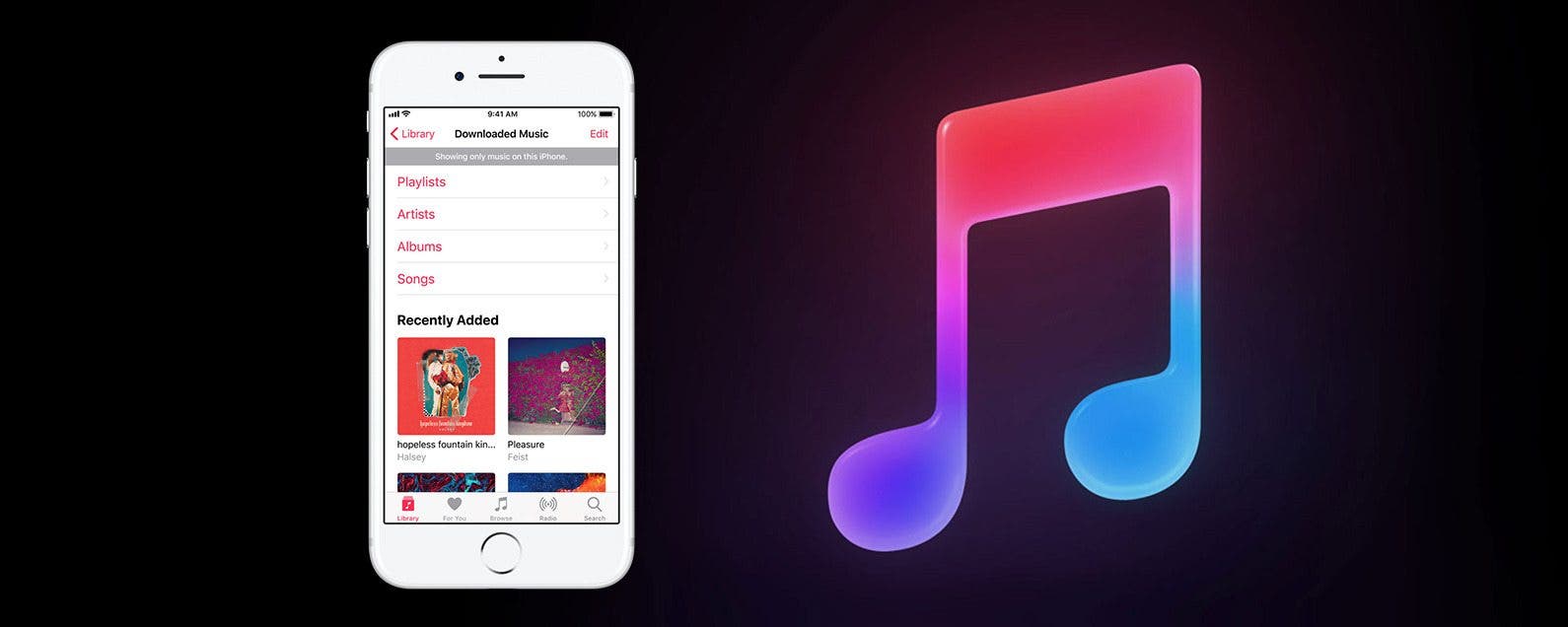
Apple Music is a service that allows subscribers to browse and listen to a library of over 40 million songs. Apple Music users can also download music, make playlists, and follow friends to find out what they're listening to. There's even an Apple Radio feature where subscribers can tune in to a wide selection of live radio stations to hear streaming music, or create their own custom radio stations. If you find a song you like on any radio station you're listening to, you can save it to your Apple Music Library, add it to a playlist, and share it with other Apple Music listeners you've connected to. But how do you go about downloading a song or album from Apple Music when you find content you enjoy so much that you want to have constant access to it? Let's find out!
- ‹ previous
- 1597 of 2476
- next ›

