Learn What Your iPhone Can Do in One Minute a Day—Free!
(Sponsored Post) By Conner Carey on Wed, 03/21/2018

We all know there are tons of iPhones features that we’re just not aware of, but did you know you can sign up for our free Tip of the Day newsletter and learn a little bit every day? You’ll receive free how-tos, tips, tricks, and app recommendations in your inbox each day when you sign up. We’ll also send you a summary at the end of the week so you can easily catch up on anything you missed. The Tip of Day newsletter is the best way to stay up to date on all the latest features your iPhone is capable of. Close to 100,000 people are already signed up; check out examples below!
How to Transfer Apple Cash to Your Bank Account
By Leanne Hays

Apple Pay Cash gives iPhone users a convenient way to send and receive money right from the Messages app on the iPhone. Apple Cash doesn't need any new accounts or app downloads to work; it functions within your normal iMessages as long as you already have Apple Pay set up. While Apple Pay is a super convenient way to receive money, not everyone will want to keep their entire balance on their Apple Cash card. We've already gone over how to use Apple Pay in the Safari browser on your iPhone, and how to send money with Apple Pay. Now, if you've been wondering, "how do I transfer money from Apple Pay to my bank account?" we'll show you how to use the Wallet app to transfer money from Apple Cash to your bank account of choice, instantly, or in one to three days.

If your credit or debit card is lost or stolen, you'll want to suspend it in your iPhone's Wallet & Apple Pay app. If your phone is lost or stolen, you'll also probably want to remotely erase your device. Better safe than the sorry victim of credit card fraud or identity theft! So how do we go about suspending lost or stolen credit cards to prevent someone else from using them? And how can we suspend our cards if our iPhone is also gone? Don't panic; in just a few easy steps you can suspend credit cards in Apple Pay on your iPhone, or remotely if your iPhone's been lost or stolen and you have access to another smartphone or computer.
How to Share Reminders on iPhone with Friends & Family
By Leanne Hays

How To Update Kindle Books on Your iPhone
By Leanne Hays

One of the best features of digital books, besides their incredible helpfulness in saving space, is their ability to be updated. When corrections and changes need to be made, Amazon can simply send the updated content to your Kindle. But how can Kindle owners manage their Kindle settings to make sure these automatic updates happen? We've already gone over how to buy Kindle books on your iPhone or iPad and how to delete them on the Kindle app or a Kindle device. Now, let's go over how to manage your Kindle settings to make sure your e-books are automatically updated so you can have all the most current versions of your Kindle content!
The Best Royalty-Free Stock Video Footage: Videoblocks by Storyblocks
(Sponsored Post) By Conner Carey on Wed, 03/14/2018

Videoblocks by Storyblocks is your premium source for high-definition video footage, After Effects templates, and motion backgrounds. For the content creator, a Videoblocks subscription makes bringing your creative vision to life easier than ever before. Videoblocks consistently releases new content too that will allow your reservoir of incredible stock footage to continue to expand. Everything you download is included in your membership, so there are no additional fees. You can download as much as you want and use it royalty-free forever.
Don’t Leave the House without This Rugged Solar Charger for Your iPhone
By Anonymous (not verified)

We've teamed up with StackCommerce to bring you iPhone Life Deals, showcasing unique discounts on some of the top gadgets and software from around the web. This post does not constitute editorial endorsement, and we earn a portion of all sales.
It’s frustrating when your iPhone dies on you when you’re nowhere near an outlet. Maybe you were expecting an important call while out for the day, or perhaps you were on a long hike about to reach the ideal spot for a beautiful photo—and then your phone dies. It’s situations like these that reveal the utility of a portable battery charger.
Best New iOS 11.3 Features Coming This Spring
By Sarah Kingsbury

In the 79th episode of the iPhone Life Podcast, the team shares the best features coming to your iPhone and iPad this spring with iOS 11.3. Learn why this software update will make a difference for you, from battery performance settings to messages that sync with iCloud. Other topics include the never-ending Apple Maps versus Google Maps debate, mortifying tech mishaps, and a quick-and-dirty trick for deleting tons of emails in a snap.
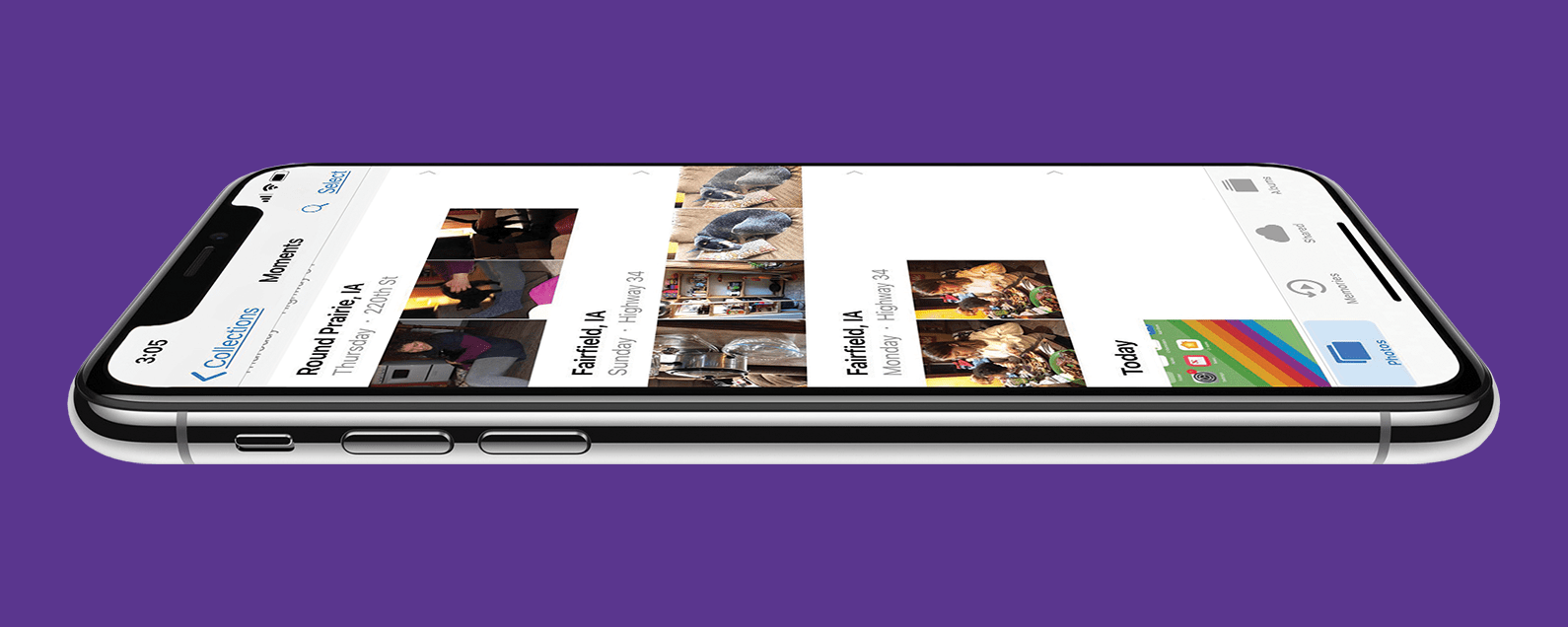
Apple's Photos app can scan every face in every image, identify people, and sort the pictures into their respective People albums. Sometimes though, the Photos app identifies people incorrectly and puts a friend or family member's picture in the wrong People album. Here's how to move a misidentified photo from a People album.
Pages


