How to Stop Sharing Location Without Them Knowing
By Rhett Intriago

By Rhett Intriago
By Rhett Intriago
Starting with the Apple Watch Series 9 and Ultra 2, there is a feature called Double Tap. This handy new feature allows you to control your watch with a simple hand gesture. Find out exactly how Double Tap on Apple Watch works and how to enable it.
By Leanne Hays
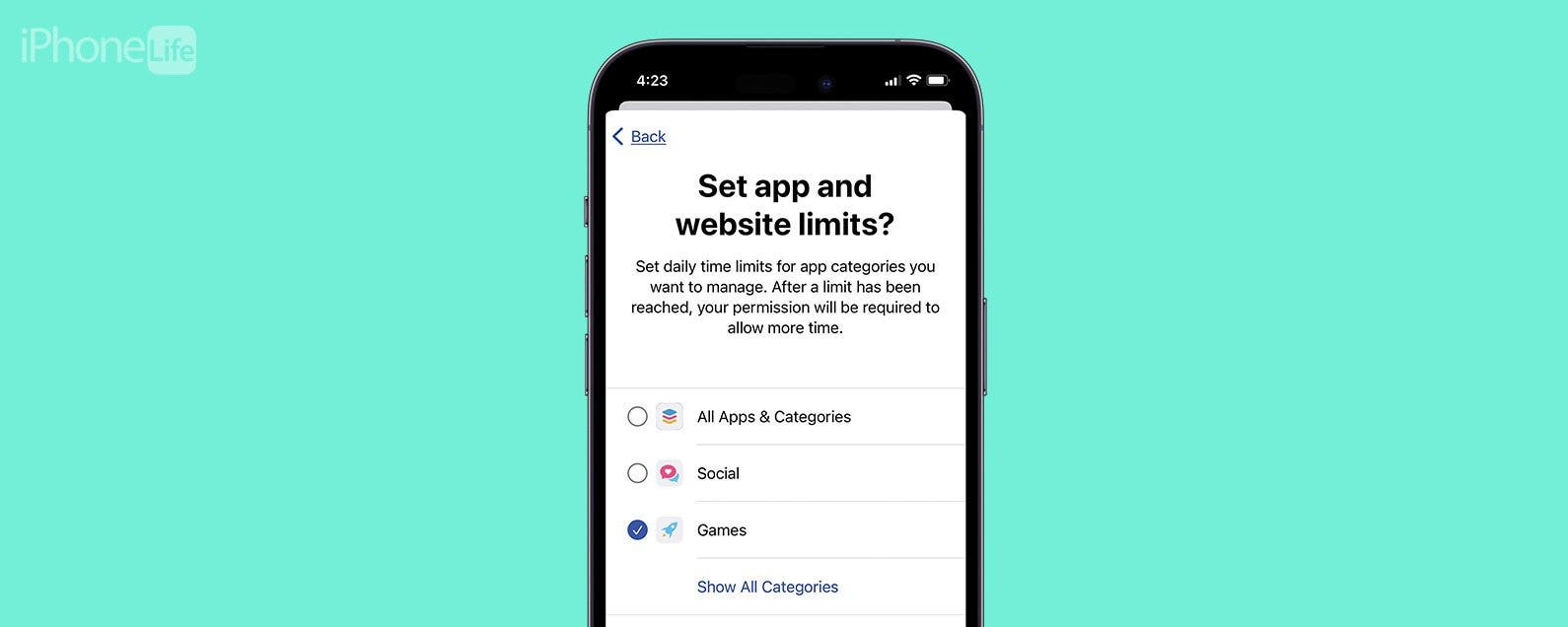
Kids and video games: it seems like everyone has an opinion on the topic, but there isn’t a lot of practical advice for how to walk the middle road between unhinged internet addiction and living like the Amish. I’ve had my share of internal struggles about letting my kids game, and honestly still do! Here’s what I’ve learned along the way about introducing gaming in a safe and healthy way. Hopefully, my experience will help you find a strategy that works for your family.
StandBy mode is a feature in iOS 17 and later that is sometimes called nightstand mode. It will turn off automatically unless you have an iPhone with an Always-On display. Even if your Always-On display is toggled on, using Focus modes such as Sleep Focus will turn the StandBy mode screen off automatically. However, as long as you have Always-On display toggled on, you can adjust a single StandBy setting to make sure your screen never turns off.
(Sponsored Post) By Austin Durr on Thu, 11/30/2023
Zugu’s iconic iPad case is sleek and modern while providing military-grade drop protection. As a result, Zugu has amassed an impressive following as Amazon’s highest-rated iPad case. Just one of its 75,000+ five-star reviews calls it "The absolute best…I actually feel safe around my kids with this case." Far from an overnight success, Zugu has focused on making one product, and consistently improving. For over twelve years, Zugu engineers have toiled away in pursuit of the perfect iPad case. They’ve refined, tested, and refined again—and it shows.
By Olena Kagui
StandBy mode, sometimes called "iPhone nightstand mode," is on by default on iPhones running iOS 17 or later. Just make sure to toggle on StandBy mode and Always On Display. Plus, make sure your iPhone is plugged into a compatible charger and leaning back while in landscape mode.
Achieve your health and fitness goals with precise weight tracking and advanced body metrics, including heart rate insights. Discover a seamless user experience and all the essentials you need to make better health part of daily life. Powered by multiple frequencies, Body Smart uses an undetectable electric current to calculate your precise body composition. This smart technology brings you brand new metrics and a complete picture of your health. Patented transistor technology also ensures consistently precise weight measurements, up to 0.1lbs.