How to Add Filters to Live Photos on iPhone
By Leanne Hays

Can you filter a Live Photo? Yes! Various iPhone filters can give your live pictures a unique look. Here's how to add photo filters to Live Photos.
Leanne Hays has more than sixteen years of experience writing for online publications. As a SEO Specialist and Feature Writer for iPhone Life, she has authored hundreds of how-to, Apple news, and gear review articles, as well as a comprehensive Photos App guide. Leanne holds degrees in education and science and loves troubleshooting and repair. This combination makes her a perfect fit as manager of our Ask an Expert service, which helps iPhone Life Insiders with Apple hardware and software issues.
In off-work hours, Leanne is a mother of two, homesteader, audiobook fanatic, musician, and learning enthusiast.
By Leanne Hays
Can you filter a Live Photo? Yes! Various iPhone filters can give your live pictures a unique look. Here's how to add photo filters to Live Photos.
By Leanne Hays
Wondering how to turn on Live Photos on a Mac? Playing a Live Photo on your Mac is quick and easy. Here's how to view a Live Photo in the Photos app on a Mac.
By Leanne Hays
You can post Live Photos on Facebook, but you have to turn the Live Photo into a video or GIF first. (Instagram also supports these formats). Once you’ve turned your Live Photo into a video or GIF, you can share live images on social media.
By Leanne Hays
Is your iPhone volume low, muffled, or distorted? If so, you're probably wondering, "what is the easiest way to clean iPhone speakers?" We'll also go over how to get water out of your phone speaker. Here's how to clean speakers and get water out of iPhone speakers.
By Leanne Hays
Have you been wondering how to edit a slow-motion video on a Mac? After you make a video with an iPhone or iPad, you can edit it in the Photos app on a Mac; here's how.
By Leanne Hays
How do I reduce file size on a Mac? You don't have to pay for a file compressor to create a zip file or zip folder. We'll show you how to compress a file (or folder) in three easy steps! We'll also cover how to unzip files on a Mac.
By Leanne Hays
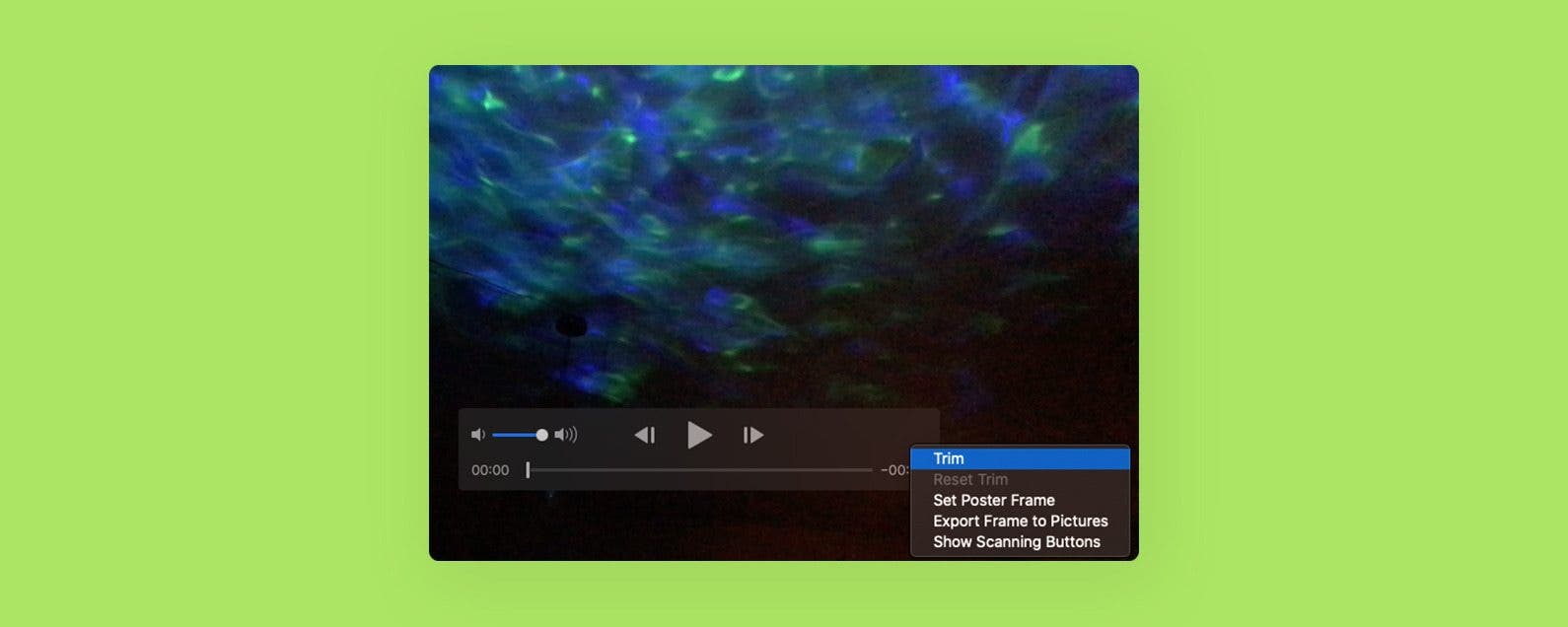
I take tons of videos of my kids and pets, but I edit my videos down to the highlights for friends and family. If you’d like to know how to shorten videos on your Mac, here’s how. We'll also go over how to reverse the changes and go back to the original video.
By Leanne Hays
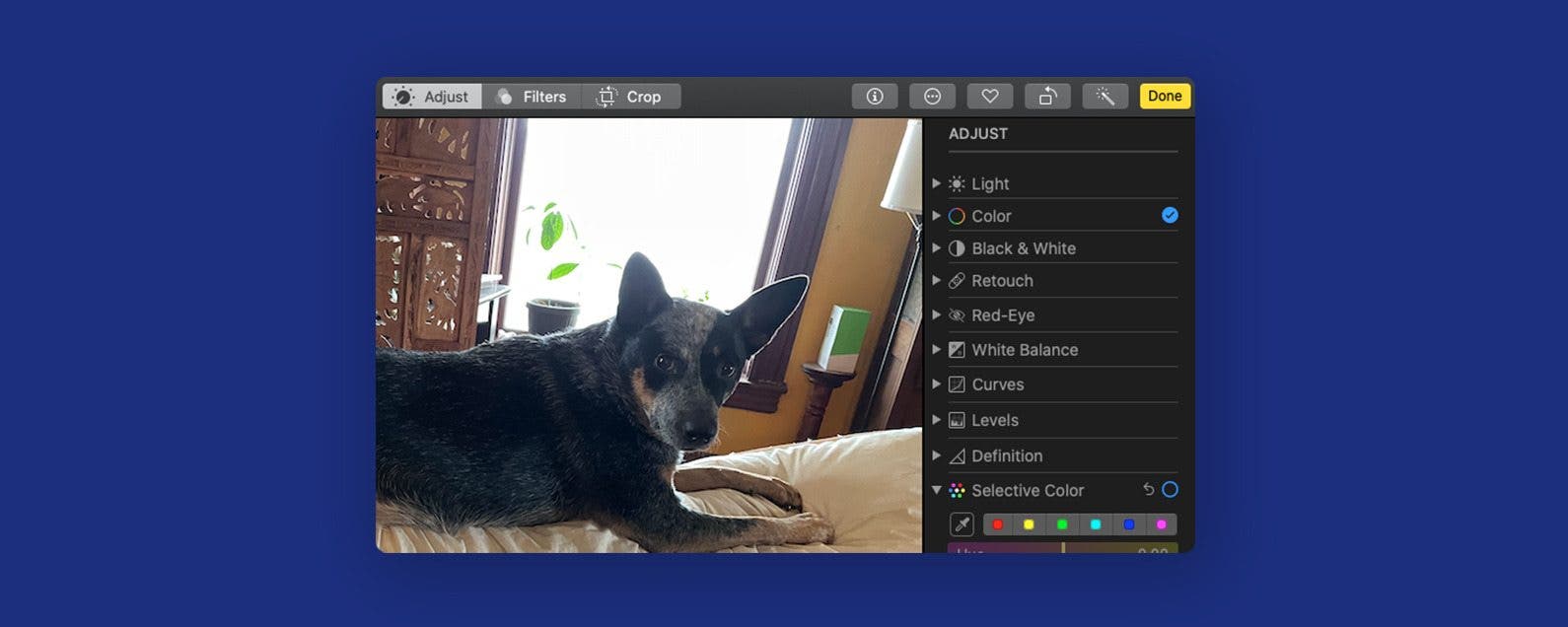
If you plan on making the same kind of edits to several photos or videos, you can copy the adjustments you’ve made and paste them onto other images. Here's how to copy and paste edits on a Mac.
By Leanne Hays
Has the Photos app saved a picture upside down? Or, did you take a photo at a strange angle, and you'd like to tilt the photo to improve its appearance? Here's how to rotate a photo and tilt a picture in the Photos app on Mac.
By Leanne Hays
Have you been wondering how to delete part of a picture on Mac, how to crop a video, or how to crop a picture on Mac? In this article, we'll go over how to crop a video or picture on your Mac computer.