How to Mute a Group Text on iPhone

With two decades of writing and editing experience, Sarah has written hundreds of how-to articles, founded the Daily Tip newsletter, and now oversees iPhone Life’s online content.
Learn More With two decades of writing and editing experience, Sarah has written hundreds of how-to articles, founded the Daily Tip newsletter, and now oversees iPhone Life’s online content.
Learn MoreYou don't have to leave a group text on an iPhone just because you want it to stop buzzing with new message notifications! Instead, you can silence the iPhone notifications sound for your group chat, and read the text messages later. Here’s how to mute a group text on iPhone without leaving the conversation.
Why You’ll Love This Tip
- Learn how to silence a group text on iPhone and read the messages later.
- Focus on current tasks without getting distracted by text message alerts.
How to Silence a Group Text on iPhone
System Requirements:
This tip was written on an iPhone 17 Pro running iOS 26.2. Find out how to update iOS.
So you've made a group text on your iPhone, but now you're tired of hearing that iPhone notification sound every time somebody in the group texts. You might receive a suggestion to mute a group chat you don't seem to be engaged in. Then, you can tap the suggestion to mute. If you don't see a suggestion to mute the group text, follow the steps below to learn how to mute a group chat on iPhone.
- Open the Messages app.
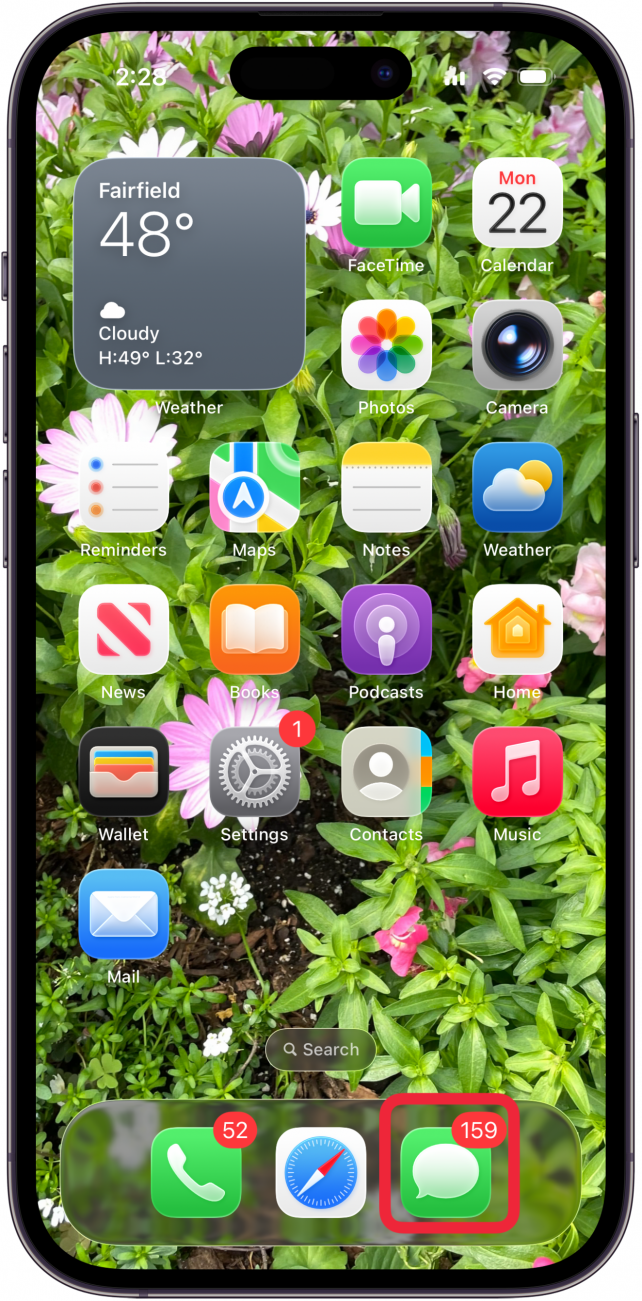
- Tap the group chat on iPhone you want to silence.
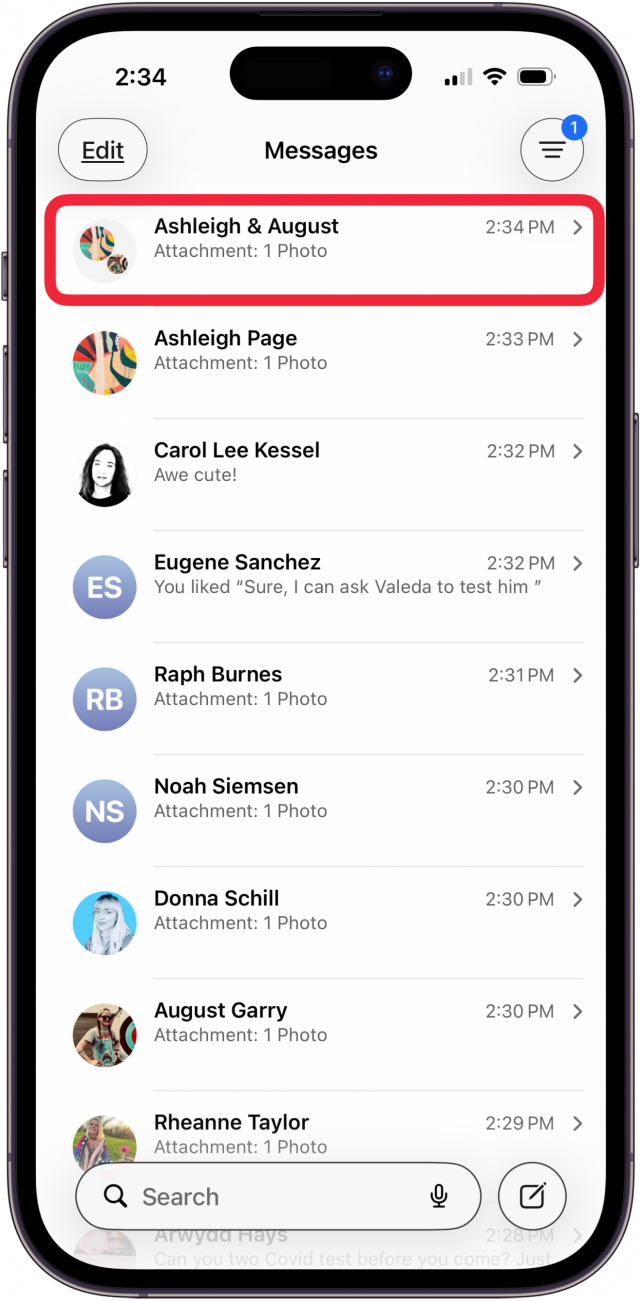
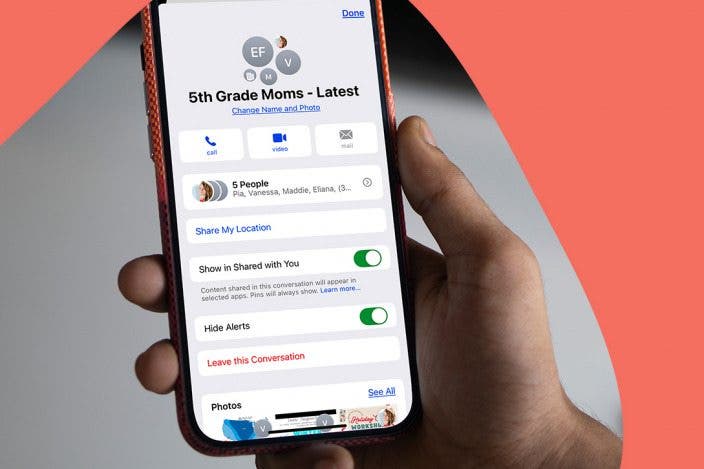
- Tap on the contacts at the top to edit your settings for the group chat.

- Toggle on Hide Alerts. The toggle is green when enabled.

- Close the Messages app, or tap the caret to return to the main screen.

That's it! Now you know how to silence a group text on iPhone. If you still want to receive some alerts but don't want to see notifications on your Lock screen, you can turn off Lock screen notifications in settings. Check out our free Tip of the Day for more great Messages tutorials.
More On: Group Messages
Top image credit: Mojahid Mottakin / Shutterstock.com

Every day, we send useful tips with screenshots and step-by-step instructions to over 600,000 subscribers for free. You'll be surprised what your Apple devices can really do.

Sarah Kingsbury
As the Editorial Director at iPhone Life, Sarah Kingsbury manages the online editorial team and oversees all website content. She is a long-time Apple enthusiast who never goes anywhere without her Apple Watch and owns way too many HomePods. Since joining iPhone Life in 2013, Sarah has done everything from writing hundreds of how-to articles to founding the Daily Tip newsletter. She even co-hosted the early episodes of the iPhone Life Podcast. When not at work, Sarah can be found hiking in the mountains and canyons around Las Vegas, where she lives with her partner and dogs.

 Leanne Hays
 Amy Spitzfaden Both
 Olena Kagui

 Rhett Intriago





 Rachel Needell