iPhone Life magazine

iPhone Life magazine CTIA 2013 Best of Show Award Winners

image

Congratulations to the winners of the iPhone Life magazine CTIA 2013 Best of Show awards!


Pick a Color: Latest Rumors Say New iPhones to Come in Variety of Hues

image

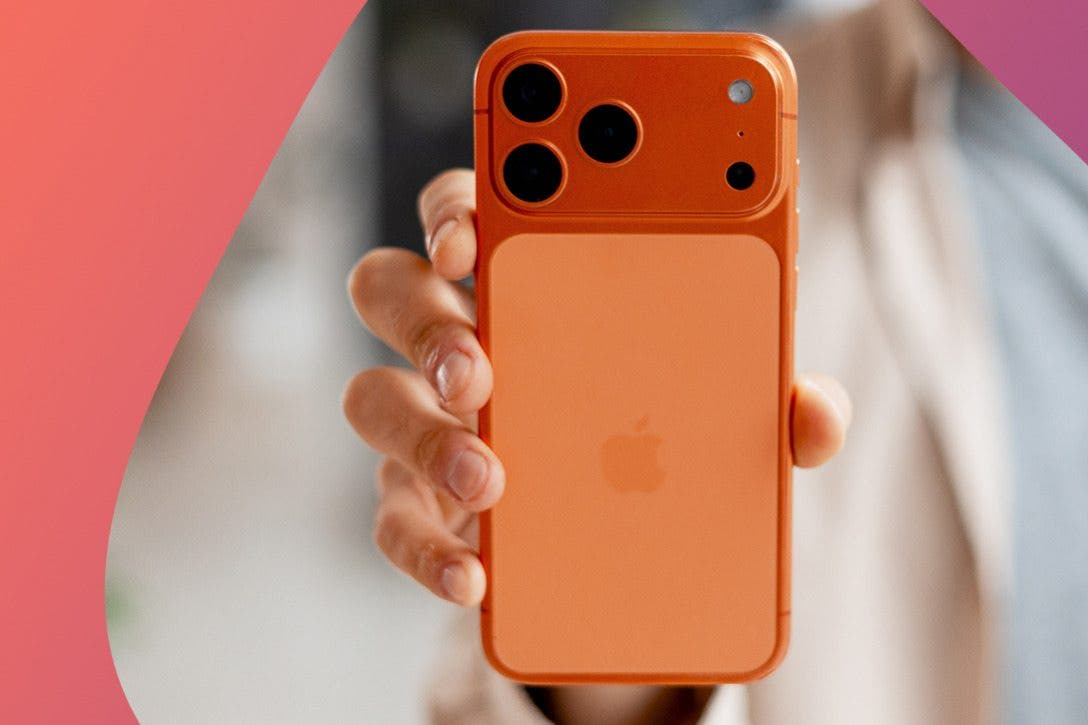
The evidence continues to suggest the next iPhones will arrive September and the next 9.7-inch iPad sometime after that, perhaps October. We have a lot to look forward to. Yet one more rumor is suggesting both the iPhone 5S and low-cost iPhone will come in a variety of colors. According to AppleInsider, the Japanese website Macotakara received word from two different sources yesterday saying the new low-cost phone will have color options, though they differed slightly in their description of the colors. One said to expect navy, gold, orange, white, and gray, while the other said that the colors would be white, pink, green, blue, and yellow-orange.

The report said a test run of 1,000 units would be manufactured in June for the purpose of field testing, and mass production of the low-cost iPhone would happen between July and September.


Totems: King Of The Mobile Strategy Game Jungle

image

I’ve long been a fan of strategy games, but the more engrossed I become in mobile gaming, the less I have the desire to play a game where one “round” or “mission” takes a half hour or longer. Thankfully, some mobile developers understand that, resulting in strategy games like Totems ($2.99). They may be simple in mechanics and short on play time for an individual match, but they still provide a sufficient mental challenge and sense of accomplishment when you win. In the case of Totems, I also like the whole tribal animal theme.


Griffin Technology No. 2 Pencil Stylus

image

Once upon a time, before there were ball point pens, kids used to get a new pencil box every year when school started (and a new lunch pail too). The pencil box contained a minimum of some wooden, yellow No. 2 lead pencils, a big eraser, and a pencil sharpener. Griffin Technology brings back this nostalgic time with its retro-looking stylus ($19.99) in the form of a No. 2 yellow pencil for capacitive screen devices.

Around the turn of the century, early PDAs or personal digital assistants like Palm Pilot and Microsoft Pocket PCs had styli and a silo to stow them in, but you couldn’t use your finger on those screens. Then came the iPhone with its finger touch screen. Let it be known as the dirty screen era.


iPad Productivity Suites For Mobile Workplace

image

Walt Mossberg, who writes about technology for the Wall Street Journal, posted a helpful review of iPad productivity suites last week on All Things D. People are increasingly leaving their laptops at home these days when they travel and are using an iPad instead. But that typically entails having some relatively robust software to play the role of those familiar desktop applications: Word, Excel, and PowerPoint. No app is going to have all the features of the desktop applications, but most are good at opening and editing files created using these software programs. 

In addition to compatibility with Microsoft's offerings, a key issue is file management. On your desktop computer, you organize your files by putting them in folders and access them in these locations. But iOS doesn't have this sort of filing system. So how do you transfer files back and forth between your desktop computer and iPad, and keep the files in sync? The cloud, of course. 


Top 3 Free Apps Scoop of the Week: May 24, 2013

image

As new iOS apps flood the App Store every day — recently topping 840,000 — we know it’s tough to tell which ones are worth their salt. But thanks to our Weekly Scoop, you can have the best for free! Here you’ll find a weekly roundup of the coolest apps free or at a discount for a limited-time only. Each week features the best and brightest from websites like Free App ReportAppsGoneFreeappsfire, and more.

Hurry! Get 'em while they’re hot!

1. Grain or No Grain (FREE)


It seems like everyone is discovering they have a gluten sensitivity these days. With this app, you can test your gluten knowledge and learn about what foods to avoid and what foods are safe to eat. So if you have celiac disease or a sensitivity or intolerance to gluten, this is a great place to turn for information and a list of ingredients you can and cannot have.


Revolutionary Free Mailbox App Comes to iPad

image

Since day one, the free Mailbox app has been hugely popular due to the unique email management features it introduced. With simple swipes left and right, you can quickly organize and clear your inbox. The developer announced yesterday that the app is now available in a version tailored to the larger screen of the iPad.

The app has more than 1 million users, who value Mailbox's mission of getting to "inbox zero." The company claims that 40 percent of its users get to that laudable state at least once a week.

The iPad version is similar to the one for the iPhone, but takes advantage of the larger screen by offering a bigger box for composing emails and by using a menu drawer that opens beside your inbox rather than replacing it.


Unleash Your Inner App Developer - Code Writing First Steps

image

Do you have an idea for an app but lack the programming knowledge to build it? In this blog series, How to Unleash Your Inner App Developer, I will take you, the non-programmer, step by step through the process of creating apps for the iPhone, iPod touch and iPad. Join me on this adventure and you will experience how fun turning your ideas into reality can be!

In my previous post, I mentioned Objective-C, the language of iOS Apps, is an object-oriented programming language. This means when you write code, you are mostly interacting with objects—both visual and non-visual. Working with an object-oriented language is a great advantage for non-programmers who want to learn programming. In this post I'll talk about these advantages, and we'll even get you to write your first lines of code!


6 Disney Storybook Apps To Entertain Your Kids

image

Disney has recently released a set of interactive storybook apps for children based on several of its best-selling movies: Tangled, Cinderella, Wreck-It-Ralph, Monsters Inc, Monsters University, and Brave. Packed with puzzles, games, read alouds, and coloring sheets, these apps are sure to delight your little ones. 

1. Tangled: Storybook Deluxe ($6.99)

Read along to the story of Rapunzel and Flynn, or tap the icons for activities such as coloring pages, games, and puzzles. When in storybook mode, character voices can read to your child, or she can explore the text on her own or record her voice reading. 


3 Free French Open Apps for Tennis Addicts

image

In a few days, the rust-colored clay courts of Stade Roland-Garros in Paris will be alive with excitement as the French Open begins. The French Open, the second tennis tournament of the Grand Slam quartet, is distinct due to being the largest clay-court tourney in the world and arguably the most demanding. For those tennis addicts who need to keep up with each set and volley, we’ve found three apps that will be right up your alley.