How to Lock Notes on iPhone Using Password or Face ID

Conner is a feature writer and contributor to iPhone Life, as well as an author, poet, and content creator.
Learn More Conner is a feature writer and contributor to iPhone Life, as well as an author, poet, and content creator.
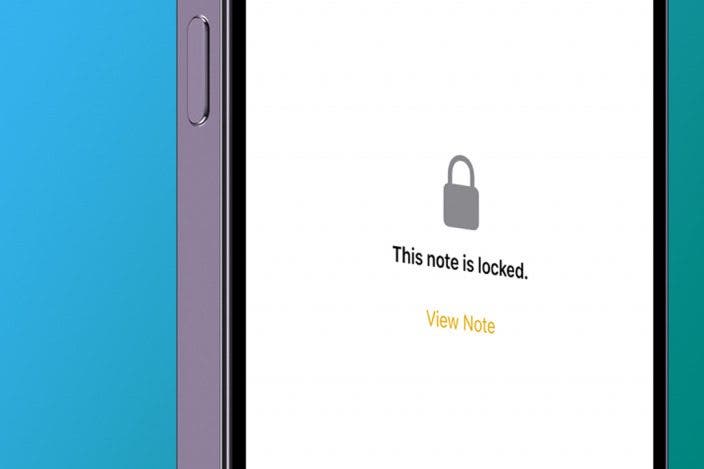
Learn MoreCan you lock notes on iPhones? Absolutely! Let's learn how to hide notes on iPhones, no matter what iOS they are running. Once your note is locked, you’ll have to use a password, Face ID, or Touch ID to unlock it, keeping the information in your Notes app safe from prying eyes!
Why You'll Love This Tip
- Keep certain notes private.
- Even if someone has your iPhone passcode, they still won't be able to read your locked notes.
How to Lock Notes on iPhone to Hide Private Notes
System Requirements
This tip was performed on an iPhone 17 Pro Max running iOS 26.4. Find out how to update to the latest version of iOS.
Before we learn how to lock photos on your iPhone in the Notes app, be sure that the Notes app is enabled to lock notes. You'll need to read this article to make sure you know how to set a password for your notes. For more great iPhone privacy tutorials, check out our free Tip of the Day. Here's how to lock notes in iPhone's Notes app:
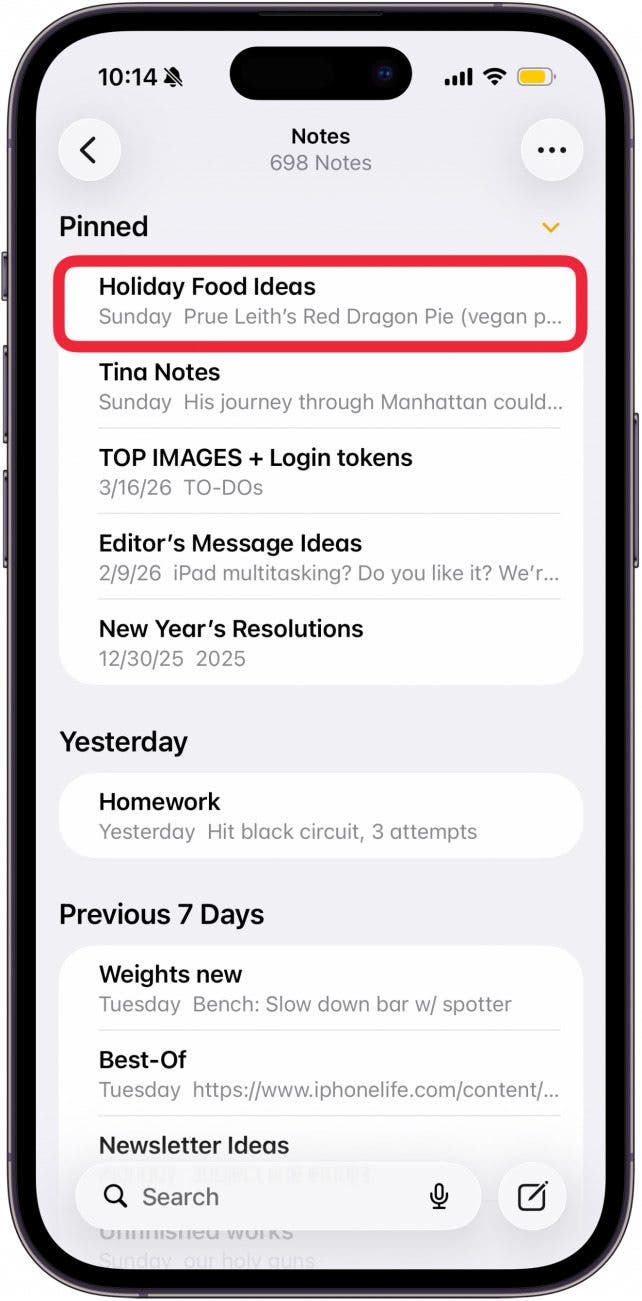
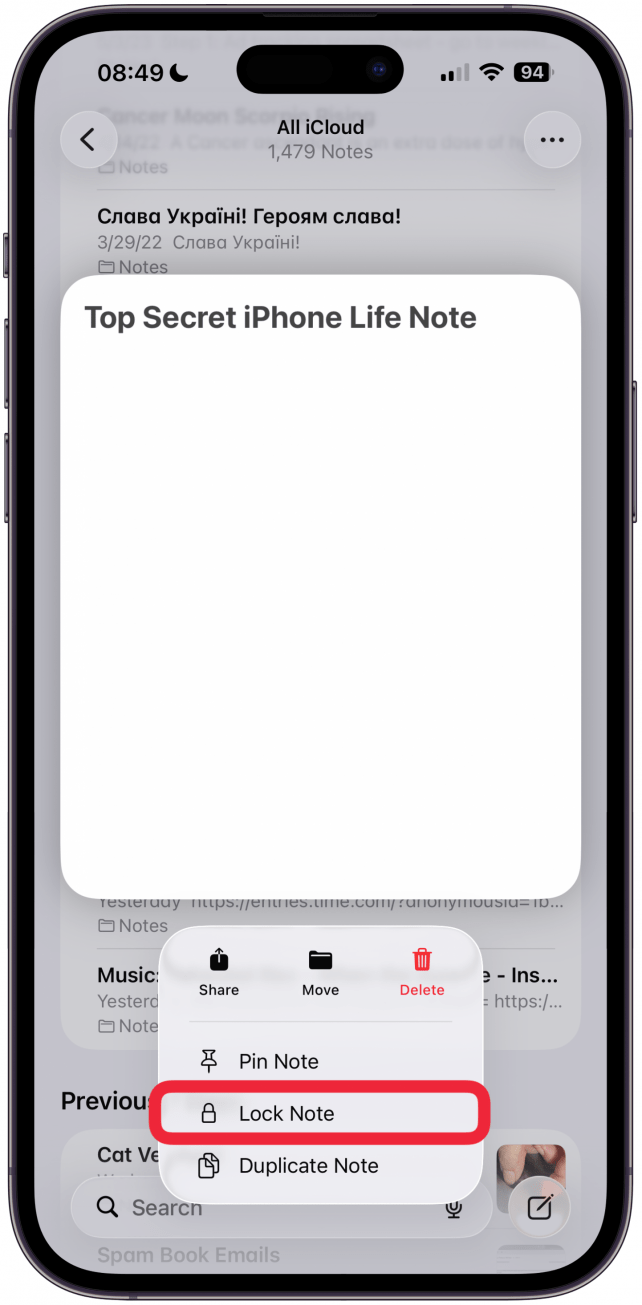
- Open the Notes app and long press on the note you'd like to lock.
- Tap Lock Note.
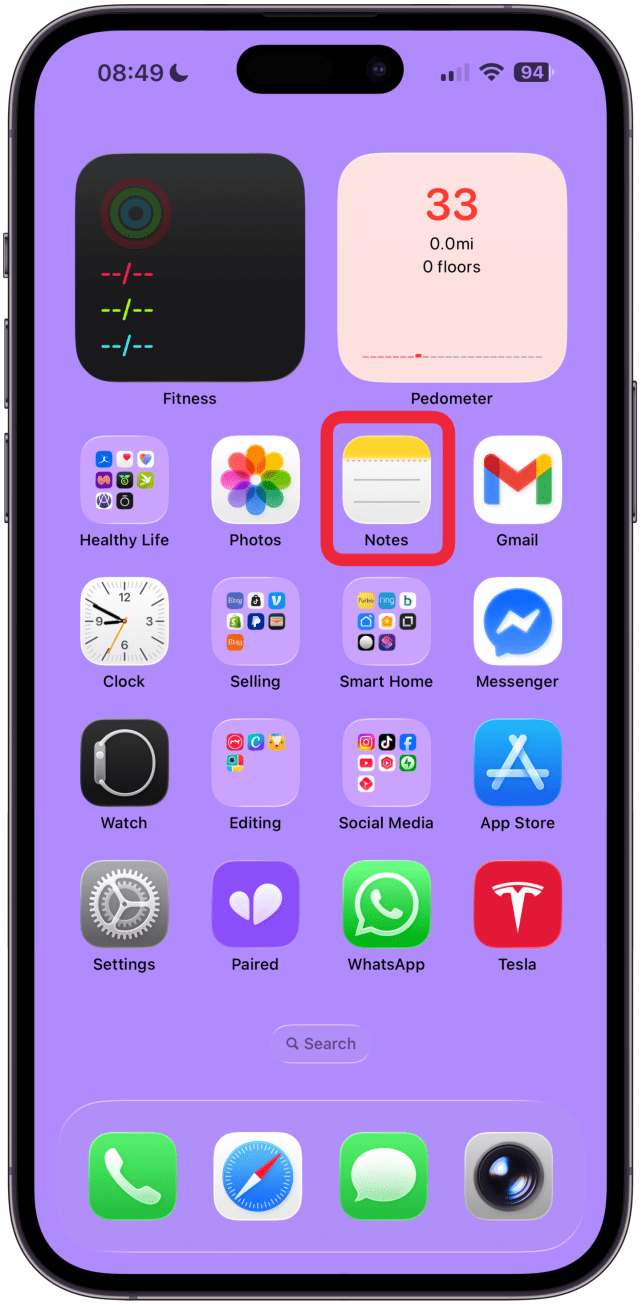
- Alternatively, you need to first open the Notes app.
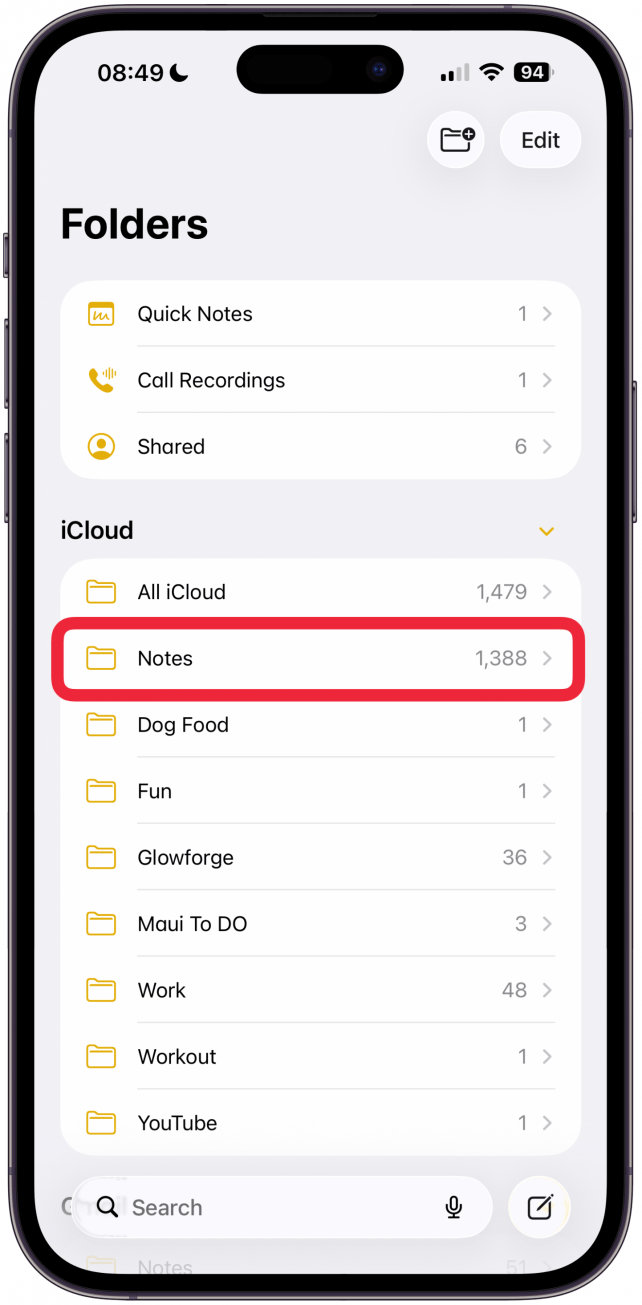
- Then navigate to the Notes folder (if your Notes app does not automatically open to it).
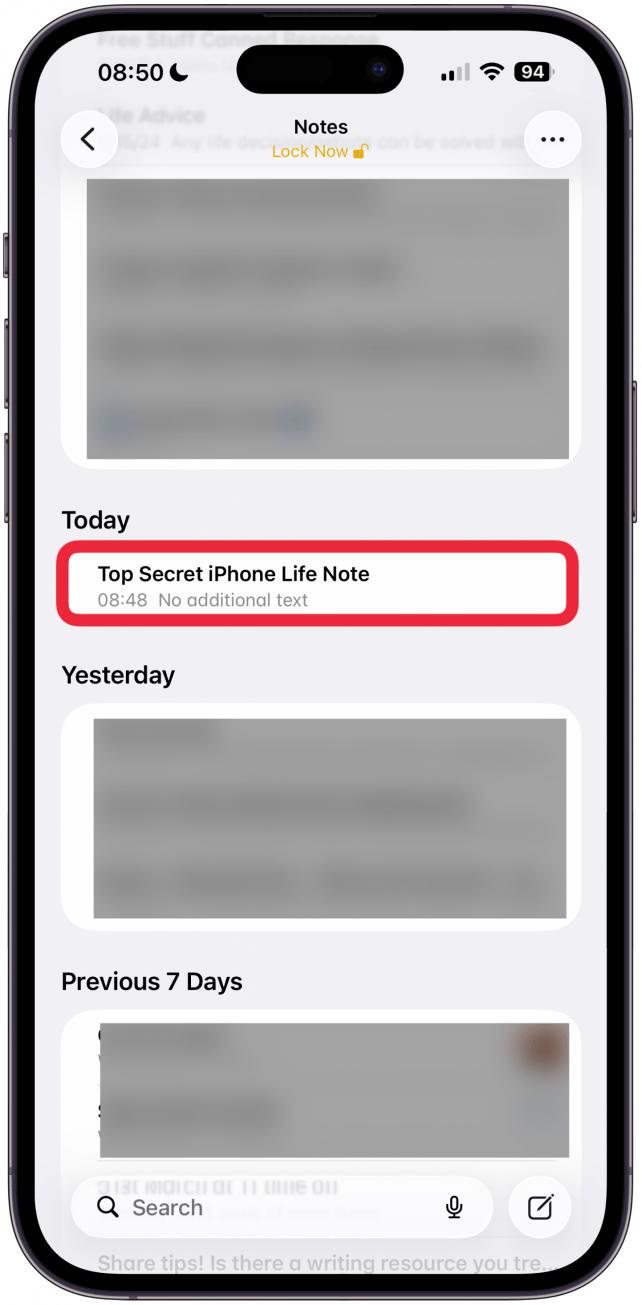
- Find the note you want and tap to open it.
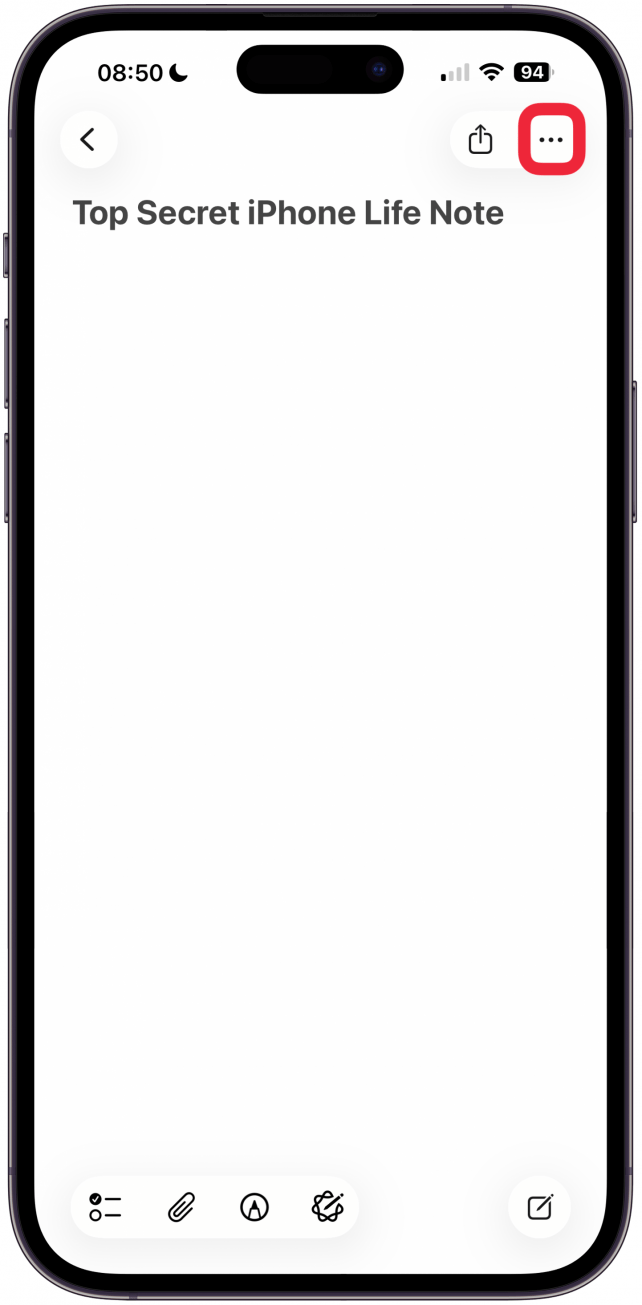
- Tap the more icon.
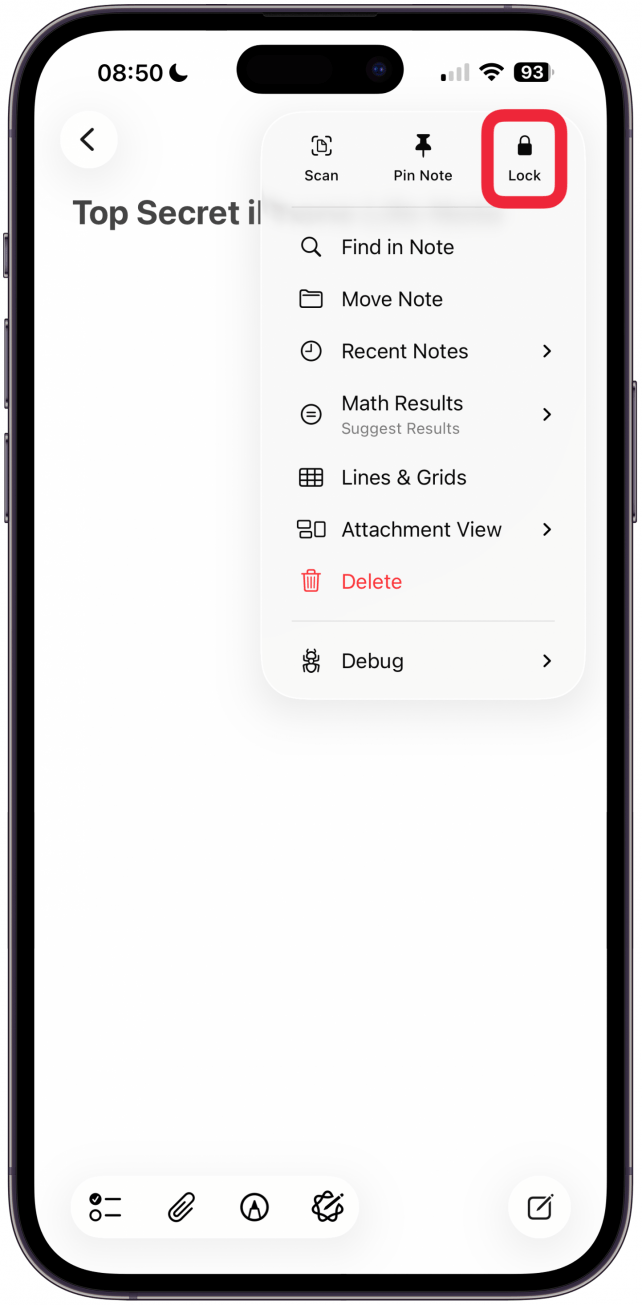
- Tap the Lock icon to lock that note.
- You will have to use Touch ID, Face ID, or the password you set to confirm it’s you.
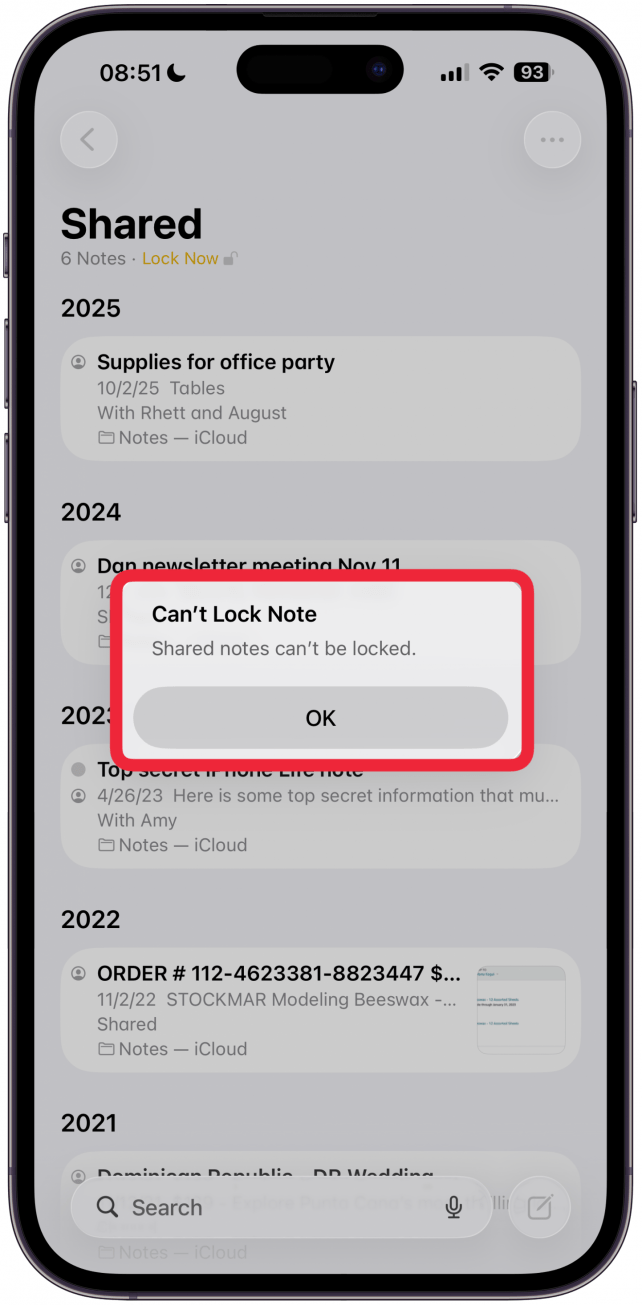
- If you have shared this note with others, you won't be able to lock the note unless you un-share it, then try again.
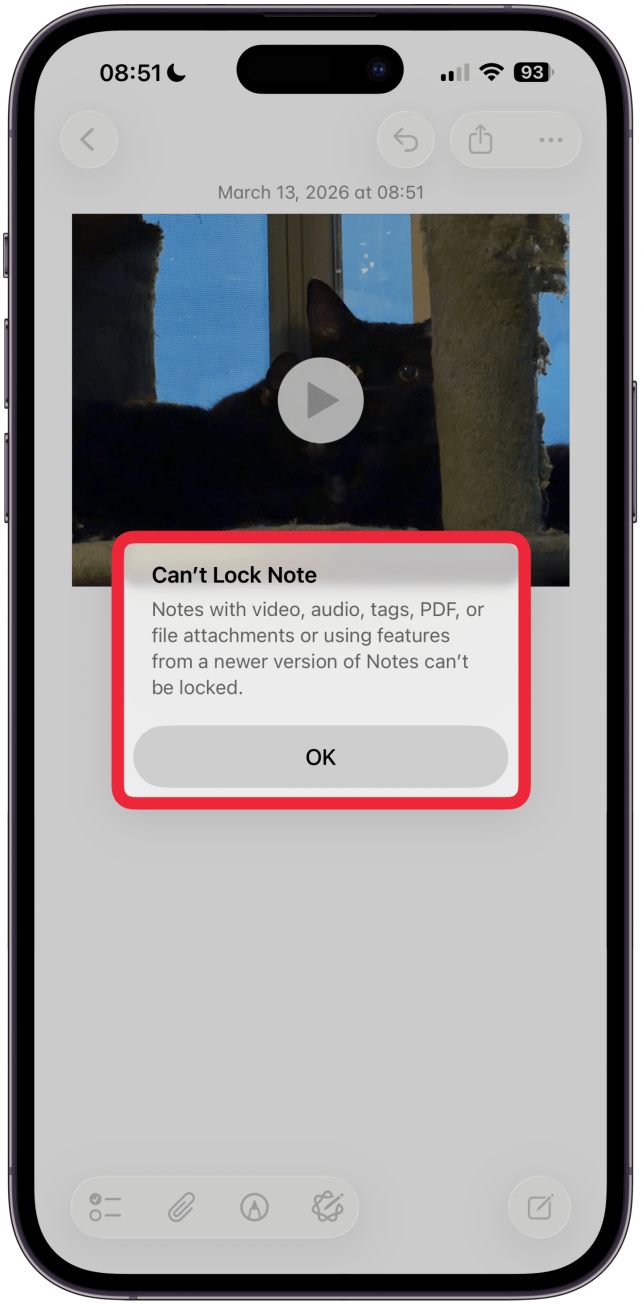
- Also, you also cannot lock notes that include video, audio, a PDF, or other file attachments.
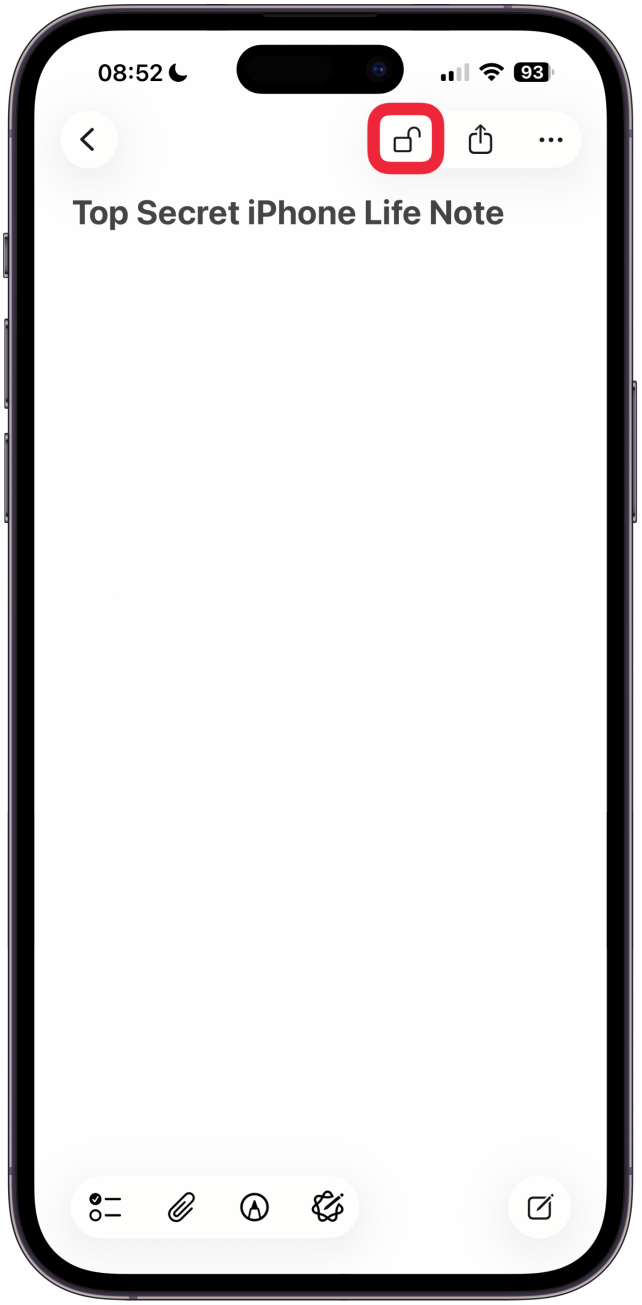
- Tap the unlocked Lock icon at the top of the page to lock your note.
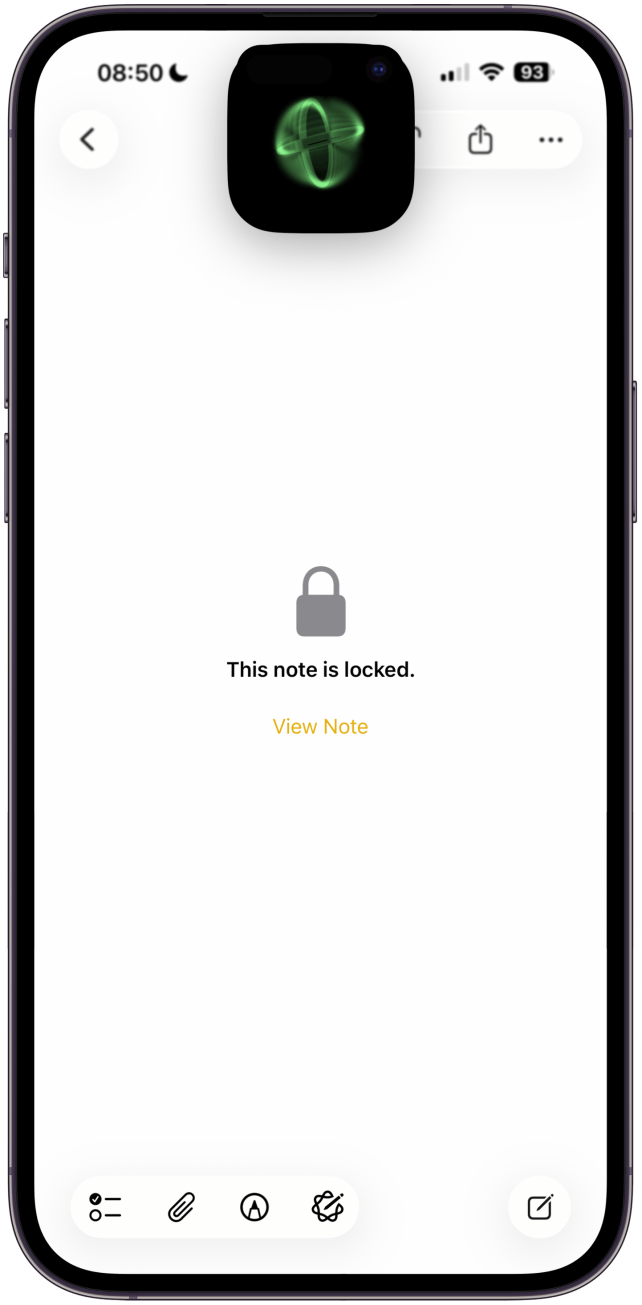
- A lock will then be added to the note, and you'll need to tap View Note and unlock the note in order to view it from now on.
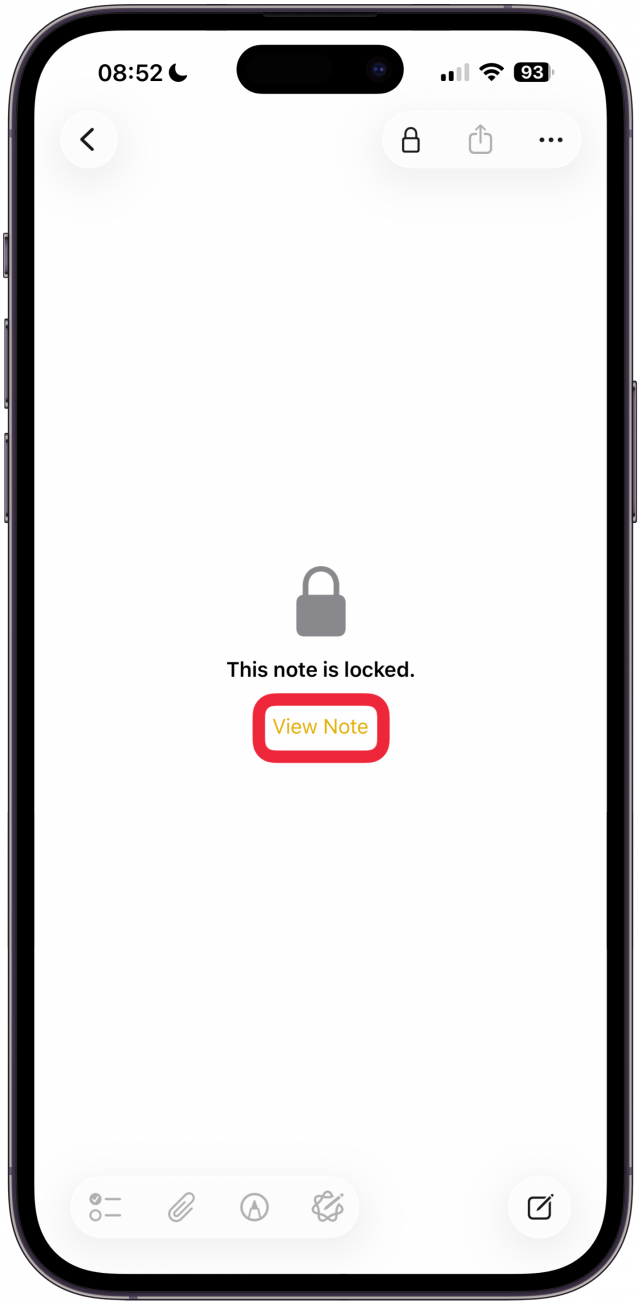
Now you know how to lock a note on iPhone using two different methods!
Now you know how to hide notes on your iPhone by locking them with a password, Face ID, or Touch ID! Now that you know how to lock a note on an iPhone, learn how to hide your photos next!
More On: Notes App

Every day, we send useful tips with screenshots and step-by-step instructions to over 600,000 subscribers for free. You'll be surprised what your Apple devices can really do.

Conner Carey
Conner Carey's writing can be found at conpoet.com. She is currently writing a book, creating lots of content, and writing poetry via @conpoet on Instagram. She lives in an RV full-time with her mom, Jan and dog, Jodi as they slow-travel around the country.
Related Articles

 Rhett Intriago
Easily Fix Apple Watch Alarm Not Syncing with iPhone
 Olena Kagui

 August Garry

Opinion: I Have Seen the Future with Apple Vision Pro & It Sucks
 Cullen Thomas
Neat & Tidy Notes: How to Draw with Lines & Grids in the Notes App
 Rachel Needell
 David Averbach