Answered: What Does SOS Mean on iPhone?

With 10-plus years of experience with Apple devices, Rachel specializes in all things iPad and is a Notes app expert. Find her writing in the Daily Tip newsletter and iPhone Life magazine.
Learn More With 10-plus years of experience with Apple devices, Rachel specializes in all things iPad and is a Notes app expert. Find her writing in the Daily Tip newsletter and iPhone Life magazine.
Learn MoreWhat to Know
- If your phone is stuck in SOS mode, that usually means you are in an area with poor cellular reception.
- Your iPhone will also say "SOS only" if it does not have a valid SIM card.
- When this happens, try restarting your device, checking your cellular settings, or contacting your cellular provider.
Is your phone stuck in SOS mode? And what does SOS mean on an iPhone? Sometimes, especially while traveling, you might see an SOS icon in the top right corner of your iPhone’s status bar. We’ll explain why your iPhone says "SOS only" and we’ll teach you how to turn off SOS on iPhone.
Why Is My Phone in SOS Mode?
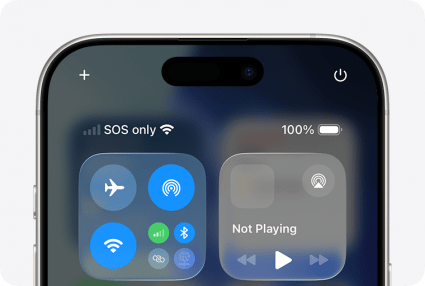
Image Courtesy of Apple
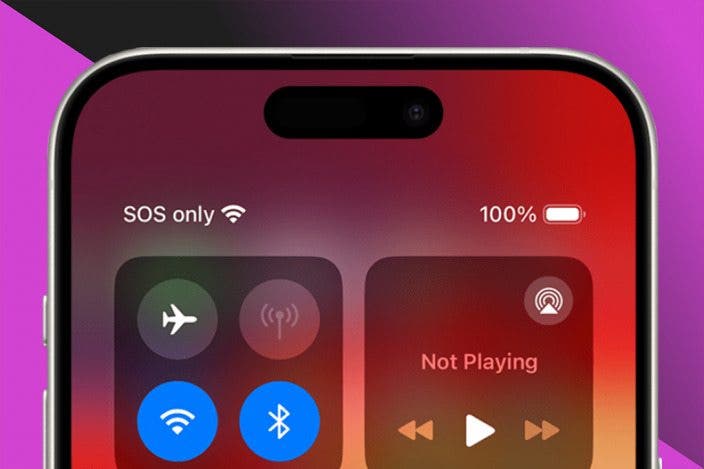
If you see SOS on your iPhone status bar or SOS only in the Control Center, this means that your iPhone isn't connected to a cellular network. Your iPhone can go into SOS mode for a variety of reasons, such as your SIM card failing or your cellular settings not being set to Automatic. By far the most common reason is that you are in an area with no cellular reception. When this happens, the only calls you will be able to place are calls to emergency services. This ensures that you can still get help in an emergency even if your phone cannot connect to the cellular network. If you see SOS Only on your iPhone, the fastest way to fix it is by moving toward an area with better cellular reception.
I often see "SOS only" when I'm on road trips and traveling through an area with no cellular service. This also happens every time I power on a new iPhone, before I transfer my SIM card from my old device. But what if you're in an area that you know has cell reception and you're certain your SIM card is working right? How do you turn off SOS on iPhone? For more quick troubleshooting tips like this, be sure to sign up for our free Tip of the Day newsletter. Now, let's go over how to get your phone out of SOS mode.
Force Restart an iPhone Stuck in SOS Mode
One of the first things you should do when your iPhone says SOS Only is restart your device. Sometimes a restart can help jump start things that aren't working properly. You can do this by simply powering off your iPhone and turning it back on. Alternatively, you can force a restart. Here's how get phone out of SOS mode by force restarting it:
- Press and release the Volume Up button.
- Press and release the Volume Down button.
- Press and hold the Side button.

- Release the Side button when the Apple Logo appears.
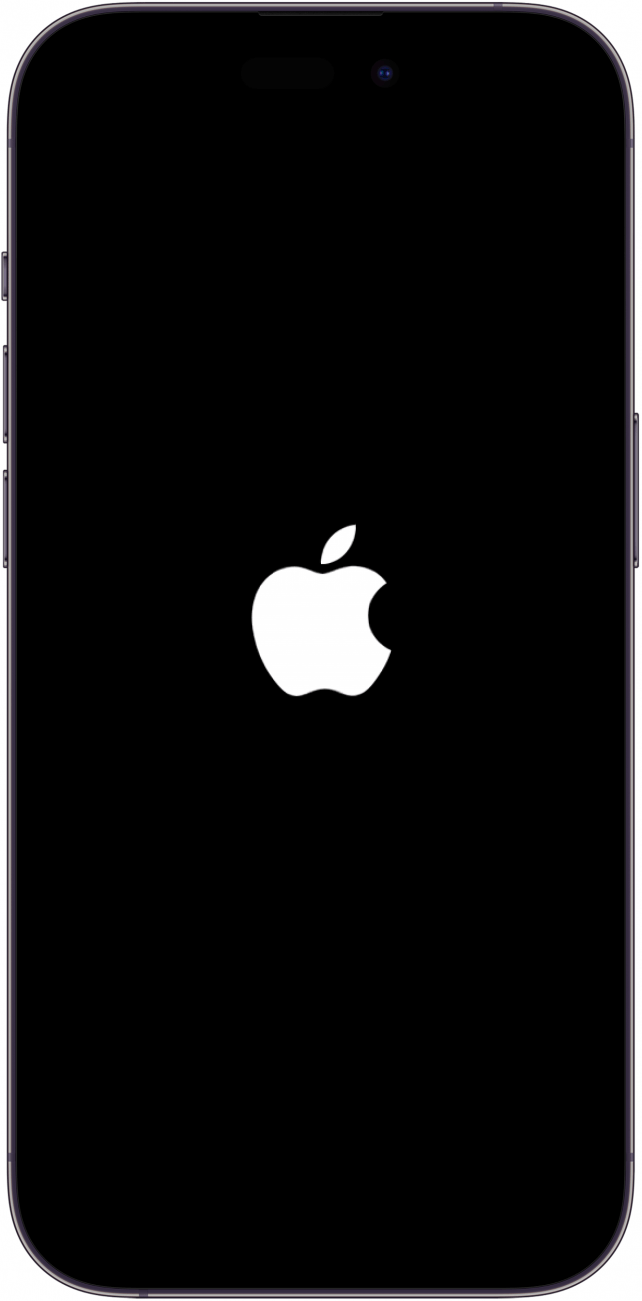
That's how to fix it when your iPhone is stuck in SOS mode. If that didn't help, you might need to adjust your iPhone's network settings to get out of SOS mode.
How to Turn Off SOS on iPhone
If you have T-Mobile, "SOS only" can appear when your phone’s cellular settings are not configured properly. Here’s how to get your phone out of SOS mode by checking your cellular settings. Keep in mind that the steps below will not work on AT&T, Verizon, or US Cellular, but does work on T-Mobile at the time of writing. Here's how to check your cell network and get your phone out of SOS mode on iPhone:
- Open the Settings app, and tap Cellular.
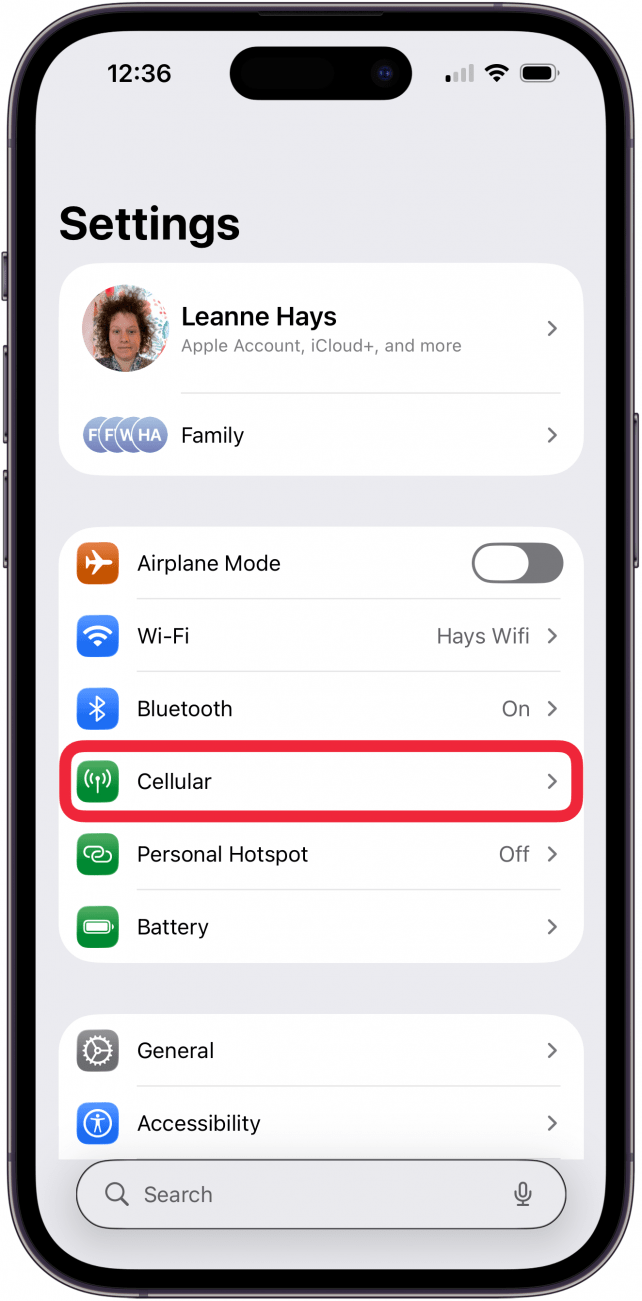
- Tap Network Selection.

- If the toggle next to Automatic is gray, that means this setting is turned off.
- Tap the toggle so that it turns green.

Hopefully, this will help get your iPhone out of SOS mode. When this toggle is active, your phone can automatically connect to the proper cellular network, ensuring optimal connectivity. When the toggle is inactive, you will need to manually select the network that your phone should connect to, which can cause issues like your iPhone getting stuck in SOS only mode.
If you've worked through all the other steps and your iPhone is still stuck in SOS mode, contact your cell phone company. Whether you use Verizon, AT&T, T-Mobile, or another provider, there may be a glitch or outage on their end, or a service problem they can resolve for you. You can also contact Apple Support or visit your local Apple Store for further assistance. Next, find out how to reset your iPad when it is frozen.
FAQ
- Why does my phone say SOS? In the status bar on an iPhone, it may say, "SOS only." This means that your device is not currently connected to a network, but you can still complete an emergency call. This feature is only available in Australia, Canada, and the United States.
- What is Emergency SOS on iPhone? Emergency SOS via satellite is a feature on iPhone 14 and newer that lets you use your iPhone as a satellite phone to contact emergency dispatchers.
- How do I reset network settings on the iPhone? Resetting your iPhone's network settings can quickly solve internet connection problems and troubleshoot other common iPhone issues. To reset network settings on iPhone, you need to locate the Reset Network option in your iPhone's Settings.
Top Image Courtesy of Apple

 Susan Misuraca
 Olena Kagui
 Rachel Needell

 Rhett Intriago

 Leanne Hays
 Amy Spitzfaden Both
 Cullen Thomas



 Linda Ruth