How to Set Up Separate Accounts on Your Apple TV

Jim Karpen has been writing about technology since 1994 and brings decades of experience with Apple products, along with a Ph.D. in literature and writing.
Learn More Jim Karpen has been writing about technology since 1994 and brings decades of experience with Apple products, along with a Ph.D. in literature and writing.
Learn More
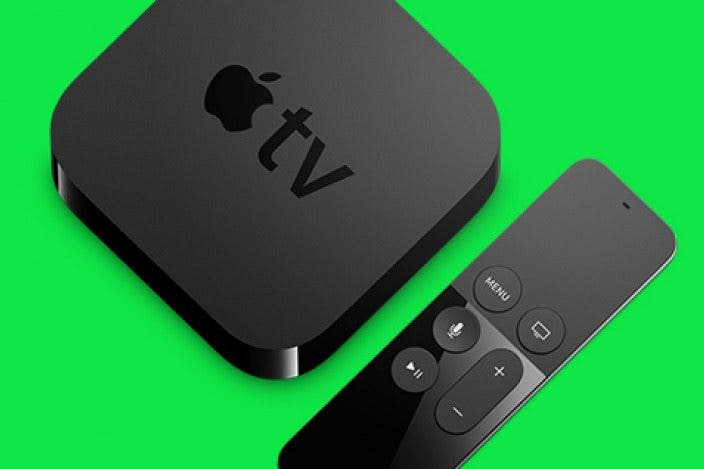
The fourth-generation Apple TV has been quite popular, and it's likely that in some households it's being used by multiple individuals, each with their own iTunes account. Fortunately, this new model lets you add each person's Apple ID. Then when someone wants to use the Apple TV to access their media, it's simply a matter of switching accounts.
To connect to additional iTunes accounts, go to Settings > Accounts > iTunes and App Store. Then select Add New Apple ID.
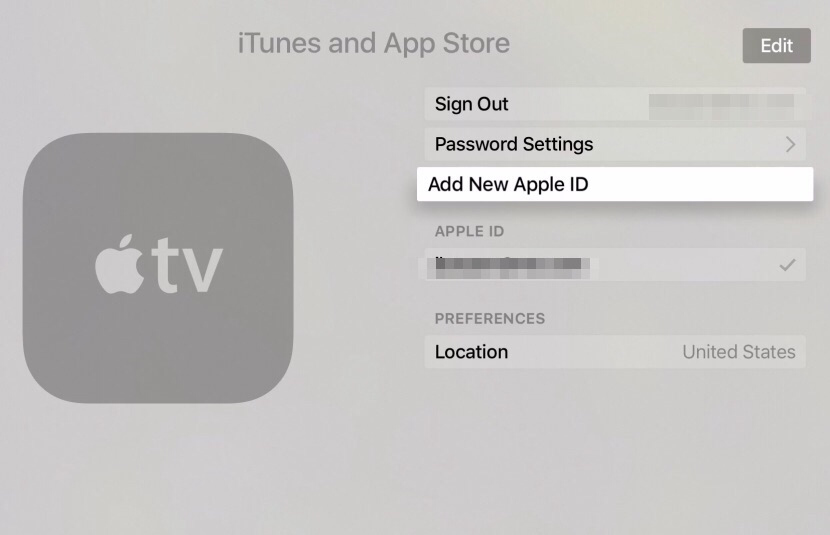
You'll then be presented with a login screen where you can enter the login credentials of the account to be added.
Then, to switch between accounts, go to Settings > Accounts > iTunes and App Store, and select the specific account you want to use.

Every day, we send useful tips with screenshots and step-by-step instructions to over 600,000 subscribers for free. You'll be surprised what your Apple devices can really do.


 Rachel Needell
 Rhett Intriago

 Susan Misuraca
 Amy Spitzfaden Both
 Donna Schill


 August Garry
 Leanne Hays