Tip of the Day: Quickly Add a Website to Favorites

Jim Karpen has been writing about technology since 1994 and brings decades of experience with Apple products, along with a Ph.D. in literature and writing.
Learn More Jim Karpen has been writing about technology since 1994 and brings decades of experience with Apple products, along with a Ph.D. in literature and writing.
Learn MoreI like the features of Safari in iOS 8. In a previous tip I showed how to request the desktop version of a site by tapping in the address bar and then dragging down on the Favorites window that pops up. I also just learned of a quick way to add the current page to Favorites, to your reading list, or to shared links.
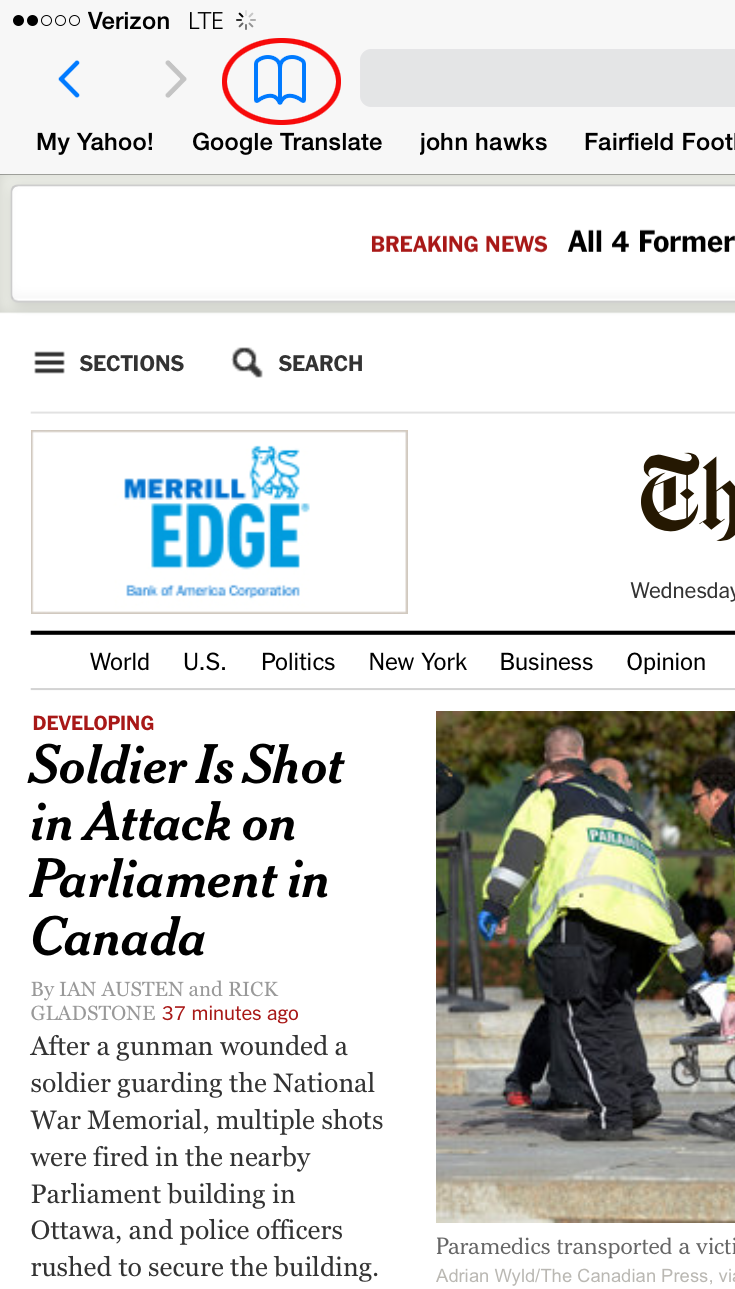
To quickly add a page to Favorites, tap and hold the Bookmark button at top left on your iPad or bottom right on your iPhone.
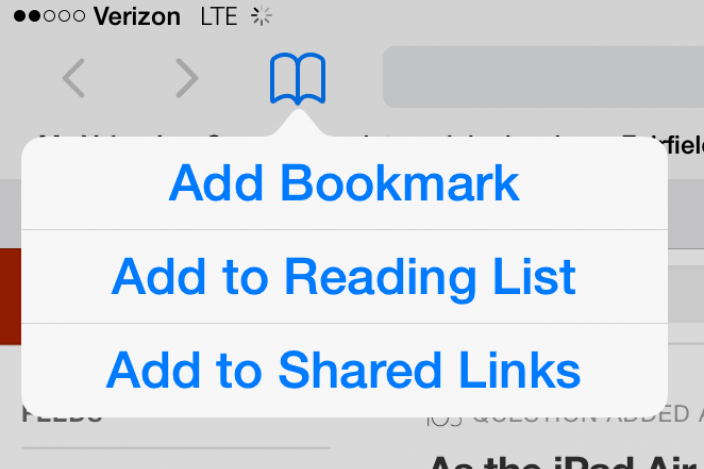
Doing so pops up a menu with three options: Add Bookmark, Add to Reading List, and Add to Shared Links.
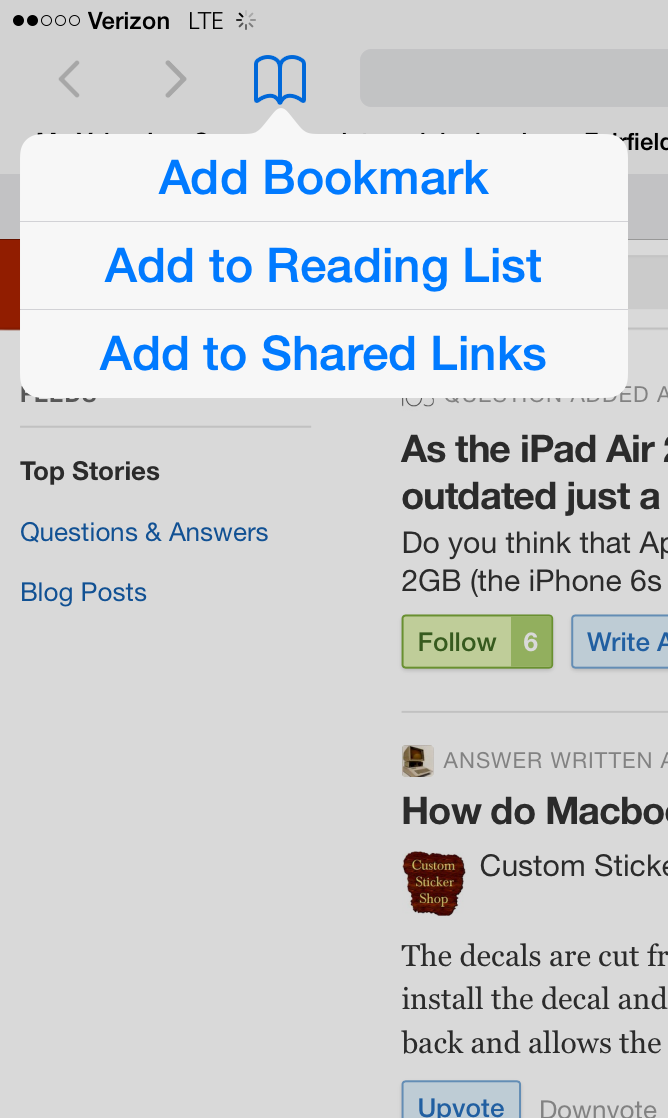
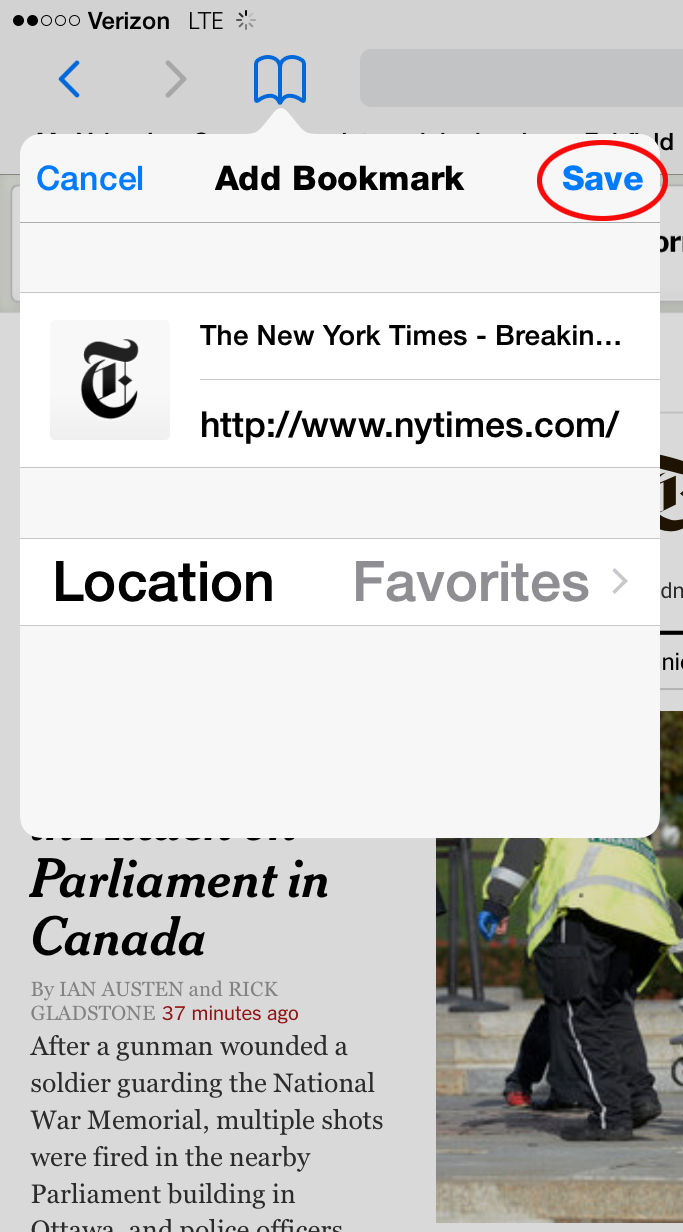
Tap Add Bookmark, and a new window pops up to let you specify the location Favorites. Tap Save at the top right, and the page is added to your Favorites.


 Rhett Intriago
 Leanne Hays
 Cullen Thomas


 Olena Kagui
 Amy Spitzfaden Both

 Michael Schill



 Rachel Needell