Home
chevron-right icon
iPhone
iphone icon
iPhone
Featured Topics
Apps
chevron-right icon
Privacy & Security
chevron-right icon
Settings
chevron-right icon
Troubleshooting
chevron-right icon
Messages
chevron-right icon
Featured Topics
Apps
chevron-right icon
Privacy & Security
chevron-right icon
Settings
chevron-right icon
Troubleshooting
chevron-right icon
Messages
chevron-right icon
iCloud
chevron-right icon
Our Experts' Picks
Device Management
The History of Every iPhone Model from 2007–2026
Conner Carey
Apps
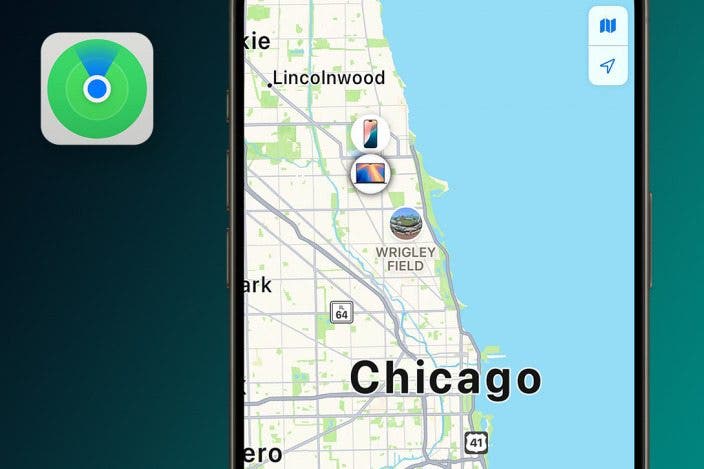
How to Find a Lost iPhone, Even if the Battery Is Dead
Sarah Kingsbury
Control Center
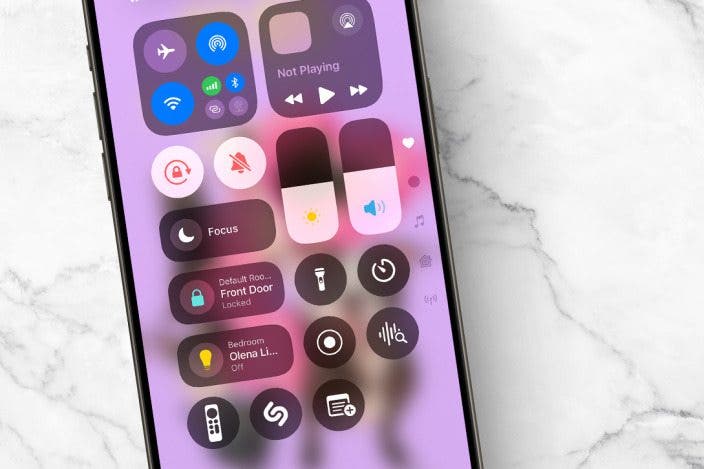
Quick Guide to iPhone Symbols on Top of the Screen
Conner Carey
Most Popular
Apps
How to Control Autocorrect & Predictive Text on iPhone
Rhett Intriago
•
Oct 10, 2024
Device Management
The History of Every iPhone Model from 2007–2026
Conner Carey
•
Nov 18, 2026
iOS
How to Download & Install the New iOS Update (iOS 27)
Conner Carey
•
Sep 10, 2026
Battery
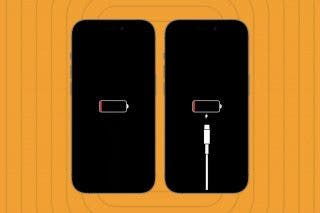
How to Know If iPhone or iPad Is Charging When Off or On
Olena Kagui
•
Oct 27, 2026
Apple Intelligence
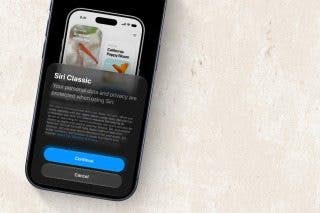
How to Switch to Old Siri
Rhett Intriago
•
Nov 19, 2026
Apple Apps
Reverse Image Search with Your iPhone Camera
Olena Kagui
•
Sep 21, 2026
Apps
How to Know If Someone Blocked You on iPhone & iMessage
Leanne Hays
•
Sep 24, 2026
Clock
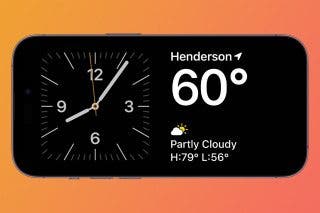
Turn Your iPhone into a Bedside Clock with StandBy
Rhett Intriago
•
Apr 14, 2026
Become an Apple device expert
Daily one-minute tips sent straight to your inbox.
Subscribe For Free
Latest Articles
Apps
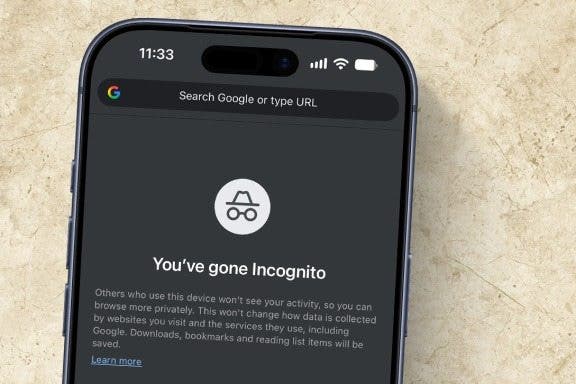
How to Turn On Incognito Mode on Your iPhone & iPad
Kenya Smith
•
Nov 16, 2026
Apps
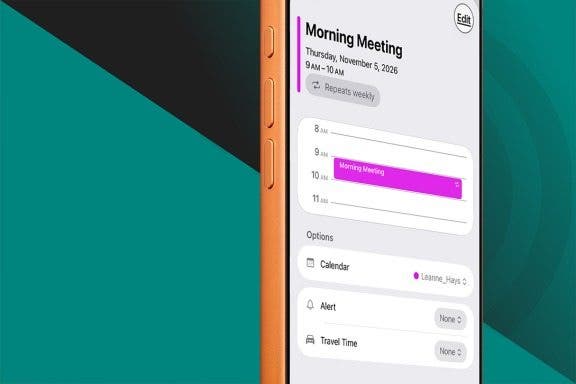
How to Add Recurring Events to Your iPhone Calendar
Rhett Intriago
•
Nov 16, 2026
Apps
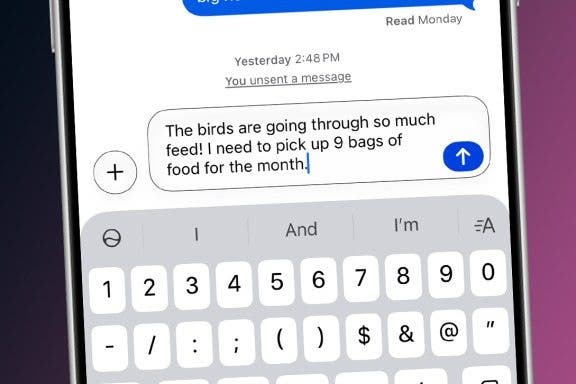
The Fastest Way to Type Numbers on an iPhone
Leanne Hays
•
Nov 16, 2026
Apps
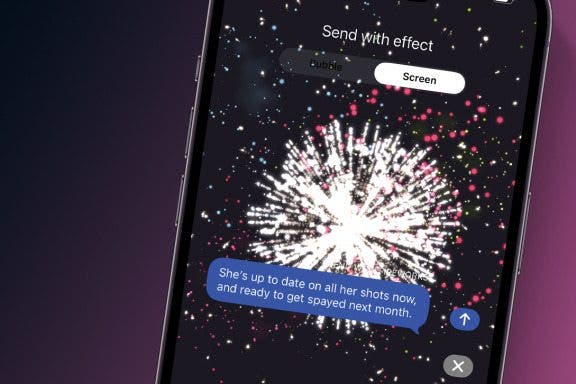
How to Send Fireworks on iPhone & iPad: Text Message Effects
Jivan Hall
•
Nov 16, 2026
iOS
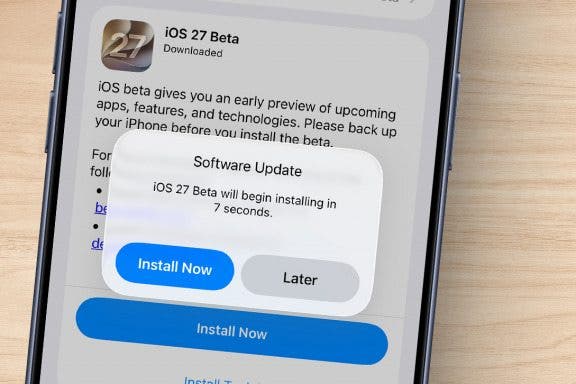
How to Sign Up for the Apple iOS 27 Public Beta Program
Conner Carey
•
Nov 11, 2026
Apps
How to Change Snooze Time on iPhone
Leanne Hays
•
Nov 10, 2026
Apps
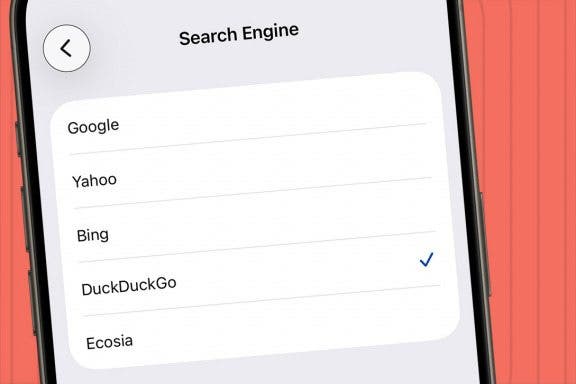
How to Change Search Engine to DuckDuckGo on iPhone
Jim Karpen
•
Nov 10, 2026
Apps
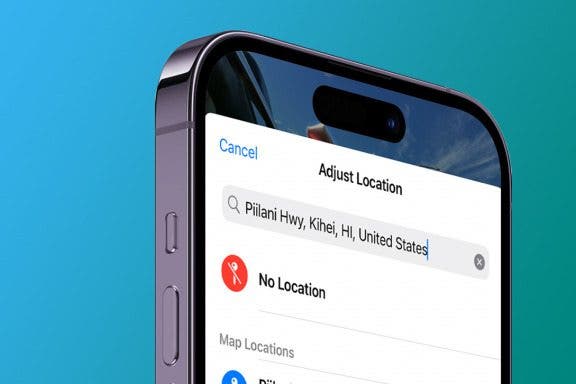
How to Turn Off Location on Photos on iPhone & iPad
Cullen Thomas
•
Nov 10, 2026
PC
Easiest Ways to Transfer Photos from iPhone to Computer—PC or Mac
Cullen Thomas
•
Nov 10, 2026
Control Center
How to Lock Portrait Orientation on iPhone & iPad
Sarah Kingsbury
•
Nov 10, 2026
Advertisement
Apps
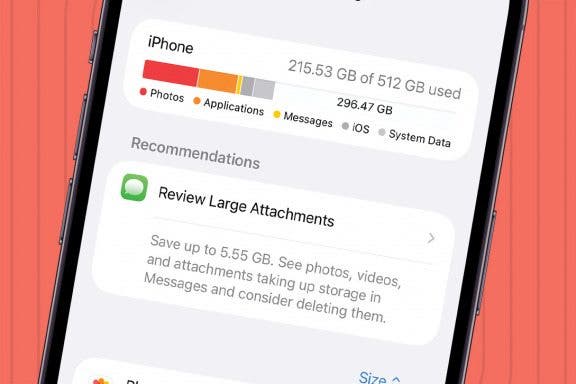
How to Review Large Attachments on iPhone & Bulk Delete Them
Conner Carey
•
Nov 10, 2026
Settings
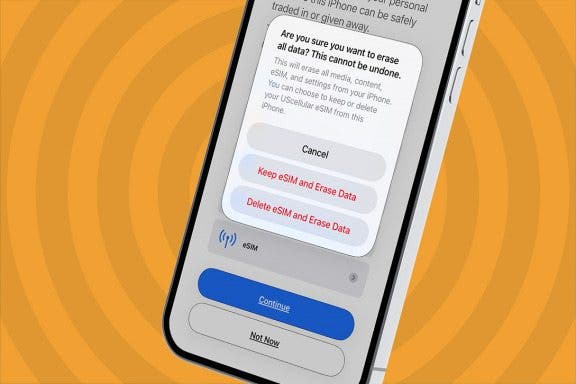
How to Factory Reset Your iPhone or iPad
Leanne Hays
•
Nov 09, 2026
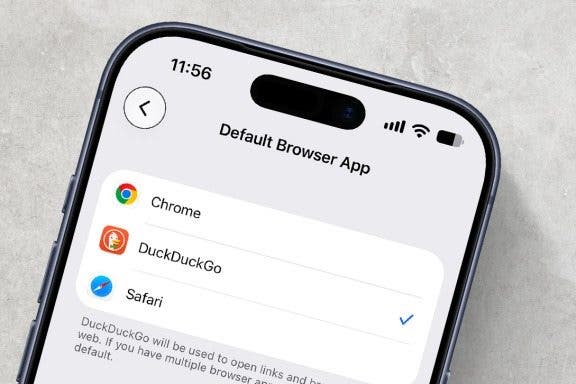
Apps
How to Change the Default Browser on Your iPhone & iPad
Hannah Nichols
•
Nov 09, 2026
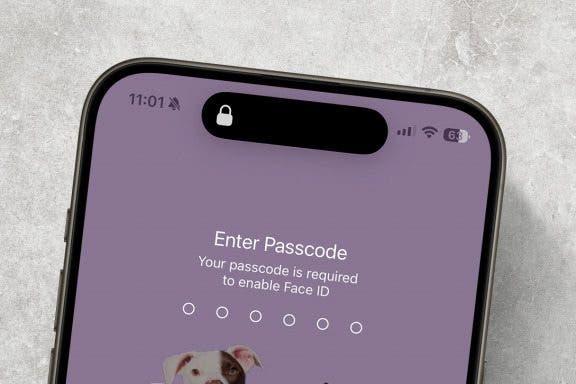
Emergency SOS
How To Temporarily Turn Off Face ID & Lock Screen
Rhett Intriago
•
Nov 09, 2026
PC
How to Back Up Your iPhone—2 Easy Ways
Jim Karpen
•
Nov 09, 2026
Apps
How to Unsend a Message on Your iPhone—the Easiest Way!
Olena Kagui
•
Nov 09, 2026
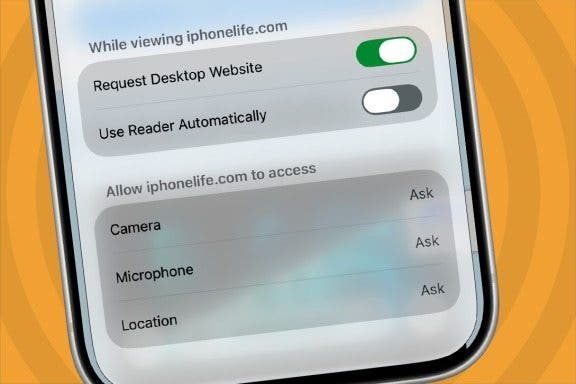
Apps
The Hidden Trick to Request a Desktop Site on Your iPhone
Conner Carey
•
Nov 09, 2026
Apps
How to Merge Calls on iPhone to Create a Group Call
Belinda Sanmiguel
•
Nov 09, 2026
Apps
How to Tag Cats & Dogs in the iPhone Photos App
Olena Kagui
•
Nov 05, 2026
Apps
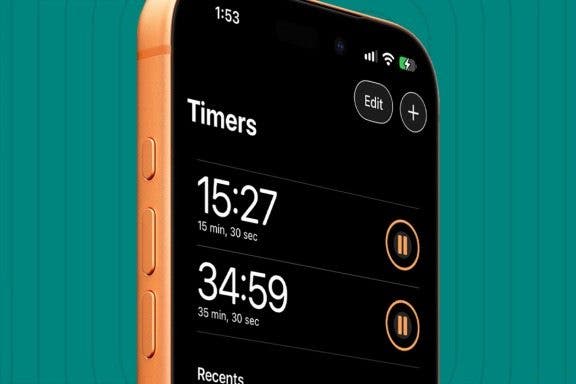
How to Set Multiple Timers on Your iPhone
Rachel Needell
•
Nov 04, 2026
arrow-left icon
1
2
3
...
96
arrow-right icon
Related topics
Sound Recognition
Magnifier
Files
AirPods (3rd generation)
Dock
Shopping

 Conner Carey
 Sarah Kingsbury





 Kenya Smith
 Rhett Intriago
 Leanne Hays
 Jivan Hall

 Jim Karpen
 Cullen Thomas


 Hannah Nichols

 Olena Kagui

 Belinda Sanmiguel

 Rachel Needell