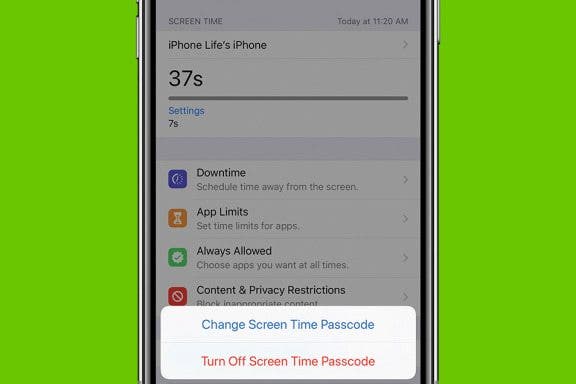
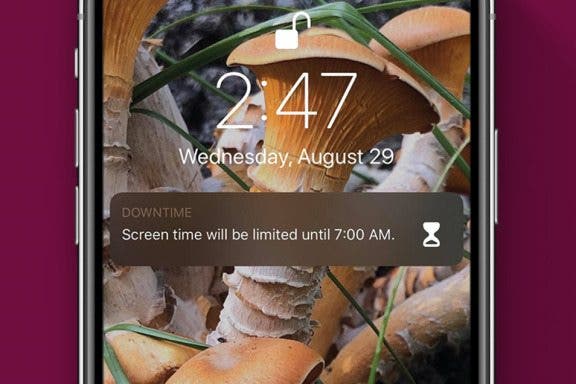
Screen addiction is a real issue for many smartphone users, and Apple has a solution. There are several Screen Time features that can help iPhone and iPad users become aware of how much time they spend on their devices and cut back if needed. One of these settings is called Downtime, and we'll go over what it is and how to use it.
iOS 13
Apple Pay Not Working? Here's the Fix!
By Amy Spitzfaden Both
Why is Apple Pay not working? Hitting obstacles at the point of payment is an extremely frustrating experience, and can even land you in a real pinch. Luckily, there are several troubleshooting steps you can try when you run into problems with Apple Pay, and we'll go over them all here. Here's what to do when Apple Pay won't work.
Apple Music Not Working? Here's the Fix!
By Amy Spitzfaden Both
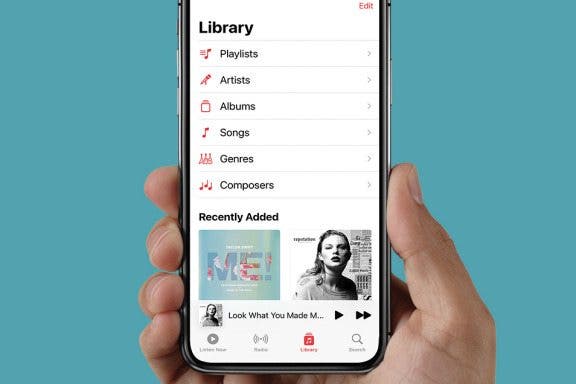
Why is my Apple Music not working? This question usually hits at the most inconvenient of times, like when you're just getting into the car and want your road-trip playlist or when you're about to hit the treadmill and want upbeat tunes to keep you going. Here are all the reasons why your Apple music isn't working and how to fix each one.
Apple Universal Clipboard: Copy & Paste Between Devices
By Conner Carey
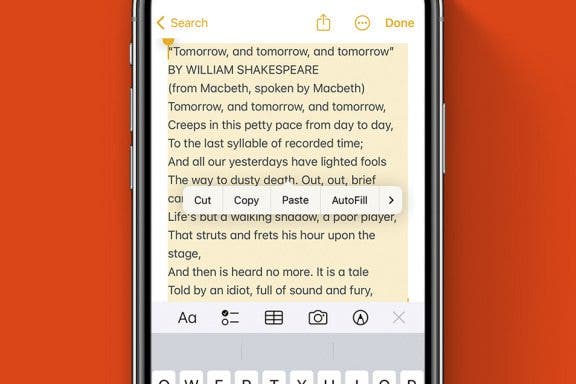
If you have multiple Apple devices, you can copy or cut something from one device and paste it to the other. This productivity feature is extremely helpful for starting something on one device and completing it on the other device. Apple calls this the Universal Clipboard, and the feature couldn’t be easier to use. Read on to find out!
How to Get Siri to Read Text Messages Aloud
By Cullen Thomas
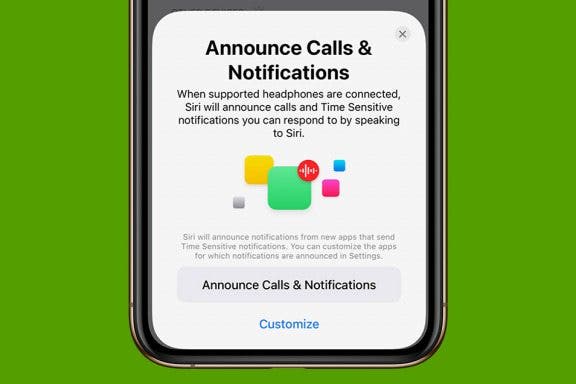
Have you ever wanted your iPhone to automatically read your texts to you? It's possible! With this feature turned on, when you're sitting in the car, or out on a walk at night, Siri will announce your messages' contents as they arrive. Let's cover how to turn on the feature and have Siri read your text messages.
How to Add New iPhone Photo Filters to the Photos App
By Devala Rees
Do you like using iPhone photo filters? There are many different iPhone photo filter apps that add extra image filters in addition to the options that come with the Photos app. The neat thing is, you can also add these to the Photos app to use them all in one convenient place. Here's how to add filters to the Photos app from third-party apps.
How to Answer a Call with a Text Message
By Abbey Dufoe
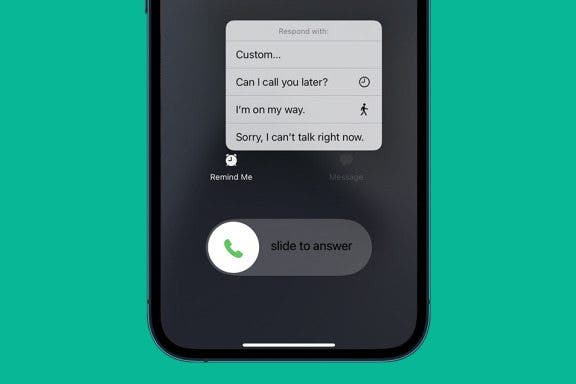
Sometimes, you just don’t have time to answer the phone. Especially if you’re driving, it’s often safer to quickly pull over and send an iPhone automated message to let the person know you’ll call them back later. This function is accessible right from the iPhone call screen. Here’s how to answer a call with a text message.
How to Fix Red Eye on iPhone & iPad Photos App
By Devala Rees
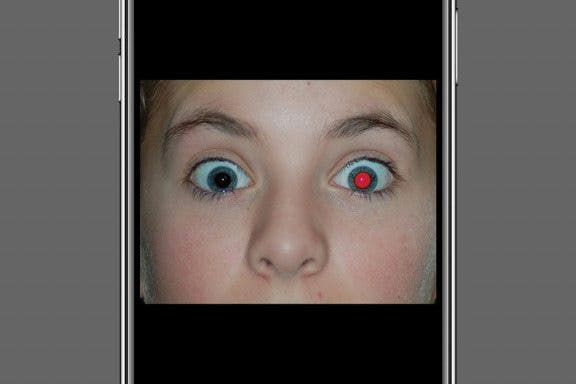
The red glare in animal or human eyes is an effect that can happen when using flash photography or taking photos in darker settings. The good news is that your iPhone Photos app has a built-in red-eye correction tool. Let's cover how to get rid of red eyes in photos on your iPhone or iPad.
How to Transfer Phone Number & Data to New iPhone
By Tamlin Day
Do you need to set up a new iPhone? We'll go over how to switch iPhones, including how to transfer everything from iPhone to iPhone, including photos, contacts, other data, and even your phone number. You don't need to transfer a SIM card to port your phone number or transfer your old messages, contacts, and photos from your old phone. Here's everything you need to know about how to transfer data and how to switch your phone number to your new iPhone.
How to FaceTime without Wi-Fi on iPhone
By Jivan Hall
If FaceTime isn't working, the most common culprit is a poor internet connection. By default, your device will automatically try to find an available Wi-Fi connection for your FaceTime chats. But if you have little or no internet, you can also use cellular data as a backup. Let's cover how to enable cellular data for FaceTime calls.
How to Laugh at a Text with iPhone Message Reactions
By Conner Carey
You've probably seen iPhone message reactions; they're the little icons that appear beside a text in an iMessages thread. If you've wondered how to like a text message or if you've asked yourself, "how do you laugh at a text," this quick tip will help you out! Here's how to respond to a text with iPhone message reactions.
How to Take Full-Page Screenshots on iPhone
By Leanne Hays
Did you know you can take full-page screenshots on your iPhone in Safari? This means that rather than capturing only the section of the web page that's visible on your iPhone display, you'll be able to screenshot the entire page. We'll walk you through how to take full-page screenshots on iPhone.
How to Time-Lapse a Video on iPhone
By Rheanne Taylor
The iPhone makes it easy to create time-lapse videos right in the Camera app — no video editing required! It’s as simple as pointing and tapping, like any other photo or video function on the iPhone. However, it’s important to plan ahead so you get your time-lapse recording right the first time around, because it may not be possible to recreate the event. In this tutorial, we’ll show you how to operate the iPhone’s time-lapse feature and make sure the results are awesome on the first try.
How to Cancel a Netflix Subscription
By Tommy Boynton
There are so many streaming platforms these days, and maintaining a subscription to all of them isn’t necessarily sustainable. Some apps make unsubscribing an unnecessarily difficult process, but the good news is that Netflix isn't one of them. You can unsubscribe from Netflix anytime after signing up, and can easily cancel in a few easy steps. Read on to learn how to cancel your Netflix subscription.
How to Delete Saved Passwords on iPhone
By Rhett Intriago
Every time you log in to a website on your iPhone, you’ll likely see a prompt, asking if you’d like to save the login information. Most people opt to save new passwords and end up with a long list of saved passwords. This makes logging into different websites much more convenient, however, it can also be problematic if you no longer need a specific password or don't want it saved on your device. If you’re interested in clearing clutter and keeping your phone secure, read on to learn how to delete passwords on your iPhone.
How To Save a Text Conversation on iPhone or Mac
By Ashleigh Page
If you simply want to save text messages for sentimental purposes, you can easily save them directly from your iPhone or Mac Messages app. To save them for legal purposes, you may need to show the date and time messages were sent, which requires third-party software. In this article, we'll walk through the pros and cons of each method, and cover how to save messages directly from your iPhone and Mac Messages app and using third-party software.
How to Play Apple Music on Alexa
By Amy Spitzfaden Both
This article goes over how to connect Apple Music to Alexa. Alexa works as an external speaker, but if you have Apple Music instead of Amazon Music, you'll want to know how to get your home assistant to connect to Apple Music. If you want to play Apple Music on Alexa, you'll need to set it up through the Alexa app. Here's how.
How to Edit Slow-Motion Video on iPhone
By Leanne Hays
Editing a slow-motion video is incredibly simple with your iPhone slow-mo video editor. After you’ve taken your video, you can edit it in the Photos app; choose when you want the slow motion to start, when the video clip begins and ends, what filters to use, what rotation or cropping you want, and even exposure and saturation settings. Let’s get started learning how to edit slow-motion videos on the iPhone.
How to Create a Group Text on iPhone
By Ashleigh Page
Are you wondering how to create a group chat? You can start a group text to stay in contact with multiple people simultaneously, even if they are Android users. We'll cover how to create a group text on your iPhone and add a fun group name so you can easily find any text thread.
How to Combine 2 Videos on an iPhone
By Devala Rees
Curious about how to combine iPhone videos? If you want to combine video clips into a single file on your iPhone, there are several apps that allow you to do this. Below, we'll cover how to combine videos on your iPhone using the Apple iMovie app, plus some third-party video editing apps.