Home
chevron-right icon
How-To
chevron-right icon
All Articles
how-to icon
How-To
Become an Apple device expert
Daily one-minute tips sent straight to your inbox.
Subscribe For Free
All Articles
Apple Pay
Does Starbucks Take Apple Pay? Yes! Here’s What to Do
Leanne Hays
•
Jan 18, 2024
Batteries & Power Banks
How to Charge Apple Watch without Charger
Olena Kagui
•
Jan 18, 2024
Electric Vehicle
How Many kWh to Charge a Tesla Model 3, Y, S & X
Olena Kagui
•
Jan 18, 2024
Electric Vehicle
Do Teslas Need Oil Changes & Unexpected Tesla Maintenance 101
Olena Kagui
•
Jan 18, 2024
Apps
How to Get Apple Music Classical & Why It’s Worth It
Leanne Hays
•
Jan 18, 2024
Apps
How to Tweet a GIF—The Easiest Way
Amy Spitzfaden Both
•
Jan 18, 2024
Mac
How to Record Yourself on Zoom with a Mac
Rachel Needell
•
Jan 18, 2024
Apple TV
How to Watch the Super Bowl on Your Apple TV, iPhone & iPad
Leanne Hays
•
Jan 18, 2024
Watch App
Change Apple Watch Face Order
Rhett Intriago
•
Jan 18, 2024
Mac
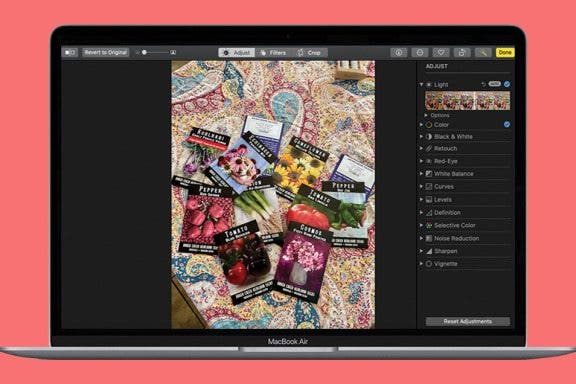
How to Compare Edited Photos & Videos to the Original on Mac
Leanne Hays
•
Jan 18, 2024
Advertisement
Device Management
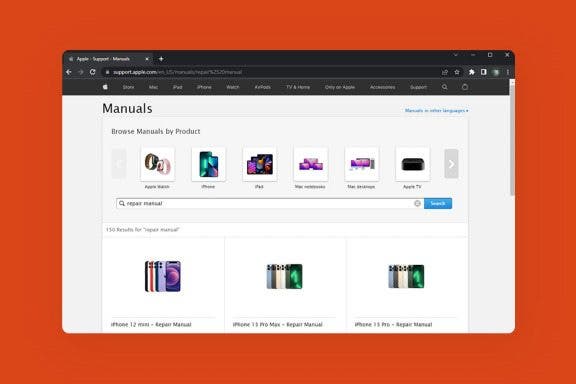
How to Download Apple Self Service Repair Manuals for Your iPhone
Brian Peters
•
Jan 18, 2024
Mac
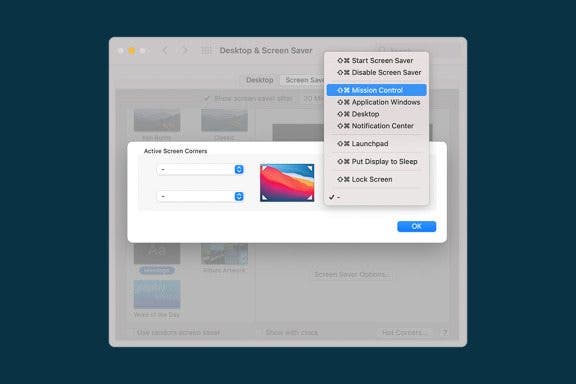
How to Use Mac Hot Corners to Launch Mission Control & Other Useful Commands
Jivan Hall
•
Jan 18, 2024
Siri
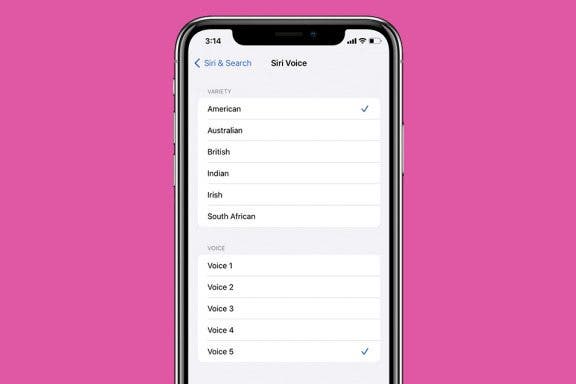
Easily Enable the Gender-Neutral Siri Voice on iPhone
Belinda Sanmiguel
•
Jan 18, 2024
iOS
Use Apple Pay on iPhone for In-Store & Online Payments
Belinda Sanmiguel
•
Jan 18, 2024
Camera
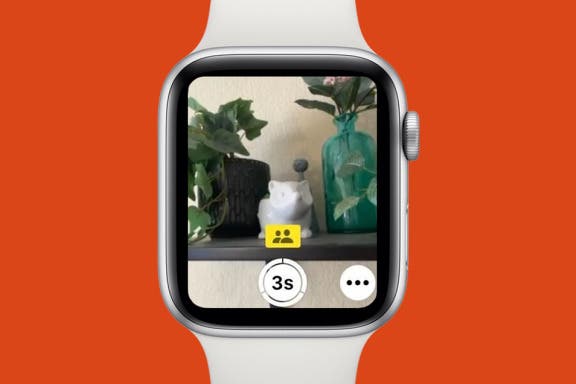
Apple Watch: How to Turn iCloud Shared Photo Library On & Off
Rhett Intriago
•
Jan 18, 2024
Mac
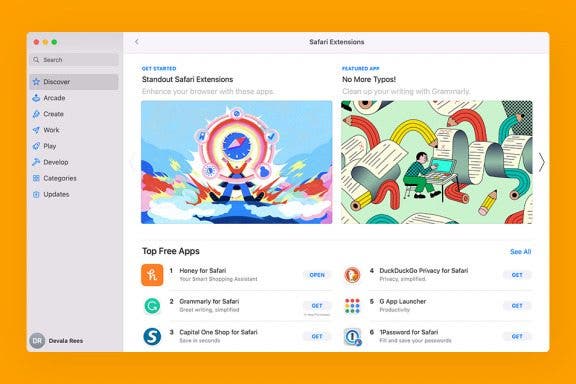
How to Use Safari Extensions on Mac
Devala Rees
•
Jan 18, 2024
Mac
How to Change Mac Password
Jivan Hall
•
Jan 18, 2024
Settings
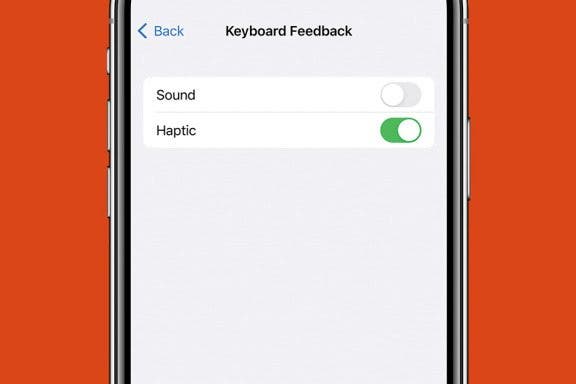
How to Enable Haptic Keyboard on iPhone
Rhett Intriago
•
Jan 18, 2024
Apps
How to Edit Photos & Videos on Mac
Leanne Hays
•
Jan 18, 2024
Mac
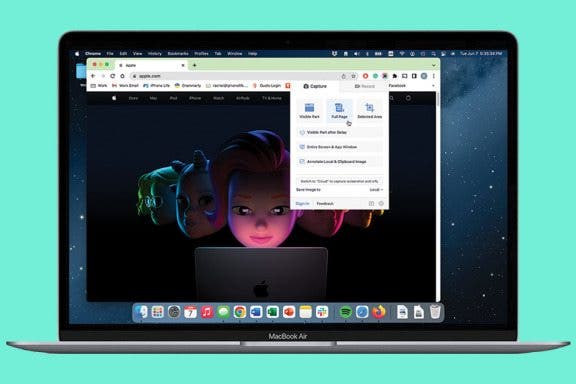
How to Screenshot a Whole Webpage: 4 Free Ways
Rachel Needell
•
Jan 18, 2024
arrow-left icon
1
162
arrow-right icon