Home
chevron-right icon
How-To
chevron-right icon
All Articles
how-to icon
How-To
Become an Apple device expert
Daily one-minute tips sent straight to your inbox.
Subscribe For Free
All Articles
Apps
Identify Landmarks & Locations in the Photos App
Rachel Needell
•
Jul 30, 2025
Apps
How to Control How Facebook Uses Your Data
Rachel Needell
•
Jul 29, 2025
Apps
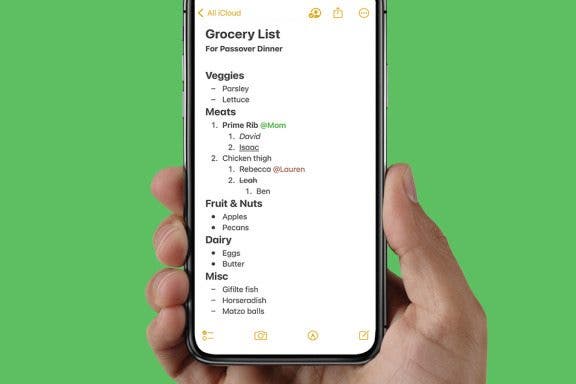
How to Format Notes with the Notes App
Rachel Needell
•
Jul 29, 2025
Apple Apps
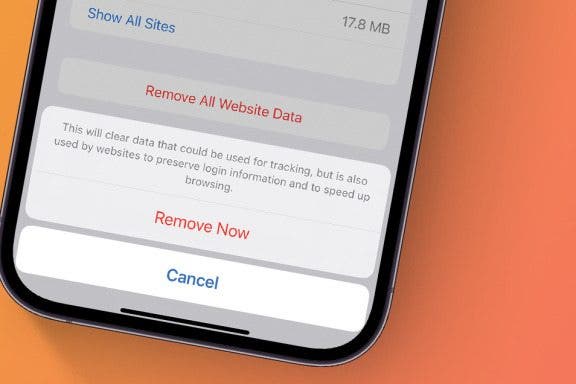
How to Stop Websites Tracking Your Phone
Rhett Intriago
•
Jul 29, 2025
Apps
How to Mute Apple Watch with a Simple Gesture
Hallei Halter
•
Jul 29, 2025
Apps
How Do You Resend an Email on iPhone? Easiest Way!
Rachel Needell
•
Jul 29, 2025
Mac
Protect Your iCloud Data
Rhett Intriago
•
Jul 28, 2025
Apps
How to Dial an Extension on iPhone & Save It to Contacts
Conner Carey
•
Jul 28, 2025
Printers
Fixed: No AirPrint Printers Found
Erin MacPherson
•
Jul 22, 2025
Apps
The Only Apple Wallet Shortcut You Need
Conner Carey
•
Jul 22, 2025
Advertisement
Photos
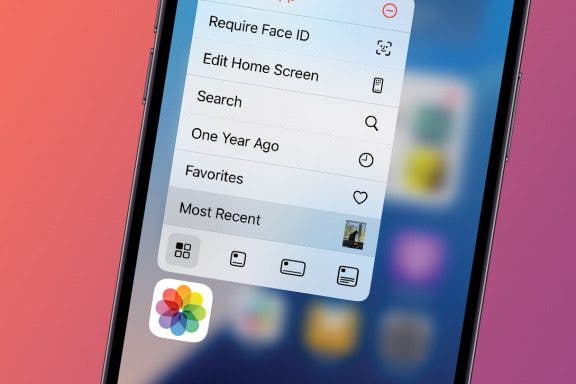
Open Your Most Recent Photo with a Single Tap
Rhett Intriago
•
Jul 22, 2025
How-To
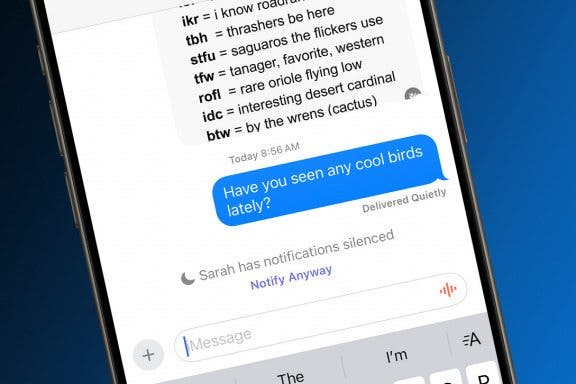
How to Share Focus Status with Contacts on iPhone
Emma Chase
•
Jul 22, 2025
Apps
How to Forward Calls on iPhone
Conner Carey
•
Jul 22, 2025
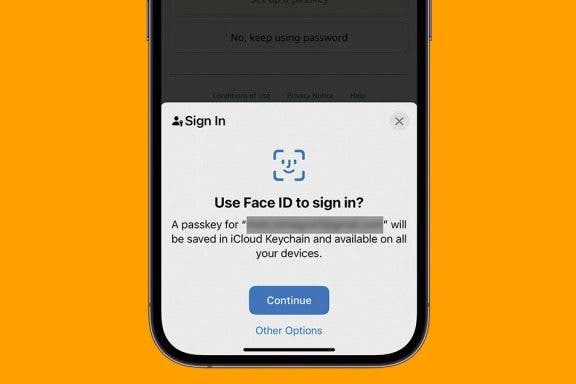
iCloud
How Passkeys Work & How to Use Them on iPhone
Rhett Intriago
•
Jul 16, 2025
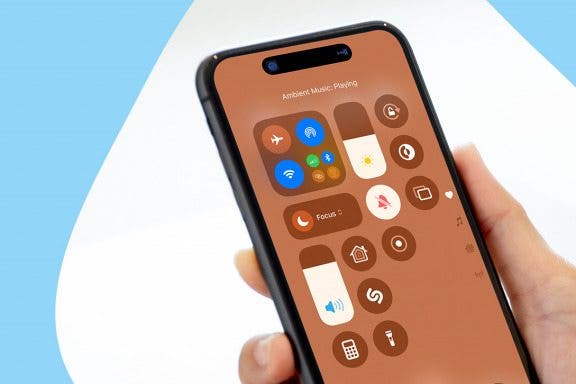
Control Center
How to Use iPhone Background Noise to Focus, Sleep & More
Olena Kagui
•
Jul 16, 2025
Apps
How to Schedule an Email in the Gmail App on iPhone
Kenya Smith
•
Jul 16, 2025
Apps
How Do I Send a Text Message with Balloons?
Devala Rees
•
Jul 16, 2025
Cellular Service & Data
How to Manually Check for Carrier Settings Update on iPhone
Conner Carey
•
Jul 16, 2025
Google
How to Chromecast from iPhone to Your TV—Easiest Way!
Olena Kagui
•
Jul 16, 2025
Apple ID
How to Restore Your iPhone from a Backup
Conner Carey
•
Jul 16, 2025
arrow-left icon
1
162
arrow-right icon


 Rachel Needell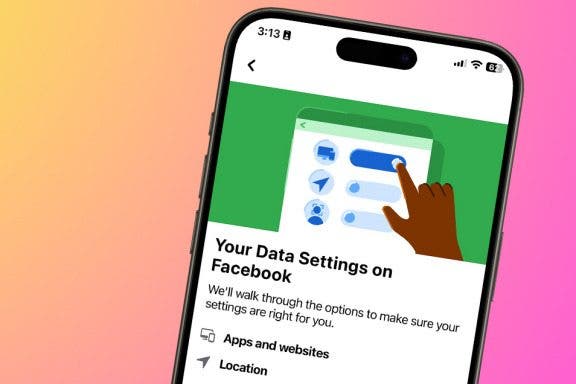
 Rhett Intriago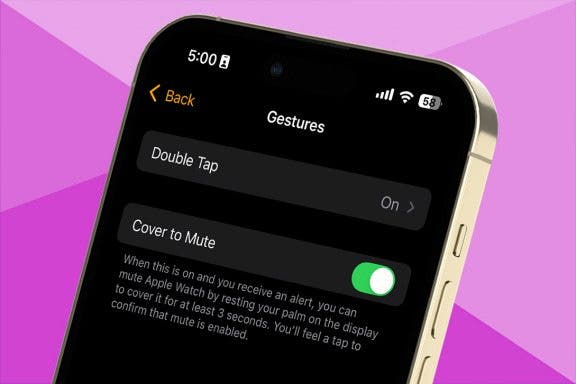
 Hallei Halter
 Conner Carey
 Erin MacPherson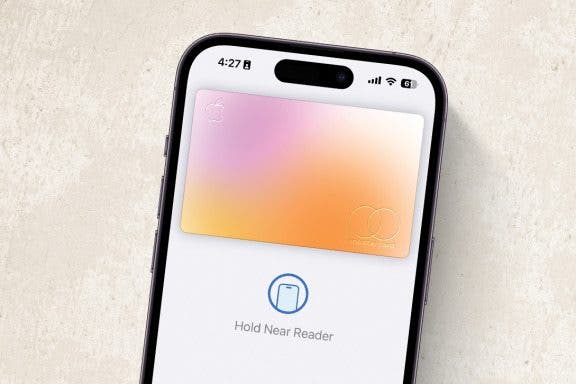
 Emma Chase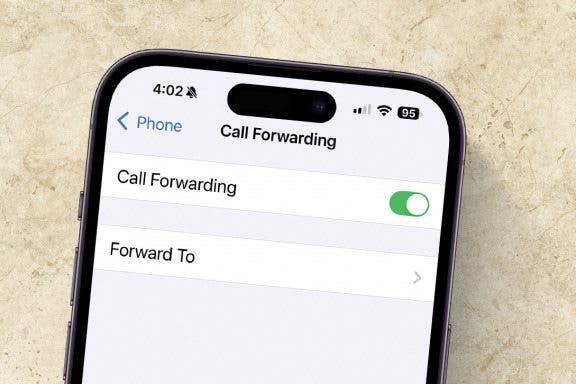
 Olena Kagui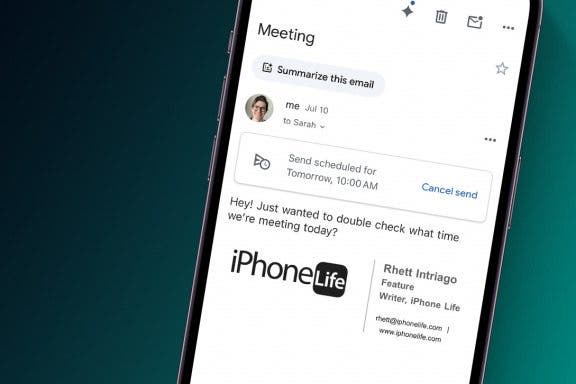
 Kenya Smith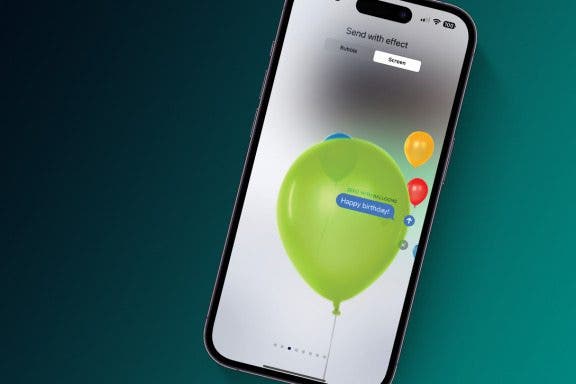
 Devala Rees