Home
chevron-right icon
How-To
chevron-right icon
All Articles
how-to icon
How-To
Become an Apple device expert
Daily one-minute tips sent straight to your inbox.
Subscribe For Free
All Articles
Control Center
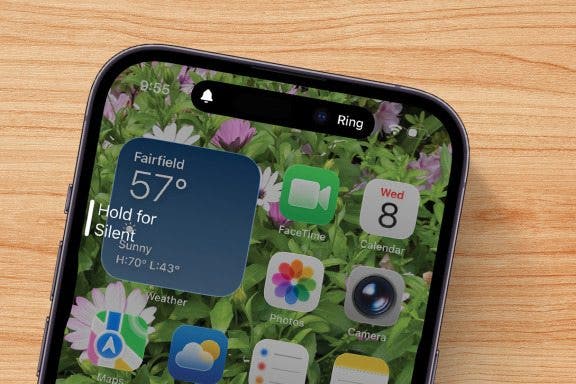
Why Is My iPhone Not Ringing? 4 Fixes
Erin MacPherson
•
Oct 23, 2025
Apps
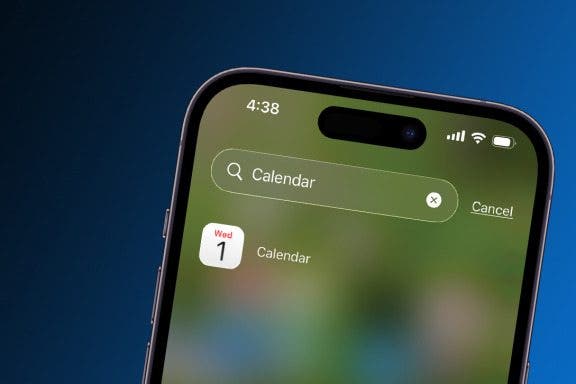
iPhone Calendar Disappeared? Add the Calendar Back Fast!
Conner Carey
•
Oct 23, 2025
Dark Mode
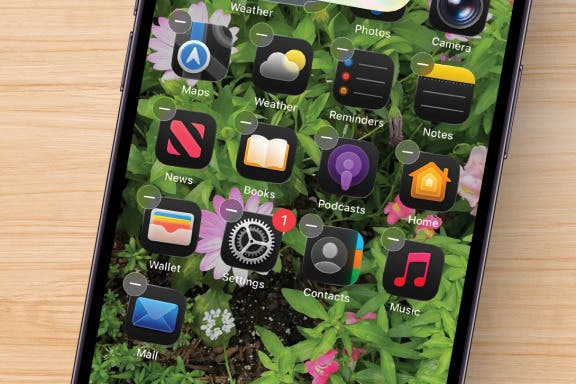
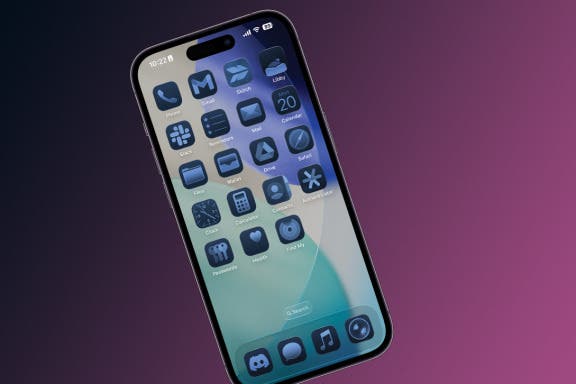
iOS 26 Dark Icons: Why Are Icons Dark?
Rhett Intriago
•
Oct 23, 2025
Settings
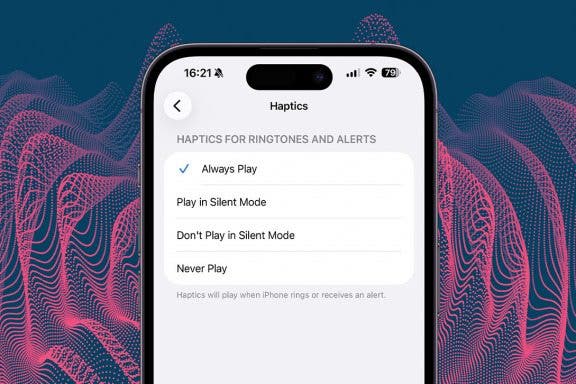
How to Set Your iPhone on Vibrate for Calls & Texts
Devala Rees
•
Oct 23, 2025
Apps
iPhone Notes Disappeared? Easy Ways to Get Them Back
Conner Carey
•
Oct 23, 2025
Health
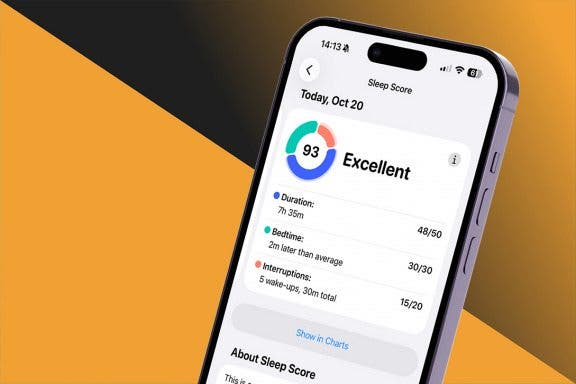
How to Use Sleep Score for Apple Watch & iPhone
Olena Kagui
•
Oct 22, 2025
Home Screen
Customize App Icon Colors & Size
Rhett Intriago
•
Oct 22, 2025
Smartwatches & Fitness Trackers
How Much Does Apple Watch Cellular Cost with Every Carrier
Conner Carey
•
Oct 20, 2025
Smartwatches & Fitness Trackers
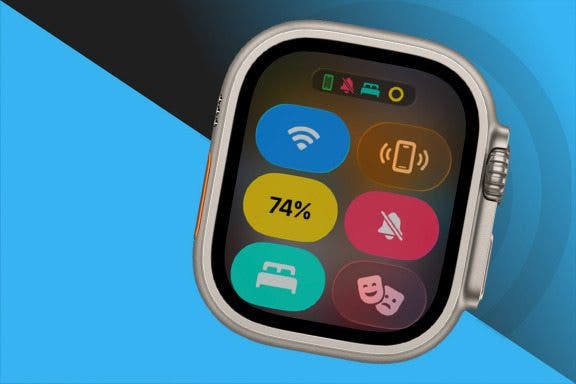
Understand All Apple Watch Icons & Symbols
Hannah Nichols
•
Oct 20, 2025
Apps
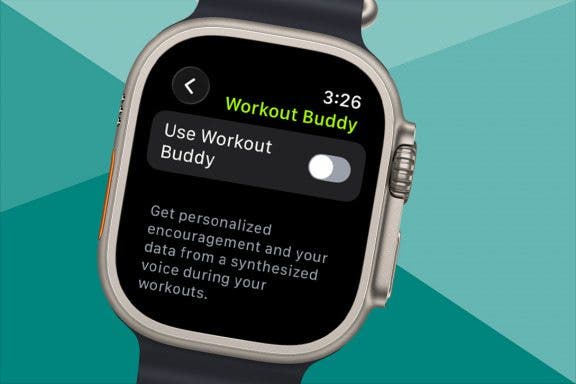
How to Disable Your Workout Buddy & Make It Stick
Amy Spitzfaden Both
•
Oct 20, 2025
Advertisement
Apps
How to Make a Voice Memo into a Ringtone on iPhone
Hallei Halter
•
Oct 16, 2025
iPadOS
How to Update Your iPad to iPadOS 26
Leanne Hays
•
Oct 16, 2025
Mac
How to Find a Lost iPhone That Is Turned Off or Dead—4 Ways
Sarah Kingsbury
•
Oct 15, 2025
Apps
How to See Steps on Apple Watch Face
Olena Kagui
•
Oct 15, 2025
Apple Apps
iPhone Calendar Events Disappeared? Change This One Setting
Leanne Hays
•
Oct 15, 2025
Headphones
How to Connect Someone Else's AirPods to Your iPhone or iPad
Tamlin Day
•
Oct 15, 2025
Apps
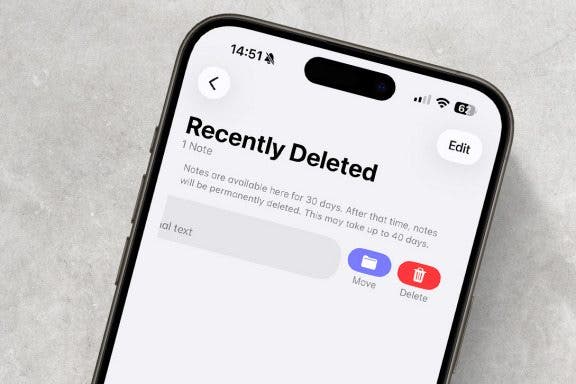
How to Recover Deleted Notes on iPhone in Seconds
Rhett Intriago
•
Oct 15, 2025
Apple Intelligence
How to Remove People from Photos on iPhone Using AI Clean Up
Rhett Intriago
•
Oct 15, 2025
Photos
Use Album Photo Shuffle on iPhone Lock Screen
Rhett Intriago
•
Oct 15, 2025
Apple Apps
How to Recover Deleted Photos from iPhone in Seconds
Jim Karpen
•
Oct 15, 2025
arrow-left icon
1
...
14
15
16
17
18
19
20
...
163
arrow-right icon