Home
chevron-right icon
How-To
chevron-right icon
All Articles
how-to icon
How-To
Become an Apple device expert
Daily one-minute tips sent straight to your inbox.
Subscribe For Free
All Articles
Apps
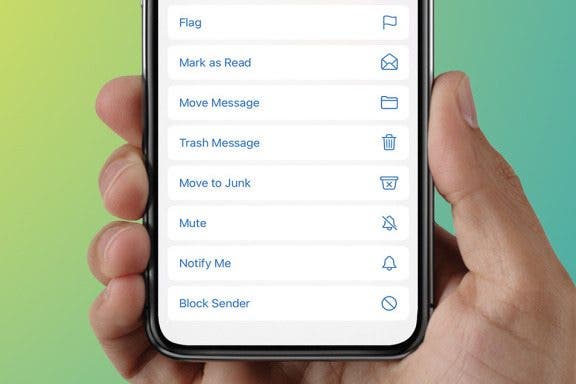
How to Move Mail to Junk Folder on iPhone
Conner Carey
•
Jan 17, 2024
How-To
How to Tell if an iPhone Cord is Safe for Charging
Emma Chase
•
Jan 17, 2024
Mac
How to Delete a Photos App Album Folder on Mac
Leanne Hays
•
Jan 17, 2024
Apps
How to Enable Screen Sharing on Zoom
Rachel Needell
•
Jan 17, 2024
Accessibility
How to Get Siri to Read Text on iPhone
Rachel Needell
•
Jan 17, 2024
Phone
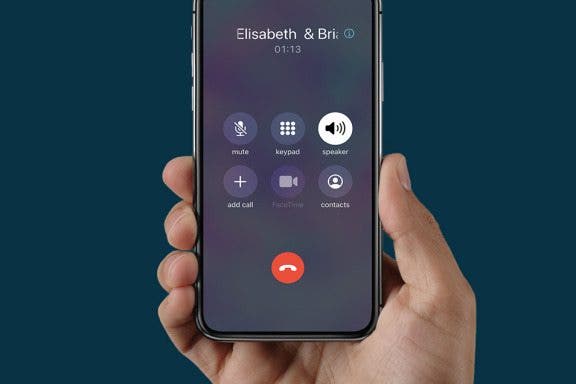
How to Make a Conference Call on iPhone
Rich Hall
•
Jan 17, 2024
HomePod
5 Hidden HomePod Tricks You Won't Want to Miss
Olena Kagui
•
Jan 17, 2024
Trackpads & Mice
What to Do When Mac Mouse Disappears: How to Find & Fix
Leanne Hays
•
Jan 17, 2024
Apps
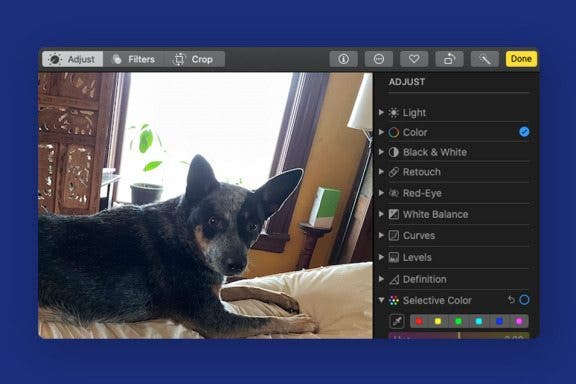
Photo Editing: How to Copy & Paste Edits on Mac
Leanne Hays
•
Jan 17, 2024
Mac
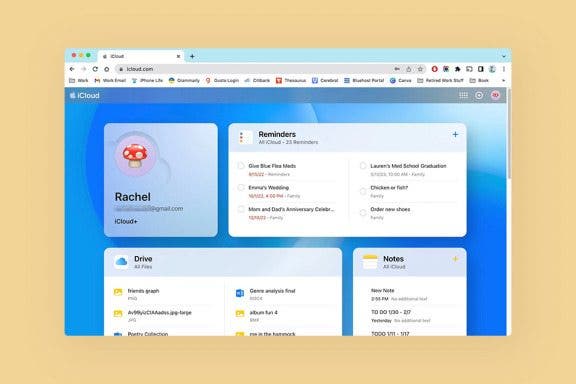
How to Customize Apple's New iCloud Website
Rachel Needell
•
Jan 17, 2024
Advertisement
Mac
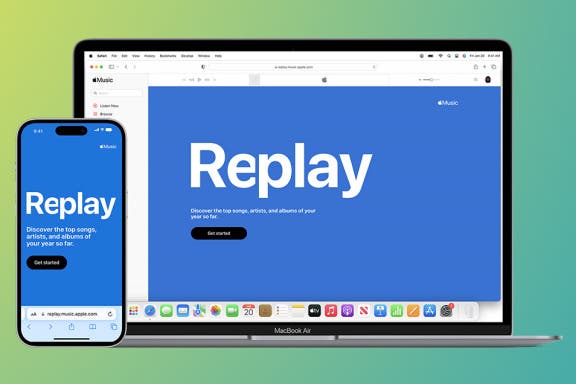
Apple Music Replay: Find Your Favorite Songs of the Year
Leanne Hays
•
Jan 17, 2024
Settings
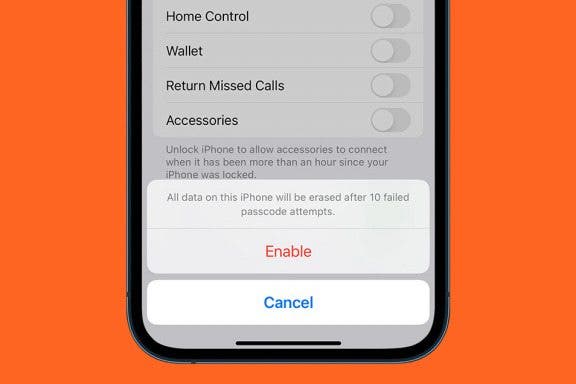
Set Your iPhone to Automatically Erase All Content & Settings
Conner Carey
•
Jan 17, 2024
Speakers
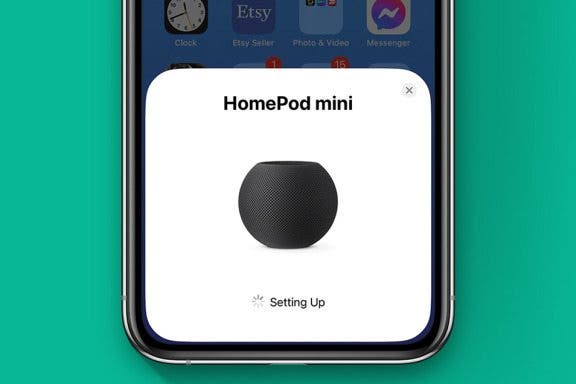
The Quick & Easy HomePod & HomePod mini Setup Guide
Olena Kagui
•
Jan 17, 2024
Accessibility
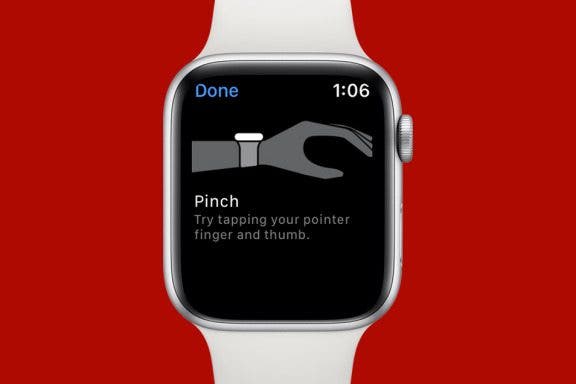
How to Use Assistive Touch on Apple Watch
Rhett Intriago
•
Jan 17, 2024
Reminders
How to Create a Custom Focus Mode
Ashleigh Page
•
Jan 17, 2024
Apps
How to Control Background App Refresh
Rachel Needell
•
Jan 17, 2024
Mac
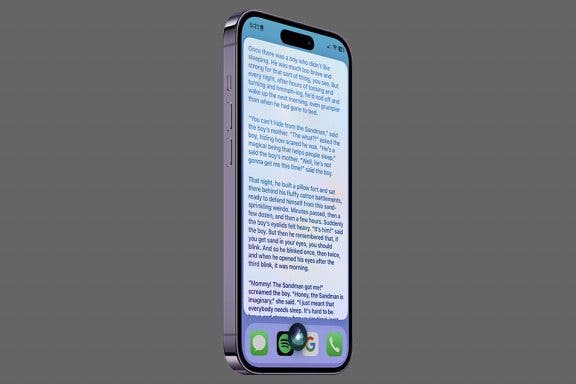
How to Get Siri to Tell a Bedtime Story
Rachel Needell
•
Jan 17, 2024
Apps
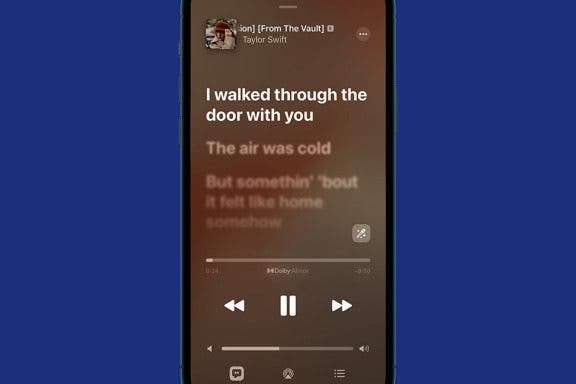
How to Use Apple Music’s Karaoke Mode
Kenya Smith
•
Jan 17, 2024
Apps
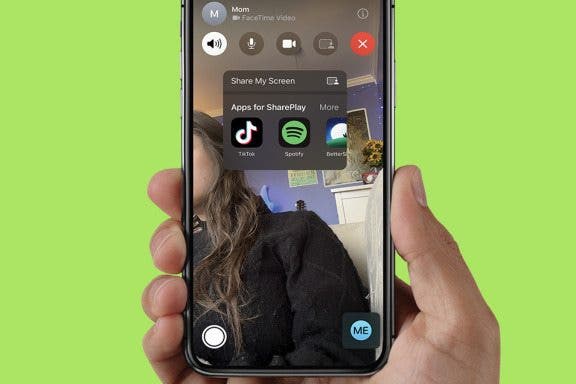
How to Share Screen on FaceTime
Leanne Hays
•
Jan 17, 2024
Speakers
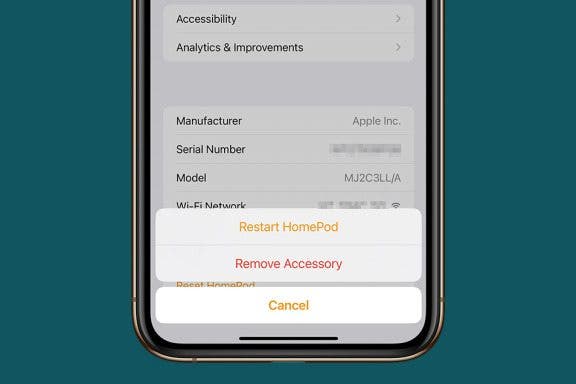
How to Reset HomePod & HomePod mini
Ashleigh Page
•
Jan 17, 2024
arrow-left icon
1
...
73
74
75
76
77
78
79
...
164
arrow-right icon


 Conner Carey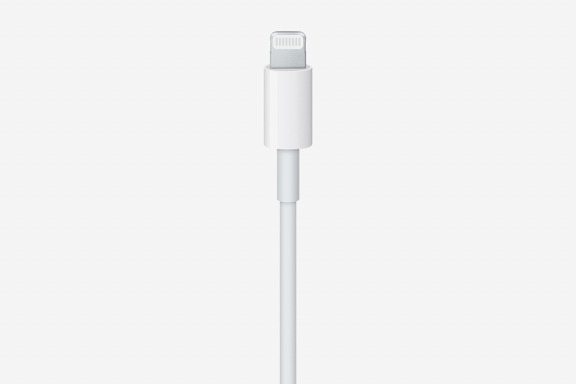
 Emma Chase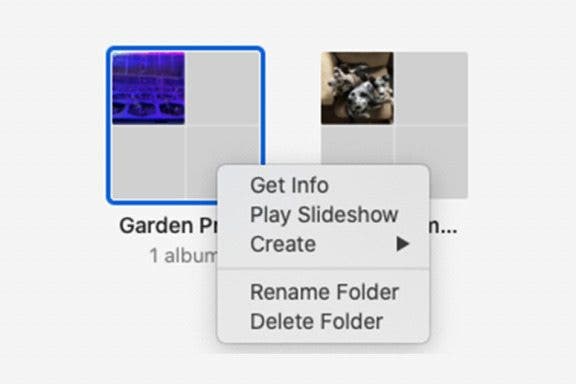
 Leanne Hays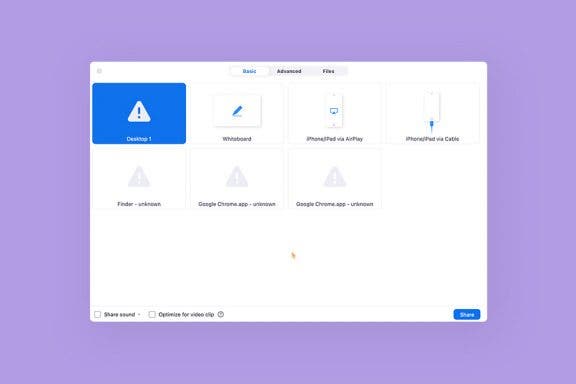
 Rachel Needell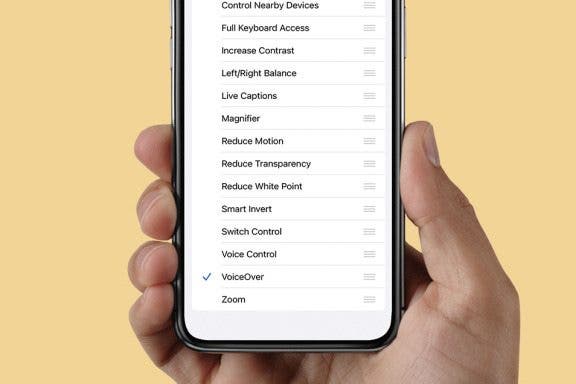
 Rich Hall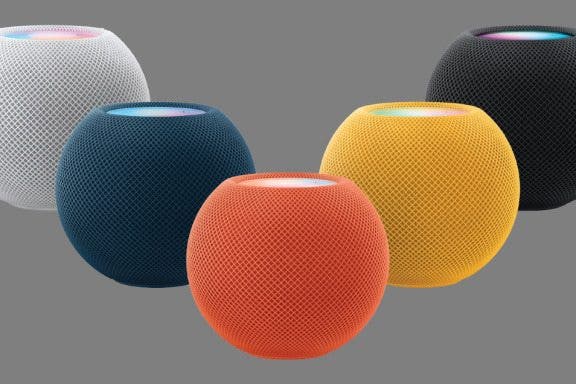
 Olena Kagui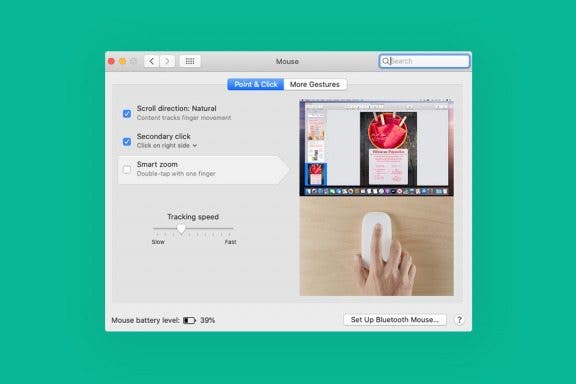
 Rhett Intriago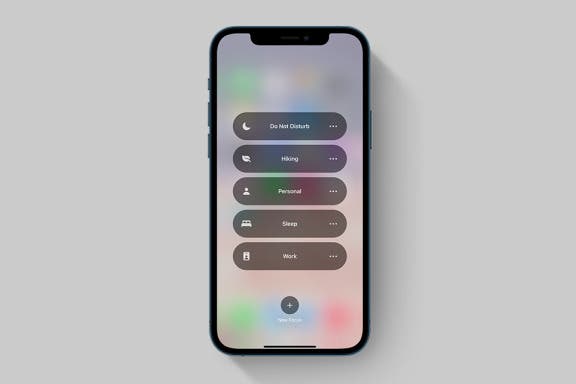
 Ashleigh Page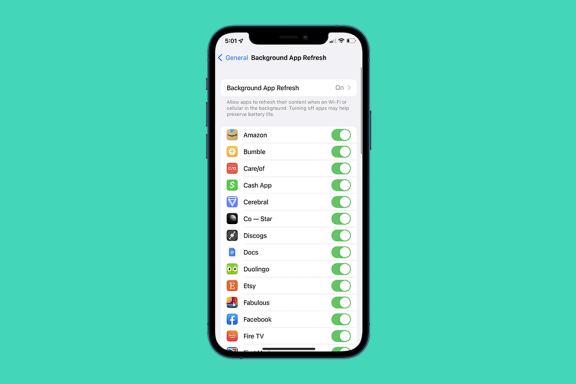
 Kenya Smith