Home
chevron-right icon
How-To
chevron-right icon
All Articles
how-to icon
How-To
Become an Apple device expert
Daily one-minute tips sent straight to your inbox.
Subscribe For Free
All Articles
Accessibility
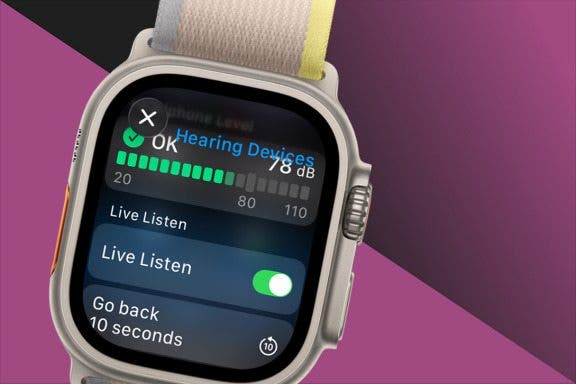
Control Live Listen from Your Apple Watch
Rhett Intriago
•
Sep 24, 2025
Accessibility
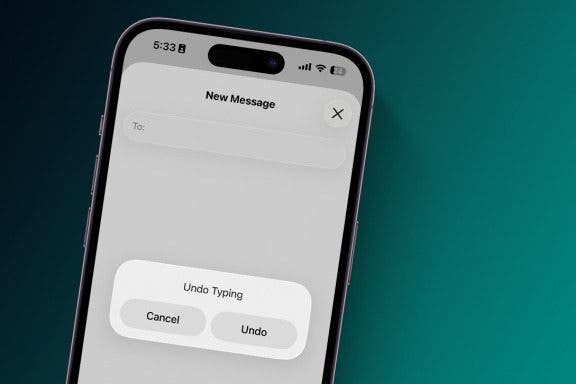
How to Turn Off Shake to Undo on iPhone
Conner Carey
•
Sep 24, 2025
Apps
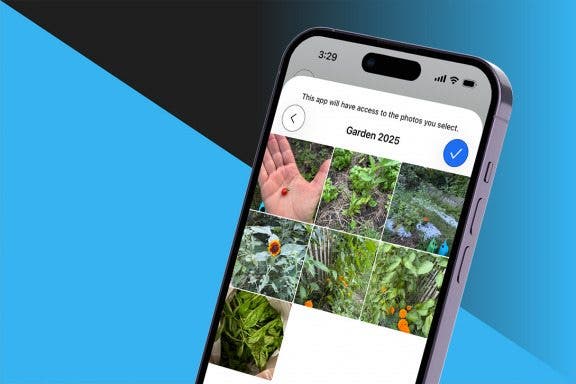
Create a Photo Album on iPhone in Seconds
Rheanne Taylor
•
Sep 24, 2025
Photos
Make Photos 3D with Spatial Photos on iPhone
Rhett Intriago
•
Sep 22, 2025
Backups
Answered: Can iPhones Get Viruses?
Leanne Hays
•
Sep 17, 2025
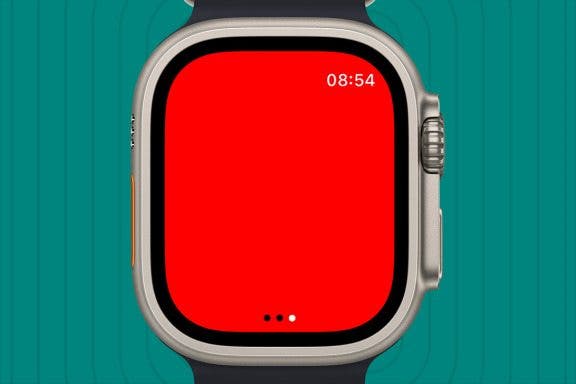
Flashlight
How to Turn On Flashlight on Apple Watch
Erin MacPherson
•
Sep 17, 2025
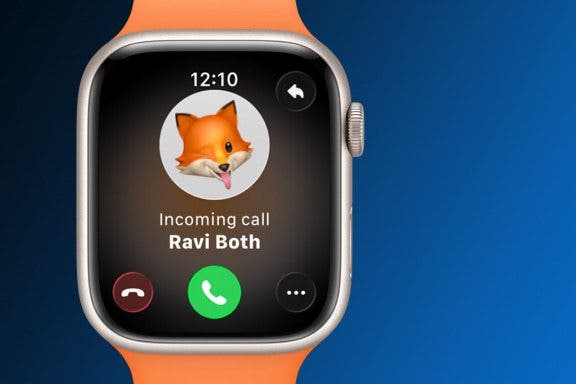
Apple Apps
How to Transfer Call from Apple Watch to iPhone
Olena Kagui
•
Sep 17, 2025
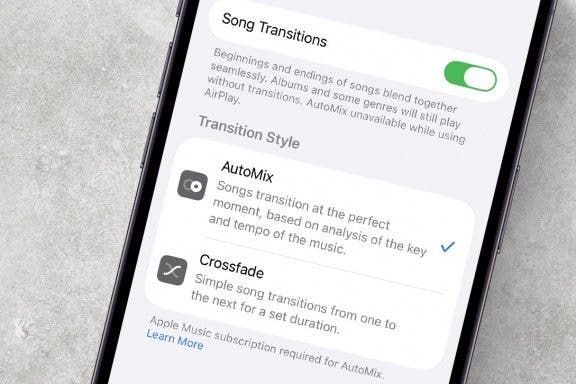
Apps
How to Turn Off Apple Music Song Transitions
Rhett Intriago
•
Sep 15, 2025
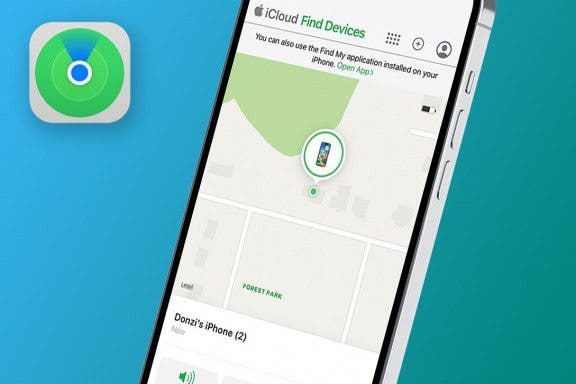
Apps
Help a Friend Find Their iPhone in Seconds
Olena Kagui
•
Sep 15, 2025
Apple Apps
Fixed: Preferred Routes in Apple Maps Not Working
Rhett Intriago
•
Sep 15, 2025
Advertisement
Notifications
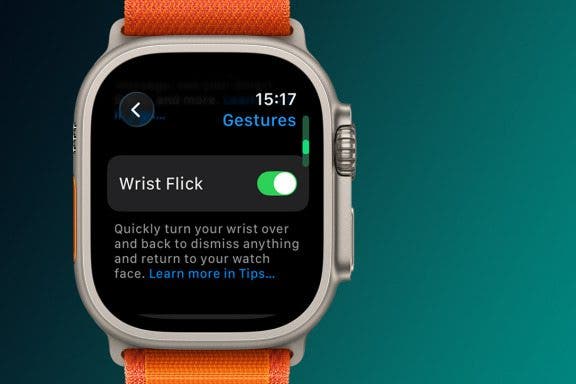
Quickly Silence Notifications with Wrist Flick (watchOS 26)
Olena Kagui
•
Sep 15, 2025
How-To
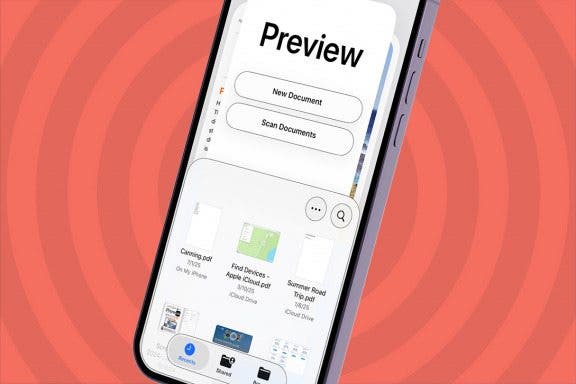
How to Use the New Preview App on iPhone & iPad (iOS 26)
Leanne Hays
•
Sep 15, 2025
Apps
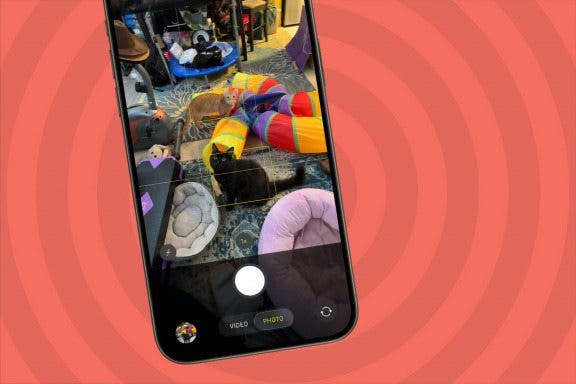
How to Take Photos with Your iPhone Camera
Hallei Halter
•
Sep 08, 2025
Apps
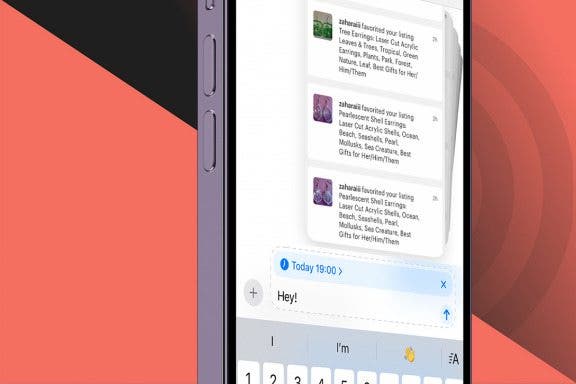
Can You Schedule a Text on iPhone? Yes, Even to an Android!
Amy Spitzfaden Both
•
Sep 02, 2025
Apps
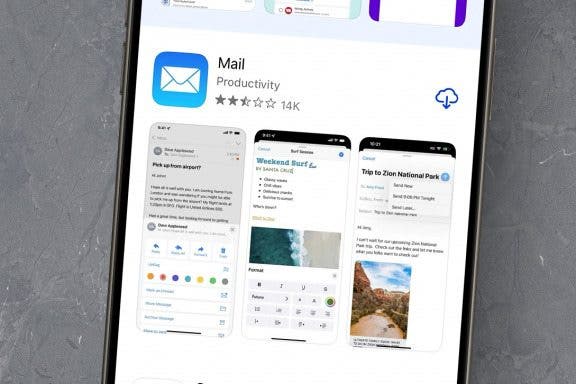
iPhone Mail Icon Missing? How to Restore Mail App on iPhone
Sarah Kingsbury
•
Sep 02, 2025
Apps
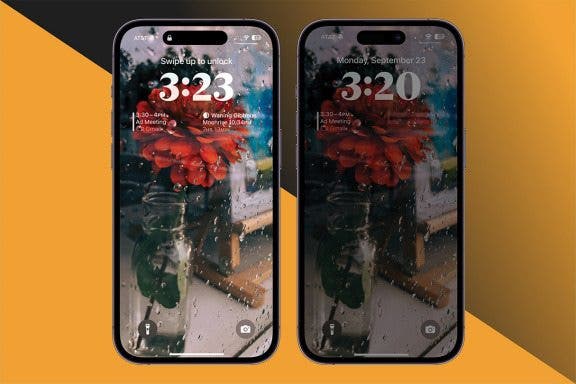
Solved: Why Is the Time on My Lock Screen Dim?
Rhett Intriago
•
Sep 02, 2025
iOS
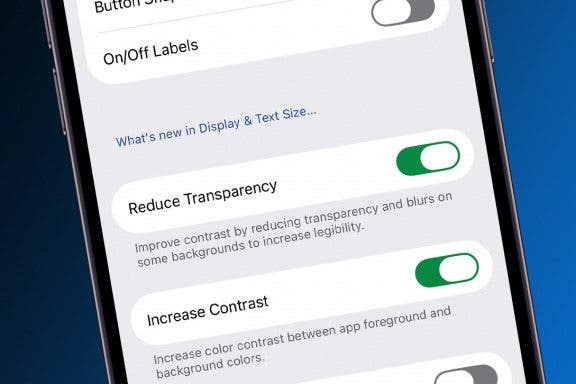
How to Minimize Liquid Glass Effect on Your iPhone & iPad
Leanne Hays
•
Aug 27, 2025
Buttons & Ports
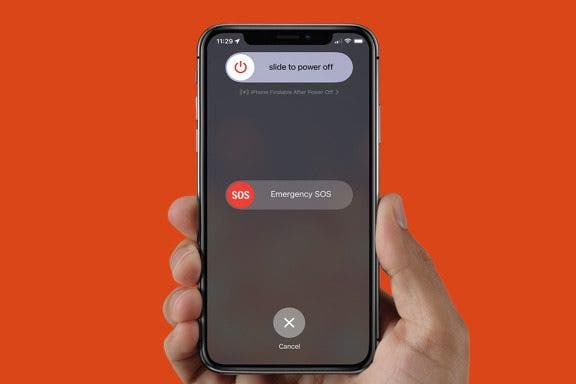
How to Power Off, Power On & Hard Reset iPhone X & Later
Conner Carey
•
Aug 27, 2025
Apple Apps
iPhone Alarm Volume Low? How to Make an iPhone Alarm Louder
Leanne Hays
•
Aug 27, 2025
Apps
How to Check Voicemails from Blocked Numbers on an iPhone
Leanne Hays
•
Aug 27, 2025
arrow-left icon
1
...
19
20
21
22
23
24
25
...
164
arrow-right icon


 Rhett Intriago
 Conner Carey
 Rheanne Taylor

 Leanne Hays
 Erin MacPherson
 Olena Kagui

 Hallei Halter
 Amy Spitzfaden Both
 Sarah Kingsbury