How to Make Siri Mad, Plus Funny Things to Ask Siri
By Conner Carey
By Conner Carey
By Erin MacPherson
The iPhone Dock lets you access your most frequently used apps from any of your Home screens. The default iPhone Dock apps are the Phone, Safari, Messages, and Music apps. I’ll teach you how to add and remove apps, rearrange apps in your Dock, and organize those apps into folders.
By Leanne Hays
By Ashleigh Page
These days, learning how to type faster and more accurately is really about learning to how to type smarter. We'll show you how to make use of simple iPhone keyboard settings and shortcuts to write the text you want to send with fewer taps on your keyboard. Let's get started!
By Violet Cooper
You can easily forward texts from the Messages app, including photos. Here’s how to forward a text message on iPhone.
By Leanne Hays
Do you know how to send money with Apple Pay the fastest way? You can use Apple Cash and send it via the Messages app. In this article we will teach you how to Apple Pay someone securely and quickly by ‘texting’ them money that they can use as soon as they accept it.
By Erin MacPherson
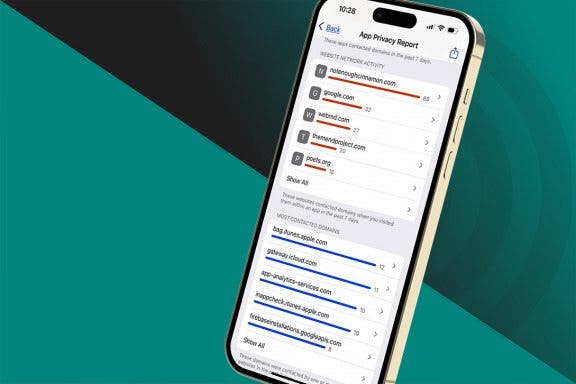
Apps that you install on your phone can sometimes track your web and app activity outside of those particular apps—even when you’re not using them. This activity data is often sold to third parties to help them make advertising decisions. However, they can’t track your data on the iPhone without your permission, but sometimes it’s easier to just stop apps from asking in the first place. We'll show you how to turn off app tracking on iPhone.
By August Garry
Apple's App Tracking Transparency feature allows you to opt out of allowing apps to track your activity across other apps and websites. In this guide we'll show you what to do to opt out of tracking, even if you're not yet getting these App Tracking Transparency notifications.
By Leanne Hays
Lately, I've noticed that the app menu at the bottom of my messages is getting cluttered with icons that I never added. I was glad to learn that you can remove iMessage apps from the app bar to make it less cluttered. Let's get started learning how to delete iMessage apps from Messages on your iPhone, or add them back.
By August Garry
Apple's Private Relay for iPhone is a paid feature for iCloud Plus users aimed at giving users the power to protect their own data. But what does iCloud Private Relay do? Is Private Relay a VPN? How does it work? How can you use it? In this article, we'll cover all your burning questions about this service.
By Rhett Intriago
If you're like me, you love using the Apple Watch Walkie-Talkie feature to stay in contact with friends. But it’s a lot less fun when your Apple Watch Walkie-Talkie isn't working and you have difficulty reaching your companions. That’s why I've compiled a list of easy and effective solutions that I’ve used successfully in the past to help if your Walkie-Talkie app is not working.
By Amy Spitzfaden Both
Notifications can either be the foil of productivity or the difference between making or missing a flight. It’s important that your notifications don’t get so out of hand that you can’t keep up with them. Here are all the ways that you can organize, eliminate, or emphasize certain notifications so that you stay informed about the things you want.
By Leanne Hays
If you’re in several group text conversations, you need to know how to name a text group on an iPhone, so you don't send the wrong comment to the wrong group! We'll show you how to name a group text on your iPhone, so you can easily find the right group chat when you need it.
By Erin MacPherson
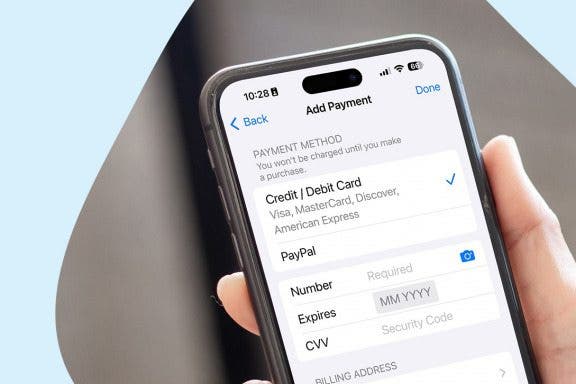
Wondering how to use Family Sharing without a shared payment method? If you don't want to have to ask the Family Organizer or be asked every time someone wants to buy something on the Apple Family Sharing account, there's a way to make funds available so that the Family Organizer's primary payment method doesn't have to be charged for each individual's purchases.
By Emma Chase
Live Photos are a hybrid between a still image and a short video that was introduced on the iPhone 6S and has become a staple for every iPhone since. These unique moving pictures capture three seconds of video with a key photo in the middle, but there may be times when a traditional photo is better. In this article, you'll learn how to turn off Live Photos temporarily or long term.
By Rachel Needell
Looking for a job can be a stressful affair. Regardless of your circumstances, finding a job listing, applying, and keeping track of your submissions can be a full-time job in itself. Fortunately, job sites with polished iOS apps make the hunt a less taxing endeavor. Let’s explore the top five free job search apps available today.
By Donna Schill
You can use iCloud to upload photos to the cloud automatically, access iCloud photos on your PC or Mac, and easily download your iCloud photos. Here's how to set up iCloud for storing photos and upload photos to iCloud. We’ll also go over how to access iCloud photos on an iPhone, a PC, and a Mac. Lastly, we'll cover how to download photos from iCloud.
By Leanne Hays
Our pets give us so much: affection, comfort, entertainment, and, if you’re a dog owner, plenty of exercise. But as every animal lover knows, being a pet parent isn’t all fun and games! Pets require food, water, veterinary care, supervision, and, of course, someone to clean up after them. Here are the smart devices that help the iPhone Life crew spend less time on pet chores and cleaning, and more time enjoying our furry, scaly, and feathery friends.
By Brian Peters
Apple Pay continues to grow in popularity as the contactless digital wallet offers great convenience to users. It allows them to make payments in stores and online without needing to have physical credit cards or cash on hand. Unfortunately, not all stores and sites allow the use of Apple Pay, and Walmart is one of those that do not.
NULL