how-to icon

How-To

Decorative Circle Decorative Circle
Become an Apple device expert
Daily one-minute tips sent straight to your inbox.

All Articles
  • Image for article: How to Turn Off RTT (Real Time Text) on an iPhone
    iOS

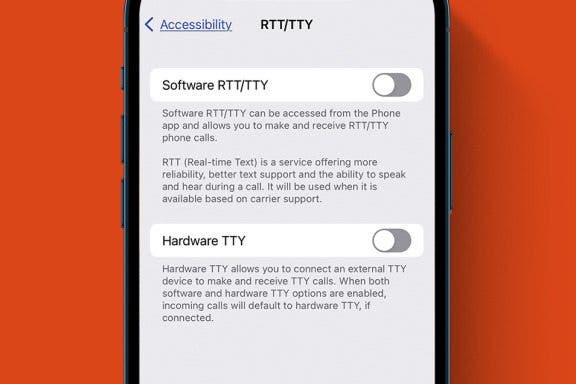
    How to Turn Off RTT (Real Time Text) on an iPhone

    Leanne Hays
    Dec 14, 2023
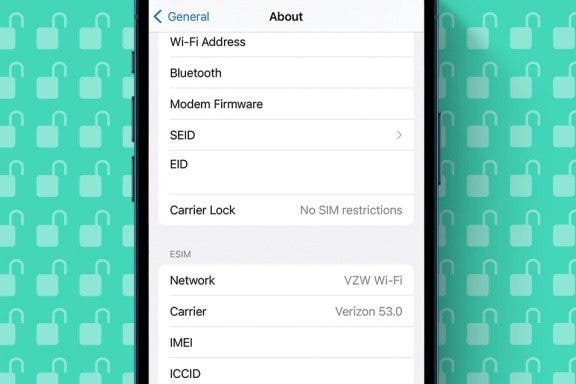
  • Image for article: How to Tell If Your iPhone Is Unlocked & What That Means
    Cellular Service & Data

    How to Tell If Your iPhone Is Unlocked & What That Means

    Conner Carey
    Dec 14, 2023
  • Image for article: FIXED: Why Does My iPhone Keep Restarting Randomly?
    Troubleshooting

    FIXED: Why Does My iPhone Keep Restarting Randomly?

    Brian Peters
    Dec 14, 2023
  • Image for article: How to Type an Upside-Down Exclamation Point on a Mac
    Mac

    How to Type an Upside-Down Exclamation Point on a Mac

    Olena Kagui
    Dec 14, 2023
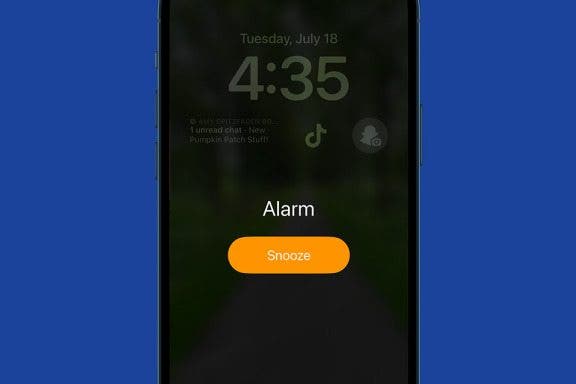
  • Image for article: Will My Alarm Go Off in Do Not Disturb? Here's What to Know
    Apple Apps

    Will My Alarm Go Off in Do Not Disturb? Here's What to Know

    Amy Spitzfaden Both
    Dec 14, 2023
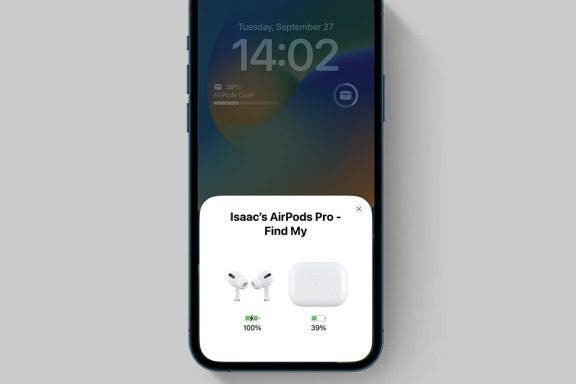
  • Image for article: How to Check AirPods Case Battery & Charging—Easiest Way
    Headphones

    How to Check AirPods Case Battery & Charging—Easiest Way

    Tamlin Day
    Dec 14, 2023
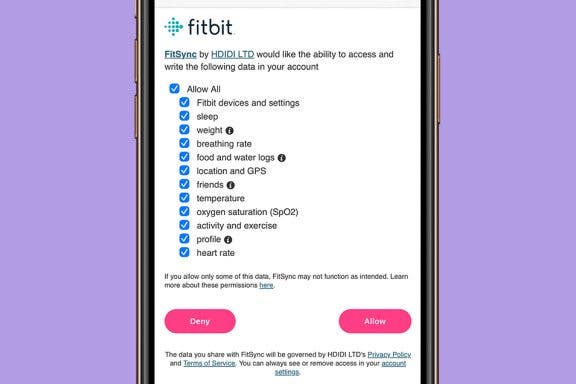
  • Image for article: How to Sync Fitbit to iPhone’s Apple Health App
    Apps

    How to Sync Fitbit to iPhone’s Apple Health App

    Becca Ludlum
    Dec 14, 2023
  • Image for article: How to Find, Share, Favorite & Edit Featured Photos on iPhone
    Apps

    How to Find, Share, Favorite & Edit Featured Photos on iPhone

    Leanne Hays
    Dec 14, 2023
  • Image for article: How to Find Someone's Amazon Storefront
    Amazon

    How to Find Someone's Amazon Storefront

    Amy Spitzfaden Both
    Dec 13, 2023
  • Image for article: Never Miss a Text with the Catch Up Button
    Apps

    Never Miss a Text with the Catch Up Button

    Rhett Intriago
    Dec 13, 2023
  • Advertisement
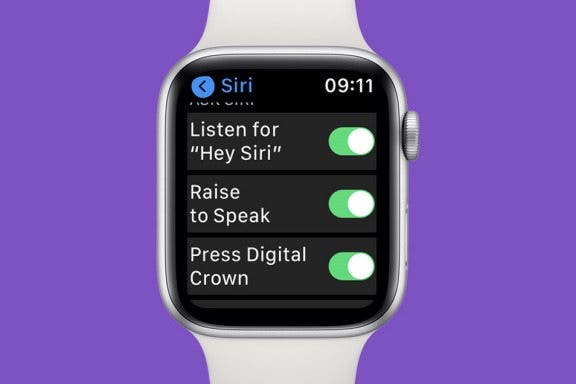
  • Image for article: How to Use Siri on Apple Watch to Navigate Apps & More
    Smartwatches & Fitness Trackers

    How to Use Siri on Apple Watch to Navigate Apps & More

    Olena Kagui
    Dec 13, 2023
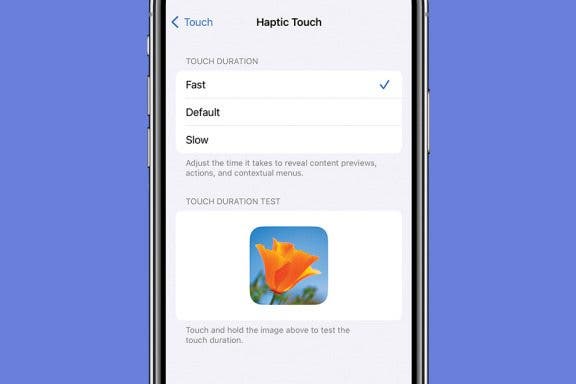
  • Image for article: Adjust Touch Sensitivity to Navigate Your iPhone with Ease
    3D Touch

    Adjust Touch Sensitivity to Navigate Your iPhone with Ease

    Conner Carey
    Dec 13, 2023
  • Image for article: How to Unlock Apple Watch without a Passcode or Resetting It
    Watch App

    How to Unlock Apple Watch without a Passcode or Resetting It

    Amy Spitzfaden Both
    Dec 13, 2023
  • Image for article: Solved: Why Is My AirPod Case Flashing Orange?
    Backups

    Solved: Why Is My AirPod Case Flashing Orange?

    Olena Kagui
    Dec 13, 2023
  • Image for article: Solved: Why Is My iPhone Hot When I Use the Maps App?
    Apps

    Solved: Why Is My iPhone Hot When I Use the Maps App?

    Leanne Hays
    Dec 13, 2023
  • Image for article: Health App Missing from My iPhone! How Do I Reinstall It?
    Apps

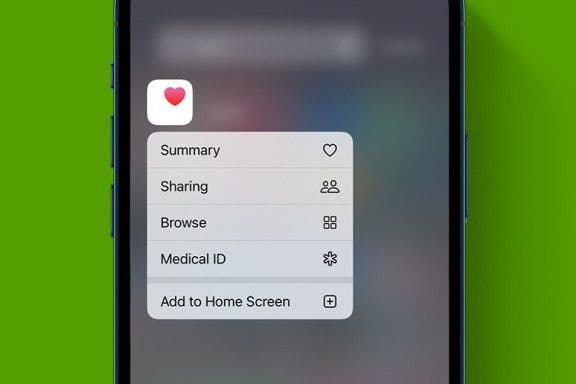
    Health App Missing from My iPhone! How Do I Reinstall It?

    Sarah Kingsbury
    Dec 12, 2023
  • Image for article: How to Unblur an Image on iPhone—Fix Blurry Photos Fast!
    Apple Apps

    How to Unblur an Image on iPhone—Fix Blurry Photos Fast!

    Leanne Hays
    Dec 12, 2023
  • Image for article: How to Add Emojis to Text Messages
    Apps

    How to Add Emojis to Text Messages

    Conner Carey
    Dec 12, 2023
  • Image for article: How to Fix Split Keyboard on iPad
    Keyboards

    How to Fix Split Keyboard on iPad

    Rachel Needell
    Dec 12, 2023
  • Image for article: How to Fix Apple Watch Double Tap Gesture Not Working
    Accessibility

    How to Fix Apple Watch Double Tap Gesture Not Working

    Olena Kagui
    Dec 12, 2023