Home
chevron-right icon
How-To
chevron-right icon
All Articles
how-to icon
How-To
Become an Apple device expert
Daily one-minute tips sent straight to your inbox.
Subscribe For Free
All Articles
iPod
FaceTime Guide for iPhone & iPad: Calling Android Users, Apple SharePlay & More
Leanne Hays
•
Mar 27, 2023
Apps
How to Listen to Free Radio Stations in Apple Music without a Subscription
Conner Carey
•
Mar 27, 2023
Siri
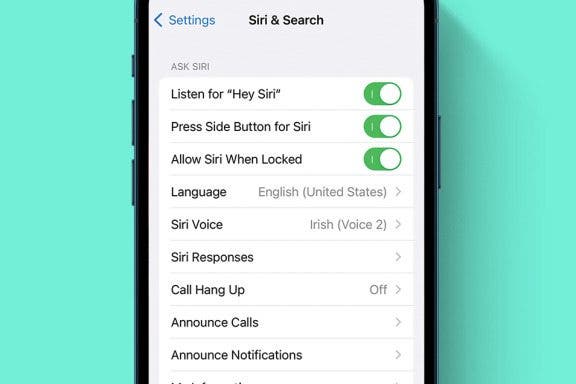
How to Fix Siri Volume Control on AirPods Not Working
Rhett Intriago
•
Mar 23, 2023
Smartwatches & Fitness Trackers
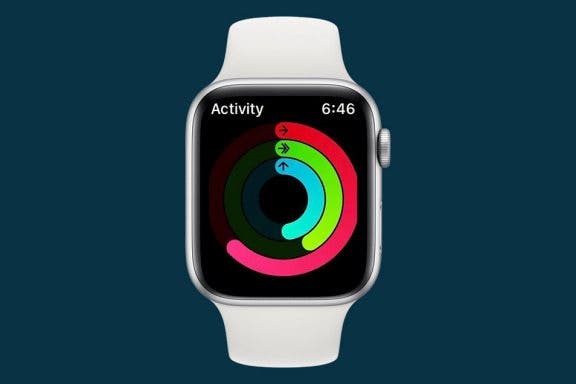
How to Screenshot on Apple Watch
Emma Chase
•
Mar 22, 2023
Apps
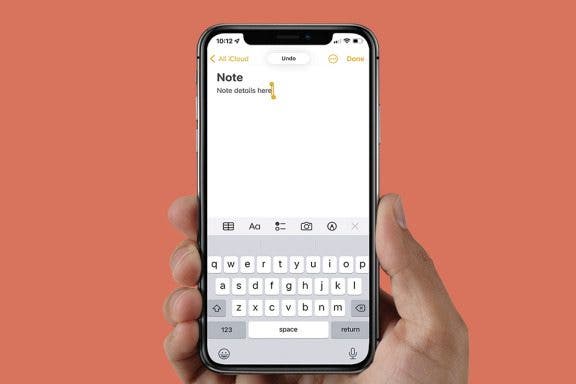
How to Undo in Apple Notes
Emma Chase
•
Mar 22, 2023
Headphones
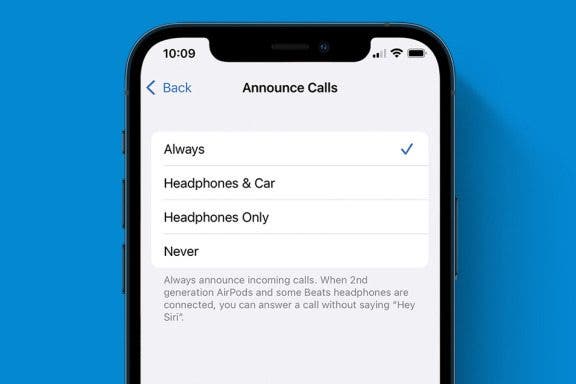
How to Answer Calls with AirPods Using Siri
Ashleigh Page
•
Mar 22, 2023
Apps
How to Add New iPhone Photo Filters to the Photos App
Devala Rees
•
Mar 22, 2023
Control Center
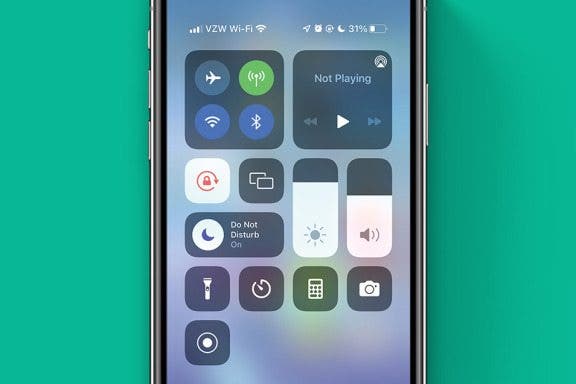
How to Use Control Center to Adjust the Volume on Your iPhone or iPad
Conner Carey
•
Mar 22, 2023
Smartwatches & Fitness Trackers
How to Fix Inaccurate Apple Watch Step Tracking
Erin MacPherson
•
Mar 20, 2023
Apps
SharePlay: How to Work Out with Friends Using Apple Fitness Plus
August Garry
•
Mar 20, 2023
Advertisement
Apps
3 New Things to Do on FaceTime with SharePlay
August Garry
•
Mar 20, 2023
Apps
How to Delete a Playlist from Your iPhone
Conner Carey
•
Mar 20, 2023
Amazon
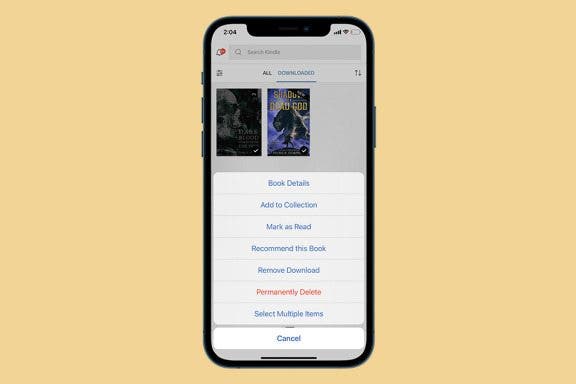
How to Delete Books from Kindle App or Device
Conner Carey
•
Mar 20, 2023
HomePod
Is HomePod Always Listening? Yes! Here’s How to Turn It Off
Olena Kagui
•
Mar 09, 2023
HomePod
HomePod Mini Bluetooth Range & How to Improve It
Olena Kagui
•
Mar 09, 2023
HomePod
How to Use Your HomePod mini as a Portable Speaker
Olena Kagui
•
Mar 09, 2023
HomePod
How Long Does HomePod mini Battery Last?
Olena Kagui
•
Mar 09, 2023
Display & Brightness
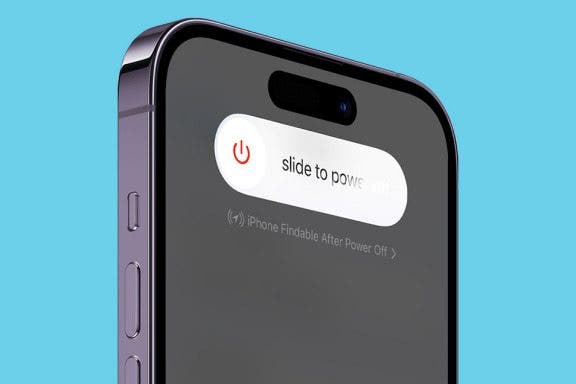
How to Turn Off iPhone 14: All Ways
Rachel Needell
•
Mar 08, 2023
Apple Apps
How to Change Featured Photos in iPhone Memories
Ashleigh Page
•
Mar 08, 2023
Apps
How to Answer a Call with a Text Message
Abbey Dufoe
•
Mar 08, 2023
arrow-left icon
1
...
94
95
96
97
98
99
100
...
163
arrow-right icon